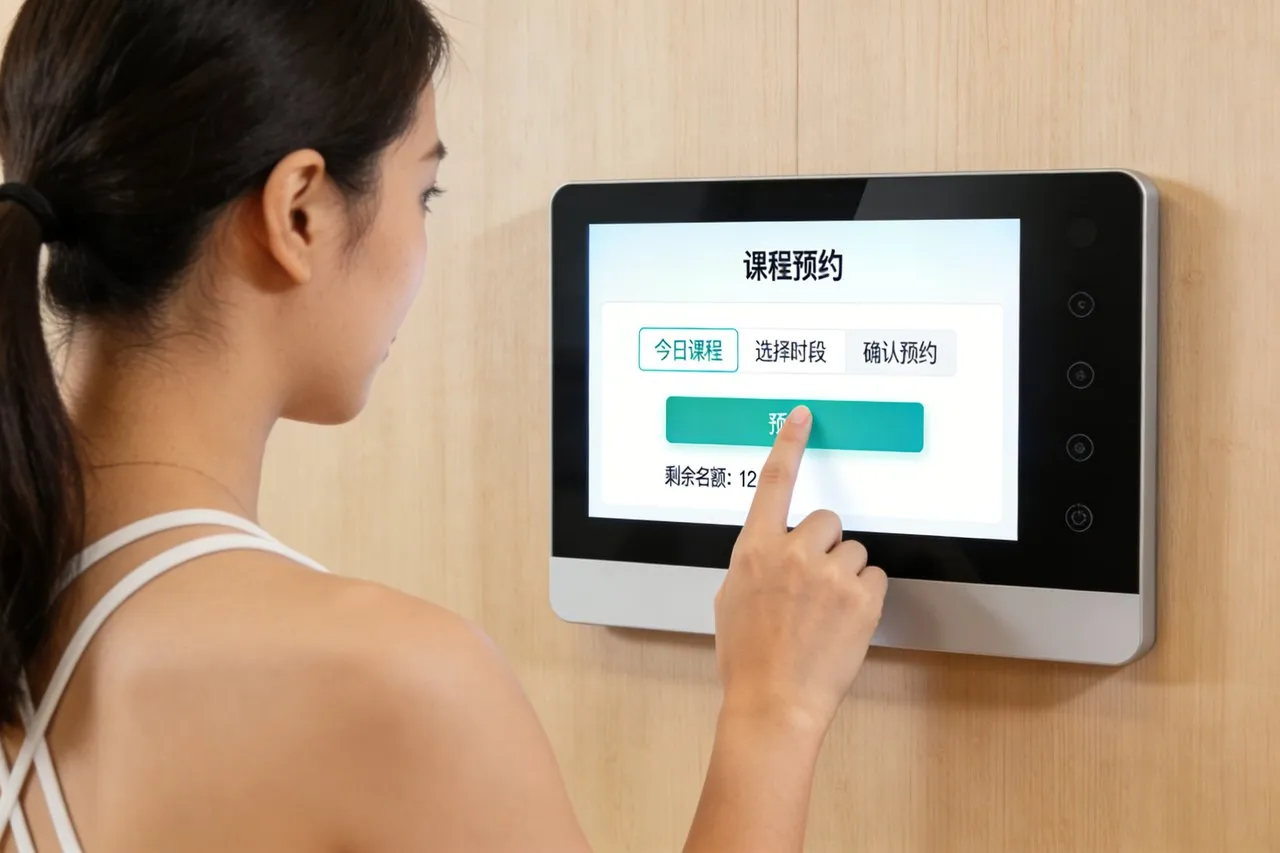
15.6 duim-aanraakmonitor is tipies toegerus met veelvuldige vertoonkoppelvlakke om aan die verbindingsbehoeftes van verskillende toestelle en scenario's te voldoen. Here are some common Touch monitor koppelvlakke:
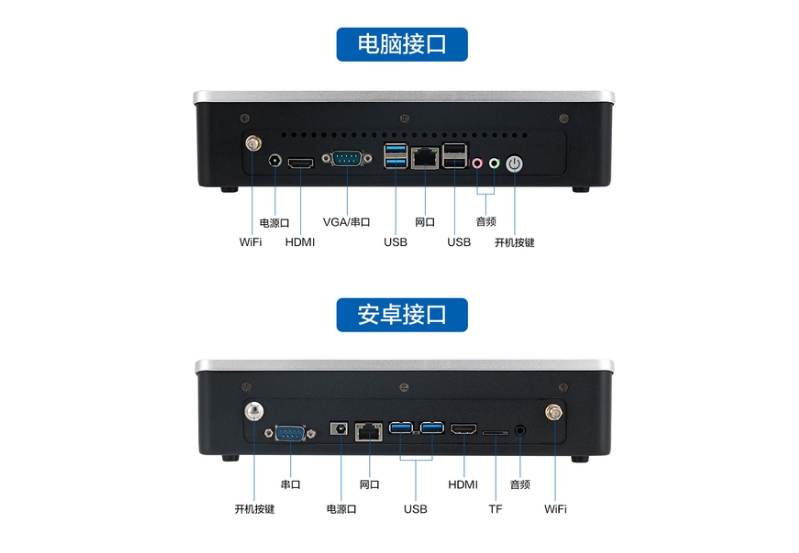
USB-koppelvlak:
Kenmerke: Universele koppelvlak, maklik om te gebruik, wyd gebruik in toestelle soos rekenaars, selfone, tablette, ens.
Toepassing scenario: It can achieve synchronization of touch and data transmission, but the transmission speed is slow and not suitable for high energy consumption scenarios such as high-definition video playback.
HDMI interface:
Kenmerke: High definition multimedia interface, supporting high-definition, high-quality audio and video transmission.
Toepassing scenario's: Widely used in high-definition video players, digital TVs, projectors and other devices, suitable for occasions that require high-definition touch and high-definition content transmission.
Let wel: Different versions of HDMI interfaces may have different resolutions and bandwidths.
VGA interface:
Kenmerke: The old-fashioned analog video interface has the advantages of high resolution, fast display speed, and rich colors, but it is susceptible to interference and distortion.
Toepassing scenario: It was once widely used in devices such as computers and monitors, but due to its analog signal characteristics, it is no longer suitable for high-definition video transmission.
DVI interface:
Kenmerke: Digital video interface, with high-definition and high-quality digital video transmission characteristics.
Toepassing scenario: Applied to high-definition televisions, computer monitors, and other devices, it can achieve high-definition touch and digital video transmission.
Categories: DVI-A (Analog Transmission), DVI-D (Digital Transmission), DVI-I (Analog and Digital Transmission).
Let wel: Different versions of DVI interfaces may have different resolutions and bandwidths.
DisplayPort interface (DP):
Kenmerke: Digital video and audio interface, supporting high-definition, high-quality audio and video transmission.
Toepassing scenario: Widely used in computers, supporting high-definition video transmission and multi monitor settings, suitable for occasions that require high-definition touch and high-quality audio and video transmission.
Daarby, there are some other interfaces such as BNC connectors (used for connecting camera equipment in monitoring projects), COM interfaces (serial communication ports), RJ45 interfaces (network interfaces), ens., but these interfaces are not common in 15.6 duim aanraakmonitor.
In summary, there are various types of display interfaces for Touch monitors, and users should consider their actual needs and device compatibility when choosing. For more information, it is recommended to refer to the Touch monitor product manual or consult relevant technical personnel.