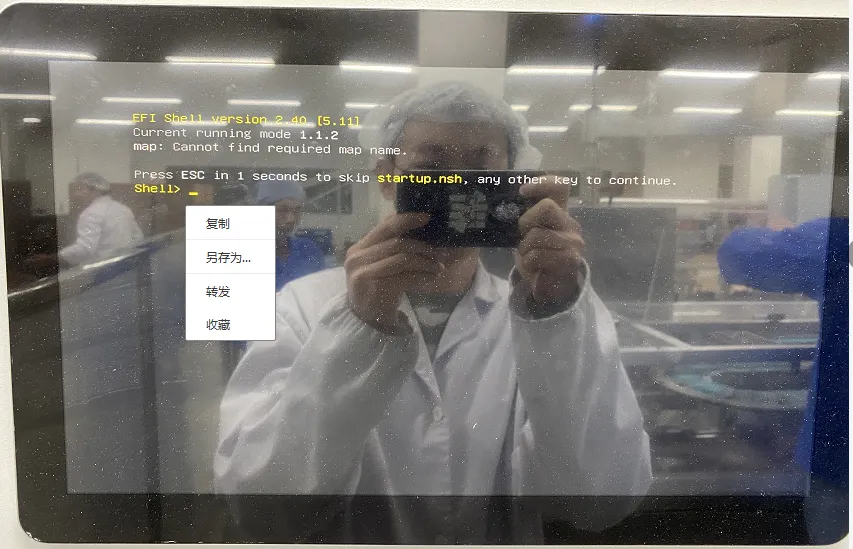
Reason:System boot error: When installing the operating system, setting the USB drive as the first boot option in the BIOS will cause the all-in-one PC to boot directly from the USB drive whenever it is plugged in during restart or startup.
Lösung:Press the DEL key during startup ☞ Enter BIOS ☞ Select the Boot option ☞ Set the hard drive as the first boot device, then press F10 to save.
If it worked normally before restarting or shutting down, check if a USB drive is plugged in.