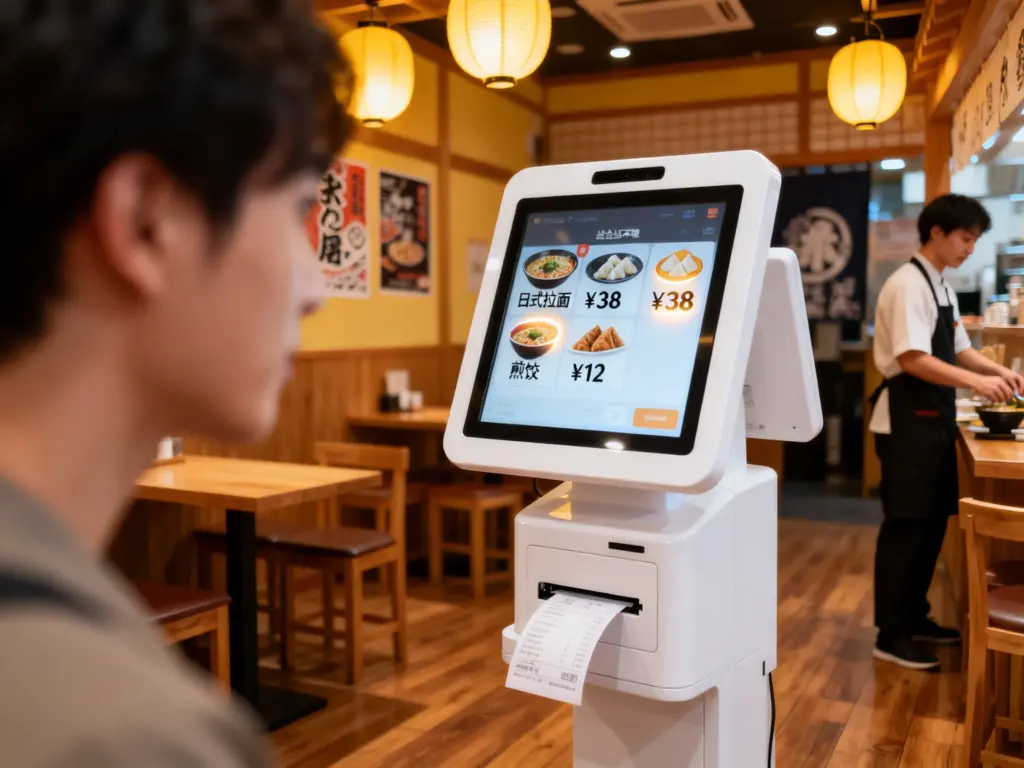
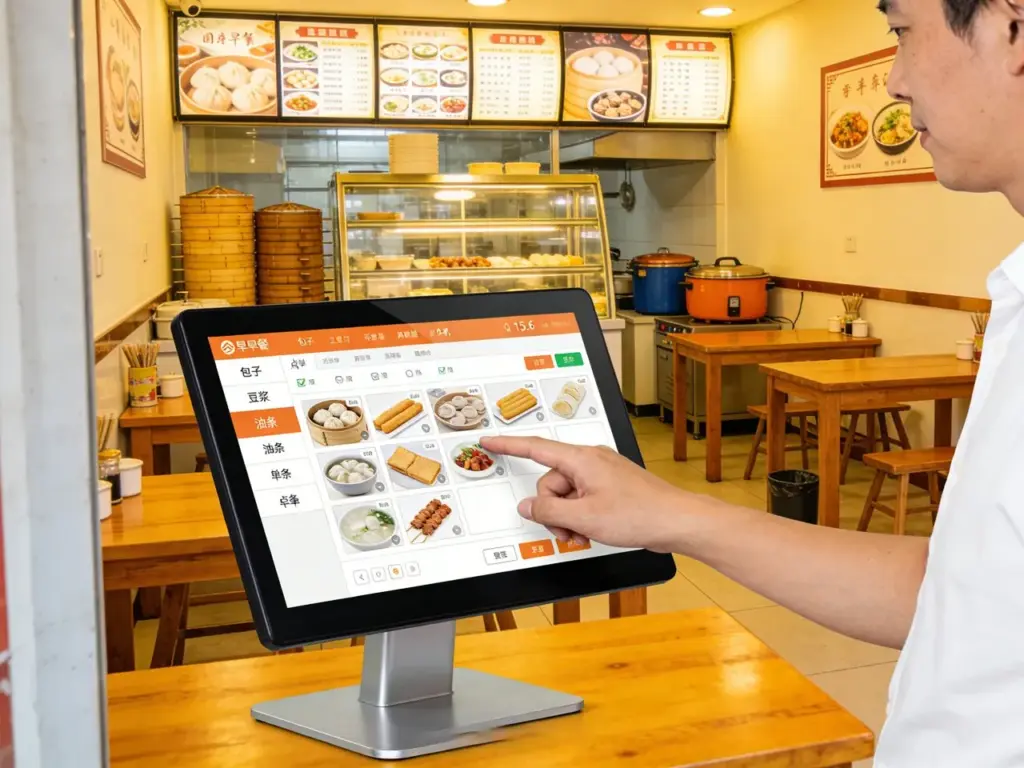
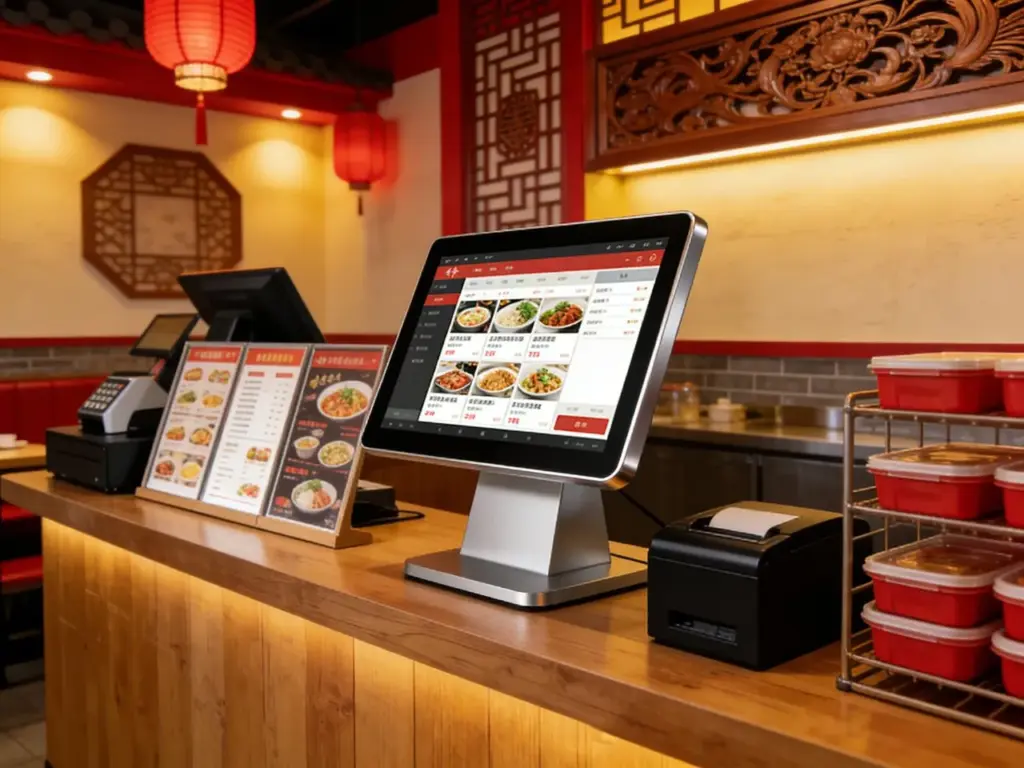
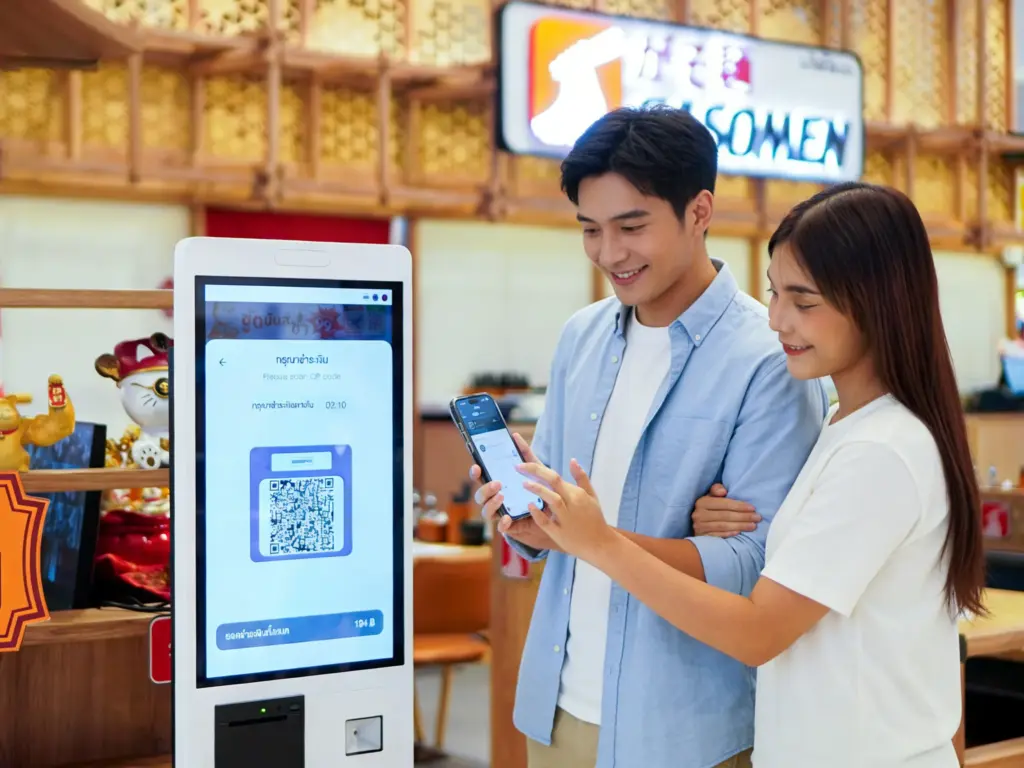
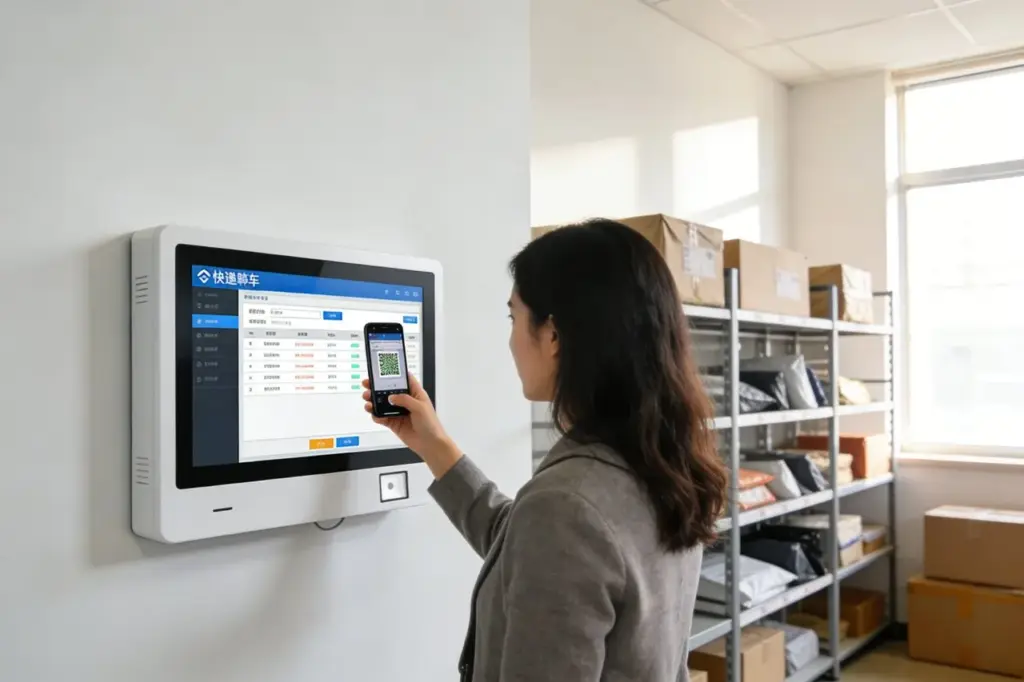
Businformationskioske dienen als erste Anlaufstelle für Fahrgäste auf der Suche nach Routen, Zeitpläne, und Tarifdetails an Verkehrsknotenpunkten. Dennoch veraltete Kioskschnittstellen – nicht reagierende Tasten, kleine Displays, oder statische Informationen – oft sind Reisende frustriert. Fahrgäste verschwenden Zeit mit der Suche nach Echtzeit-Updates zur Busankunft, while station staff get overwhelmed by repetitive questions. These pain points slow down commutes and damage the overall transit experience for daily riders and tourists alike.The Bus Info Kiosk Touch Screen transforms these kiosks into powerful, user-friendly transit hubs tailored for busy bus stations.
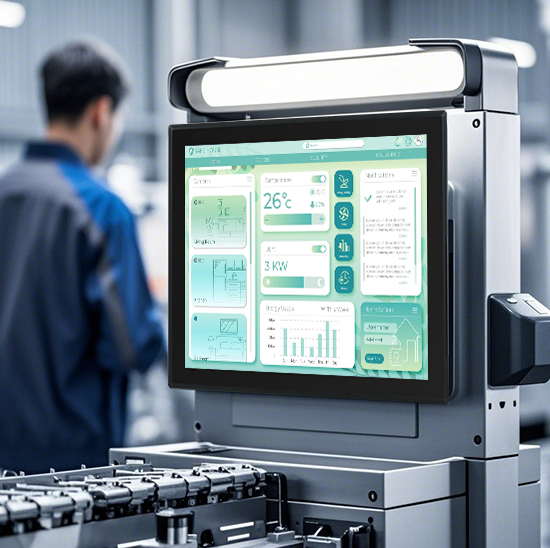
Designed to withstand heavy use, outdoor weather, and high-traffic environments, this touch screen delivers real-time bus tracking, route planning, and fare information with just a few taps. Es beseitigt Verwirrung, Reduziert die Wartezeiten, and empowers passengers to find the information they need independently. Whether deployed in urban transit centers, suburban bus stops, or tourist hubs, Das Touch-Screen is the key to streamlining bus station operations and enhancing passenger satisfaction. In diesem Artikel werden die Kernfunktionen erläutert, Vorteile, Anwendungen, and FAQs to show how it revolutionizes public transit information access.
Core Features of Bus Info Kiosk Touch Screen
1. Real-Time Transit Data Integration & Anzeige
Accurate, up-to-date information is the backbone of a reliable bus kiosk—and this screen delivers it seamlessly:
Live bus arrival tracking: Shows real-time locations and estimated arrival times for all routes, with updates every 10 Sekunden.
Route planning tools: Lets passengers input start and end points to get step-by-step bus routes, transfer points, and travel times.
Fare & ticket information: Displays fare prices, Zahlungsmöglichkeiten, and ticket purchase links for single rides, Tag vergeht, and monthly passes.
Service alerts & Verzögerungen: Highlights route changes, Umwege, or delays with bold, color-coded notifications to keep passengers informed.
This feature ensures passengers always have the latest transit data at their fingertips, no more guessing when the next bus will arrive.
2. Robust, Weatherproof Design for Transit Environments
Built to handle the harsh conditions of outdoor and high-traffic bus stations:
IP65-Frontplattenschutz: Sealed against rain, Staub, und Verschüttungen, perfect for uncovered bus stops or outdoor transit hubs.
9H-Oberfläche aus gehärtetem Glas: Widersteht Kratzern durch Taschen, Schlüssel, und unbeabsichtigte Stöße, withstanding heavy daily use from hundreds of passengers.
Große Temperaturtoleranz: Operates reliably from -25°C to 70°C (-13°F bis 158°F), fitting cold winters and hot summers without performance issues.
Blendfrei & Display mit hoher Helligkeit: 1,200 Die Helligkeit der Nits sorgt für klare Sicht bei direkter Sonneneinstrahlung, während die Anti-Glare-Beschichtung Reflexionen für den Innenbereich reduziert.
Das garantiert Langlebigkeit 24/7 Betrieb mit minimalem Wartungsaufwand, even in the busiest transit locations.
3. Intuitive Benutzeroberfläche & Barrierefreiheitsfunktionen
Designed for passengers of all ages and tech skills, ohne Lernkurve:
Symbolbasierte Navigation: Einfach, Fettgedruckte Symbole (z.B., “Live Arrivals,” “Route Planner,” “Service Alerts”) replace complex menus for fast access.
Multisprachiger Unterstützung: Angebote 15+ Sprachen (Englisch, Spanisch, Französisch, Mandarin, Arabisch, usw.) to cater to local commuters and international tourists.
Barrierefreiheitstools: Hochkontrastmodus, Text-zu-Sprache-Kompatibilität, und große Schriftartoptionen für Passagiere mit Sehbehinderungen.
Touchless option compatibility: Integriert sich in QR-Code-Scanner, so passengers can scan codes to save routes or ticket info to their phones without touching the screen.
This user-friendly design ensures every passenger can use the kiosk independently, regardless of their background or ability.
4. Offline Functionality & Fernverwaltung
Reliable performance even when internet connectivity drops, with easy operator control:
Offline data storage: Saves up-to-date schedules and routes locally, so the Kiosk works even during internet outages or network failures.
Remote updates & diagnostics: Lets transit operators push schedule changes, service alerts, or software updates remotely without on-site visits.
Nutzungsanalyse: Tracks passenger interactions (z.B., most searched routes, Spitzennutzungszeiten) to optimize kiosk placement and menu design.
Remote-Sperrmodus: Enables operators to lock the screen during emergencies or maintenance periods for added security.
Diese Funktionalität reduziert Ausfallzeiten und senkt die Betriebskosten für Verkehrsbetriebe.
5. Multimodal Transit Integration
Connects with other transit systems to provide a seamless travel experience:
Combined route planning: Links bus routes with trains, metros, or trams to show passengers complete multimodal travel plans.
Park-and-ride information: Displays nearby parking lots, bike-sharing stations, and walking directions to bus stops.
Accessibility info for transfers: Highlights wheelchair-accessible stops, Aufzüge, and ramps for passengers with mobility needs.
Real-time parking availability: Shows how many spots are left at nearby park-and-ride facilities to help passengers plan their trips.
This integration turns bus kiosks into comprehensive transit hubs for all types of travelers.
Key Benefits of Bus Info Kiosk Touch Screen
1. Steigern Sie die Zufriedenheit der Passagiere & Reduzieren Sie Anfragen
Happy passengers are more likely to choose public transit—and this screen delivers a frictionless experience:
Cut information-seeking time by 50%: Passengers find arrival times and routes in seconds, no more waiting for staff assistance.
Minimize frustration from delays: Clear service alerts keep passengers informed about detours or cancellations before they wait for a bus.
Gehen Sie auf unterschiedliche Reisende ein: Multilingual support and accessibility features make transit accessible to tourists, elderly passengers, and those with disabilities.
Improve transit agency reputation: Modern, user-friendly kiosks make public transit feel reliable and passenger-focused.
2. Lower Operational Costs for Transit Agencies
Save time and money with a low-maintenance, effiziente Lösung:
Reduzieren Sie die Arbeitsbelastung Ihrer Mitarbeiter: Fewer passenger inquiries mean staff can focus on more critical tasks, like assisting passengers with disabilities or managing crowds.
Reduzieren Sie Wartungsbesuche: Rugged design and remote diagnostics eliminate the need for frequent on-site repairs.
Optimieren Sie die Kioskplatzierung: Usage analytics show where to place kiosks for maximum impact, reducing wasted resources on underused locations.
Verlängern Sie die Lebensdauer des Kiosks: High-quality components mean the touch screen lasts 6–8 years, longer than standard consumer-grade screens.
3. Boost Transit Ridership & Einnahmen
A better passenger experience drives more people to choose buses over private cars:
Attract casual riders: Tourists and occasional riders feel confident using buses when they can easily access route and schedule info.
Promote ticket sales: Clear fare information and ticket links encourage passengers to buy day passes or monthly passes instead of single rides.
Support multimodal travel: Combined route planning makes it easier for passengers to switch between buses and other transit systems, increasing overall ridership.
Reduzieren Sie Nichterscheinen: Real-time arrival updates mean passengers don’t miss buses, reducing frustration and encouraging repeat ridership.
4. Improve Station Efficiency & Sicherheit
A well-designed kiosk system supports smoother, safer station operations:
Reduzieren Sie das Gedränge: Faster information access means passengers don’t cluster around staff desks or kiosks, lowering the risk of overcrowding.
Enhance hygiene: Touchless QR code integration minimizes physical contact with the screen, promoting a cleaner environment for everyone.
Speed up boarding: Passengers who know their routes and fares board buses faster, reducing stop times and improving on-time performance.
Support emergency response: Remote lockdown mode lets operators secure kiosks quickly during security incidents or extreme weather.
Praktische Anwendungen für verschiedene Transitszenarien
1. Urban Transit Hubs
For busy city centers with high daily passenger volumes and multiple bus routes:
Bewältigen Sie den Andrang zur Hauptverkehrszeit schnell, responsive screens that keep passengers moving.
Display real-time transfers between buses, metros, and trains for seamless commutes.
Support multi-language interfaces to cater to diverse urban populations.
2. Suburban & Rural Bus Stops
For smaller stops with limited staff and uncovered outdoor locations:
Aktivieren 24/7 self-service information so passengers can plan trips outside staffed hours.
Withstand harsh weather with IP65 protection and wide temperature tolerance.
Simplify menu options for passengers who primarily use a few local routes.
3. Tourist & Airport Hubs
For locations with high numbers of international travelers and visitors:
Offer multilingual support (including tourist-focused languages like Japanese, Koreanisch, und Deutsch).
Display nearby attractions and transit routes to popular landmarks, Hotels, and shopping areas.
Integrate airport shuttle schedules to help travelers connect between buses and flights.
4. University & Corporate Campuses
For campuses with dedicated bus routes for students and employees:
Show campus-specific routes and shuttle schedules for class times and work hours.
Display fare discounts for students, faculty, and staff.
Integrate bike-sharing and walking paths to support eco-friendly commuting.
FAQs About Bus Info Kiosk Touch Screen
Q1: Will this touch screen work with my existing bus information kiosks?
A1: Ja! It is compatible with most kiosk models from leading transit equipment suppliers. Our team will verify compatibility with your current setup and provide a plug-and-play installation kit for seamless integration.
Q2: Can the screen operate outdoors in all weather conditions?
A2: Absolut. It features IP65 front-panel protection and a wide temperature range (-25°C to 70°C), so funktioniert es auch bei Regen zuverlässig, Schnee, Hitze, and dust—perfect for uncovered bus stops.
Q3: Does the screen support accessibility features for passengers with disabilities?
A3: Ja. It includes high-contrast mode, Text-zu-Sprache-Kompatibilität, and large font options to accommodate passengers with visual impairments. It also works with wheelchair-accessible kiosk mounts.
Q4: How do operators update schedules and service alerts on the screen?
A4: Operators can update all content remotely via a cloud-based management system. They can push schedule changes, detour alerts, or software updates in minutes without visiting the kiosk location.
F5: What warranty comes with the Bus Info Kiosk Touch Screen?
A5: Für alle Modelle gilt eine dreijährige Garantie auf Hardwaredefekte, Touch-Reaktionsfähigkeit, und Witterungsbeständigkeit. Extended 5-year warranties are available for high-traffic urban hubs, mit 24/7 technische Unterstützung.
Abschluss
The Bus Info Kiosk Touch Screen is a transformative tool for public transit agencies, turning outdated information kiosks into efficient, passenger-focused hubs. Its real-time data integration, Robustes Design, and user-friendly interface reduce passenger frustration, cut operational costs, and boost transit ridership. Whether you’re managing urban transit centers, rural bus stops, or tourist hubs, this touch screen ensures every passenger can access the information they need quickly and independently.
Ready to upgrade your bus information kiosks and enhance the passenger experience? Füllen Sie das Formular auf unserer Website aus, um mit unseren Experten für Verkehrstechnologie in Kontakt zu treten. Wir ermitteln die Bedürfnisse Ihrer Station, verify compatibility with your existing kiosks, and recommend a customized solution to maximize efficiency and satisfaction. Lassen Sie uns intelligenter bauen, more passenger-friendly bus stations—start today!