घर

>

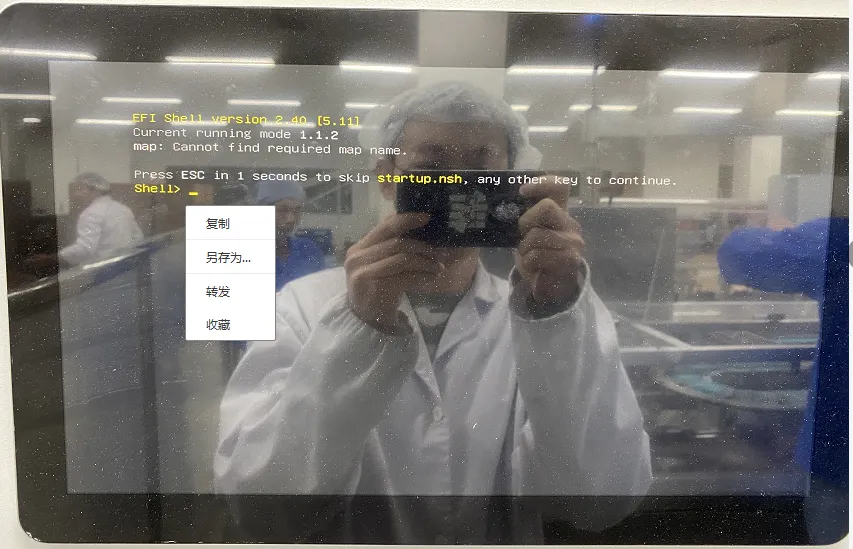
Blue screen, unable to boot up

Blue screen, unable to boot up

विषयसूची

Reason:System boot error: When installing the operating system, setting the USB drive as the first boot option in the BIOS will cause the all-in-one PC to boot directly from the USB drive whenever it is plugged in during restart or startup.

समाधान:Press the DEL key during startup ☞ Enter BIOS ☞ Select the Boot option ☞ Set the hard drive as the first boot device, then press F10 to save.
If it worked normally before restarting or shutting down, check if a USB drive is plugged in.

图片16

शेयर करना:

हमें एक संदेश भेजें

    संबंधित आलेख

    Self-Ordering

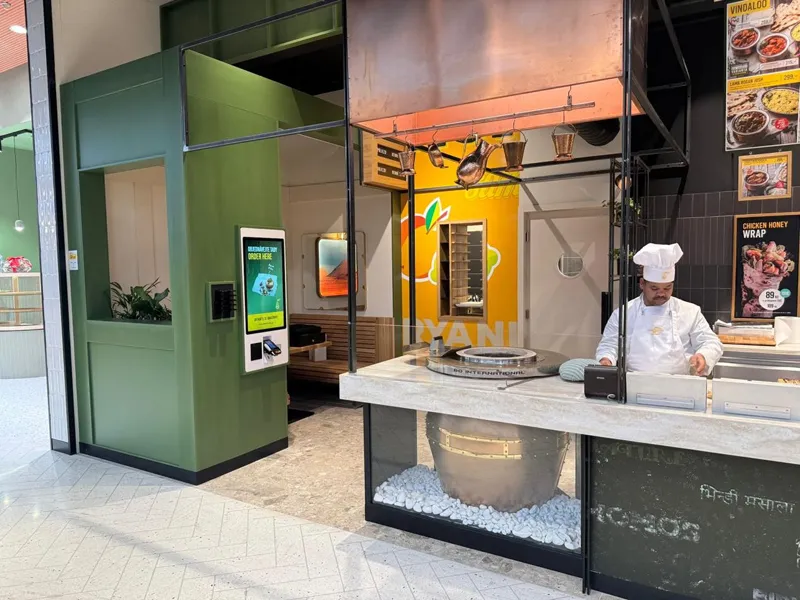
    GD32C3 सेल्फ-ऑर्डरिंग टर्मिनल के साथ रेस्तरां ऑर्डर अनुकूलित करें

    व्यस्ततम भोजन घंटों के दौरान रेस्तरां को लगातार दबाव का सामना करना पड़ता है. लंबी कतारों, मैन्युअल ऑर्डर लेना, और कर्मचारियों की सीमित उपलब्धता ग्राहक अनुभव को प्रभावित कर सकती है. इस प्रोजेक्ट के लिए,

    Caucasian Female Worker Supervising Recycling Process

    कैसे औद्योगिक टच डिस्प्ले ओईई में सुधार करता है और डाउनटाइम को कम करता है?

    मजबूत औद्योगिक टच डिस्प्ले के साथ ओईई को बढ़ावा दें और डाउनटाइम को कम करें. Touchwo के साथ आज ही अपने उत्पादन की दृश्यता और गुणवत्ता बढ़ाएँ.

    विषयसूची