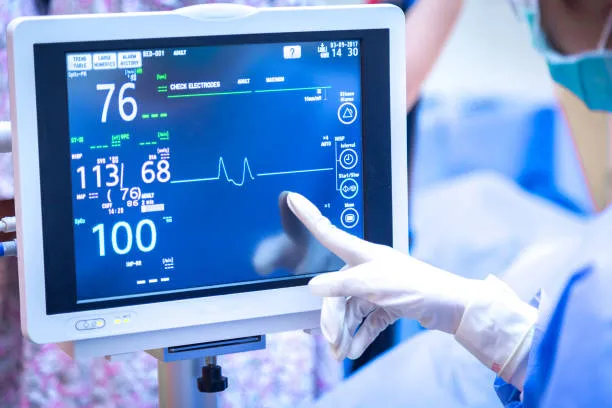
A 10.1-inch screen has become the sweet spot for many automation systems. It offers a clear HMI interface without taking up excessive control cabinet space. Tuttavia, sourcing a touch screen monitor for industrial use requires moving past basic consumer specs like resolution. You must focus on factors that directly impact downtime, maintenance costs, and integration time.
This guide breaks down the critical environmental, mechanical, and technical decisions you need to make. It will help you specify the best industrial monitor touch-screen 10 pollice model for your next factory upgrade, machine build, or OEM project.
Evaluate the Operational Environment and Map It to Specs
The biggest mistake in industrial procurement is underestimating the environment. A display that works perfectly in a cleanroom will fail in weeks near a CNC lathe. Before talking to industrial computer manufacturers or display vendors, you must define the exact physical conditions of the installation site. You can then map these conditions directly to your RFQ (Request for Quote) specifications.
Environment-to-Spec Mapping Table:
| If your environment has… | You must specify… | Why it prevents downtime |
|---|---|---|
| Airborne dust or metal shavings | Front panel IP65 rating | Prevents short circuits and internal screen contamination. |
| Coolant mist or washdowns | Front panel IP65 or IP69K | Stops liquid ingress from corroding internal electronics. |
| Thick industrial work gloves | Resistive touch technology | Ensures reliable actuation without requiring bare skin contact. |
| Extreme heat or unconditioned air | Wide operating temp | Prevents the LCD from blacking out or touch controllers from failing. |
| Heavy machine vibration | Anti-shock and vibration certs | Stops cables from shaking loose and cutting video feeds. |
Understand IP Ratings for Industrial Environments
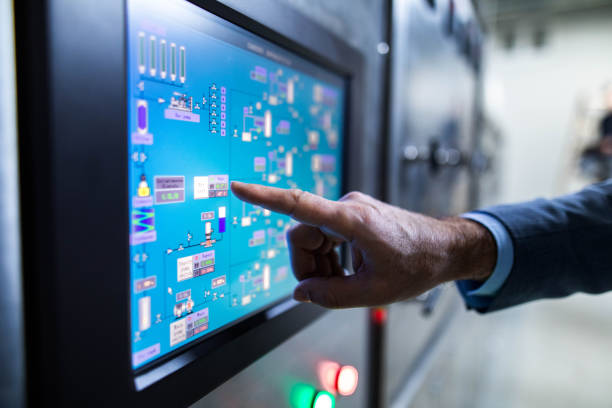
IP (Ingress Protection) ratings define how well an enclosure seals out solids and liquids. In industrial automation, an IP rating isn’t a luxury. It is a baseline requirement for survival.
For most factory floors, IP65 is the standard. The numbers in an IP rating carry specific meanings. The first digit, “6”, signifies that the unit is completely dust-tight, preventing any solid particles from entering the enclosure. The second digit, “5”, means the unit is protected against low-pressure water jets sprayed from any direction. This makes it perfectly suited for environments requiring wipe-downs or where incidental splashing occurs.
Crucial Specification Note: When reviewing specs, pay attention to the phrasing. Most high-quality industrial monitors advertise a “Front Panel IP65” rating. This means the screen face is sealed, but the rear housing containing the ports is not. To achieve true IP65 protection for the system, the monitor must be correctly mounted into an enclosure. This enclosure seals the vulnerable rear components away from the environment.
Note that if your application requires high-pressure, high-temperature chemical washdowns, you may need to specify IP69K. Always verify the supplier’s testing methodology for these extreme ratings.
Choose the Right Touch Technology for the Operator
IL “migliore” touch technology depends entirely on how your operators work and what the environment demands. Specifying the wrong type leads to frustration, slow data entry, and eventual screen damage from operators using tools instead of fingers.
- Capacitivo proiettato (PCAP): Offers a smooth, moderno, multi-touch experience similar to a smartphone. It is ideal for modern SCADA/HMI software that utilizes pinch-to-zoom or swipe gestures. It works well with bare hands or thin latex gloves.
- Resistivo: A pressure-sensitive technology that only recognizes one point of contact. It relies on physical pressure to register a touch. This makes it the perfect choice for environments where operators wear thick leather or rubber gloves. It is also ideal when screens are frequently obscured by heavy moisture.
Before you make a final decision, evaluate these operational details to ensure long-term reliability:
- Glove and moisture requirements: Determine if operators will use thin surgical gloves, thick work gloves, or bare hands. Assess if the screen will face condensation, oil mist, or frequent chemical wipe-downs.
- Surface durability: Industrial screens face harsh conditions. Request information on cover glass thickness, Resistenza a graffi, and anti-glare (AG) or anti-fingerprint (DI) trattamenti.
- Interference and compatibility: Factory floors generate significant electromagnetic interference (Emi). Ensure the touch controller includes anti-interference measures to prevent ghost touches. Inoltre, verify that the USB touch interface provides driverless compatibility with your chosen operating system.
Select the Right Mounting Method for Maximum Protection
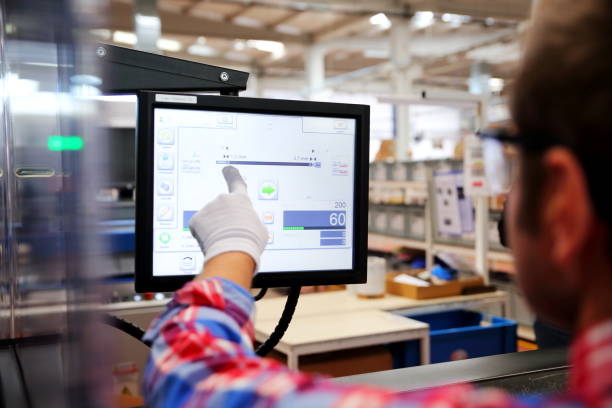
How you install the monitor dictates how well it will survive. For system integrators and engineers, Panel Mount is widely considered the superior choice for automation cabinets and operator consoles.
Panel mounting involves cutting a precise hole in the control cabinet door, dropping the monitor in from the front, and securing it from behind with mounting clips. This method provides immense value because:
- It completes the IP65 seal: When properly clamped with its gasket, a panel-mount monitor creates a flush, gap-free surface. This prevents liquids and dust from slipping behind the screen and into your expensive control cabinet.
- It protects the I/O: All fragile video and power cables remain safely locked inside the steel enclosure.
- It simplifies cleaning: A flush front face prevents grime from accumulating around the monitor’s edges.
- It speeds up maintenance: If a display is damaged, technicians can swap a panel-mount unit from the front in minutes without disassembling the entire cabinet structure.
Verify Interface Connectivity and Reliable Supply
Even the most rugged monitor is useless if it cannot communicate reliably with your control stack. In industrial automation, connectivity and supply chain stability are just as critical as the physical hardware. Consumer-grade monitors fail here due to limited ports, sensitive power requirements, and unpredictable lifecycles.
When evaluating suppliers, make sure your RFQ covers these critical operational requirements:
- Wide Voltage Power Inputs: Factory power grids fluctuate, especially when heavy machinery starts up. Instead of standard AC adapters, specify a wide-voltage DC input (such as 12V to 24V or 12V to 36V). This prevents the monitor from shutting down or blacking out during voltage dips.
- Legacy and Modern Video I/O: Your new touch screen might need to connect to a modern industrial PC via HDMI or DisplayPort today, but it may also need to interface with a decade-old PLC using a legacy VGA or DVI connection. Having multiple video inputs eliminates the need for unreliable signal converters.
- Touch Controller Connectivity: Ensure the touch interface (typically USB) provides reliable, driverless support for your specific operating system, whether it is a modern Windows environment or a custom Linux build.
- Direct Manufacturer Warranty and Longevity: Redesigning a control cabinet because a monitor went end-of-life is incredibly expensive. Prioritize industrial display manufacturers that guarantee long-term availability (3–5+ years) and offer direct-from-factory engineering support for future OEM modifications.
Once you have defined your connectivity and supply requirements, it helps to compare them against a proven 10.1-inch industrial monitor designed for real-world automation projects. The example below shows how these specifications come together in a deployable device.
Use a Real Spec Sheet to Validate Your Checklist
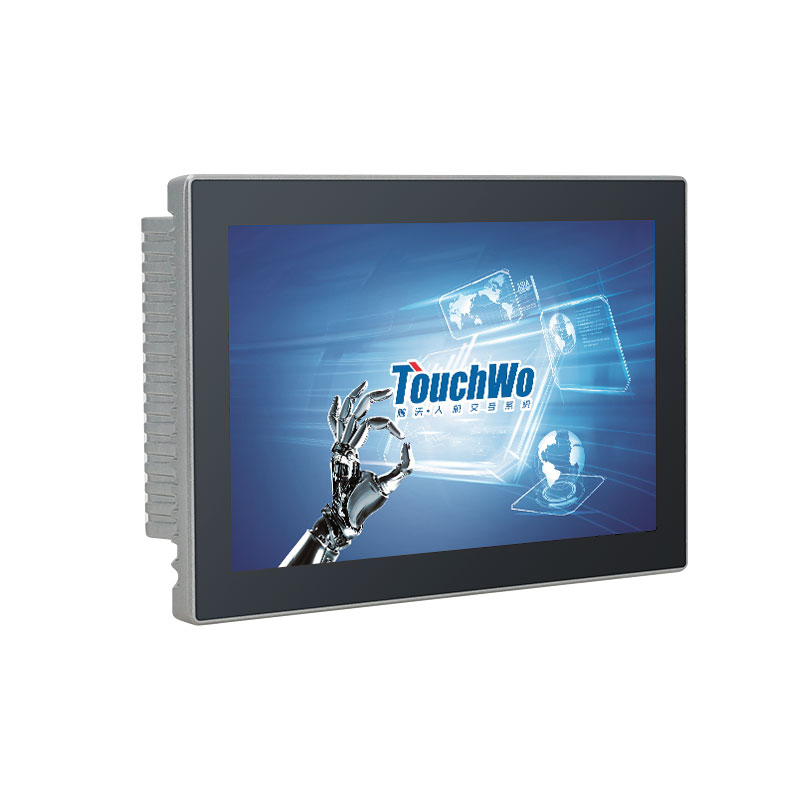
The fastest way to avoid spec gaps is to cross-check your finalized requirements against a complete manufacturer’s spec sheet. Evaluating a real document ensures you don’t miss critical details like panel cutout dimensions, gasket sealing notes, and I/O layout.
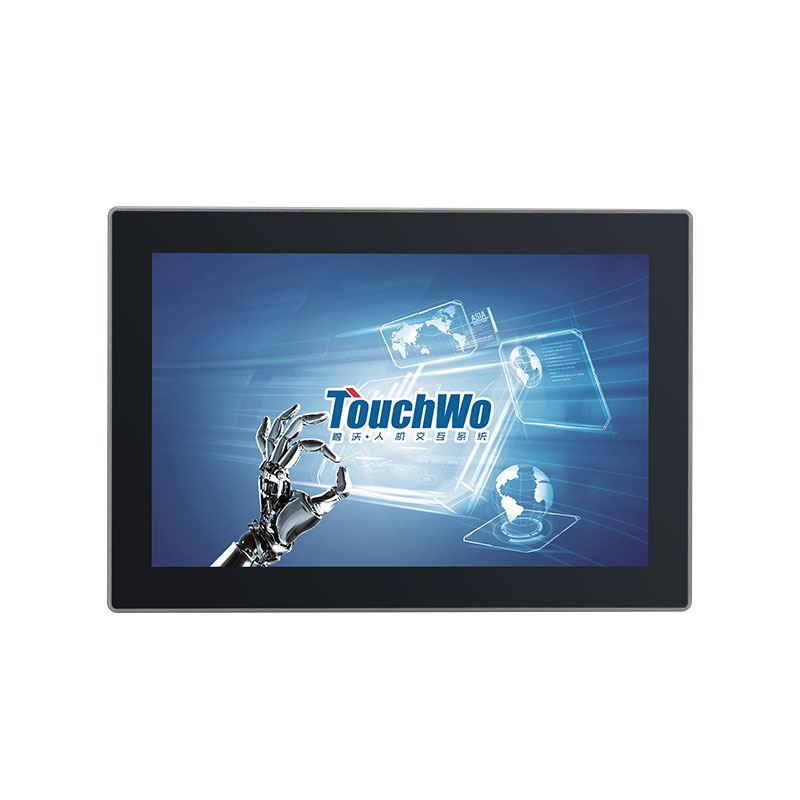
Da 2009, TouchWo has served over 30,000 clients globally as an experienced developer and manufacturer of industrial touch screens. With complete in-house production ranging from R&D to complete PC assembly, we provide fully customizable hardware backed by a reliable supply chain. If you need a reliable reference document for a 10.1-inch panel-mount industrial monitor, you can review the TouchWo 10.1″ industrial touch monitor. Engineered specifically for automation, it features a strict front IP65 rating, a durable aluminum alloy enclosure, wide voltage support, and 10-point capacitive touch.
You can use it to build your RFQ or validate your current project parameters by downloading the TouchWo DM101G Spec Sheet (PDF). Start building your custom automation solution today—reach out to us to request a quote or discuss OEM/ODM options with a minimum order quantity of just one unit.