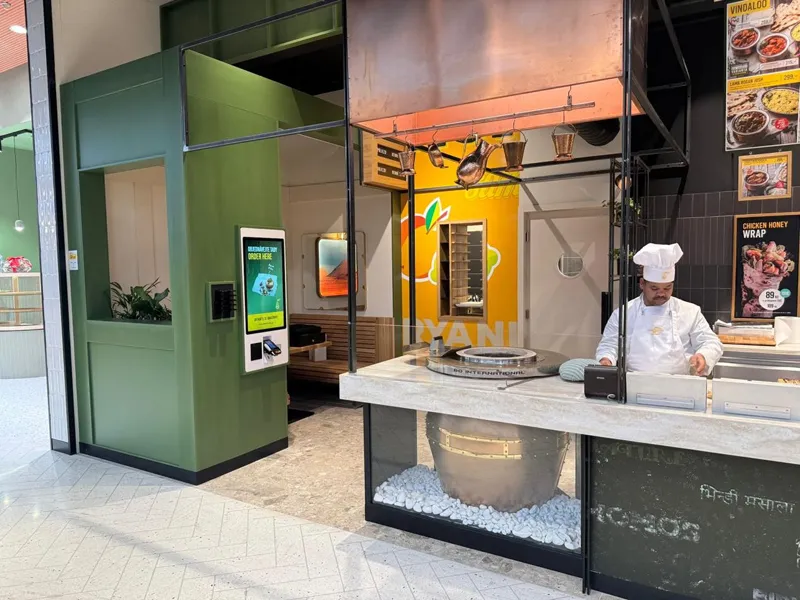
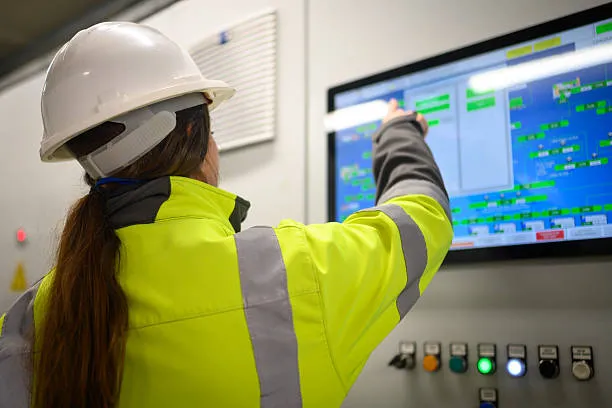
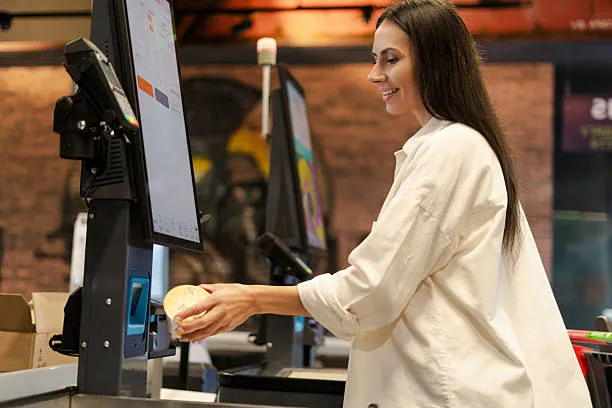
ພວກເຮົາທຸກຄົນຮູ້ວ່າມັນມີຄວາມສໍາຄັນແນວໃດທີ່ຈະມີ gadget ທີ່ສາມາດຕິດຕາມຈັງຫວະຂອງຊີວິດປະຈໍາວັນ. ຈາກການຕອບອີເມວເພື່ອມີຄວາມສຸກເນື້ອໃນທີ່ທ່ານມັກ, ອຸປະກອນທີ່ເຊື່ອຖືໄດ້ສາມາດສ້າງຄວາມແຕກຕ່າງ. ນັ້ນແມ່ນບ່ອນທີ່ຫນ້າຈໍສໍາຜັດ Android PC ກ້າວເຂົ້າໄປໃນ. ມັນສະຫນອງຄວາມຍືດຫຍຸ່ນຂອງອຸປະກອນມືຖືທີ່ມີພະລັງງານຂອງ desktop. ແຕ່ເຈົ້າຮູ້ບໍວ່າອຸປະກອນນີ້ປ່ຽນຮູບແບບການເຮັດວຽກຂອງພວກເຮົາແນວໃດ, ສ້າງ, ແລະຫຼິ້ນ? ໃນ blog ນີ້, ພວກເຮົາຈະເຂົ້າໄປໃນລັກສະນະຂອງມັນ, ຜົນປະໂຫຍດ, ແລະຄວາມສາມາດເປັນເອກະລັກ, ແລະເປັນຫຍັງມັນອາດຈະເປັນທີ່ ເໝາະ ສົມທີ່ສຸດ ສຳ ລັບການຍົກລະດັບເຕັກໂນໂລຢີຄັ້ງຕໍ່ໄປຂອງທ່ານ.
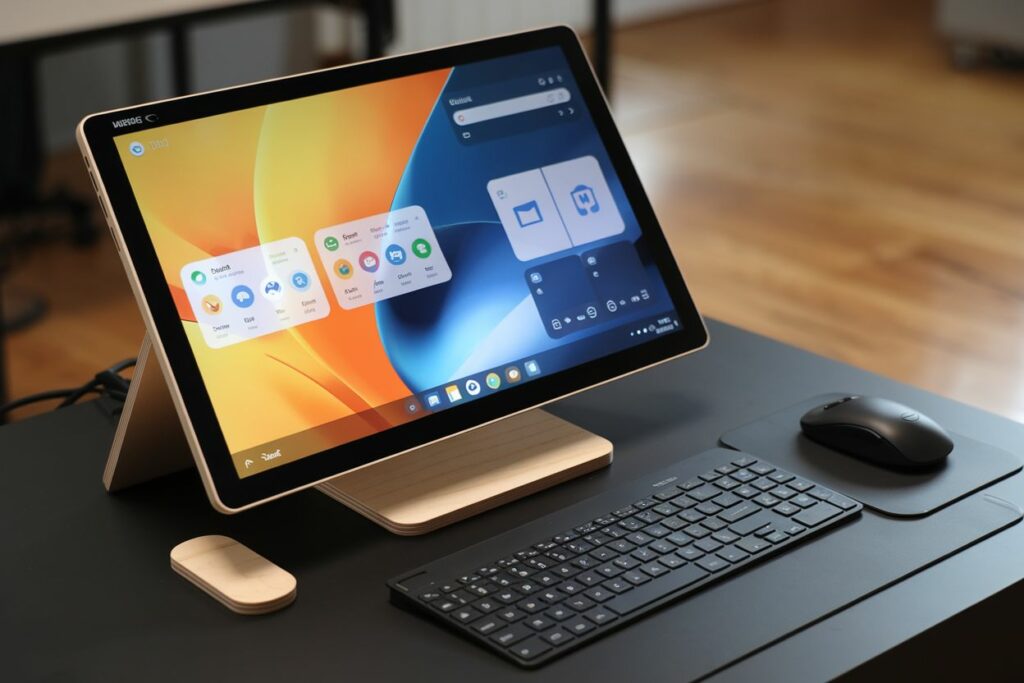
ວິວັດທະນາການຂອງ Android ໃນຮາດແວ PC
ການເດີນທາງຂອງ Android ບໍ່ມີຫຍັງທີ່ໂດດເດັ່ນ. ການອອກແບບໃນເບື້ອງຕົ້ນສໍາລັບໂທລະສັບສະຫຼາດ, ລະບົບປະຕິບັດການໄດ້ຂະຫຍາຍການເຂົ້າເຖິງຢ່າງຕໍ່ເນື່ອງກັບແທັບເລັດແລະ, ຫວ່າງມໍ່ໆມານີ້, ກັບ PCs ຜ່ານໂຄງການເຊັ່ນ Android-x86 ແລະ Project Treble. ການລິເລີ່ມເຫຼົ່ານີ້ໄດ້ອະນຸຍາດໃຫ້ Android ພັດທະນາຈາກ OS ມືຖືເທົ່ານັ້ນໄປສູ່ຫນຶ່ງທີ່ສາມາດແລ່ນຢູ່ໃນຮາດແວ desktop ທີ່ມີປະສິດທິພາບ., ລວມທັງອຸປະກອນທີ່ມີ ຈໍສະແດງຜົນການສໍາພັດແບບ capacitive Android ສໍາລັບປະສົບການຂອງຜູ້ໃຊ້ intuitive.
ການກ້າວກະໂດດໃນຄວາມສາມາດຂອງຮາດແວໄດ້ມີບົດບາດສໍາຄັນໃນການວິວັດທະນາການນີ້. ໂຮງງານຜະລິດທີ່ທັນສະໄຫມ, ຈາກຊິບ x86 ຂອງ Intel ກັບຕົວແບບທີ່ໃຊ້ ARM ຂອງ Qualcomm Snapdragon, ໃນປັດຈຸບັນສະເຫນີການປະຕິບັດທີ່ຈໍາເປັນເພື່ອດໍາເນີນການ Android ໃນສະຖາປັດຕະ PC. ການປ່ຽນຮາດແວນີ້ເຮັດໃຫ້ Android ສາມາດແຂ່ງຂັນກັບລະບົບ desktop ແບບດັ້ງເດີມໄດ້, ການສະເຫນີພະລັງງານເພີ່ມເຕີມ, ປະສິດທິພາບປະສິດທິພາບ, ແລະ versatility.
ສິ່ງທີ່ເຮັດໃຫ້ຫນ້າຈໍສໍາພັດ Android PC ເປັນເອກະລັກ? ການວິເຄາະດ້ານວິຊາການ
ຄວາມຕ້ອງການທີ່ເພີ່ມຂຶ້ນສໍາລັບການ Portable, ອຸປະກອນສໍາຜັດທໍາອິດໃນການເຮັດວຽກແບບປະສົມແລະສະພາບແວດລ້ອມສ້າງສັນໄດ້ກະຕຸ້ນວິວັດທະນາການນີ້. ດັ່ງນັ້ນ, ມີຫຍັງອີກແດ່ທີ່ກໍານົດຫນ້າຈໍສໍາຜັດ Android PC ແຍກຕ່າງຫາກ? ຂໍໃຫ້ຄົ້ນຫາລັກສະນະດ້ານວິຊາການທີ່ຂັບເຄື່ອນພະລັງງານຂອງມັນ, ການປະຕິບັດ, ແລະ versatility.
ຂໍ້ສະເພາະຂອງຮາດແວ
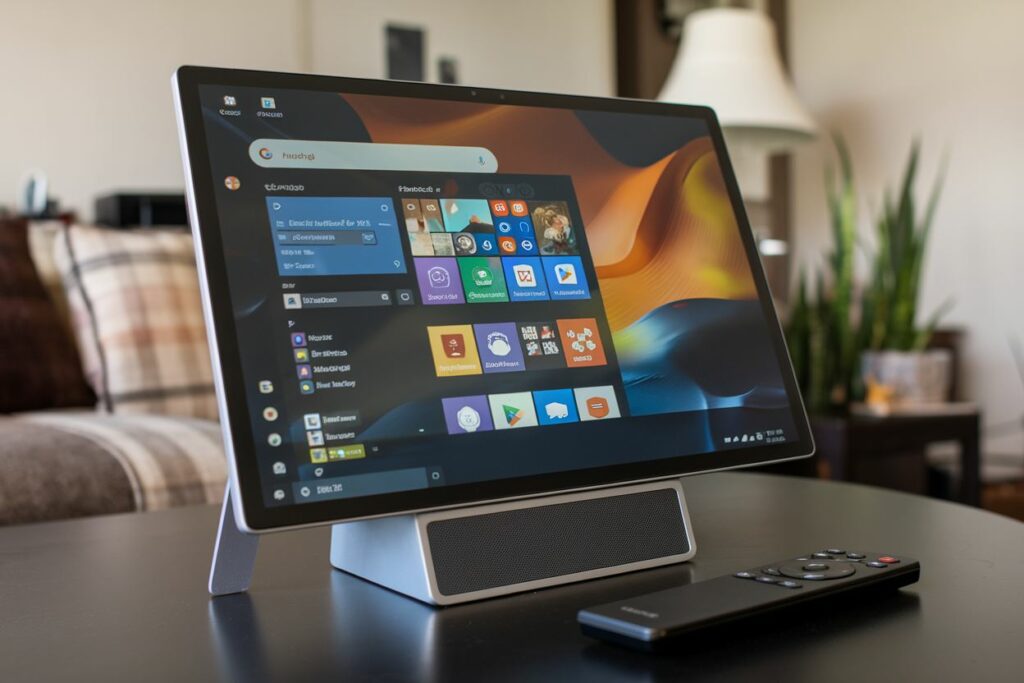
- ໂຮງງານຜະລິດ: Qualcomm Snapdragon ທີ່ໃຊ້ ARM 8 ພົນເອກ 2 ສະຫນອງປະສິດທິພາບພະລັງງານທີ່ມີເຖິງ 3.2 ປະສິດທິພາບ GHz ສໍາລັບວຽກງານມືຖື, ໃນຂະນະທີ່ໂປເຊດເຊີ x86 ເຊັ່ນ Intel Core i7-12700K (ເຖິງ 5.0 GHz) excel ໃນການປະຕິບັດວັດຖຸດິບສໍາລັບຄໍາຮ້ອງສະຫມັກທີ່ເຂັ້ມຂຸ້ນ.
- RAM/ບ່ອນເກັບຂໍ້ມູນ: 4GB ເຖິງ 16GB LPDDR4x RAM, ບວກກັບ SSD/UFS 3.1 ການເກັບຮັກສາ (ສູງສຸດ 1TB), ສະໜອງເວລາການບູດໄວ ແລະການເຮັດວຽກຫຼາຍໜ້າທີ່ບໍ່ຕິດຂັດ, ປັບປຸງປະສົບການຂອງຜູ້ໃຊ້ໃນທົ່ວແອັບພລິເຄຊັນ ແລະຊຸດຂໍ້ມູນຂະໜາດໃຫຍ່.
ເທກໂນໂລຍີສະແດງ
- ແຕະທີ່ລະອຽດອ່ອນ: 10-ການສໍາພັດທີ່ເຫມາະສົມ, ດ້ວຍການສະຫນັບສະຫນູນສໍາລັບການ 2048 ລະດັບຄວາມກົດດັນ, ສະຫນອງຄວາມແມ່ນຍໍາສູງ. Wacom AES (ໄຟຟ້າສະຖິດ) ສະຫນອງ 2ms latency ເມື່ອທຽບກັບ MPP (Microsoft Pen Protocol) ຢູ່ທີ່ 10ms, ຮັບປະກັນການຕອບສະໜອງຂອງສະໄຕລັດທີ່ລຽບກວ່າ.
- ຄຸນນະພາບຫນ້າຈໍ: 4k (3840×2160) ຈໍສະແດງຜົນ OLED ໃຫ້ສີດໍາເລິກແລະການແຜ່ພັນສີທີ່ຖືກຕ້ອງ, ນໍາ 100% ຮອງຮັບ color gamut DCI-P3. ສໍາເລັດຮູບ Matte ສະຫນອງ 99% ປະສິດທິພາບຕ້ານການສະທ້ອນ, ປັບປຸງການເບິ່ງເຫັນໃນສະພາບແວດລ້ອມທີ່ສົດໃສ.
- ທ່າເຮືອ & ການເຊື່ອມຕໍ່: USB-C 3.2 ພົນເອກ 2 ຮອງຮັບຄວາມໄວການໂອນຂໍ້ມູນສູງສຸດ 10Gbps, ໃນຂະນະທີ່ Thunderbolt 4 (ສູງເຖິງ 40Gbps) ຮັບປະກັນການເຊື່ອມຕໍ່ຄວາມໄວສູງແລະສະຫນັບສະຫນູນການສະແດງພາຍນອກທີ່ຄວາມລະອຽດ 8K. Ethernet (Gigabit) ອະນຸຍາດໃຫ້ມີການເຊື່ອມຕໍ່ແບບມີສາຍທີ່ໝັ້ນຄົງສໍາລັບວຽກງານທີ່ເນັ້ນເຄືອຂ່າຍ.
ການເຊື່ອມໂຍງຊອບແວ
- Android ສໍາລັບ Desktop: Samsung DeX ສະໜອງການໂຕ້ຕອບແບບເດັສທັອບທີ່ມີເຖິງ 2560×1600 ຄວາມລະອຽດໃນຈໍສະແດງຜົນພາຍນອກ, ຮອງຮັບ multi-window multitasking, ເຫມາະສໍາລັບການໂຕ້ຕອບແປ້ນພິມແລະຫນູ.
- ການເພີ່ມປະສິດທິພາບແອັບຯ: Adobe Fresco ແລະແອັບອອກແບບອື່ນໆ ນຳໃຊ້ຂະໜາດໃຫຍ່ກວ່າ 12.9” (2732×2048) ຄວາມລະອຽດຫນ້າຈໍແລະຄວາມສາມາດສໍາພັດຫຼາຍ, ອະນຸຍາດໃຫ້ມີການຄວບຄຸມທີ່ຊັດເຈນໃນວຽກງານສ້າງສັນເຊັ່ນ: ການແຕ້ມຮູບດິຈິຕອນແລະການແກ້ໄຂ.
- ການແກ້ໄຂການບູດຄູ່: PrimeOS ຮອງຮັບ Android ຄຽງຄູ່ກັບ Windows, ອະນຸຍາດໃຫ້ມີການບູດແບບບໍ່ລຽບງ່າຍໃນ OS ໃດໜຶ່ງດ້ວຍການຕັ້ງຄ່າສອງພາທິຊັນ, ໃນຂະນະທີ່ Bliss OS ຍັງເປີດໃຊ້ dual-boot ກັບ Linux, ສະເໜີໃຫ້ເຂົ້າກັນໄດ້ກັບແອັບ Android ແລະເດັສທັອບ.
ຄຸນສົມບັດປະສົມທີ່ເປັນເອກະລັກ
- ອຸປະກອນເສີມເກຣດເດັສທັອບ: ສະຖານີຈອດເຊັ່ນ Dell D6000 ໃຫ້ເຖິງສາມຜົນການສະແດງຜົນ 4K, ພອດ USB ຫຼາຍອັນ, ແລະການຈັດສົ່ງພະລັງງານ 130W, ປ່ຽນ Android PC ຂອງທ່ານໃຫ້ເປັນບ່ອນເຮັດວຽກເຕັມຮູບແບບ. GPU ພາຍນອກ (e.g., AMD Radeon RX 6800) ປັບປຸງປະສິດທິພາບກາຟິກຢ່າງໃຫຍ່ຫຼວງສຳລັບການຫຼິ້ນເກມ ແລະໜ້າວຽກທີ່ເຂັ້ມຂຸ້ນ.
- ຄວາມຊັດເຈນຂອງສະໄຕລັດ: Wacom AES stylus ສະຫນອງ 2ms latency ແລະ 4096 ລະດັບຄວາມອ່ອນໄຫວຂອງຄວາມກົດດັນ, ເຮັດໃຫ້ການປ້ອນຂໍ້ມູນທີ່ຊັດເຈນແລະຕອບສະຫນອງສໍາລັບນັກສິລະປິນແລະປະກອບອາຊີບ.
- ຄວາມສາມາດໃນການຫຼິ້ນເກມ: ບໍລິການເກມຄລາວເຊັ່ນ GeForce Now (ຮອງຮັບ 1080p/120fps) ແລະ Xbox Cloud Gaming (ຮອງຮັບ 4K streaming) ສະໜອງປະສົບການການຫຼິ້ນເກມຄຸນນະພາບສູງໃນອຸປະກອນ Android, ເຖິງແມ່ນວ່າບໍ່ມີຮາດແວທ້ອງຖິ່ນທີ່ມີປະສິດທິພາບ.
ຜູ້ຊົມເປົ້າໝາຍ & ໃຊ້ກໍລະນີ
ໃນຖານະເປັນຫນ້າຈໍສໍາພັດ Android PCs ສືບຕໍ່ພັດທະນາ, ພວກເຂົາສະເຫນີຂໍ້ໄດ້ປຽບທີ່ແຕກຕ່າງກັບກຸ່ມຜູ້ໃຊ້ຕ່າງໆ. ມາສຳຫຼວດເບິ່ງວ່າແຕ່ລະກຸ່ມເປົ້າໝາຍສາມາດໄດ້ຮັບຜົນປະໂຫຍດຈາກອຸປະກອນເຫຼົ່ານີ້ໄດ້ແນວໃດ:
- ຜູ້ຊ່ຽວຊານ: ການອອກແບບທີ່ມີນ້ໍາຫນັກເບົາຂອງຫນ້າຈໍສໍາຜັດ Android PCs ເຮັດໃຫ້ພວກເຂົາສົມບູນແບບສໍາລັບການຂຽນລະຫັດໃນເວລາເດີນທາງໂດຍໃຊ້ Termux. ການເຂົ້າເຖິງ desktop ຫ່າງໄກສອກຫຼີກອະນຸຍາດໃຫ້ຜູ້ຊ່ຽວຊານຕິດຕໍ່ພົວພັນແລະຜະລິດຕະພັນຈາກ virtually ທຸກແຫ່ງຫົນ.
- ຄວາມຄິດສ້າງສັນ: ດ້ວຍແອັບທີ່ມີປະສິດທິພາບຄື LumaFusion ແລະ KineMaster, ຄວາມຄິດສ້າງສັນສາມາດເພີດເພີນກັບການສ້າງສິລະປະດິຈິຕອນທີ່ຊັດເຈນແລະການແກ້ໄຂວິດີໂອ, ໄດ້ຮັບຜົນປະໂຫຍດຈາກການໂຕ້ຕອບການສໍາພັດທີ່ຕອບສະຫນອງແລະຄວາມສາມາດ multitasking.
- ການສຶກສາ/ນັກສຶກສາ: ບົດຮຽນແບບໂຕ້ຕອບ ແລະຄຳອະທິບາຍປະກອບຂອງ eBook ກາຍເປັນທີ່ມີສ່ວນຮ່ວມຫຼາຍຂຶ້ນ, ມີຄວາມສາມາດໃນການໃຊ້ຫນ້າຈໍສໍາລັບຄໍາບັນຍາຍ, ແຕ້ມຮູບ, ແລະການຮຽນຮູ້ການຮ່ວມມື. ຈໍສໍາຜັດ TouchWo Android ປັບປຸງການຜະລິດໃນຫ້ອງຮຽນຕື່ມອີກດ້ວຍຄວາມອ່ອນໄຫວສໍາຜັດທີ່ຊັດເຈນ.
- ຜູ້ທີ່ມີຄວາມກະຕືລືລົ້ນດ້ານເຕັກໂນໂລຢີ: ສໍາລັບຜູ້ທີ່ຮັກການທົດລອງ, ຄວາມຍືດຫຍຸ່ນຂອງ ROMs ແບບກຳນົດເອງ ແລະ Linux chroots ໃນເຄື່ອງຄອມພິວເຕີ Android ເຫຼົ່ານີ້ຊ່ວຍໃຫ້ມີປະສົບການທີ່ສາມາດປັບແຕ່ງໄດ້ສູງ., ເຮັດໃຫ້ມັນງ່າຍທີ່ຈະດໍາເນີນການລະບົບປະຕິບັດການທີ່ແຕກຕ່າງກັນຫຼືປັບອຸປະກອນເປັນຄວາມມັກສ່ວນບຸກຄົນ.
Android Touch Panel PC vs. ຄູ່ແຂ່ງ
ເມື່ອປຽບທຽບ PC ແຜງສໍາຜັດ Android ກັບອຸປະກອນອື່ນໆ, ມີຄວາມແຕກຕ່າງທີ່ຊັດເຈນໃນລະບົບພື້ນຖານຂອງພວກເຂົາ, ການປະຕິບັດ, ແລະຄວາມຍືດຫຍຸ່ນ. ໃຫ້ແບ່ງມັນລົງດ້ວຍຄວາມເຂົ້າໃຈດ້ານວິຊາການ:
ແທັບເລັດ Windows
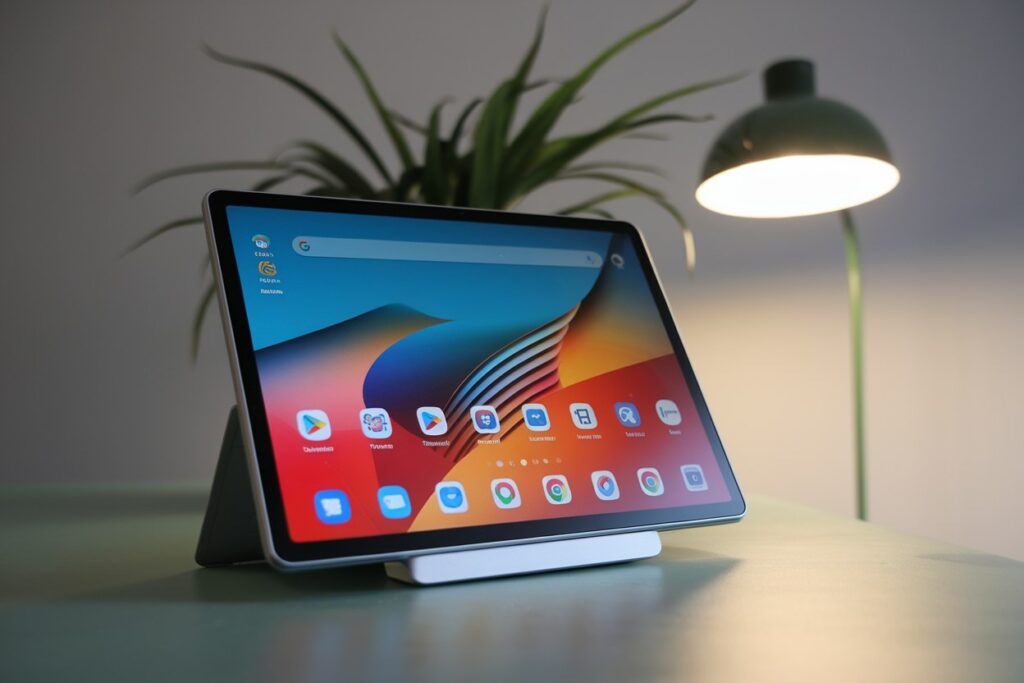
ສ້າງຂຶ້ນໃນສະຖາປັດຕະຍະກໍາ x86, ແທັບເລັດ Windows ເຊັ່ນ Microsoft Surface Pro ສະຫນອງພະລັງງານການປຸງແຕ່ງທີ່ດີກວ່າ (Intel Core i7-1185G7 ທີ່ມີຄວາມໄວສູງເຖິງ 4.8GHz), ເຮັດໃຫ້ມັນເຫມາະສົມສໍາລັບຊອບແວລະດັບມືອາຊີບ. ເຖິງຢ່າງໃດກໍ່ຕາມ, ພວກມັນມັກຈະມີຂະໜາດໃຫຍ່ກວ່າ ແລະຂາດປະສິດທິພາບ ແລະຄວາມສາມາດໃນການເຄື່ອນທີ່ຂອງແບັດເຕີລີເທົ່າກັບ Android touch panel PCs. ລະບົບນິເວດແອັບທີ່ເປັນມິດກັບເຄື່ອງສໍາຜັດຍັງເຮັດໃຫ້ວິທີການທໍາອິດໃນມືຖືຂອງ Android.
Chromebooks
ກຳລັງແລ່ນ ChromeOS, Chromebooks ຖືກອອກແບບຕົ້ນຕໍສໍາລັບວຽກງານທີ່ອີງໃສ່ຄລາວແລະຄໍາຮ້ອງສະຫມັກອອນໄລນ໌. ໃນຂະນະທີ່ຄວາມເຂົ້າກັນໄດ້ຂອງແອັບຯຂອງພວກເຂົາໄດ້ຂະຫຍາຍອອກໄປລວມທັງແອັບຯ Android, ພວກເຂົາຍັງອີງໃສ່ສະຖາປັດຕະຍະກໍາ Linux, ເຊິ່ງສາມາດຈໍາກັດການທໍາງານຂອງ Android ສະເພາະ. ເປັນຕົວຢ່າງ, Android ຮອງຮັບປະສົບການແອັບຯມືຖືເຕັມຮູບແບບ, ໃນຂະນະທີ່ ChromeOS ອາໄສສະພາບແວດລ້ອມທີ່ອີງໃສ່ບຣາວເຊີ ແລະການເຊື່ອມໂຍງ Android ທີ່ຈຳກັດ.
iPad Pro
ຂັບເຄື່ອນໂດຍຊິບ M1 ທີ່ເປັນເຈົ້າຂອງ ARM ຂອງ Apple, iPad Pro ຖືກປັບໃຫ້ເໝາະສົມສຳລັບແອັບທີ່ເຂັ້ມຂຸ້ນດ້ວຍປະສິດທິພາບກາຟິກທີ່ໜ້າປະທັບໃຈ. ແຕ່ລັກສະນະປິດຂອງ iOS ຈໍາກັດທາງເລືອກການປັບແຕ່ງ. ໃນທາງກົງກັນຂ້າມ, ແພລດຟອມ open-source ຂອງ Android ອະນຸຍາດໃຫ້ເຂົ້າເຖິງລະບົບທີ່ເລິກເຊິ່ງກວ່າ, ROMs ແບບກຳນົດເອງ, ແລະການຄັດເລືອກທີ່ກວ້າງຂວາງຂອງກິດ, ສະເຫນີຄວາມຍືດຫຍຸ່ນແລະການຄວບຄຸມຫຼາຍກວ່າປະສົບການຂອງຜູ້ໃຊ້.
ແນວໂນ້ມໃນອະນາຄົດ & ນະວັດຕະກໍາ
ລ່ວງຫນ້າ, ໃນອະນາຄົດຂອງຫນ້າຈໍສໍາຜັດ Android PCs ສັນຍາຄວາມກ້າວຫນ້າທາງດ້ານນະວັດກໍາທີ່ຈະຫັນປ່ຽນວິທີທີ່ພວກເຮົາໃຊ້ແລະການພົວພັນກັບອຸປະກອນເຫຼົ່ານີ້.. ນີ້ແມ່ນແນວໂນ້ມທີ່ສໍາຄັນທີ່ຈະສັງເກດເບິ່ງ:
- ຈໍສະແດງຜົນທີ່ສາມາດພັບໄດ້: ເທກໂນໂລຍີທີ່ສາມາດພັບໄດ້ຈະປະຕິວັດອະສັງຫາລິມະສັບຫນ້າຈໍ, ສະເຫນີໃຫ້ຜູ້ໃຊ້ມີຄວາມຍືດຫຍຸ່ນໃນການຂະຫຍາຍແລະຫຍໍ້ຫນ້າຈໍສໍາລັບການປັບປຸງການພົກພາແລະ multitasking ໂດຍບໍ່ມີການເສຍສະລະຂະຫນາດ..
- 5G ການເຊື່ອມໂຍງ: ດ້ວຍການເຊື່ອມໂຍງ 5G, ຫນ້າຈໍສໍາຜັດ Android PCs ຈະສະຫນອງຄວາມສາມາດເຊື່ອມຕໍ່ສະເຫມີ, ສະເຫນີການໂອນຂໍ້ມູນໄວທີ່ສຸດແລະການເຊື່ອມຕໍ່ seamless, ເປີດໃຊ້ວຽກຫ່າງໄກສອກຫຼີກ ແລະກິດຈະກໍາທີ່ອີງໃສ່ຄລາວດ້ວຍຄວາມໄວທີ່ບໍ່ເຄີຍມີມາກ່ອນ.
- ການປັບປຸງ AI: ການຮຽນຮູ້ເຄື່ອງໃນອຸປະກອນຈະສ້າງຄວາມເຂັ້ມແຂງໃຫ້ໜ້າຈໍສໍາຜັດ Android PCs ເພື່ອປະມວນຜົນວຽກຕ່າງໆໃຫ້ມີປະສິດທິພາບຫຼາຍຂຶ້ນ, ປັບປຸງປະສົບການຂອງຜູ້ໃຊ້ດ້ວຍຄຸນສົມບັດຂັ້ນສູງເຊັ່ນ: ການແປພາສາແບບສົດໆ, ການແນະນຳເນື້ອຫາສ່ວນບຸກຄົນ, ແລະການແກ້ໄຂຮູບພາບແບບເຄື່ອນໄຫວ.
ຈໍສໍາຜັດ Android ຍອດນິຍົມເພື່ອສັງເກດເບິ່ງ 2025
ດັ່ງທີ່ພວກເຮົາເບິ່ງອະນາຄົດ, ຈໍສໍາຜັດ Android ຫຼາຍໆຕົວທີ່ໂດດເດັ່ນສໍາລັບການປະດິດສ້າງຂອງພວກເຂົາ, ການປະຕິບັດ, ແລະຄວາມທົນທານ. ນີ້ແມ່ນຕົວແບບອັນດັບຕົ້ນໆທີ່ຕ້ອງເບິ່ງ 2025:
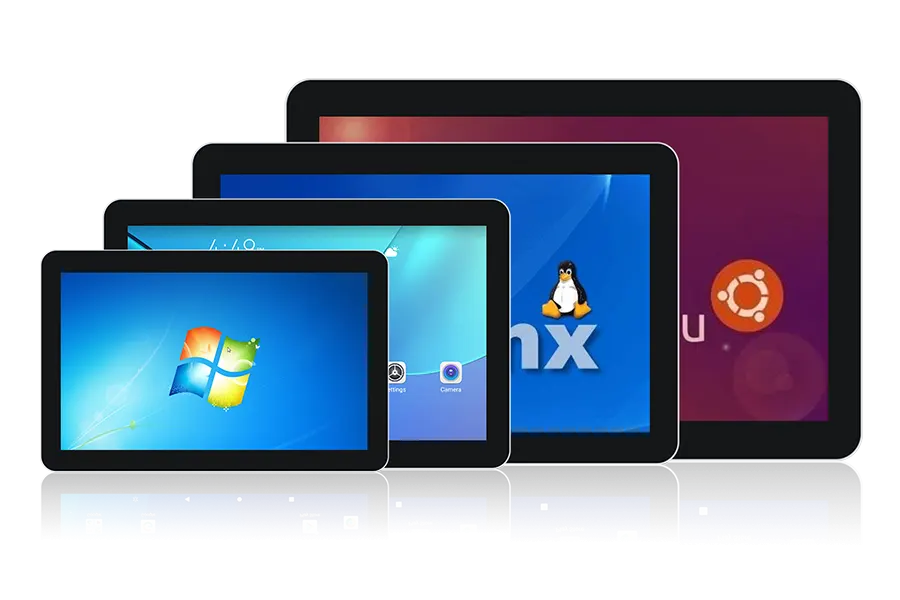
- touchgo ຈໍສະແດງຜົນ Android Touch: ມີເທັກໂນໂລຍີສໍາຜັດ 10 ຈຸດ, ຮູບແບບນີ້ມາພ້ອມກັບການຫຸ້ມຫໍ່ໂລຫະປະສົມອາລູມິນຽມແລະປະທັບຕາລະດັບ IP65, ຮັບປະກັນຄວາມຕ້ານທານກັບ rust, ຢອດ, ແລະເງື່ອນໄຂທີ່ຮ້າຍແຮງ. The Mohs 7 ໜ້າຈໍປ້ອງກັນການລະເບີດ ແລະຄວາມເຂົ້າກັນໄດ້ກັບ Rockchip Android ແລະ Windows/Linux ເຮັດໃຫ້ມັນເປັນທາງເລືອກທີ່ເຊື່ອຖືໄດ້ສຳລັບສະພາບແວດລ້ອມທີ່ຫຍຸ້ງຍາກ..
- Samsung Galaxy Book Pro (ສະບັບ Android): ຈໍສະແດງຜົນສໍາຜັດ Samsung galaxy ໃຫ້ຫນ້າຈໍ AMOLED ທີ່ມີສີສັນສົດໃສແລະຄວາມຄົມຊັດທີ່ເລິກເຊິ່ງ. ດ້ວຍໂໝດ DeX, ຜູ້ໃຊ້ສາມາດເພີດເພີນກັບປະສົບການທີ່ຄ້າຍຄືກັບ desktop, ເພີ່ມປະສິດທິພາບການຜະລິດ ແລະການເຮັດວຽກຫຼາຍວຽກໂດຍການເຊື່ອມຕໍ່ກັບຈໍພາບທີ່ໃຫຍ່ກວ່າສໍາລັບພື້ນທີ່ເຮັດວຽກທີ່ຂະຫຍາຍອອກ.
- JingPad A1: ທາງເລືອກທີ່ຫຼາກຫຼາຍ, JingPad A1 ສະຫນອງຄວາມສາມາດ dual-boot ກັບ Linux ແລະ Android, ສະຫນອງຄວາມຍືດຫຍຸ່ນສໍາລັບຂະບວນການເຮັດວຽກທີ່ແຕກຕ່າງກັນ. ມັນຍັງປະກອບມີການສະຫນັບສະຫນູນ stylus ສໍາລັບຜູ້ໃຊ້ທີ່ຕ້ອງການຄວາມແມ່ນຍໍາໃນວຽກງານຂອງເຂົາເຈົ້າ.
- HP Elite x2: ອອກແບບສໍາລັບສະພາບແວດລ້ອມວິສາຫະກິດ, HP Elite x2 ມາພ້ອມກັບຄຸນສົມບັດຄວາມປອດໄພລະດັບວິສາຫະກິດ ແລະອຸປະກອນເສີມແບບໂມດູລາ. ນີ້ເຮັດໃຫ້ມັນເປັນທາງເລືອກທີ່ມີປະສິດທິພາບແລະສາມາດປັບແຕ່ງໄດ້ສໍາລັບຜູ້ຊ່ຽວຊານທີ່ຈັດລໍາດັບຄວາມສໍາຄັນຂອງຄວາມປອດໄພແລະຄວາມຍືດຫຍຸ່ນ.
ສະຫຼຸບ
ໜ້າຈໍສຳຜັດ Android PC ແມ່ນເຄື່ອງໃຊ້ໄຟຟ້າທີ່ບັນຈຸເຂົ້າໄປໃນເຄື່ອງພົກພາ, ອຸປະກອນທີ່ເປັນມິດກັບຜູ້ໃຊ້. ບໍ່ວ່າເຈົ້າກໍາລັງເຮັດວຽກຢູ່, ການສ້າງ, ຫຼືພຽງແຕ່ຊອກຫາ, ມັນມີສິ່ງທີ່ເຈົ້າຕ້ອງການເພື່ອໃຫ້ໄດ້ວຽກເຮັດ. ພ້ອມແລ້ວທີ່ຈະອັບເກຣດການຕັ້ງຄ່າຂອງທ່ານ? ມັນອາດຈະເປັນເວລາທີ່ຈະໃຫ້ Android ຫນ້າຈໍສໍາຜັດກັບ PC ລອງ.