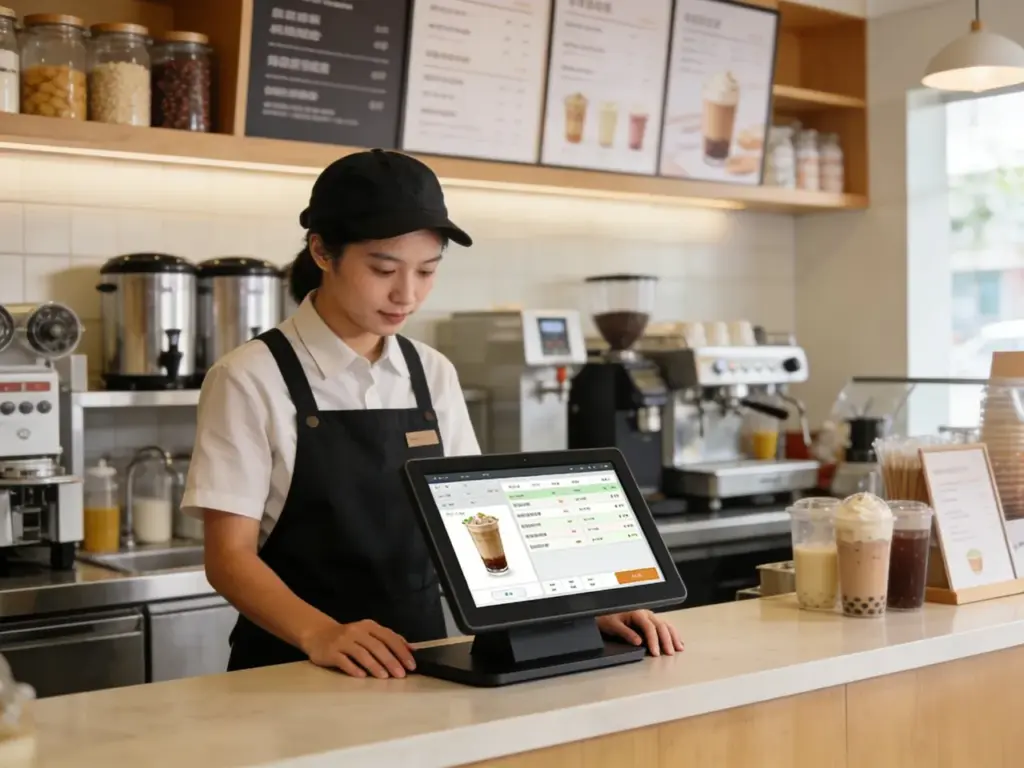
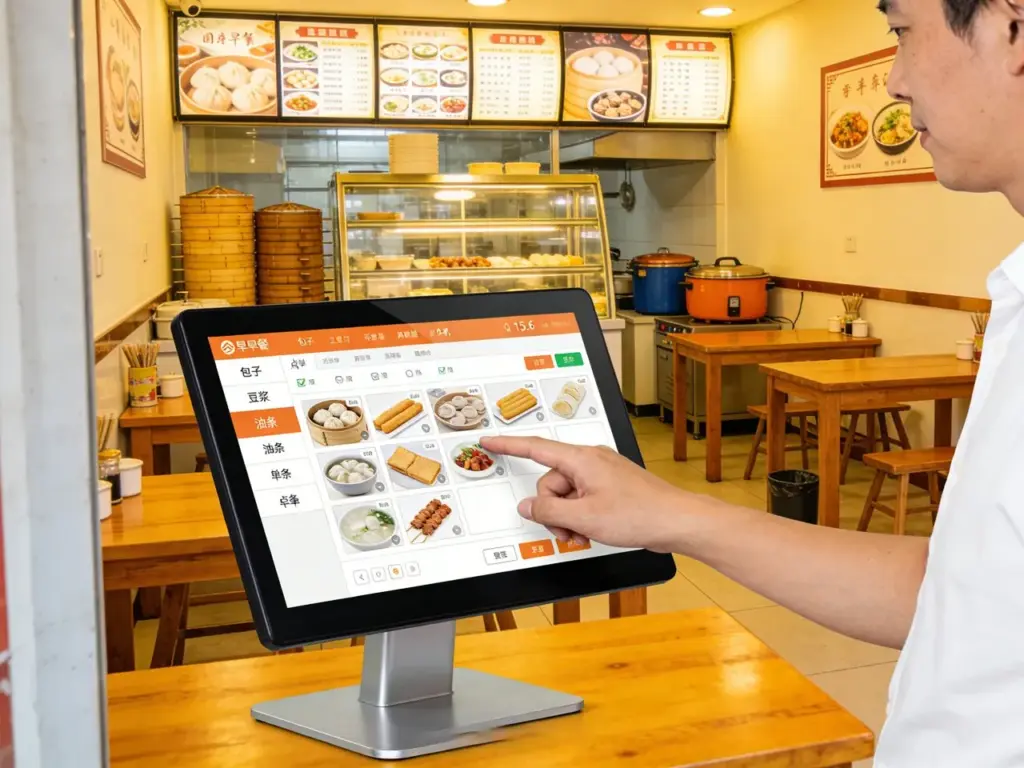
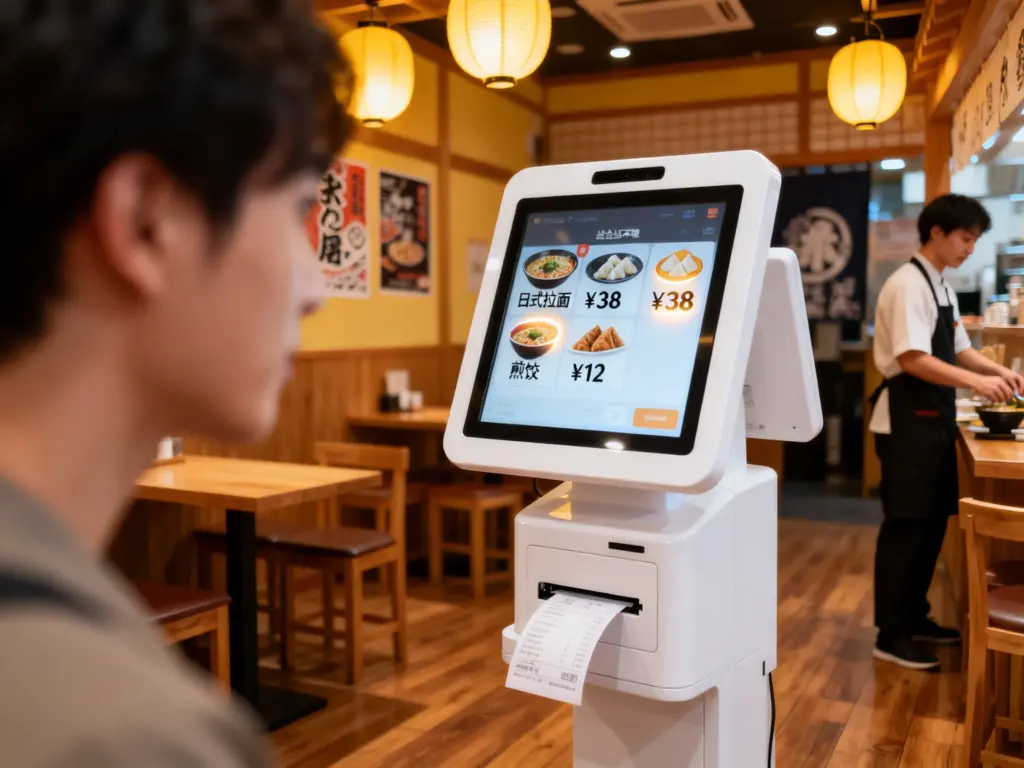
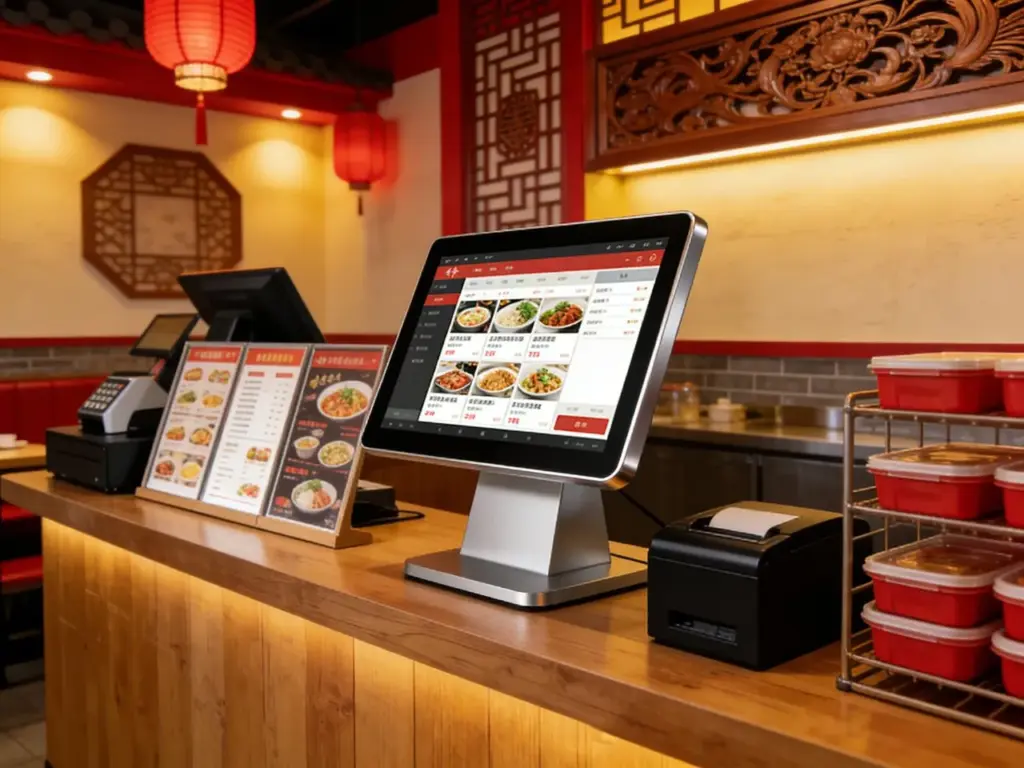
kiosks ຂໍ້ມູນລົດເມເປັນຈຸດທໍາອິດຂອງການຕິດຕໍ່ສໍາລັບຜູ້ໂດຍສານຊອກຫາເສັ້ນທາງ, ຕາຕະລາງ, ແລະລາຍລະອຽດຄ່າໂດຍສານຢູ່ສູນການໂດຍສານ. ແຕ່ສ່ວນຕິດຕໍ່ kiosk ທີ່ລ້າສະໄໝ - ປຸ່ມທີ່ບໍ່ຕອບສະໜອງ, ການສະແດງຂະຫນາດນ້ອຍ, ຫຼືຂໍ້ມູນຄົງທີ່—ມັກຈະເຮັດໃຫ້ນັກທ່ອງທ່ຽວຜິດຫວັງ. ຜູ້ໂດຍສານເສຍເວລາຊອກຫາການອັບເດດການມາຮອດລົດເມແບບສົດໆ, while station staff get overwhelmed by repetitive questions. These pain points slow down commutes and damage the overall transit experience for daily riders and tourists alike.The Bus Info Kiosk Touch Screen transforms these kiosks into powerful, user-friendly transit hubs tailored for busy bus stations.
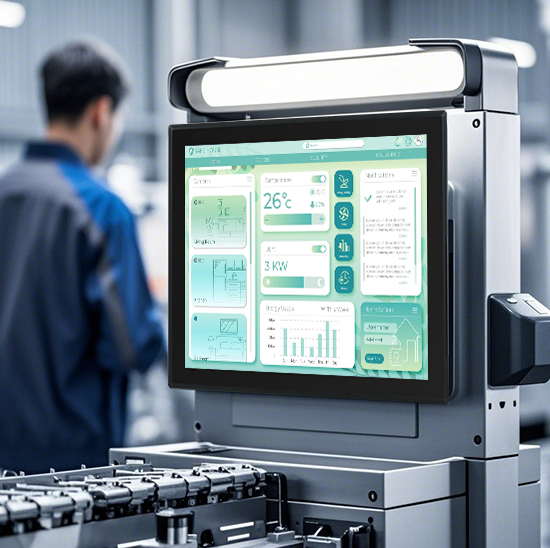
Designed to withstand heavy use, outdoor weather, and high-traffic environments, this touch screen delivers real-time bus tracking, route planning, and fare information with just a few taps. It eliminates confusion, ຫຼຸດຜ່ອນເວລາລໍຖ້າ, and empowers passengers to find the information they need independently. Whether deployed in urban transit centers, suburban bus stops, or tourist hubs, ນີ້ ຫນ້າຈໍສໍາພັດ is the key to streamlining bus station operations and enhancing passenger satisfaction. ບົດຄວາມນີ້ແບ່ງອອກລັກສະນະຫຼັກຂອງຕົນ, ຜົນປະໂຫຍດ, ຄໍາຮ້ອງສະຫມັກ, and FAQs to show how it revolutionizes public transit information access.
Core Features of Bus Info Kiosk Touch Screen
1. Real-Time Transit Data Integration & ສະແດງ
Accurate, up-to-date information is the backbone of a reliable bus kiosk—and this screen delivers it seamlessly:
Live bus arrival tracking: Shows real-time locations and estimated arrival times for all routes, with updates every 10 ວິນາທີ.
Route planning tools: Lets passengers input start and end points to get step-by-step bus routes, transfer points, and travel times.
Fare & ticket information: Displays fare prices, ຕົວເລືອກການຊໍາລະເງິນ, and ticket purchase links for single rides, day passes, and monthly passes.
Service alerts & delays: Highlights route changes, detours, or delays with bold, color-coded notifications to keep passengers informed.
This feature ensures passengers always have the latest transit data at their fingertips, no more guessing when the next bus will arrive.
2. rugged, Weatherproof Design for Transit Environments
Built to handle the harsh conditions of outdoor and high-traffic bus stations:
ການປົກປ້ອງດ້ານຫນ້າ IP65: Sealed against rain, ຂີ້ຝຸ່ນ, and spills, perfect for uncovered bus stops or outdoor transit hubs.
9H ດ້ານແກ້ວ tempered: Resists scratches from bags, ກະແຈ, ແລະຜົນກະທົບອຸບັດຕິເຫດ, withstanding heavy daily use from hundreds of passengers.
ຄວາມທົນທານຕໍ່ອຸນຫະພູມກ້ວາງ: Operates reliably from -25°C to 70°C (-13°F to 158°F), fitting cold winters and hot summers without performance issues.
ຕ້ານການສ່ອງແສງ & ຈໍສະແດງຜົນຄວາມສະຫວ່າງສູງ: 1,200 nits brightness ensures clear visibility in direct sunlight, while anti-glare coating reduces reflections for indoor use.
This durability guarantees 24/7 ການດໍາເນີນງານດ້ວຍການບໍາລຸງຮັກສາຫນ້ອຍທີ່ສຸດ, even in the busiest transit locations.
3. ການໂຕ້ຕອບຜູ້ໃຊ້ intuitive & ຄຸນນະສົມບັດການເຂົ້າເຖິງ
Designed for passengers of all ages and tech skills, with zero learning curve:
ການນຳທາງທີ່ອີງໃສ່ໄອຄອນ: ງ່າຍດາຍ, ໄອຄອນທີ່ກ້າຫານ (e.g., “Live Arrivals,” “Route Planner,” “Service Alerts”) replace complex menus for fast access.
ສະຫນັບສະຫນູນຫຼາຍພາສາ: ຂໍ້ສະເໜີ 15+ ພາສາ (ພາສາອັງກິດ, ສະເປນ, ຝຣັ່ງ, ພາຄິ້ວ, ພາສາອາຣັບ, ແລະອື່ນໆ) to cater to local commuters and international tourists.
Accessibility tools: ໂໝດຄວາມຄົມຊັດສູງ, text-to-speech compatibility, ແລະຕົວເລືອກຕົວອັກສອນຂະຫນາດໃຫຍ່ສໍາລັບຜູ້ໂດຍສານທີ່ມີຄວາມບົກຜ່ອງທາງສາຍຕາ.
Touchless option compatibility: Integrates with QR code scanners, so passengers can scan codes to save routes or ticket info to their phones without touching the screen.
This user-friendly design ensures every passenger can use the kiosk independently, regardless of their background or ability.
4. Offline Functionality & ການບໍລິຫານໄລຍະໄກ
Reliable performance even when internet connectivity drops, with easy operator control:
Offline data storage: Saves up-to-date schedules and routes locally, so the ທຸຕ້າ works even during internet outages or network failures.
Remote updates & diagnostics: Lets transit operators push schedule changes, service alerts, or software updates remotely without on-site visits.
ການວິເຄາະການນໍາໃຊ້: Tracks passenger interactions (e.g., most searched routes, peak usage times) to optimize kiosk placement and menu design.
ໂໝດລັອກທາງໄກ: Enables operators to lock the screen during emergencies or maintenance periods for added security.
This functionality reduces downtime and cuts operational costs for transit agencies.
5. Multimodal Transit Integration
Connects with other transit systems to provide a seamless travel experience:
Combined route planning: Links bus routes with trains, metros, or trams to show passengers complete multimodal travel plans.
Park-and-ride information: Displays nearby parking lots, bike-sharing stations, and walking directions to bus stops.
Accessibility info for transfers: Highlights wheelchair-accessible stops, elevators, and ramps for passengers with mobility needs.
Real-time parking availability: Shows how many spots are left at nearby park-and-ride facilities to help passengers plan their trips.
This integration turns bus kiosks into comprehensive transit hubs for all types of travelers.
Key Benefits of Bus Info Kiosk Touch Screen
1. ເສີມຂະຫຍາຍຄວາມພໍໃຈຂອງຜູ້ໂດຍສານ & Reduce Inquiries
Happy passengers are more likely to choose public transit—and this screen delivers a frictionless experience:
Cut information-seeking time by 50%: Passengers find arrival times and routes in seconds, no more waiting for staff assistance.
Minimize frustration from delays: Clear service alerts keep passengers informed about detours or cancellations before they wait for a bus.
ຮອງຮັບນັກທ່ອງທ່ຽວທີ່ຫຼາກຫຼາຍ: Multilingual support and accessibility features make transit accessible to tourists, elderly passengers, and those with disabilities.
Improve transit agency reputation: ທັນສະໄຫມ, user-friendly kiosks make public transit feel reliable and passenger-focused.
2. Lower Operational Costs for Transit Agencies
Save time and money with a low-maintenance, ການແກ້ໄຂທີ່ມີປະສິດຕິພາບ:
Reduce staff workload: Fewer passenger inquiries mean staff can focus on more critical tasks, like assisting passengers with disabilities or managing crowds.
ຕັດການໄປຢ້ຽມຢາມບໍາລຸງຮັກສາ: Rugged design and remote diagnostics eliminate the need for frequent on-site repairs.
ເພີ່ມປະສິດທິພາບການຈັດວາງ kiosk: Usage analytics show where to place kiosks for maximum impact, reducing wasted resources on underused locations.
ຍືດອາຍຸ kiosk: High-quality components mean the touch screen lasts 6–8 years, longer than standard consumer-grade screens.
3. Boost Transit Ridership & ລາຍຮັບ
A better passenger experience drives more people to choose buses over private cars:
Attract casual riders: Tourists and occasional riders feel confident using buses when they can easily access route and schedule info.
Promote ticket sales: Clear fare information and ticket links encourage passengers to buy day passes or monthly passes instead of single rides.
Support multimodal travel: Combined route planning makes it easier for passengers to switch between buses and other transit systems, increasing overall ridership.
ຫຼຸດຜ່ອນການບໍ່ມີການສະແດງ: Real-time arrival updates mean passengers don’t miss buses, reducing frustration and encouraging repeat ridership.
4. Improve Station Efficiency & Safety
A well-designed kiosk system supports smoother, safer station operations:
Reduce crowding: Faster information access means passengers don’t cluster around staff desks or kiosks, lowering the risk of overcrowding.
Enhance hygiene: Touchless QR code integration minimizes physical contact with the screen, promoting a cleaner environment for everyone.
Speed up boarding: Passengers who know their routes and fares board buses faster, reducing stop times and improving on-time performance.
Support emergency response: Remote lockdown mode lets operators secure kiosks quickly during security incidents or extreme weather.
Practical Applications for Different Transit Scenarios
1. Urban Transit Hubs
For busy city centers with high daily passenger volumes and multiple bus routes:
Handle rush-hour crowds with fast, responsive screens that keep passengers moving.
Display real-time transfers between buses, metros, and trains for seamless commutes.
Support multi-language interfaces to cater to diverse urban populations.
2. Suburban & Rural Bus Stops
For smaller stops with limited staff and uncovered outdoor locations:
ເປີດໃຊ້ 24/7 self-service information so passengers can plan trips outside staffed hours.
Withstand harsh weather with IP65 protection and wide temperature tolerance.
Simplify menu options for passengers who primarily use a few local routes.
3. Tourist & Airport Hubs
For locations with high numbers of international travelers and visitors:
Offer multilingual support (including tourist-focused languages like Japanese, Korean, and German).
Display nearby attractions and transit routes to popular landmarks, ໂຮງແຮມ, and shopping areas.
Integrate airport shuttle schedules to help travelers connect between buses and flights.
4. ມະຫາວິທະຍາໄລ & Corporate Campuses
For campuses with dedicated bus routes for students and employees:
Show campus-specific routes and shuttle schedules for class times and work hours.
Display fare discounts for students, faculty, and staff.
Integrate bike-sharing and walking paths to support eco-friendly commuting.
FAQs About Bus Info Kiosk Touch Screen
q1: Will this touch screen work with my existing bus information kiosks?
A1: ແລ້ວ! It is compatible with most kiosk models from leading transit equipment suppliers. Our team will verify compatibility with your current setup and provide a plug-and-play installation kit for seamless integration.
Q2: Can the screen operate outdoors in all weather conditions?
A2: ຢ່າງເດັດຂາດ. It features IP65 front-panel protection and a wide temperature range (-25°C to 70°C), so it works reliably in rain, ຫິມະ, ຄວາມຮ້ອນ, and dust—perfect for uncovered bus stops.
Q3: Does the screen support accessibility features for passengers with disabilities?
A3: ແລ້ວ. It includes high-contrast mode, text-to-speech compatibility, and large font options to accommodate passengers with visual impairments. It also works with wheelchair-accessible kiosk mounts.
Q4: How do operators update schedules and service alerts on the screen?
A4: Operators can update all content remotely via a cloud-based management system. They can push schedule changes, detour alerts, or software updates in minutes without visiting the kiosk location.
Q5: What warranty comes with the Bus Info Kiosk Touch Screen?
A5: ທຸກໆແບບປະກອບມີການຮັບປະກັນ 3 ປີເຊິ່ງກວມເອົາຂໍ້ບົກພ່ອງຂອງຮາດແວ, ສໍາພັດຄວາມຮັບຜິດຊອບ, and weather resistance. Extended 5-year warranties are available for high-traffic urban hubs, ນໍາ 24/7 ສະຫນັບສະຫນູນດ້ານເຕັກນິກ.
ສະຫຼຸບ
The Bus Info Kiosk Touch Screen is a transformative tool for public transit agencies, turning outdated information kiosks into efficient, passenger-focused hubs. Its real-time data integration, ການອອກແບບທີ່ຫຍາບຄາຍ, and user-friendly interface reduce passenger frustration, cut operational costs, and boost transit ridership. Whether you’re managing urban transit centers, rural bus stops, or tourist hubs, this touch screen ensures every passenger can access the information they need quickly and independently.
Ready to upgrade your bus information kiosks and enhance the passenger experience? Fill out the form on our website to connect with our transit technology experts. We’ll assess your station’s needs, verify compatibility with your existing kiosks, and recommend a customized solution to maximize efficiency and satisfaction. ມາສ້າງສະຫຼາດຂຶ້ນ, more passenger-friendly bus stations—start today!