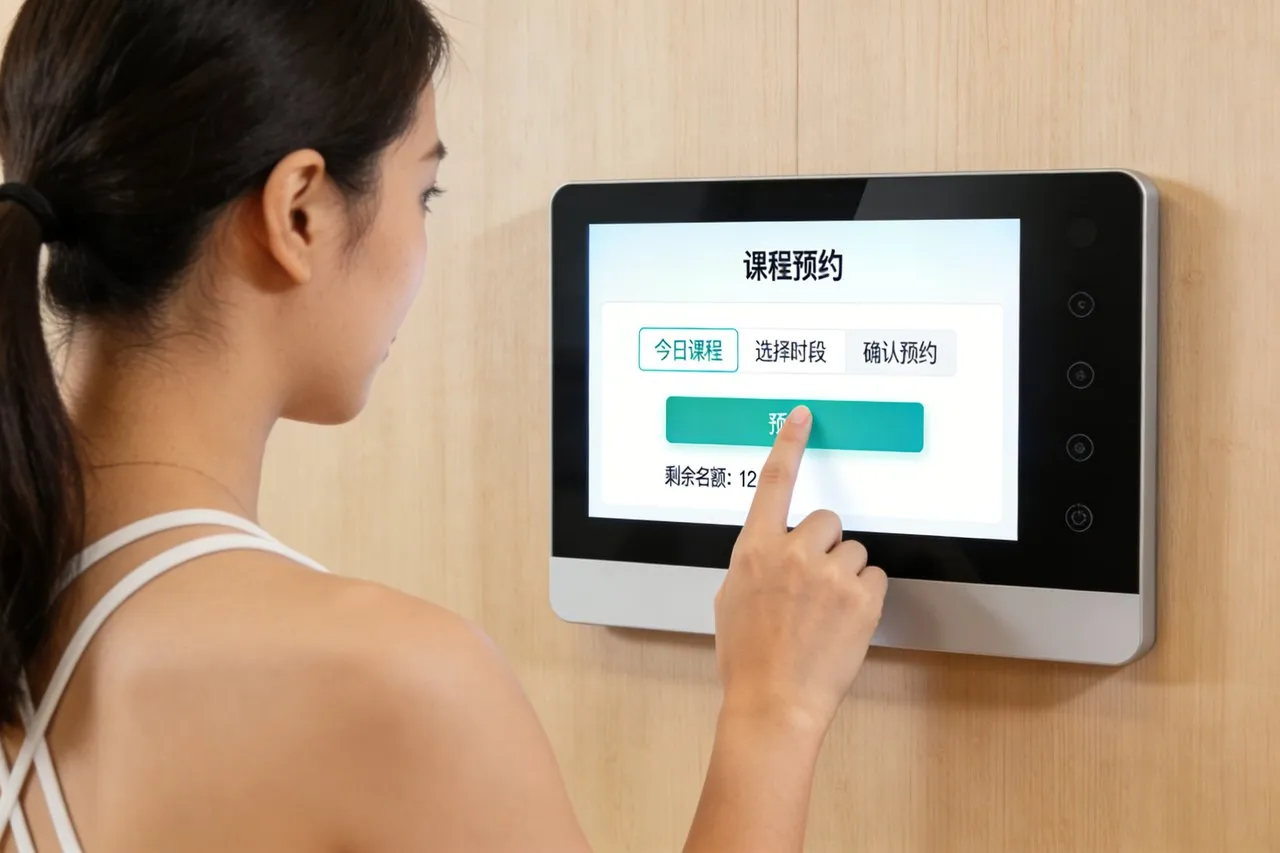
ການໃຊ້ພະລັງງານໃນເຮືອນເຮັດໃຫ້ຄວາມສະດວກສະບາຍປະຈໍາວັນ, ງົບປະມານປະຈໍາເດືອນ, ແລະຜົນກະທົບຕໍ່ສິ່ງແວດລ້ອມ. ຢ່າງໃດກໍຕາມ, ຄົວເຮືອນສ່ວນໃຫຍ່ຄຸ້ມຄອງພະລັງງານດ້ວຍເຄື່ອງມືທີ່ບໍ່ຕິດກັນ: ເຄື່ອງຄວບຄຸມອຸນຫະພູມແຍກຕ່າງຫາກ, ການຄວບຄຸມເຄື່ອງໃຊ້, ແລະໃບບິນຄ່າສາທາລະນູປະໂພກທີ່ບໍ່ຈະແຈ້ງ, ທັດສະນະລວມຂອງການບໍລິໂພກ. ເຈົ້າອາດຈະເຮັດໃຫ້ຮ້ອນເກີນໄປໃນຫ້ອງຫວ່າງ, ປ່ອຍໃຫ້ອຸປະກອນທີ່ຫິວພະລັງງານແລ່ນຂ້າມຄືນ, or miss opportunities to shift usage to off-peak hours. These inefficiencies drain wallets and increase carbon footprints, with no easy way to track or fix them.The Energy Management Touch Screen transforms this chaos into control, serving as the central hub for your home energy management system (HEMS).
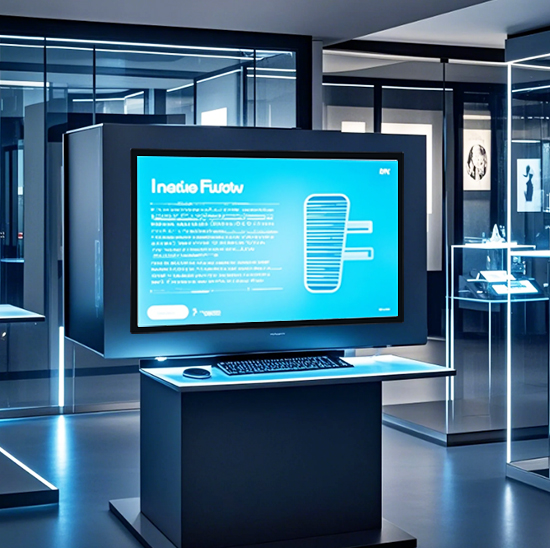
Designed to sync with every smart device—thermostats, lights, appliances, solar panels, and batteries—this touch screen delivers real-time energy data, automated scheduling, and one-tap adjustments. It eliminates guesswork, identifies wasteful habits, and lets you optimize energy use without sacrificing comfort. Whether you’re a eco-conscious homeowner, a budget-focused renter, or a tech enthusiast building a smart home, this touch screen is the key to efficient, sustainable energy management. ບົດຄວາມນີ້ແບ່ງອອກລັກສະນະຫຼັກຂອງຕົນ, ຜົນປະໂຫຍດ, ຄໍາຮ້ອງສະຫມັກ, and FAQs to show how it revolutionizes home energy use.
Core Features of Energy Management Touch Screen
1. Real-Time Energy Monitoring & ການເບິ່ງເຫັນຂໍ້ມູນ
ແຈ່ມແຈ້ງ, actionable energy data is the foundation of smart management—and this touch screen delivers it:
Whole-home energy tracking: Monitor total electricity, gas, and water usage in real time, updated every 10 ວິນາທີ.
Device-level breakdown: See how much energy individual appliances (HVAC, fridge, EV charger) consume, with color-coded charts for easy analysis.
Cost calculator: Convert energy use to dollar amounts, so you know exactly how much each device adds to your utility bill.
Historical trend analysis: View daily, ປະຈໍາອາທິດ, or monthly usage patterns to spot wasteful habits (e.g., excessive AC use on weekends).
This visibility turns abstract energy data into concrete steps for savings.
2. Centralized Control of All Smart Home Devices
One tap replaces dozens of remotes and apps to manage your home’s energy users:
HVAC optimization: Adjust thermostat temperatures, set schedules, and switch between heating/cooling modes from the touch screen.
Smart lighting control: Dim, turn off, or schedule lights in every room to avoid leaving them on when spaces are empty.
Appliance management: Monitor and control energy-hungry devices (washing machines, dryers, EV chargers) to run only during off-peak hours.
Solar & battery sync: Track solar panel output, manage battery storage, and decide when to use stored power vs. grid electricity.
This centralization simplifies energy management for every household member.
3. Automated Scheduling & Peak Demand Reduction
Program your home to use energy efficiently without constant manual adjustments:
Custom energy routines: Create presets like “Away Mode” (turn off non-essential devices, lower thermostat) or “Morning Routine” (ເປີດໄຟ, warm kitchen).
Off-peak scheduling: Automatically run appliances (dishwasher, EV charger) during low-cost, low-demand hours to cut utility bills.
Peak demand alerts: Receive warnings when grid demand spikes, and trigger automatic load reduction to avoid costly demand charges.
Solar surplus optimization: Redirect excess solar energy to charge batteries or power appliances instead of sending it back to the grid for minimal credit.
These features turn the touch screen into a 24/7 energy efficiency assistant.
4. ການເຊື່ອມໂຍງເຮືອນອັດສະລິຍະແບບບໍ່ມີຮອຍຕໍ່ & ຄວາມເຂົ້າກັນໄດ້
It works with your existing devices to build a unified energy ecosystem:
Cross-brand compatibility: Sync with leading smart home brands (Nest, Ecobee, Philips Hue, Tesla Powerwall) via Wi-Fi, ພັນລະ, or Zigbee.
Voice control pairing: Connect with Alexa, ຜູ້ຊ່ວຍ Google, or Siri for hands-free commands (e.g., “ສະບາຍດີ Google, activate Away Mode”).
Utility bill sync: Link to your utility account to import bills automatically and track savings over time.
Multi-home support: Manage energy use for multiple properties (primary home, vacation home, rental) ຈາກຫນ້າຈໍສໍາຜັດດຽວ.
This compatibility ensures the touch screen fits seamlessly into your current smart home setup.
5. ການໂຕ້ຕອບທີ່ເປັນມິດກັບຜູ້ໃຊ້ & ການເຂົ້າເຖິງ
Designed for every household, regardless of tech experience:
ປຸ້ມ, ຈໍສະແດງຜົນ backlit: High-contrast visuals and bold icons make navigation easy, even in dim rooms or for users with low vision.
Intuitive menus: ງ່າຍດາຍ, step-by-step navigation eliminates complex settings—most users master the interface in 5 ນາທີຫຼືຫນ້ອຍກວ່າ.
ສະຫນັບສະຫນູນຫຼາຍພາສາ: ສະເໜີພາສາອັງກິດ, ສະເປນ, ຝຣັ່ງ, and Mandarin to cater to diverse households.
ຟັງຊັນ lock ເດັກ: Prevent accidental changes to energy settings by locking the screen with a PIN.
This design ensures energy management is accessible to everyone.
Key Benefits of Energy Management Touch Screen
1. Cut Utility Bills & Reduce Energy Waste
The most impactful benefit is tangible cost savings for your household:
Lower bills by 15–30%: Identify and eliminate wasteful habits (e.g., standby power, overheating empty rooms) with device-level data.
Avoid demand charges: Reduce peak-hour usage to save money on utility plans that penalize high-demand periods.
Maximize solar savings: Use stored solar power during peak hours instead of grid electricity to cut reliance on costly utility energy.
Track ROI for smart devices: See how much money your solar panels, smart thermostat, or energy-efficient fridge save each month.
2. Enhance Environmental Sustainability
Reduce your carbon footprint without sacrificing daily comfort:
Lower greenhouse gas emissions: Cut energy waste to decrease your home’s contribution to climate change.
Optimize renewable energy use: Maximize solar panel output to rely more on clean energy and less on fossil fuels.
Track sustainability goals: Set monthly energy reduction targets and monitor progress with the touch screen’s built-in goal tracker.
Generate eco-reports: Export data to share with green energy programs or to document your household’s sustainability efforts.
3. ເຮັດໃຫ້ກິດຈະວັດປະຈຳວັນງ່າຍຂຶ້ນ & ປະຢັດເວລາ
Energy management becomes a seamless part of your day, not a chore:
Eliminate app switching: Control all energy devices from one hub, no more scrolling through multiple apps.
Automate repetitive tasks: Program routines so your home adjusts energy use without manual input (e.g., turn off AC when you leave).
Reduce utility bill hassle: Sync bills automatically to avoid manual entry and late payments.
ການປັບຕົວດ່ວນ: Fix energy waste in seconds (e.g., turn off a forgotten oven) with one tap on the touch screen.
4. Boost Home Comfort & Safety
Efficient energy use goes hand-in-hand with a more comfortable, secure home:
ອຸນຫະພູມທີ່ສອດຄ່ອງ: Schedule thermostats to keep rooms at your preferred temperature only when you’re home.
ການປ້ອງກັນການໂຫຼດເກີນ: Receive alerts if circuits are at risk of overheating, preventing electrical fires and device damage.
ການຕິດຕາມໄລຍະໄກ: Check energy use and adjust settings from anywhere (e.g., turn off a space heater while at work).
Backup power visibility: Track battery levels during outages to know how long you can run essential devices (fridge, lights).
Practical Applications for Different Household Lifestyles
1. Eco-Conscious Homeowners & Solar Panel Users
For households prioritizing sustainability and renewable energy:
Monitor solar panel output in real time to ensure optimal performance.
Manage battery storage to save surplus solar energy for nighttime use or outages.
Track carbon footprint reductions to measure the environmental impact of solar and energy-efficient habits.
2. Budget-Focused Renters & Families
For those looking to cut monthly utility costs without major home upgrades:
Identify energy-hungry appliances to replace with more efficient models over time.
Schedule high-usage devices (washer, dryer) for off-peak hours to lower electricity costs.
Set energy budgets and receive alerts when usage nears the limit to avoid bill shocks.
3. Smart Home Enthusiasts & Tech Early Adopters
For households with a full suite of smart devices:
Create custom energy routines that sync with other smart home features (e.g., “ກາງຄືນຮູບເງົາ” = ແສງສະຫຼຽງ + adjust thermostat + pause non-essential appliances).
Integrate EV chargers to schedule charging during off-peak hours or when solar output is highest.
Use voice commands to control energy settings without lifting a finger.
4. ເຈົ້າຂອງເຮືອນພັກ & Remote Property Managers
For those managing multiple properties from afar:
Activate “Vacation Mode” to turn off non-essential devices and lower thermostats to save energy.
Monitor energy use remotely to detect anomalies (e.g., a left-on heater) that could lead to high bills or safety risks.
Track rental property energy use to allocate costs to tenants or identify wasteful behavior.
FAQs About Energy Management Touch Screen
q1: Will this touch screen work with my existing home energy management system?
A1: ແລ້ວ! It is compatible with most HEMS platforms and smart devices, including thermostats, solar panels, batteries, and smart appliances from leading brands. Our team verifies compatibility during setup to ensure seamless integration.
Q2: Do I need professional installation for the touch screen?
A2: ບໍ່. Most models are DIY-friendly, with adhesive mounting or simple wall mounting that takes less than 20 ນາທີ. The touch screen connects wirelessly to your devices, so no rewiring is required for basic use.
Q3: Can I access energy data when I’m away from home?
A3: ຢ່າງເດັດຂາດ. The touch screen syncs with a companion mobile app, letting you monitor energy use, ປັບການຕັ້ງຄ່າ, and activate routines from anywhere in the world. This is perfect for remote monitoring or last-minute adjustments.
Q4: How accurate is the energy usage and cost tracking?
A4: The touch screen uses industry-leading sensors and utility data integration to ensure accuracy within 2–3%. It updates usage data in real time and converts it to exact dollar amounts based on your current utility rates.
Q5: What warranty comes with the Energy Management Touch Screen?
A5: ທຸກໆແບບປະກອບມີການຮັບປະກັນ 2 ປີເຊິ່ງກວມເອົາຂໍ້ບົກພ່ອງຂອງຮາດແວ, ສໍາພັດ ຄວາມຕອບໃຈ, ແລະບັນຫາການເຊື່ອມຕໍ່. ຂະຫຍາຍການຮັບປະກັນ 3 ປີສາມາດໃຊ້ໄດ້, ນໍາ 24/7 technical support for troubleshooting and setup help.
ສະຫຼຸບ
The Energy Management Touch Screen is the ultimate hub for modern home energy control, merging real-time monitoring, centralized device management, and automated efficiency into one intuitive tool. It turns energy waste into savings, complexity into simplicity, and guesswork into data-driven decisions—all while enhancing home comfort and sustainability. Whether you’re looking to cut utility bills, reduce your carbon footprint, or build a fully smart home, this touch screen is the cornerstone of effective energy management.
Ready to take control of your home energy use and start saving? Fill out the form on our website to connect with our energy management experts. We’ll assess your home’s current energy setup, verify compatibility with your devices, and recommend a customized solution to maximize savings and efficiency. Let’s build a smarter, more sustainable home—start today!