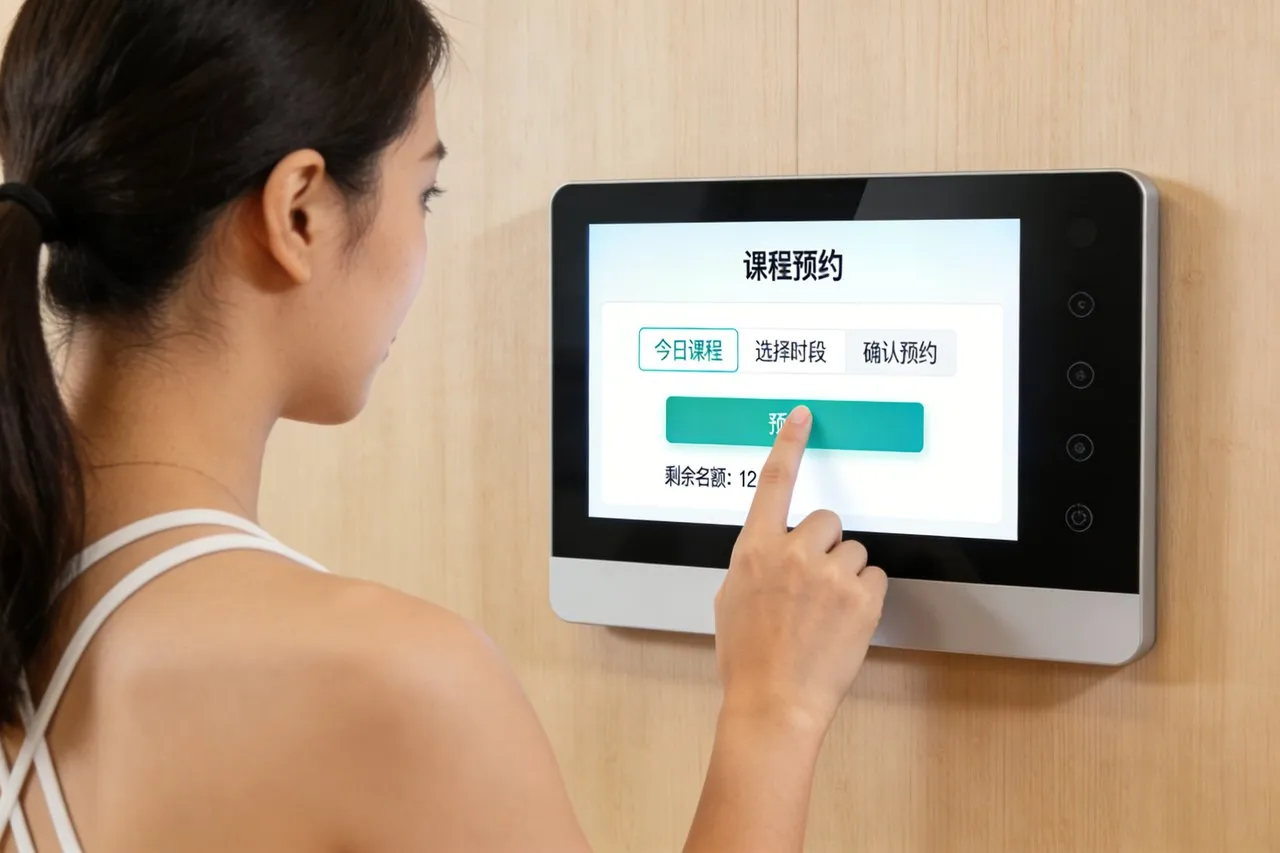
Kiosk pengesanan bagasi lapangan terbang adalah penting untuk menyelesaikan masalah bagasi, membenarkan penumpang mencari beg yang hilang, mengesahkan status daftar masuk, dan serahkan tuntutan tanpa beratur panjang. Namun antara muka sentuh yang lapuk sering menghalang proses ini: ketikan tidak bertindak balas melambatkan carian, silau mengaburkan butiran, dan skrin rapuh gagal di bawah trafik lapangan terbang yang padat. These issues frustrate travelers, increase staff workload, and damage airport reputation—especially during peak travel seasons or flight disruptions.The Baggage Kiosk Touch Screen transforms luggage management by merging airport-grade durability with intuitive functionality.

Designed for high-traffic terminals, this touch screen enables fast baggage lookup via QR codes or bag tags, syncs with global tracking systems, and withstands harsh airport conditions. It reduces passenger anxiety, cuts staff intervention, and ensures a smooth tracking experience for all travelers. Artikel ini menguraikan ciri terasnya, faedah, aplikasi, and FAQs to show how it elevates airport baggage tracking operations.
Core Features of Baggage Kiosk Touch Screen
1. Airport-Grade Durability & Rintangan alam sekitar
Built to thrive in busy terminals and variable conditions:
Perlindungan panel hadapan IP65: Dimeteraikan terhadap habuk, tumpahan (coffee, air), and debris from high foot traffic.
9H permukaan kaca terbaja: Resists scratches from luggage tags, Kunci, and accidental impacts by passengers.
Anti-silau & paparan kecerahan tinggi: 1,200 nits brightness cuts through terminal lights and sunlight, ensuring clarity.
Toleransi suhu yang luas: Operates reliably from -10°C to 60°C (14°F hingga 140°F), fitting cold boarding gates and warm lobbies.
Ketahanan ini menjamin 24/7 operasi dengan penyelenggaraan yang minimum, even in the busiest airports.
2. Fast Baggage Tracking & Intuitive Workflow
Simplifies luggage lookup to reduce passenger wait times:
Multi-method search: Passengers scan QR codes, enter bag tag numbers, or link boarding passes to track luggage instantly.
10-titik sokongan berbilang sentuhan: Enables smooth taps, swipes, and zooms to view tracking details or submit claims.
Fast response<7MS): Eliminates lag during peak hours, letting travelers complete searches in 30 detik atau kurang.
Clear status indicators: Color-coded updates (in transit, delayed, delivered, missing) simplify understanding for all users.
This efficiency cuts tracking time in half and reduces passenger frustration.
3. Integrasi sistem lancar & Data Security
Syncs with global platforms to ensure accurate, secure luggage data:
Integration with airline/ICAO systems: Connects to SITA, BagTrack, and airline databases for real-time baggage updates.
Data encryption: Complies with GDPR and PCI DSS standards, protecting passenger info (names, contact details, bag tags).
Claim submission functionality: Lets passengers file missing baggage claims directly via the touch screen, with auto-synced data to airline systems.
Kemas kini kandungan jauh: Airport teams push software fixes, language packs, or UI adjustments without on-site visits.
This integration ensures accurate tracking and secure data handling for both passengers and airports.
4. Passenger-Centric Design & Kebolehcapaian
Caters to diverse travelers, termasuk pelancong dan mereka yang kurang upaya:
Sokongan pelbagai bahasa: Tawaran 20+ bahasa (Bahasa Inggeris, Sepanyol, Mandarin, Arab) to serve international passengers.
Ciri -ciri kebolehaksesan: Mod kontras tinggi, large fonts, and text-to-speech compatibility for visually impaired users.
Simplified UI: Icon-based menus (“Track Baggage,” “File Claim,” “Check Status”) reduce confusion for first-time users.
Operasi tangan bersarung: Works with winter gloves or travel gloves, so passengers don’t need to remove handwear.
This inclusivity ensures every traveler can use the kiosk independently.
5. Wawasan Operasi & Pengurusan Jauh
Eases airport workflows and optimizes kiosk performance:
Real-time usage analytics: Tracks peak tracking times, common issues, and language preferences to optimize kiosk placement.
Diagnostik Jauh: Alerts maintenance teams to touch screen errors, connectivity issues, or low printer paper.
Batch claim processing: Helps staff manage multiple missing baggage cases via synced kiosk data.
Emergency lockdown mode: Enables secure shutdown during airport incidents or maintenance.
Key Benefits of Baggage Kiosk Touch Screen
1. Tingkatkan Kepuasan Penumpang & Reduce Anxiety
A smooth tracking experience alleviates luggage-related stress:
Cut tracking wait times by 40%: Fast searches and clear updates let passengers resolve concerns quickly.
Minimize passenger complaints: Proactive tracking reduces frustration from missing or delayed bags.
Improve airport reputation: Reliable kiosks create a positive impression for arriving and departing travelers.
Empower passengers: Self-service tracking lets travelers take control of their luggage status, mengurangkan kebimbangan.
2. Kos operasi yang lebih rendah & Staff Workload
Airports save time and resources with a self-service solution:
Reduce staff assistance needs: Kiosks handle 60% of baggage inquiries, freeing staff for critical tasks.
Cut maintenance costs: Reka bentuk lasak dan diagnostik jauh menghapuskan 50% panggilan pembaikan di tapak.
Streamline claim processing: Auto-synced claims reduce manual data entry for airline and airport teams.
Optimize staffing: Usage analytics help allocate staff to high-traffic kiosk areas during peak hours.
3. Boost Tracking Accuracy & Keselamatan
Ensures reliable data and protects passenger information:
Improve tracking precision: Real-time system integration eliminates outdated or incorrect baggage statuses.
Prevent data breaches: Encryption and compliance with global standards safeguard passenger data.
Enhance claim transparency: Detailed tracking logs support claim investigations and dispute resolution.
Reduce fraud risks: Secure integration with airline systems prevents unauthorized access to baggage data.
4. Improve Airport Efficiency & Fleksibiliti
Adapts to changing travel demands and terminal needs:
Handle peak travel surges: Reliable performance keeps up during holidays, events, or flight delays.
Support dynamic updates: Quickly adjust UI for new airlines, tracking protocols, or security requirements.
Optimumkan penempatan kiosk: Usage data identifies high-demand areas (Tuntutan Bagasi, daftar masuk) to maximize utility.
Enable contactless options: Integrates with QR code scanners for touchless tracking, promoting hygiene.
Practical Applications for Different Airport Scenarios
1. International Airports & Hub Terminals
For busy hubs with high international passenger volumes:
Cater to global travelers with 20+ language options and ICAO system integration.
Handle high traffic with durable screens that withstand constant use from thousands of passengers.
Sync with interline baggage agreements to track luggage across multiple airlines.
2. Domestic Airports & Regional Terminals
For smaller airports with limited staff and lower foot traffic:
Dayakan 24/7 self-service tracking for early-morning or late-night flights.
Reduce maintenance needs with a rugged design that requires minimal upkeep.
Simplify workflows for travelers with straightforward domestic baggage tracking needs.
3. Airport Baggage Claim Areas
For dedicated claim zones focused on resolving luggage issues:
Speed up missing bag searches with one-tap access to tracking and claim functions.
Display nearby service desks for passengers who need additional assistance.
Sync with local airport teams to notify staff of frequent tracking issues.
4. Airport Renovation & Projek Pemodenan
For airports updating existing kiosk fleets:
Offer plug-and-play integration with existing tracking systems and airline databases.
Provide scalable solutions to add new features (biometric verification, mobile sync) as needed.
Minimize downtime with remote updates and easy installation.
FAQs About Baggage Kiosk Touch Screen
Q1: Will this touch screen integrate with our existing baggage tracking systems?
A1: Ya! It supports standard airline and ICAO protocols, integrating seamlessly with SITA, BagTrack, and airline databases. Our team verifies compatibility for smooth setup.
S2: Can the screen operate in bright terminal lighting or direct sunlight?
A2: Sudah tentu. Dengan 1,200 nits kecerahan dan salutan anti-silau, it maintains clarity even in bright lobbies or near windows—no glare-related delays.
Q3: Does the screen support contactless baggage tracking?
A3: Ya. It integrates with QR code scanners, letting passengers scan mobile boarding passes or bag tags for touchless tracking and claim submission.
Q4: How do airports update the screen’s languages or features?
A4: Updates are pushed remotely via a cloud-based system. Languages, UI changes, or software fixes take effect within minutes, no on-site visits required.
S5: What warranty and support are included for airport applications?
A5: Semua model termasuk jaminan 3 tahun yang meliputi kecacatan perkakasan, sentuh respons, dan rintangan cuaca. Waranti 5 tahun lanjutan tersedia, dengan 24/7 Sokongan Teknikal.
Kesimpulan
The Baggage Kiosk Touch Screen is a transformative tool for modern airports, turning baggage tracking from a source of frustration into a seamless, user-friendly process. Ketahanannya, reka bentuk intuitif, and system integration reduce passenger anxiety, mengurangkan kos operasi, and enhance airport efficiency—critical for terminals of all sizes. Whether managing an international hub or regional airport, this touch screen elevates luggage tracking and strengthens passenger trust.
Ready to upgrade your airport baggage tracking kiosks with reliable, user-centric touch screens? Fill out the form on our website to connect with our aviation technology experts. We’ll assess your terminal’s needs, mengesahkan keserasian sistem, and recommend a customized solution. Let’s build a smoother, more reassuring baggage tracking experience—start today!