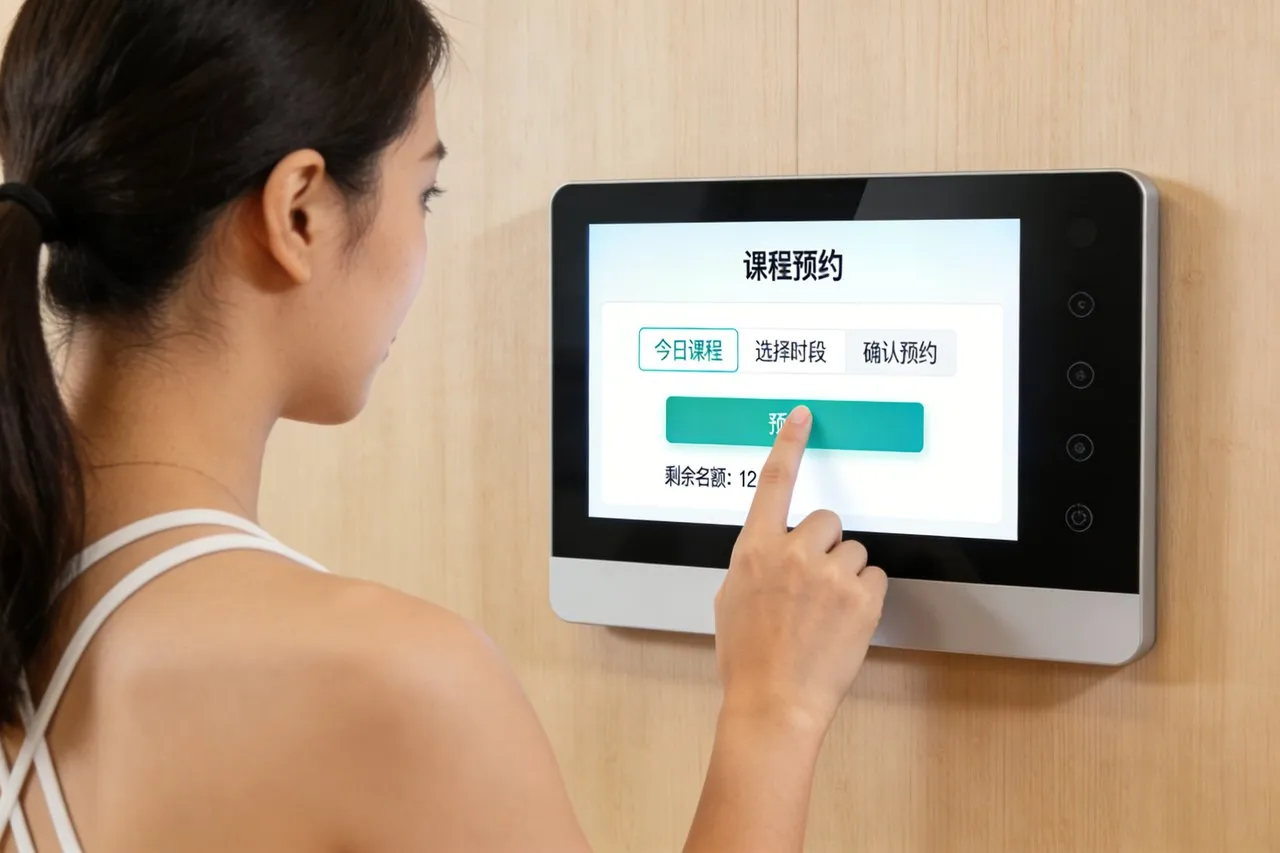
Dalam runcit, perhotelan, dan perkhidmatan makanan - di mana kelajuan checkout, ketepatan transaksi, and customer satisfaction directly impact revenue—the Skrin sentuh sistem pos has become a cornerstone of modern cash register upgrades. Tidak seperti clunky, terminal POS warisan berasaskan butang yang melambatkan kakitangan dan mengecewakan pelanggan, skrin sentuh khusus ini menyampaikan interaksi intuitif, rapid transaction processing, and versatile integration with business tools. Whether deployed in retail stores, restoran, kafe, or pop-up shops, the POS System Touch Screen transforms outdated cash registers into dynamic hubs that streamline checkout, manage inventory, and enhance customer engagement. Artikel ini meneroka ciri terasnya, aplikasi utama, dan faedah yang memberi kesan, helping business owners and operations managers select touch screen solutions that elevate their POS workflows and drive business growth.

Core Features of POS System Touch Screen
1. Cepat, Intuitive Touch Performance for Rapid Checkout
The defining advantage of POS System Touch Screen is its ability to accelerate transaction processing:
Latensi rendah (≤2ms) tindak balas sentuhan: Ensures immediate registration of taps, swipes, and gestures—critical for quick item scans, pemprosesan pembayaran, and receipt printing during peak hours.
Sokongan Multi-Touch: Enables simultaneous actions (mis., scanning a barcode while applying a discount) without workflow interruptions, cutting checkout time by 30–40% compared to button-based terminals.
Keserasian sentuhan bersulam: Enhanced capacitive or infrared technology works with staff gloves (mis., perkhidmatan makanan, retail stockroom), eliminating the need to remove PPE mid-transaction.
2. Pembinaan tahan lama untuk persekitaran lalu lintas tinggi
POS systems endure constant use, tumpahan, and physical contact—and these touch screens are built to last:
Kaca Tempered Gred Commercial: 2.5mm+ tebal, scratch-resistant glass withstands daily use, mengetuk tidak sengaja dari kereta membeli -belah, and drops of small items (mis., coins, Pens).
Spill-resistant design: IP65-rated sealed enclosures protect internal components from liquid spills (mis., soda, coffee, cleaning solutions) common in retail and hospitality settings.
Wear-resistant coatings: Anti-fingerprint and smudge-resistant surfaces maintain visibility even with frequent use, reducing time spent cleaning screens between transactions.
3. High-Visibility Displays for All Work Environments
Clear visibility ensures staff can process transactions accurately in any setting—and POS System Touch Screen delivers:
Kebajikan Tinggi (500+ nits) panel: Cut through glare from store windows, restaurant lighting, or outdoor pop-up setups, ensuring menu items, prices, and buttons are readable at a glance.
Resolusi tinggi (1080p+) skrin: Render product images, barcodes, and transaction details with crisp clarity, reducing errors from misreading small text or blurry icons.
Adjustable display angles: Tiltable or swivel-mounted screens adapt to staff heights and checkout counter layouts, minimizing eye strain during long shifts.
4. Seamless Integration with Business Tools
Modern POS systems need to connect with other business software—and these touch screens offer full interoperability:
POS software compatibility: Bekerja dengan platform terkemuka (mis., Dataran, Shopify Pos, Roti bakar, Lightspeed) for real-time transaction logging, sales reporting, and customer data management.
Peripheral integration: Syncs seamlessly with barcode scanners, pencetak resit, cash drawers, dan terminal pembayaran (mis., Pembaca kad kredit, mobile payment tools like Apple Pay/Google Pay).
Inventory & Integrasi CRM: Automatically updates inventory levels after each sale and links transactions to customer loyalty programs, eliminating manual data entry.
5. Customizable Interfaces for Business-Specific Needs
Every industry has unique POS requirements—and POS System Touch Screen adapts to diverse workflows:
Tailorable dashboards: Business owners can set up one-touch shortcuts for high-volume items (mis., “large coffee” in cafes, “t-shirt size M” in retail) or frequent actions (mis., returns, gift card activation).
Branded & multi-language support: Skim warna yang disesuaikan, logo, dan 15+ preloaded languages (mis., Bahasa Inggeris, Sepanyol, Perancis, Mandarin) cater to brand identity and diverse customer bases.
Modular screen sizes: Options from 7 inci (compact countertop) ke 15 inci (full-service restaurant terminals) fit any space, from small food trucks to large retail checkouts.
Key Applications of POS System Touch Screen
1. Kedai Runcit (Brick-and-Mortar & Boutique)
Dalam tetapan runcit, these touch screens optimize checkout and inventory management:
Rapid item processing: Staff scan barcodes or select items from visual menus via touch, with one-tap access to discounts, coupons, and tax calculations.
Inventory real-time updates: Automatically deducts sold items from stock levels, triggering low-stock alerts for popular products to prevent stockouts.
Integrasi Program Kesetiaan: Touch-triggered customer lookup links purchases to loyalty accounts, enabling point accumulation and personalized promotions.
2. Restoran & Food Service
For dining establishments, POS System Touch Screen streamlines order taking and kitchen communication:
Table-side or countertop ordering: Servers take orders directly via touch screens, sending them instantly to kitchen displays to reduce order errors and food prep time.
Modifier support: Intuitive touch interfaces let staff add customizations (mis., “no onions,” “extra sauce”) with a tap, ensuring accurate order fulfillment.
Split-payment processing: Simplifies group checks with one-touch split options (mis., split evenly, split by item) to speed up payment and improve customer satisfaction.
3. Kafe & Restoran perkhidmatan cepat (QSR)
In fast-paced QSRs and cafes, these touch screens prioritize speed and convenience:
Pre-set menu buttons: One-tap selection for popular items (mis., “latte,” “burger combo”) cuts order entry time, ideal for morning rush hours.
Mobile order integration: Syncs with app-based orders, displaying incoming requests on the touch screen for seamless pickup coordination.
Contactless payment support: Touch-triggered activation of NFC or QR code payment options reduces physical contact and speeds up checkout.
4. Kedai pop timbul & Mobile Businesses
For temporary or mobile setups (mis., farmers markets, trak makanan), POS System Touch Screen offers portability and flexibility:
Padat, lightweight designs: 7–10 inch screens fit in small spaces, paired with wireless peripherals (mis., Bluetooth scanners) for clutter-free setups.
Battery-powered options: Rechargeable batteries provide 8+ jam penggunaan, enabling operation without access to electrical outlets.
Cloud-based data sync: Transactions are stored in the cloud, ensuring sales data is accessible remotely for inventory and revenue tracking.
Benefits of POS System Touch Screen for Businesses & Pelanggan
1. Faster Checkout & Kepuasan pelanggan yang lebih baik
Long checkout lines are a top customer complaint—and these touch screens resolve this:
Reduced transaction time translates to shorter wait times, dengan 60% of customers reporting higher satisfaction with touch screen POS systems.
Intuitive interfaces minimize staff errors (mis., wrong prices, missed discounts) that cause checkout delays and customer frustration.
2. Enhanced Staff Productivity & Mengurangkan masa latihan
Button-based POS terminals require extensive training—but POS System Touch Screen simplifies onboarding:
Visual, app-like interfaces are familiar to staff (even those with limited tech experience), cutting training time by 50% compared to legacy systems.
Automated tasks (mis., inventory updates, Percetakan Resit) free up staff to focus on customer service instead of administrative work.
3. Accurate Sales Tracking & Data-Driven Insights
Businesses rely on accurate data to make decisions—and these touch screens deliver:
Real-time sales reporting: Touch-accessible dashboards display daily, mingguan, and monthly sales trends, top-selling items, and peak hours.
Inventory accuracy: Automated stock updates reduce manual count errors by 70%, ensuring businesses have the right products in stock and minimizing overordering.
4. Penjimatan kos & Nilai jangka panjang
POS System Touch Screen delivers tangible financial benefits for businesses:
Reduced maintenance costs: Durable construction and sealed enclosures lower repair and replacement rates by 60% compared to legacy POS terminals.
Improved revenue: Faster checkout increases transaction volume during peak hours, while accurate inventory management reduces waste from overstocking or stockouts.
FAQs About POS System Touch Screen
Q1: Is the POS System Touch Screen compatible with my existing POS software?
A1: Yes—they integrate seamlessly with all leading POS platforms (Dataran, Shopify Pos, Roti bakar, Lightspeed, Semanggi). Our team verifies compatibility with your current software and provides setup support.
S2: How do I clean and maintain the touch screen in a busy environment?
A2: Use a dry, lint-free cloth for daily smudge removal. Untuk pembersihan yang lebih mendalam, use a mild, non-abrasive cleaner (avoid ammonia or bleach). The IP65 rating protects against spills, so you can wipe up liquids without damage.
Q3: What happens if the touch screen malfunctions during a transaction?
A3: All models include offline mode—transactions are stored locally if the internet or system crashes, and syncs automatically once connectivity is restored. We also offer 24/7 technical support to resolve issues quickly.
Q4: Can I customize the interface for my specific business (mis., restaurant menu vs. retail items)?
A4: Sudah tentu. We tailor the dashboard to your industry: restaurants get menu-specific buttons with modifiers, retailers get product category tabs, and cafes get quick-access drink options. Branding and shortcuts are fully customizable too.
S5: Are these touch screens suitable for outdoor or high-glare environments?
A5: Yes—high-brightness (600+ nits) variants with anti-glare coatings are designed for outdoor use (mis., pop-ups, farmers markets) and cut through direct sunlight, ensuring visibility even in harsh lighting.
Kesimpulan
The POS System Touch Screen is more than a cash register upgrade—it’s a business efficiency tool that speeds up checkout, reduces errors, and enhances customer experiences across retail, perhotelan, and food service. By combining intuitive touch performance, Reka bentuk tahan lama, and seamless integration with business tools, these touch screens transform outdated POS workflows into streamlined, data-driven operations that drive revenue and customer loyalty. For business owners looking to stay competitive in fast-paced markets, investing in a POS System Touch Screen is a strategic choice that delivers immediate and long-term returns.
Ready to upgrade your cash register with a high-performance POS touch screen? Isi borang di laman web kami untuk berhubung dengan pakar teknologi runcit kami. Kami akan menilai keperluan perniagaan anda, demonstrate integration with your existing tools, and provide a customized solution proposal—helping you take your checkout experience and operational efficiency to the next level.
To view articles on medical scenarios. Skrin sentuh untuk dispenser pil farmasi https://touchwo.com/touch-screen-for-pharmacy-pill-dispensers/