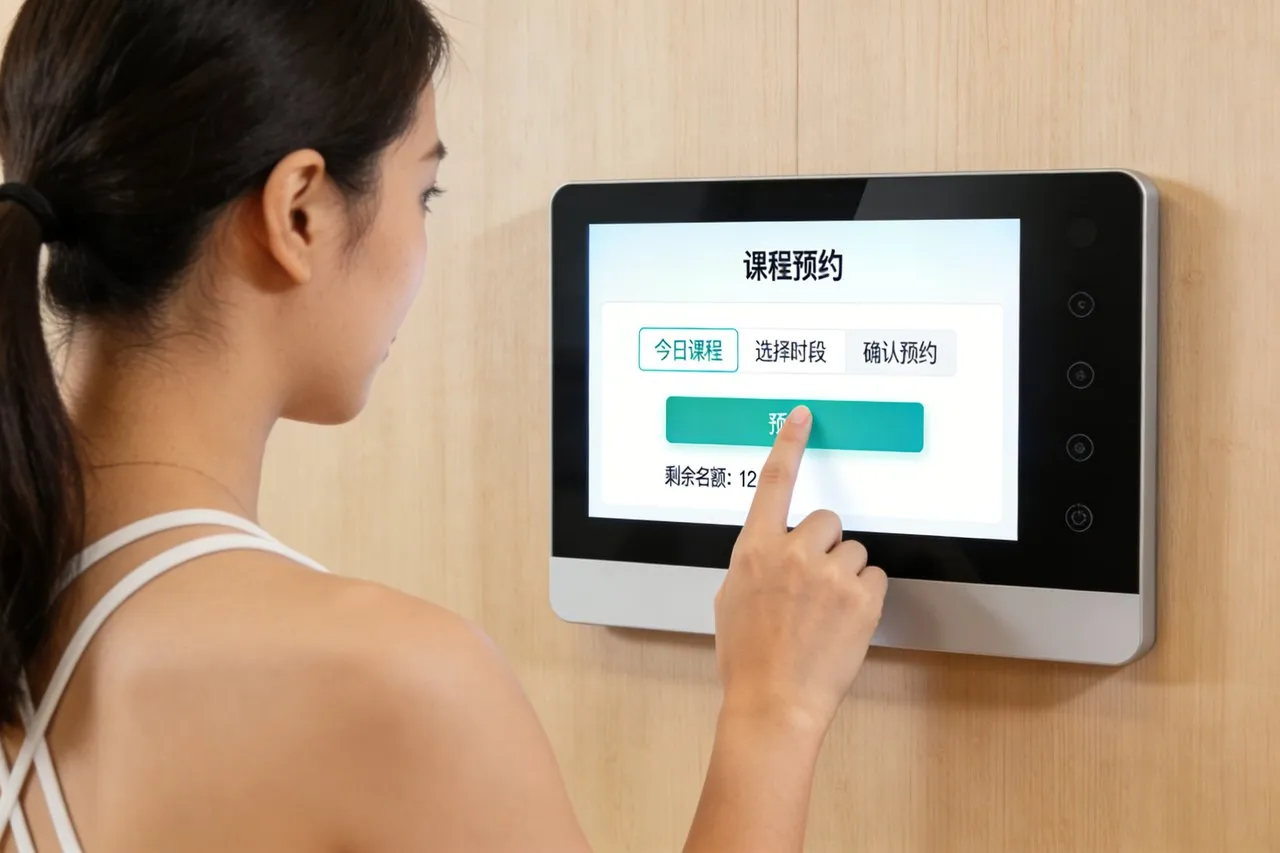
Keyless entry heeft de veiligheid van uw huis opnieuw gedefinieerd, traditionele sleutels vervangen door handig, veilige toegangsmethoden die passen bij de moderne levensstijl. Toch zijn veel slimme sloten afhankelijk van beperkte controles: app-only toegang waarvoor een telefoon vereist is, kleine knoppen die moeilijk te gebruiken zijn, of rigide toegangscodesystemen die geen flexibiliteit bieden. You might fumble with your phone to unlock the door with hands full, or struggle to share temporary access with guests. These gaps diminish the convenience and security that smart locks promise. Smart Lock Aanraakscherm solves these pain points by putting full keyless entry control at your fingertips.
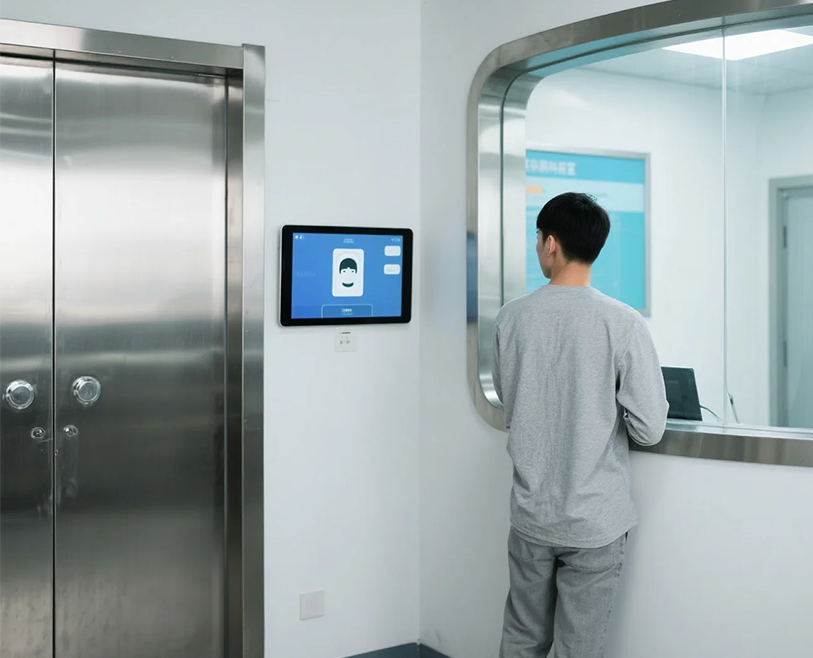
Designed for seamless integration with smart locks, this touch screen lets you unlock doors, set passcodes, manage access permissions, and monitor entry activity with just a few taps. It eliminates app dependency, supports multiple access methods, and enhances security with real-time alerts. Whether you’re a busy homeowner, a pet parent welcoming sitters, or someone prioritizing both convenience and safety, this touch screen transforms keyless entry into a effortless, secure experience. Dit artikel geeft een overzicht van de kernfuncties, voordelen, toepassingen, and FAQs to show how it revolutionizes smart lock functionality.
Core Features of Smart Lock Touch Screen
1. Intuitive Keyless Entry Methods
Flexible access options cater to every scenario, making entry seamless:
One-tap unlock/lock: Open or secure your door with a single touch, no passcode needed for primary users.
Custom passcode management: Create unique PINs for family, gasten, or service providers (bijv., cleaners, dog walkers).
Temporary access codes: Generate time-limited passcodes that expire automatically, perfect for short-term guests.
Biometric integration: Some models support fingerprint scanning via the touch screen for added security and speed.
This versatility ensures you always have the right access method for any situation.
2. Real-Time Activity Monitoring & Waarschuwingen
Stay informed about who enters your home and when:
Entry logs: Track every unlock/lock event, including user, tijd, and access method (passcode, kraan, remote).
Directe waarschuwingen: Receive on-screen and mobile notifications for unexpected entries or failed access attempts.
Status indicators: Clear visual cues show if the door is locked, unlocked, or jammed, eliminating guesswork.
Tamper alerts: Trigger warnings if someone tries to force the lock or manipulate the touch screen.
This visibility enhances security and gives you peace of mind, even when away from home.
3. Smart Home Integration & Afstandsbediening
Connect with your existing ecosystem for a unified smart home experience:
Synchronisatie van mobiele apps: Link the touch screen to your phone to control the lock remotely, check status, and manage codes.
Compatibiliteit met stembediening: Werkt met Alexa, Google Assistent, en Siri voor handsfree opdrachten (bijv., 'Hé Google, lock the front door”).
Slimme huisroutines: Integreer met andere apparaten (bijv., “Unlock door = turn on entryway lights” or “Lock door = arm security system”).
Wi-Fi/Bluetooth-connectiviteit: Choose wired or wireless options to fit your home’s setup, ensuring reliable access.
This integration makes keyless entry a natural part of your daily smart home routine.
4. Secure & Duurzaam ontwerp
Built to withstand daily use and resist security threats:
Encrypted data transmission: Protect passcodes and activity logs with end-to-end encryption, preventing hacking.
Weather-resistant construction: IP54-rated touch screen works in rain, sneeuw, en extreme temperaturen (-10°C to 50°C / 14°F tot 122 °F).
Krasbestendig glas: 9H tempered glass resists damage from keys, hulpmiddelen, en onbedoelde stoten.
Bediening met laag vermogen: Long-lasting battery (or hardwired option) ensures continuous use without frequent replacements.
This durability and security make the touch screen a reliable addition to any smart lock setup.
5. User-Friendly Access & Maatwerk
Ontworpen voor elk lid van het huishouden, regardless of tech skill:
Groot, verlicht scherm: Easy to read in low light, with bold text and icons for simple navigation.
Meertalige ondersteuning: Engels aanbieden, Spaans, Frans, en Chinees om tegemoet te komen aan diverse huishoudens.
Child/pet safety locks: Disable touch controls temporarily to prevent accidental unlocks.
Customizable settings: Adjust lock sensitivity, alert volumes, and auto-lock timers to fit your preferences.
This design ensures everyone in the home can use the smart lock with minimal effort.
Key Benefits of Smart Lock Touch Screen
1. Simplify Keyless Entry & Bespaar tijd
Effortless control eliminates the hassle of traditional keys and app-only access:
Cut entry time by 70%: One-tap unlock replaces fumbling with phones, sleutels, or tiny buttons.
Avoid app dependency: Access all core functions directly from the touch screen—no phone needed.
Streamline guest access: Share temporary codes in seconds, no need to meet guests in person to hand over keys.
Eliminate lost keys: Keyless entry means no more replacing lost keys or changing locks after a break-in.
2. Enhance Home Security & Peace of Mind
Advanced features keep your home safer than traditional locks:
Reduce break-in risks: Encrypted passcodes and tamper alerts deter unauthorized access.
Monitor access remotely: Check entry logs and lock status from anywhere, perfect for vacation or work.
Prevent accidental unlocks: Auto-lock timers and safety locks ensure the door stays secure if you forget.
Control who enters: Temporary codes let you restrict access to specific times, ideal for service providers.
3. Verbeter de bruikbaarheid voor alle leden van het huishouden
Tech shouldn’t be a barrier—and this touch screen ensures it isn’t:
Senior-friendly operation: Large icons and backlit display make it easy for older family members to use.
Kid-safe access: Create limited codes for kids to unlock the door after school, with activity logs for parents.
Guest-friendly design: Simple interface lets visitors use temporary codes without technical help.
Compatibiliteit met handschoenen: Responsive touch works with winter gloves, so you don’t freeze fumbling with keys.
4. Elevate the Value of Your Smart Lock
Turn a basic smart lock into a fully featured security hub:
Ontgrendel verborgen functies: Toegang tot geavanceerde instellingen (auto-lock, tamper alerts) that are often buried in app menus.
Future-proof your setup: Regular firmware updates add new features and compatibility with newer smart home devices.
Boost home value: A secure, user-friendly keyless entry system is a selling point for potential buyers.
Reduce frustration: Eliminate app crashes, Bluetooth issues, or dead phone batteries that disrupt access.
Practical Applications for Different Lifestyles
1. Drukke gezinnen & Ouders
For households with packed schedules and frequent comings/goings:
Share codes with kids to let them enter after school, with alerts when they arrive safely.
Create temporary codes for babysitters that expire after their shift ends.
Use auto-lock timers to ensure the door locks automatically if you rush out with hands full.
2. Externe werknemers & Home Offices
For those who work from home and welcome clients or deliveries:
Generate one-time codes for delivery drivers to leave packages inside safely.
Lock/unlock from your home office without interrupting work to answer the door.
Monitor entry activity to track when clients arrive and depart.
3. Pet Owners & Vacationers
For those who leave home for work or travel and hire pet sitters:
Give sitters temporary codes with access only during scheduled visits.
Check entry logs to confirm sitters arrived on time and locked up before leaving.
Control the lock remotely if sitters forget their code or need extra access.
4. Rental Property Owners & Landlords
For managing rental units and tenant access:
Create unique codes for each tenant that expire when their lease ends.
Avoid key handoffs and lock changes between tenants, saving time and money.
Monitor entry activity to ensure tenants follow rental rules (no unauthorized guests).
FAQs About Smart Lock Touch Screen
Q1: Will this touch screen work with my existing smart lock?
A1: Ja! It’s compatible with most leading smart lock brands (Schlage, Yale, Kwikset, augustus) en maakt verbinding via Wi-Fi of Bluetooth. Ons team verifieert de compatibiliteit tijdens de installatie voor een naadloze integratie.
Vraag 2: Do I need a phone app to use the touch screen?
A2: No—all core functions (unlock/lock, passcode management, activity checks) are available directly on the touch screen. The app is optional for remote control and syncing.
Q3: How secure are the passcodes and touch screen data?
A3: Very secure. All data is encrypted end-to-end, and the touch screen features tamper alerts. Passcodes are stored locally on the device, not in the cloud, to prevent hacking.
Q4: Is the touch screen easy to install and use?
A4: Ja. Most models mount easily near your smart lock with adhesive or screws, no wiring required. De interface is intuïtief, with large icons that require minimal training.
Vraag 5: What warranty comes with the Smart Lock Touch Screen?
A5: Alle modellen hebben een garantie van 2 jaar op hardwaredefecten, aanrakingsgevoeligheid, en verbindingsproblemen. Extended 3-year warranties are available for rental properties, met 24/7 technische ondersteuning.
Conclusie
Smart Lock Touch Screen redefines keyless entry by blending convenience, beveiliging, and usability into one intuitive device. It eliminates the frustrations of app-only access, limited controls, and rigid passcode systems, making smart lock use effortless for every household. Whether you’re prioritizing safety, streamlining guest access, or simplifying daily routines, this touch screen unlocks the full potential of your smart lock.
Ready to upgrade your smart lock with seamless keyless entry? Fill out the form on our website to connect with our smart home security experts. We’ll assess your existing smart lock compatibility, beveel het perfecte touchscreen-model aan, and help you integrate it for maximum security and convenience. Let’s make your home access smarter, veiliger, and more effortless—start today!