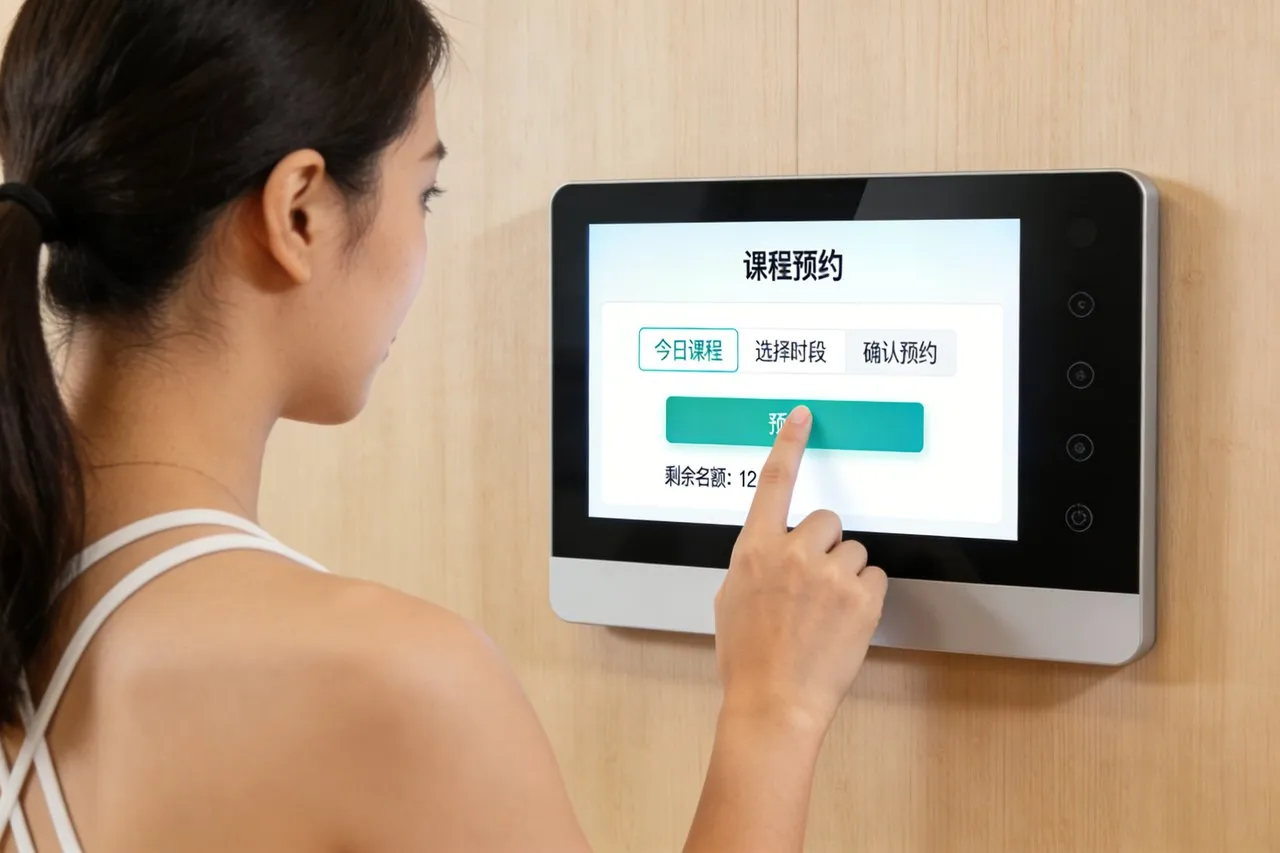
ข้อดีของการใช้งานของ 23.8 นิ้ว Touch Monitor ในอุตสาหกรรมการศึกษาอัจฉริยะมีความสำคัญ, สะท้อนให้เห็นเป็นหลักในด้านต่อไปนี้:
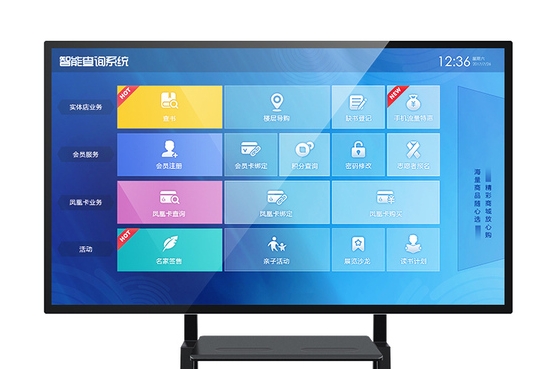
Enhance teaching interactivity
หน้าจอสัมผัสแสดง allow teachers to directly use their fingers or other touch tools to operate on the screen, เช่นการเขียน, การทำเครื่องหมาย, ลาก, ฯลฯ, greatly enhancing the interactivity of the classroom. This interactive approach not only allows teachers to present teaching content more intuitively, but also stimulates students’ interest and participation in learning, making them more proactive and positive in the learning process.
Optimize the display of teaching resources
Touch screen displays support high-definition and colorful display effects, which can showcase teaching content with both graphics and text, making knowledge more intuitive and vivid. นอกจากนี้, touch displays can also be compatible with various teaching software and document formats, making it convenient for teachers to integrate various teaching resources into the classroom, thereby enriching teaching methods and improving teaching effectiveness.
Realize personalized teaching
In the intelligent education industry, 23.8 inch Touch Monitor can be combined with intelligent teaching systems to achieve personalized teaching. The system can provide customized learning resources and plans for students based on their learning progress and preferences. This personalized teaching approach helps to meet the learning needs of different students, improve their learning efficiency and grades.
Simplify the teaching process
23.8 inch Touch Monitor simplify traditional teaching processes. ตัวอย่างเช่น, teachers can directly display courseware, เล่นวิดีโอ, conduct online tests, ฯลฯ. by touching the monitor, without relying on traditional devices such as blackboards and projectors. This not only saves teaching time, but also improves the convenience and flexibility of teaching.
Promote the development of remote teaching
With the rise of online education, the application of touch displays in remote teaching is becoming increasingly widespread. It supports remote video calls, online collaboration, และฟังก์ชั่นอื่นๆ, allowing teachers and students to interact and communicate in real-time even if they are in different locations. This teaching method breaks the limitations of time and space, providing more people with opportunities to receive high-quality education.
Enhance learning experience
23.8 inch Touch Monitor also have touch feedback function, allowing students to have a more realistic tactile experience when interacting with the screen. This experience helps to enhance students’ sense of participation and immersion, making them more engaged and focused in the learning process.
โดยสรุป, the application advantages of touch displays in the intelligent education industry are mainly reflected in enhancing teaching interactivity, optimizing teaching resource display, realizing personalized teaching, simplifying teaching processes, promoting the development of remote teaching, and enhancing learning experience. These advantages make touch displays an indispensable tool in the intelligent education industry.