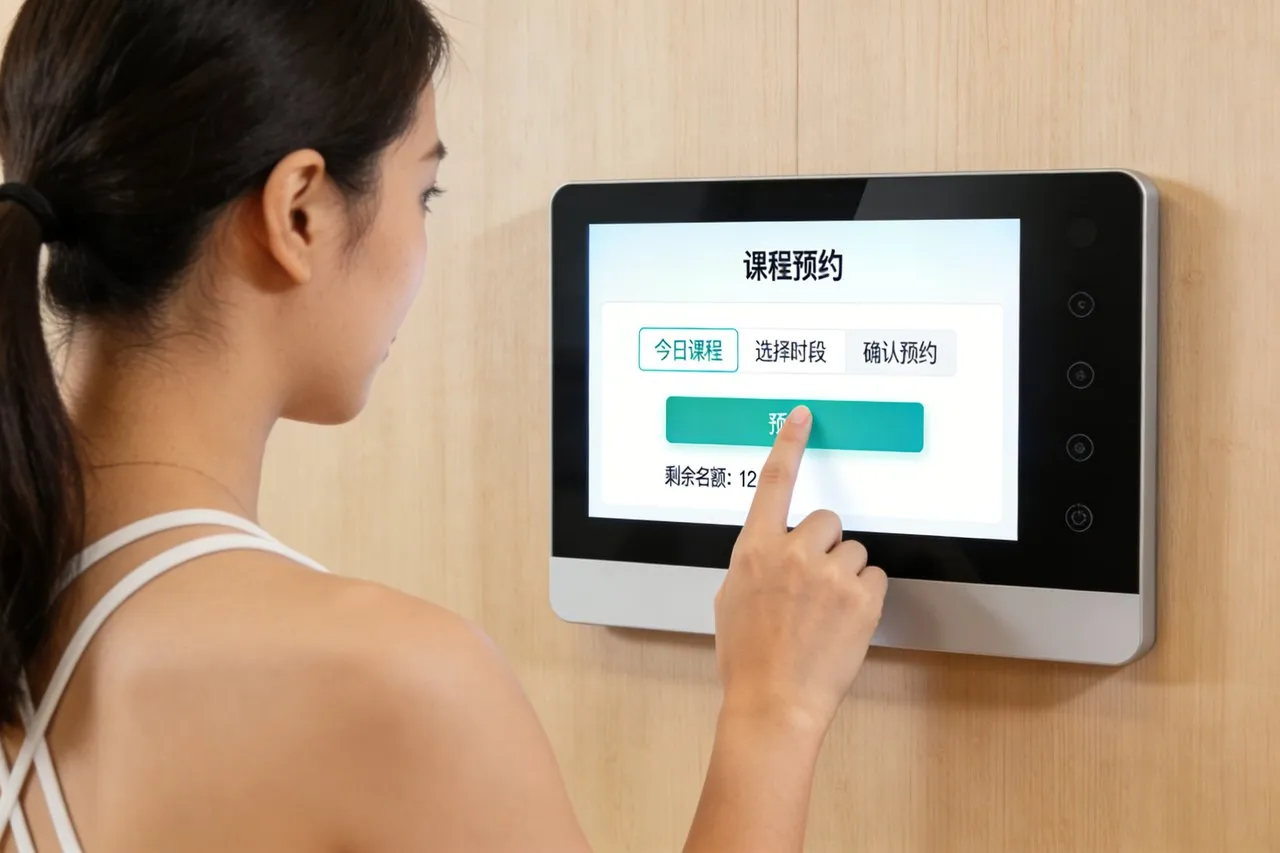
ห้องครัวร้านอาหารเจริญเติบโตอย่างรวดเร็ว, ความแม่นยำ, และการประสานงาน. แต่ตั๋วกระดาษที่ล้าสมัยหรือจอแสดงผลแบบไม่สัมผัสที่ดูเกะกะมักทำให้เกิดความวุ่นวาย: ออเดอร์ก็หาย., พ่อครัวอ่านรายละเอียดผิด, และเซิร์ฟเวอร์เสียเวลาในการตรวจสอบสถานะ. ความล่าช้าเหล่านี้ทำให้ลูกค้าหงุดหงิด, บริการช้าลง, และตัดเป็นกำไร.
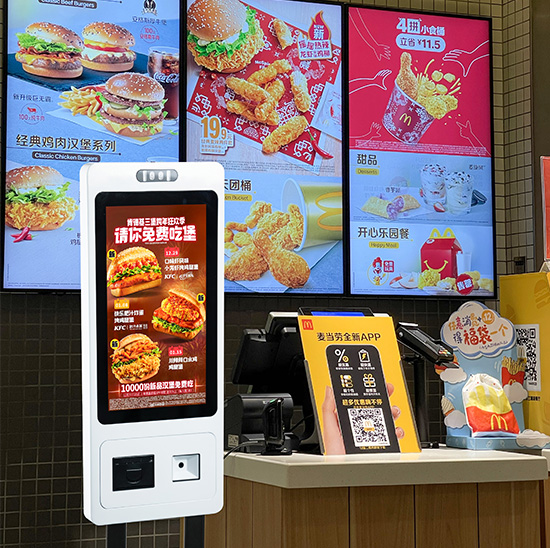
จอแสดงผลห้องครัว หน้าจอสัมผัส แก้ปัญหาจุดปวดเหล่านี้ได้. ออกแบบมาโดยเฉพาะสำหรับความร้อน, จาระบี, และความวุ่นวายของครัวเชิงพาณิชย์, หน้าจอเหล่านี้รวมศูนย์คำสั่งซื้อ, อัปเดตสถานะแบบเรียลไทม์, และจัดพนักงานให้เป็นระเบียบ. พ่อครัวแตะเพื่อทำเครื่องหมายรายการว่า "อยู่ระหว่างดำเนินการ" หรือ "เสร็จสมบูรณ์,” ในขณะที่เซิร์ฟเวอร์ติดตามคำสั่งซื้อได้ทันที—ไม่ต้องวิ่งไปมาอีกต่อไป. พวกมันถูกสร้างขึ้นมาให้ทนทานต่อการกระเซ็น, อุณหภูมิสูง, และการใช้งานอย่างต่อเนื่อง, ทำให้พวกเขาเป็นเหมือนม้าเทียมสำหรับผู้มารับประทานอาหารที่มีงานยุ่ง, สถานที่สบายๆ ที่รวดเร็ว, และร้านอาหารรสเลิศเหมือนกัน. บทความนี้จะแจกแจงคุณสมบัติหลักๆ ของพวกเขา, ประโยชน์, การใช้งาน, และคำถามที่พบบ่อยเพื่อแสดงให้เห็นว่าการเปลี่ยนแปลงการปฏิบัติงานในครัวเป็นอย่างไร.
คุณสมบัติหลักของหน้าจอสัมผัสจอแสดงผลครัวคุณภาพสูง
1. ความร้อน, จาระบี, และการออกแบบกันน้ำ
ห้องครัวเป็นสภาพแวดล้อมที่เลวร้าย ตะแกรงเหล่านี้ถูกสร้างขึ้นเพื่อให้อยู่รอดได้:
ระดับ IP65/IP67: เปลือกที่ปิดสนิทจะปิดกั้นจาระบี, กระเซ็นน้ำ, และฝุ่นจากการซึมเข้าไปในส่วนประกอบภายใน.
วัสดุทนความร้อน: ทนอุณหภูมิแวดล้อมได้สูงถึง 60°C (140°F), เหมาะสำหรับพื้นที่ใกล้เตาย่างหรือเตาอบ.
เคลือบสารป้องกันไขมัน: ขับไล่น้ำมันและเศษอาหาร, ดังนั้นการเช็ดอย่างรวดเร็วด้วยผ้าชุบน้ำหมาดๆ จะทำให้หน้าจอสะอาด.
2. การติดตามคำสั่งซื้อแบบเรียลไทม์ & อัพเดตสถานะ
ความเร็วและความแม่นยำเริ่มต้นด้วยการมองเห็นคำสั่งซื้อที่ชัดเจน:
ซิงค์คำสั่งซื้อทันที: แตะจากระบบ POS ไปยังหน้าจอโดยตรง ไม่ต้องพิมพ์ตั๋วด้วยตนเองหรือพิมพ์ผิดอีกต่อไป.
สถานะรหัสสี: แตะเพื่อทำเครื่องหมายคำสั่งซื้อ “ใหม่,“อยู่ระหว่างดำเนินการ," "พร้อม,” หรือ “ล่าช้า” เพื่อความชัดเจนโดยสรุป.
การติดแท็กลำดับความสำคัญ: เน้นคำสั่งซื้อเร่งด่วนหรือคำขอพิเศษ (เช่น, “ปราศจากกลูเตน”) ด้วยการแตะเพียงครั้งเดียวเพื่อหลีกเลี่ยงการพลาด.
3. อินเทอร์เฟซที่ใช้งานง่ายสำหรับพนักงานที่ไม่ว่าง
พ่อครัวและทีมเตรียมการไม่มีเวลาสำหรับเทคโนโลยีที่ซับซ้อน:
ใหญ่, ไอคอนตัวหนา: รายละเอียดการสั่งซื้อที่ชัดเจน (รายการ, ตัวดัดแปลง, หมายเลขโต๊ะ) อ่านง่ายแม้ผ่านไอน้ำหรือจากระยะไกล.
ความเข้ากันได้ของถุงมือ: ความไวในการสัมผัสที่เพิ่มขึ้นทำงานร่วมกับลาเท็กซ์, ไนไตรล์, หรือถุงมือกันบาด ไม่จำเป็นต้องถอด PPE.
รูปแบบที่ปรับแต่งได้: จัดเรียงส่วนต่างๆ ตามสถานี (ย่าง, หม้อทอด, เตรียมเย็น) เพื่อให้เข้ากับการไหลเวียนของห้องครัวของคุณ.
4. POS ที่ไร้รอยต่อ & บูรณาการซอฟต์แวร์ร้านอาหาร
ทำงานร่วมกับเครื่องมือที่มีอยู่ของคุณเพื่อหลีกเลี่ยงการหยุดชะงักของขั้นตอนการทำงาน:
ซิงค์กับระบบ POS ชั้นนำ: ผสมผสานกับขนมปังปิ้ง, สี่เหลี่ยม, โคลเวอร์, และ Shopify POS สำหรับการโอนคำสั่งซื้อทันที.
ซอฟต์แวร์การจัดการครัว (กม) ความเข้ากันได้: เชื่อมต่อกับเครื่องมือต่างๆ เช่น Toast Kitchen Display System หรือ Lightspeed เพื่อติดตามเวลาการเตรียมและสินค้าคงคลัง.
การอัปเดตบนคลาวด์: พุชแพตช์ซอฟต์แวร์หรือการเปลี่ยนแปลงเมนูจากระยะไกล ไม่จำเป็นต้องปิดระบบระหว่างการให้บริการ.
ประโยชน์หลักสำหรับร้านอาหาร
1. ความล่าช้าในการสั่งซื้อ Slash & ความผิดพลาด
เร็วขึ้น, การประมวลผลคำสั่งซื้อที่ชัดเจนยิ่งขึ้นจะช่วยลดข้อผิดพลาดและเวลารอ:
กำจัดตั๋วที่สูญหาย: คำสั่งซื้อแบบดิจิทัลจะคงอยู่บนหน้าจอจนกว่าจะทำเครื่องหมายว่าเสร็จสมบูรณ์, ลดอาการปวดหัว "คำสั่งที่หายไป".
ลดการอ่านผิด: ข้อความตัวหนาและธงตัวปรับแต่ง (เช่น, “ไม่มีหัวหอม”) ป้องกันข้อผิดพลาดที่มีค่าใช้จ่ายสูง เช่น การขออาหารผิด.
เร่งให้บริการ: การศึกษาพบว่าห้องครัวที่มีจอแสดงผลแบบสัมผัสช่วยลดเวลาในการสั่งถึงโต๊ะได้ 15–20% เทียบกับ. ตั๋วกระดาษ.
2. ปรับปรุงการประสานงานของพนักงาน & ผลผลิต
ความโกลาหลน้อยลงหมายถึงทีมมีประสิทธิภาพมากขึ้น:
การจัดตำแหน่งเซิร์ฟเวอร์และห้องครัว: เซิร์ฟเวอร์ตรวจสอบสถานะการสั่งซื้อผ่านอุปกรณ์ที่เชื่อมโยง แทนที่จะตะโกนข้ามสาย.
ลดของเสียในการเตรียมการ: รายละเอียดส่วนและตัวแก้ไขที่ชัดเจนช่วยลดขยะอาหารจากการเตรียมที่ไม่ถูกต้อง (เช่น, การหั่นผักมากเกินไปเพื่อยกเลิกคำสั่งซื้อ).
ลดความซับซ้อนของการฝึกอบรม: พนักงานใหม่เรียนรู้อินเทอร์เฟซที่ใช้งานง่ายด้านล่าง 30 นาที—ไม่ต้องใช้คู่มือที่ซับซ้อน.
3. เพิ่มความพึงพอใจของลูกค้า
การทำงานของครัวที่ราบรื่นยิ่งขึ้นส่งผลให้ผู้ที่มารับประทานอาหารมีความสุขมากขึ้น:
เวลารอสั้นลง: การประมวลผลคำสั่งที่รวดเร็วยิ่งขึ้นทำให้อาหารถึงโต๊ะเร็วขึ้น, ตัดความคับข้องใจของลูกค้า.
ออเดอร์แม่นๆ: ข้อผิดพลาดน้อยลงหมายถึงผลตอบแทนน้อยลงและบทวิจารณ์เชิงบวกมากขึ้น.
การสื่อสารที่โปร่งใส: เซิร์ฟเวอร์สามารถอัปเดตลูกค้าตามสถานะการสั่งซื้อแบบเรียลไทม์ (เช่น, “เบอร์เกอร์ของคุณเกือบจะพร้อมแล้ว”).
4. ลดต้นทุนระยะยาว
การออกแบบที่ทนทานและประสิทธิภาพช่วยประหยัดเงินเมื่อเวลาผ่านไป:
ลดต้นทุนกระดาษ: ไม่ต้องพิมพ์ตั๋วหลายร้อยใบอีกต่อไปในแต่ละวัน ลดค่ากระดาษและหมึกลงได้ 80%.
ลดเวลาหยุดทำงานให้เหลือน้อยที่สุด: โครงสร้างที่แข็งแกร่งและการแจ้งเตือนการวินิจฉัยตนเอง (เช่น, “การเชื่อมต่อต่ำ”) ลดต้นทุนการซ่อมแซม.
ยืดอายุการใช้งาน: ส่วนประกอบคุณภาพสูงมีอายุการใช้งานยาวนานกว่าหน้าจอสัมผัสระดับผู้บริโภคถึง 3–5 เท่า.
การใช้งานสำหรับร้านอาหารประเภทต่างๆ
1. รวดเร็วสบาย ๆ & ร้านอาหารบริการด่วน (QSR)
สำหรับสถานที่เช่น Chipotle หรือ McDonald's, ความเร็วเป็นสิ่งสำคัญ:
การซิงค์คำสั่งซื้อแบบ Drive-thru: เชื่อมโยงหน้าจอไปยังระบบ Drive-Thru เพื่อจัดลำดับความสำคัญของการสั่งซื้อรถในช่วงเร่งด่วน.
โมดิฟายเออร์ความชัดเจน: เน้นการปรับแต่ง (เช่น, “เนื้อสองเท่า, ไม่มีชีส”) เพื่อหลีกเลี่ยงข้อผิดพลาดในการเตรียมการ.
ความทนทานในปริมาณมาก: รับมือ 100+ คำสั่งซื้อต่อชั่วโมงโดยไม่มีข้อผิดพลาด.
2. นักชิมบริการเต็มรูปแบบ & ร้านอาหารสบายๆ
สำหรับผู้มารับประทานอาหารกับครอบครัวหรือร้านสบายๆ, เรื่ององค์กร:
การติดแท็กหมายเลขตาราง: จัดกลุ่มคำสั่งซื้อตามตารางเพื่อปรับปรุงการชุบและการจัดส่ง.
ลำดับหลักสูตร: ทำเครื่องหมายอาหารเรียกน้ำย่อย, ไฟหลัก, และของหวานแยกกันเพื่อให้บริการตรงเวลา.
แยกสถานีครัว: แยกคำสั่งระหว่างย่าง, หม้อทอด, และสเตชั่นสลัดสำหรับการเตรียมแบบเน้นๆ.
3. ร้านอาหารรสเลิศ
สำหรับจุดที่หรูหรา, ความแม่นยำและการปรับแต่งเป็นสิ่งสำคัญ:
ธงคำขอพิเศษ: เน้น “โต๊ะเชฟ” หรือข้อจำกัดด้านอาหาร (เช่น, “วีแกน, ไร้ถั่ว”) ด้วยสีสันอันเป็นเอกลักษณ์.
การแจ้งเตือนการเตรียมการตามกำหนดเวลา: แตะเพื่อตั้งการเตือนสำหรับอาหารที่ต้องปรุงอย่างแม่นยำ (เช่น, “สเต็กมีเดียมแรร์อิน” 6 นาที”).
การทำงานเงียบ: ห้ามใช้เครื่องพิมพ์ตั๋วที่มีเสียงดัง โปรดรักษาความสงบในครัวไว้สำหรับการชุบ.
คำถามที่พบบ่อยเกี่ยวกับหน้าจอสัมผัสของห้องครัว
ไตรมาสที่ 1: หน้าจอจะทำงานใกล้กับเตาย่างร้อนหรือหม้อทอดหรือไม่?
A1: ใช่. รุ่นส่วนใหญ่รองรับอุณหภูมิแวดล้อมได้สูงถึง 60°C (140°F) และมีโครงกันความร้อน. สำหรับบริเวณที่มีอากาศร้อนเป็นพิเศษ, เรามีขายึดทนความร้อน.
ไตรมาสที่ 2: สามารถทำงานร่วมกับระบบ POS ที่มีอยู่ของฉันได้หรือไม่?
A2: อย่างแน่นอน. ใช้งานได้กับเครื่องมือ POS ชั้นนำทั้งหมด (ขนมปังปิ้ง, สี่เหลี่ยม, โคลเวอร์) และทีมงานของเราทดสอบการบูรณาการก่อนการติดตั้งเพื่อให้แน่ใจว่าการซิงค์ราบรื่น.
ไตรมาสที่ 3: การทำความสะอาดระหว่างกะทำงานยุ่งนั้นง่ายแค่ไหน?
A3: ง่ายมาก. การเคลือบป้องกันไขมันช่วยให้พนักงานเช็ดรอยเปื้อนด้วยผ้าชุบน้ำหมาดๆ 10 วินาที—ไม่จำเป็นต้องใช้น้ำยาทำความสะอาดพิเศษหรือการหยุดทำงาน.
ไตรมาสที่ 4: พนักงานจำเป็นต้องมีประสบการณ์ด้านเทคโนโลยีเพื่อใช้งานหรือไม่?
A4: เลขที่. อินเทอร์เฟซใช้การแตะและรหัสสีอย่างง่าย. โดยทั่วไปแล้วพนักงานใหม่จะเชี่ยวชาญฟังก์ชั่นพื้นฐานภายใน 15–30 นาที, และเรามีคู่มืออ้างอิงฉบับย่อ.
คำถามที่ 5: มีประกันอะไรมากับจอด้วย?
A5: ทุกรุ่นมีการรับประกัน 3 ปีครอบคลุมความเสียหายจากจาระบี/น้ำ, การตอบสนองการสัมผัส, และข้อบกพร่องของฮาร์ดแวร์. มีการรับประกันขยายเวลาอีก 5 ปีสำหรับห้องครัวที่มีปริมาณมาก.
บทสรุป
ครัว แสดง หน้าจอสัมผัสเป็นตัวเปลี่ยนเกมสำหรับร้านอาหารสมัยใหม่. พวกเขาตัดข้อผิดพลาดในการสั่งซื้อ, เร่งความเร็วการบริการ, และจัดตำแหน่งพนักงาน—ทั้งหมดในขณะเดียวกันก็ทนต่อสภาพที่ไม่เอื้ออำนวยของห้องครัวเชิงพาณิชย์. ไม่ว่าคุณจะเปิดร้านอาหาร QSR ที่พลุกพล่านหรือร้านอาหารหรู, พวกเขามอบ ROI ที่จับต้องได้ผ่านลูกค้าที่มีความสุขมากขึ้น, ทีมที่มีประสิทธิภาพมากขึ้น, และลดต้นทุนระยะยาว.
พร้อมเปลี่ยนห้องครัวของคุณให้มีความคงทน, หน้าจอสัมผัสที่ใช้งานง่าย? กรอกแบบฟอร์มบนเว็บไซต์ของเราเพื่อติดต่อกับผู้เชี่ยวชาญด้านเทคโนโลยีร้านอาหารของเรา. เราจะประเมินแผนผังห้องครัวของคุณ, ตรวจสอบการรวม POS, และแนะนำโซลูชันที่ปรับแต่งโดยเฉพาะ ซึ่งช่วยให้คุณปรับปรุงการดำเนินงานและเพิ่มผลกำไร. มาเปลี่ยนความวุ่นวายในครัวให้เป็นประสิทธิภาพที่สงบตั้งแต่วันนี้!