
Touch-tegnologie het 'n kerndeel van moderne kommersiële en industriële toerusting geword. Van selfbedieningskiosks en industriële beheerpanele vir mediese toestelle en diensrobotte, raakskerms vervang tradisionele sleutelborde en muise in baie toepassings.
Onder die mees algemene tegnologieë, Geprojekteerde Kapasitief (PCAP) en Infrarooi (EN) raakskerms oorheers die mark. Albei kan betroubare aanrakingsinteraksie bied, maar hulle werk op baie verskillende maniere en is ontwerp vir verskillende omgewings.
Hierdie gids vergelyk PCAP vs IR-aanraakskerms oor akkuraatheid, duursaamheid, optiese kwaliteit, omgewingsprestasie, and long-term value.
| Vergelykingsfaktor | PCAP raakskerm | IR raakskerm |
|---|---|---|
| Raakbeginsel | Kapasitiewe waarneming | Infrarooi lig rooster |
| Raak Akkuraatheid | Hoër | Matig |
| Multi-touch | Uitstekend | Beperk |
| Optiese helderheid | Uitstekend | Goed |
| Handskoen Ondersteuning | Ondersteun (industriële modelle) | Inheemse ondersteuning |
| Stof & Waterweerstand | Beter | Meer sensitief |
| Groot vertoonkoste | Hoër | Laer |
| Beste toepassings | Industriële, medies, kiosks, robotika | Witborde, interaktiewe uitstallings |
Verstaan PCAP vs IR Tegnologie Basics
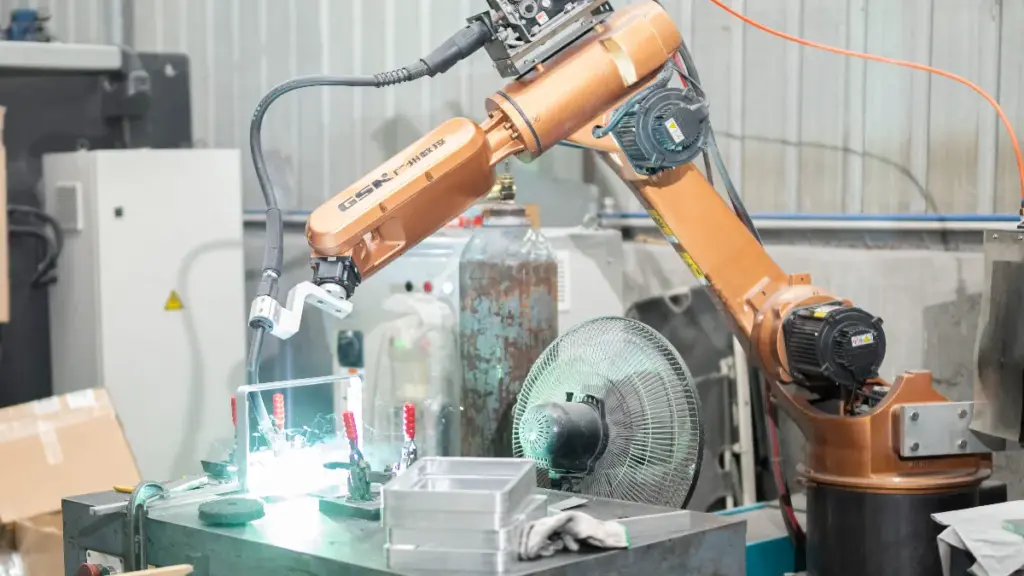
PCAP maak staat op 'n glas-ingebed elektriese rooster vir hoë-presisie aanraking, terwyl IR ring-gemonteerde ligstrale gebruik om koste-effektiewe skaalbaarheid vir massiewe skerms te lewer.
| Aspek | PCAP (Geprojekteerde Kapasitief) | EN (Infrarooi) |
|---|---|---|
| Waarnemingsmetode | Meet verskuiwings in elektriese kapasitansie | Bespeur onderbreking van onsigbare ligstrale |
| Ontwerp profiel | Naatloos, rand-tot-rand glas | Vereis 'n sigbare omtrekrand |
| Invoervereiste | Kaal vinger of geleidende stylus | Enige ondeursigtige voorwerp of dik handskoen |
| Skaalbaarheidsprofiel | Duur om verder te skaal 32 duim | Hoogs koste-effektief vir 55+ duim skerms |
Hoe kapasitiewe aanraking werk
Geprojekteerde kapasitief (PCAP) tegnologie werk deur klein verskuiwings in 'n gelokaliseerde elektriese veld te meet. Raakskermvervaardigers lamineer 'n deursigtige geleidende rooster direk onder die dekglas. Wanneer 'n geleidende voorwerp die oppervlak nader, dit verander die kapasitansie by die kruising van die rooster se dryf- en waarnemingslyne. Die beheerder verwerk hierdie onderlinge kapasitansie onmiddellik, die lewering van die hoogs akkurate en gladde multi-vinger dop wat nodig is vir moderne gebruikerskoppelvlakke.
- Invoerselektiwiteit: Die stelsel vereis 'n kaal vinger of 'n kapasitiewe stylus om te funksioneer. Dit verwerp inherent nie-geleidende voorwerpe, aansienlik verminder die risiko van vals aanraking van moue, papier, of plastiek gereedskap.
- Estetiese integrasie: Omdat die sensormatriks heeltemal agter die skerm leef, ontwerpers kan slank bou, rand-tot-rand, ringlose omhulsels ideaal vir premium kiosks en mediese toestelle.
- Groottebeperkings: Dit is moeilik om eenvormige elektriese eienskappe oor massiewe glasplate te handhaaf. PCAP word aansienlik duurder om te vervaardig en te skaal vir grootformaat-skerms.
Die meganika van infrarooi sensors
Infrarooi (EN) tegnologie omseil die behoefte aan ingebedde geleidende glaslae heeltemal. In plaas daarvan, die stelsel maak staat op 'n verskeidenheid IR-LED's en ontvangers wat in 'n fisiese ring wat aan die skerm grens. Hierdie komponente projekteer voortdurend 'n onsigbare X-Y ligrooster oor die oppervlak. Die hardeware registreer 'n aanraking die presiese oomblik wanneer 'n ondeursigtige voorwerp een of meer van hierdie optiese strale breek.
- Voorwerp Buigsaamheid: Die kontroleerder soek net na straalonderbrekings. Operateurs kan dik winterhandskoene gebruik, swaardiens-werkhandskoene, of 'n passiewe plastiekstylus om met die skerm te werk.
- Optiese suiwerheid: IR plaas geen geleidende films of kleeflae oor die aktiewe kykarea nie. Dit behou uitsonderlike optiese helderheid en behou die basispaneel se inheemse helderheid.
- Grootformaat-ekonomie: Om 'n IR-stelsel uit te brei, vereis hoofsaaklik om die aluminiumraam te verleng en meer LED's by te voeg. Dit skep 'n hoogs koste-effektiewe en skaalbare oplossing vir skerms oor 55 duim.
- Omgewingskwesbaarheid: Die tegnologie sal enige voorwerp registreer wat die ligpad blokkeer. Dit bly sensitief vir spookaanrakings wat deur swaar stof veroorsaak word, verdwaalde puin, of sterk omgewingsinmenging wat in die ringarea vestig.
Voordele van PCAP Displays Precision
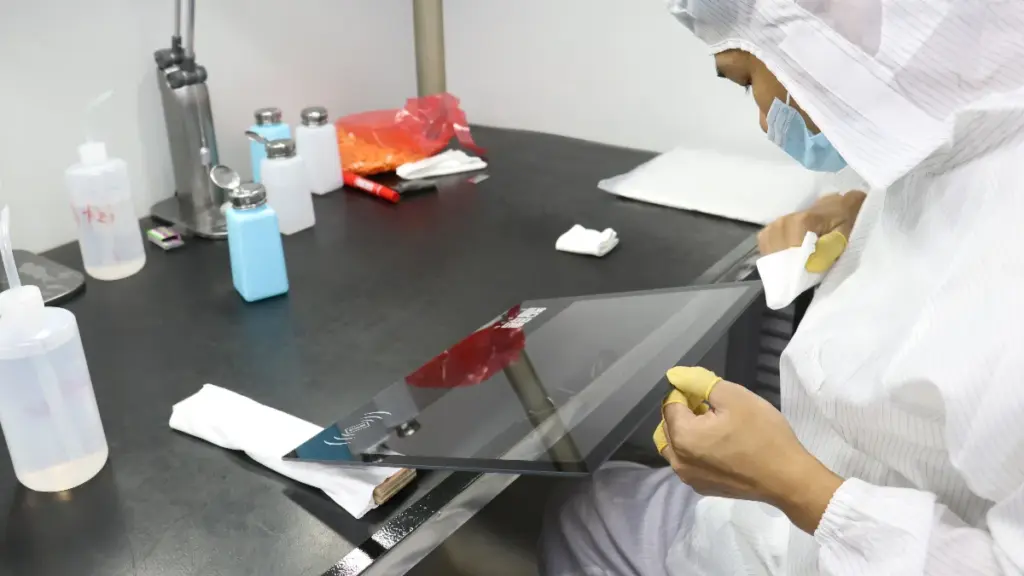
Raakakkuraatheid beïnvloed gebruikerservaring direk.
In kommersiële omgewings waar operateurs interaksie het met sagteware-koppelvlakke, beheerstelsels, of gedetailleerde grafiese elemente, presisie word krities.
PCAP-tegnologie bied aansienlik hoër aanraakakkuraatheid omdat dit raakpunte bereken gebaseer op elektriese veldveranderinge eerder as straalonderbreking.
| Kenmerk | PCAP | EN |
|---|---|---|
| Raak Akkuraatheid | Uitstekend | Goed |
| Rand akkuraatheid | Uitstekend | Matig |
| Multi-touch vermoë | Uitstekend | Beperk deur raamontwerp |
| Gebare Ondersteuning | Gevorderd | Basies |
| Reaksiespoed | Vinnig | Matig |
Vir industriële HMI's (Menslike masjien-koppelvlakke), mediese toerusting, en robotika stelsels, operateurs moet dikwels klein knoppies kies of interaksie met gedetailleerde sagteware-koppelvlakke hê.
PCAP-skerms kan verskeie gelyktydige raakpunte akkuraat herken met minimale afwyking.
IR-stelsels kan effense akkuraatheidsvermindering naby die raamrande ervaar, veral op groter uitstallings.
Vir toepassings wat gladde gebarebeheer en hoë responsiwiteit vereis, PCAP is oor die algemeen die voorkeurkeuse.
Pasgemaakte industriële raakskerms vinnig afgelewer
Duursaamheid in moeilike industriële omgewings
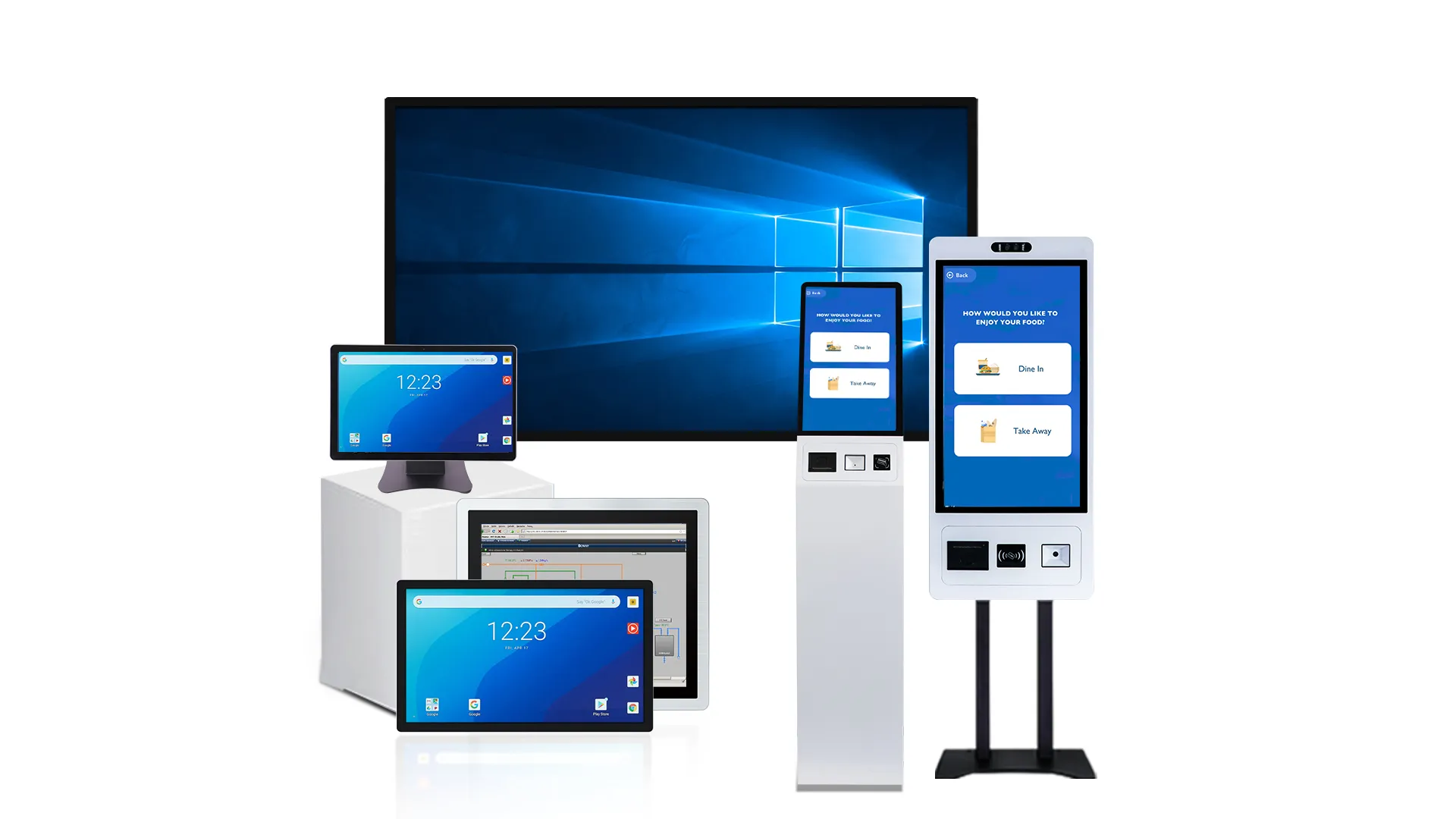
PCAP oorheers harde industriële omgewings met sy verseëlde glasfront, terwyl IR-stelsels geskik is vir droë omgewings wat swaar handskoene en gereedskapinsette vereis.
Meganiese robuustheid en fisiese impak
Fisiese impak op 'n fabrieksvloer skei vinnig robuuste raakskerms van brose skerms. PCAP het 'n soliede glasfront met die sensor veilig verseël onder. Hierdie strukturele ontwerp bied hoë weerstand teen skrape, skaafplekke, en direkte instrument impakte. IR-aanraking maak staat op blootgestelde ring-gemonteerde stralers en ontvangers. Hierdie omtrekargitektuur laat die raam baie kwesbaar vir vervorming van meganiese skokke. Onder voortdurende swaar vibrasie, PCAP handhaaf betroubare werkverrigting. IR-stelsels vereis gereelde inspeksie en herkalibrering wanneer optiese komponente belyning verloor.
Weerstand teen stof, Vloeistowwe, en Olies
Deeltjies in die lug, vesels, en metaalskaafsels teister vervaardigingsfasiliteite gereeld. PCAP-sensors bly heeltemal onaangeraak deur oppervlakstof. IR-stelsels misluk die oomblik wanneer puin die optiese strale blokkeer. Industriële PCAP-skerms hanteer hoë humiditeit, vog, en streng afwasprotokolle effektief wanneer dit met ingestelde waterverwerpingsfirmware gepaard gaan. Waterdruppels, spatsels, en oliestrepe oor 'n IR-skerm onderbreek die straalrooster. Dit veroorsaak vals invoere of blokkeer aanraakfunksionaliteit heeltemal.
Prestasie onder omgewings-uiterstes
Sonlig en elektriese geraas toets die grense van enige aanraakstelsel. PCAP-tegnologie werk elektries en ignoreer omgewingslig, verseker betroubare werking in buitelug kiosks en oop industriële werwe. IR-aanraking is hoogs sensitief vir direkte sonlig en intense infrarooi bronne. Hierdie ligbronne kan die sensors versadig en raakbespeuring heeltemal ontwrig. Terwyl PCAP vatbaar kan wees vir elektriese geraas (EMI) van veranderlike frekwensie-aandrywers of swaar sweisers, industriële-graad afgeskermde beheerders versag hierdie probleem effektief.
Seël, IP-graderings, en Skoonmaakbaarheid
Ware industriële uitstallings vereis hoë IP-graderings en maklike skoonmaakprotokolle. Die woonstel, deurlopende glasvoorkant van 'n PCAP-skerm maak voorsiening vir eenvoudige pakking of kleefmiddel. Hierdie plat ontwerp bereik maklik IP65- of IP67-graderings. U kan PCAP-skerms vinnig afvee of ontsmet sonder om die ophoping van residue te waag. IR-rame bevat inherent rande, gapings, en uitsparings wat vuil en vloeistowwe vasvang. Hierdie blootgestelde raam maak hoëvlak-higiëne moeilik in voedselverwerking, farmaseutiese, of skoon vervaardigingsomgewings.
Bedryfsduursaamheid met handskoene en gereedskap
Operateursinvoermetodes dikteer tegnologieperke. IR blink uit in swaarhandskoene, koelberging, of gereedskap-gebaseerde omgewings omdat dit bloot enige ondeursigtige voorwerp bespeur wat die infrarooi rooster breek. Standaard PCAP vereis 'n geleidende inset. Die gebruik van dik nie-geleidende handskoene op 'n PCAP-skerm vereis gespesialiseerde kontroleerderinstelling en dubbelmodus-firmware. IR handhaaf sterk funksionele duursaamheid vir werkers in swaar beskermende toerusting, mits die omliggende omgewing droog en relatief skoon bly.
Optiese helderheid en vertoonkwaliteitvergelyking
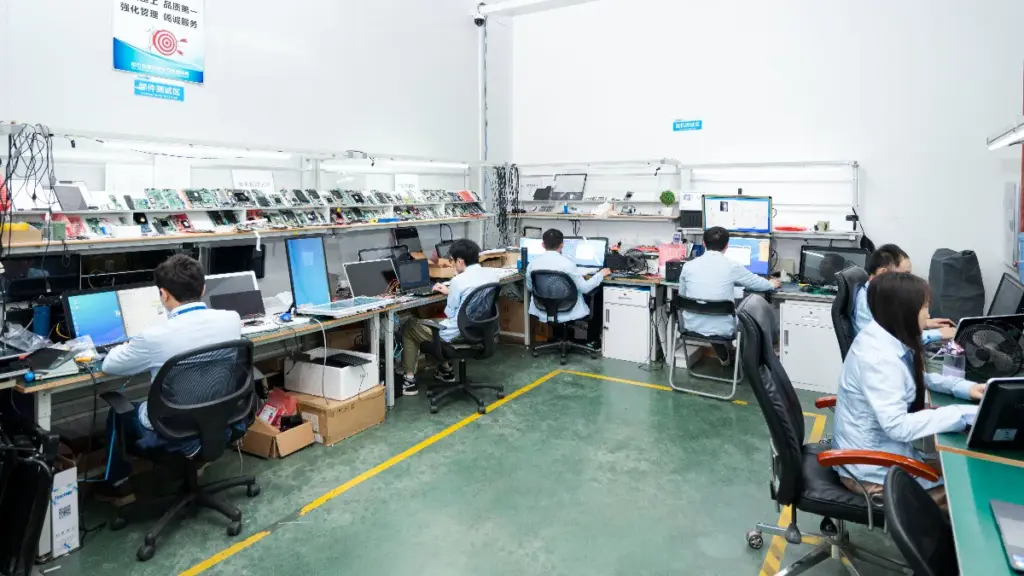
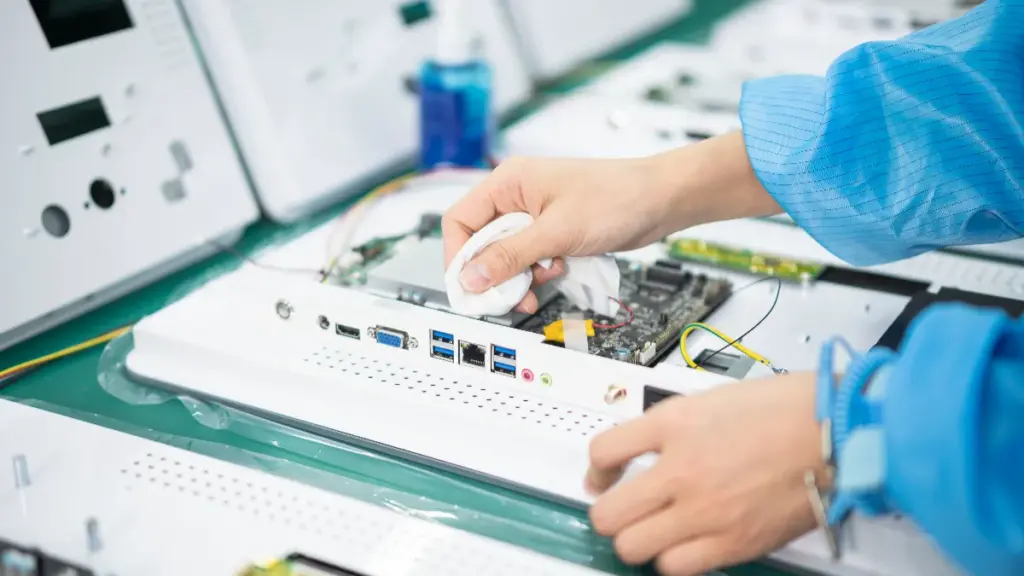
PCAP lewer skerp kontras en nul parallaks via optiese binding, terwyl IR die transmissie van rou lig maksimeer deur die sensorrooster heeltemal van die glas af te hou.
Optiese stapel en ligoordrag
Geprojekteerde kapasitief (PCAP) stelsels sluit 'n deursigtige sensorlaag direk in die skermstapel in. Deur gebruik te maak van optiese binding, hierdie uitstallings bereik hoë ligtransmissie, tipies bereik 90 aan 92%. Infrarooi (EN) touch werk heeltemal van glas af. Hierdie opstelling laat maksimum ligtransmissie toe wat slegs deur die beskermende dekglas beperk word. Grootformaat IR-skerms lewer buitengewone grafiese helderheid spesifiek omdat hulle nie ingebedde sensormateriaal in die optiese pad het nie.
Kleur Akkuraatheid, Kontras, en Helderheid
Opties gebonde PCAP-skerms skakel interne luggapings uit om waargenome kontras te verbeter en diep swart vlakke te bewaar. Die ingeboude sensor in kapasitiewe skerms kan 'n effense vermindering in absolute helderheid veroorsaak in vergelyking met 'n kaal vertoonpaneel. IR-opstellings handhaaf die inheemse kleurakkuraatheid en rou kontras van die onderliggende LCD- of OLED-paneel sonder enige optiese inmenging.
Oppervlakrefleksies, Glans, en Parallax
Optiese binding in PCAP-panele verminder parallaks dramaties, skep 'n presiese aanraakervaring op die glas wat ideaal is vir interaksies van naby. Standaard IR-stelsels sluit dikwels 'n luggaping in en gebruik dikker beskermende glas. Hierdie konfigurasie stel geringe kykhoekverskuiwings en interne refleksies bekend. Beide aanraaktegnologieë ondersteun gevorderde anti-glans en anti-reflektiewe oppervlakbedekkings om leesbaarheid onder helder omgewingslig te optimaliseer.
Visuele artefakte en eenvormigheid
Kapasitiewe ontwerpe hou 'n geringe risiko van moiré-patrone of waas in as die sensorrooster swak by die skermpikselmatriks pas. Premium PCAP-skerms gebruik uiters fyn mikro-maas of geoptimaliseerde ITO-patrone om sigbare inmenging heeltemal te voorkom. IR-tegnologie vermy sensor-geïnduseerde visuele artefakte heeltemal, verseker suiwer beeld eenvormigheid oor die hele aktiewe kyk area.
Enkel-touch vs Multi-touch vir Besigheidstoepassings
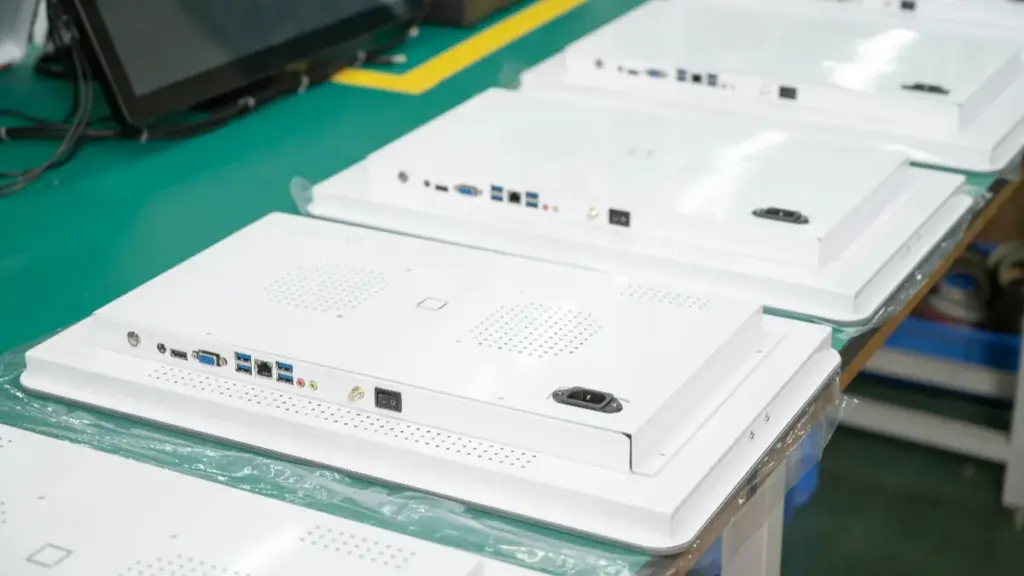
Die keuse tussen enkel-aanraking en multi-aanraking dikteer gebruikerbetrokkenheid, sagteware vermoë, en langtermyn hardeware koste. Belyn jou keuse met werklike besigheidswerkvloei eerder as net onmiddellike begrotings.
Kerninteraksie en gebarevermoëns
Die fundamentele verskil tussen hierdie twee tegnologieë lê in die beheerder se vermoë om gelyktydige datapunte te verwerk.
- Enkel-aanraking insette: Registreer een aktiewe kontakpunt vir basiese aksies soos krane, klik-en-sleep, en druk-en-hou spyskaarte.
- Invoerbeperkings: Sekondêre kontakte op enkelaanraakstelsels word tipies geïgnoreer of kanselleer die eerste kontak aktief, komplekse insette te voorkom.
- Multi-touch kapasiteit: Herken 2 aan 10+ gelyktydige punte om komplekse opdragte te verwerk.
- Gevorderde gebare: Aktiveer knyp-om-te-zoem, twee-vinger rotasie, veelvingersvee, en die gebareryke gebruikerskoppelvlakparadigmas identies aan moderne slimfone en tablette.
Pas Touch-tegnologie aan by besigheidswerkstrome
U moet u aanraakhardeware in lyn bring met die werklike sagteware-werkvloei. Kort, transaksionele, enkelgebruikertake regverdig selde enigiets verder as basiese enkel-aanraak-funksionaliteit.
- Lineêre werkstrome: Single-touch blink uit in vormgebaseerde omgewings soos inklokkiosks, OTM'e, en vergaderkamerbesprekingspanele.
- Ruimtelike werkstrome: Multi-touch is noodsaaklik vir verkennende take soos kleinhandel-wegsoekkaarte, BI dashboards, en CAD-ingenieurstekeninge.
- Mediaryke toepassings: 3D-produkkonfigureerders en digitale lookbooks maak sterk staat op multi-touch interaksie om effektief te funksioneer.
Gebruikerservaring en samewerkingsfaktore
Interaksiemodelle dikteer hardewarevereistes. Gebruikers behandel kommersiële skerms instinktief soos mobiele verbruikerstoestelle, verwag dat knyp- en zoemgebare by verstek sal werk.
- Enkelgebruikerbeperkings: Enkelraakstelsels vereis minimale gebruikersinstruksies, maar dwing multipersoonspanne om beurte te maak.
- Gelyktydige samewerking: Groot-formaat multi-touch skerms ondersteun gelyktydige interaksie, dryf ware samewerking in oorlogskamers en ontwerpresensies aan.
- UI-ontwerpbeperkings: Enkelaanraak-koppelvlakke vereis groter UI-teikens vir toeganklikheid.
- Inligtingdigtheid: Multi-touch laat ontwikkelaars toe om digte inligtingmatrikse in 'n koppelvlak te pak omdat gebruikers eenvoudig op die besonderhede kan inzoem.
Hardeware-koste en totale koste van eienaarskap (TCO)
Hardewarebegrotings oorskadu dikwels langtermyn sagtewarebehoeftes, skep wrywing namate besigheidsvereistes ontwikkel. Enkel-aanraking opstellings, gebruik dikwels IR-tegnologie, voorsien laer aanvanklike hardewarekoste, maak hulle hoogs prakties vir hoëvolume-ontplooiings.
Die opgradering van 'n ontplooiing van enkel-aanraak- na multi-aanraak-werkvloeie dwing gewoonlik 'n volledige hardewarevervanging af. Die vroegtydige spesifiseer van multi-touch-vermoë dien as 'n effektiewe risiko-versagtingstrategie om toekomstige toepassingspadkaarte te ondersteun. Multi-touch panele vereis 'n hoër voorafbelegging, maar verlaag die risiko van funksionele veroudering drasties.
Watter Touch Tech werk met handskoene en water?
Handskoenversoenbaarheid: Universeel vs. Gestemde opsporing
Infrarooi (EN) raakstelsels bespeur fisiese straalonderbrekings. Hierdie strukturele werklikheid beteken dat hulle inherent enige handskoendikte ondersteun, materiaal, of nie-geleidende instrument. Operateurs kan swaar sweis- of winterhandskoene dra, en die stelsel sal insette onmiddellik registreer sonder gespesialiseerde sagteware-instelling.
Geprojekteerde Kapasitief (PCAP) staatmaak op 'n elektrostatiese verbinding. Standaard kapasitiewe panele verwag kaal vel of 'n gespesialiseerde geleidende stylus. Om hierdie gaping te oorbrug, industriële aanraakskermvervaardigers ontplooi industriële PCAP-beheerders toegerus met hoë-sensitiwiteit algoritmes.
Werkverrigting breek af op grond van die presiese handskoenprofiel en stelselkonfigurasie:
- Dun handskoene: PCAP ondersteun maklik medies, nitril, of ligte katoenvariante wat standaard industriële gebruik “handskoenmodus” stemming.
- Dik industriële handskoene: Swaar winter of dik geïsoleerde PPE faal gewoonlik op PCAP-opstellings sonder uitgebreide pasgemaakte laboratorium-validering.
- Universele insette: IR registreer alle insette ongeag geleidingsvermoë, maak dit die verstek vir omgewings wat swaar PPE vereis.
Waterweerstand: Druppeltjies, Reën, en Washdowns
Water ontwrig heeltemal die optiese paaie waarvan IR-skerms afhanklik is. Druppeltjies, reën, en kondensasie blokkeer of breek infrarooi strale fisies. Die kontroleerder interpreteer hierdie optiese breek as werklike vingerdrukke, lei tot aanhoudende vals aanraking of blindekolle wat heeltemal nie reageer nie.
PCAP systap hierdie optiese kwesbaarheid. Hierdie panele het verseëlde glasoppervlaktes wat gerugsteun word deur gevorderde waterverwerpings-firmware. Die beheerder onderskei tussen die kapasitiewe handtekening van 'n vinger en 'n poeldruppel.
Nat toestande dikteer spesifieke tegnologiebeperkings oor ontplooiingsomgewings heen:
- Ligte reën en spatsels: Hidrofobiese bedekkings laat robuuste PCAP-skerms toe om akkurate enkelvinger-insette buite te handhaaf.
- Swaar afwas: Hoëdrukwater daag beide tegnologieë uit, maar PCAP-algoritmes versag spookaanrakings effektief terwyl IR heeltemal misluk.
- Kondensasie: IR optiese rame sukkel in hoë-humiditeit temperatuurverskuiwings, terwyl die elektrostatiese veld van PCAP stabiel bly.
Hanteer vuil, Smeer, en kontaminante
IR-rame benodig 'n eksterne ring om die LED-uitstralers en sensors te huisves. Hierdie fisiese lip skep 'n natuurlike lokval vir stof, insekte, en vetophoping. Sodra 'n laag vuil genoeg opbou om 'n uitstraler te blokkeer, die skerm ontwikkel aanhoudende dooie sones.
PCAP handhaaf funksionaliteit direk deur oppervlakvuil. Omdat dit staatmaak op kapasitiewe veldveranderinge eerder as 'n onbelemmerde optiese pad, 'n laag winkelvet of metaalstof sal nie raakbespeuring stop nie.
Hierdie woonstel, ringlose ontwerp het 'n direkte impak op daaglikse instandhouding. Fasiliteite kan eenvoudig PCAP-oppervlaktes afvee. Mediese omgewings en voedselverwerkingsaanlegte verkies hierdie naatlose glas omdat dit die fisiese uitsparings uitskakel waar biologiese materiaal en kontaminante skuil.
Toepassing-spesifieke Keurleiding
Om die regte aanraakformaat te kies, vereis dat die omgewingsblootstelling by die operateur se daaglikse uniform pas. Jy kan nie staatmaak op standaard kantoor-graad skerms in 'n aktiewe industriële aanleg.
Volg hierdie basislyn-ontplooiingsreëls om veldmislukkings te voorkom:
- Groot binnenshuise HMI's: Kies IR wanneer operateurs dik dra, nie-geleidende PPE-handskoene en omgewingsvog bly streng minimaal.
- Buitelug- en spatsones: Prioritiseer PCAP vir buitelug kiosks, voertuiggemonteerde uitstallings, en nat verwerkingsareas waar weerbestandheid vereis word.
- Medies en skoonkamers: Ontplooi PCAP om besoedeling van die rand te vermy. Dun weggooibare handskoene werk perfek saam met industriële kapasitiewe beheerders, en die plat glas weerstaan gereelde harde chemiese ontsmetting.
Koste-oorwegings vir grootskaalse projekte
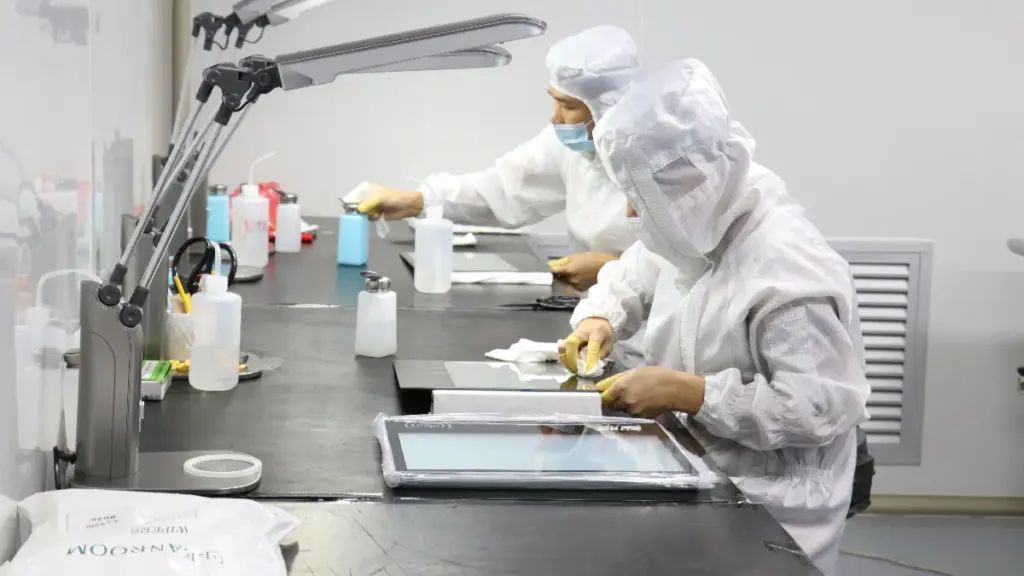
Vir grootskaalse aanraakskerm-ontplooiings, infrarooi verminder aanvanklike hardeware-uitgawes, terwyl geprojekteerde kapasitief sy hoër voorafkoste verreken deur laer onderhoud en premium gebruikerservarings.
Basis hardeware CapEx en grootte skaalbaarheid
Om interaktiewe uitstallings oor 'n massiewe vloot te skaal, verskuif die kostevergelyking fundamenteel. Infrarooi (EN) raak hardewareskale lineêr met grootte aan. Om 'n paar duim by 'n raam te voeg, vereis slegs die uitbreiding van die aluminium-ekstrudering en die byvoeging van goedkoop LED's en fotodiodes. Hierdie meganiese eenvoud maak IR hoogs koste-effektief vir skerms wat strek 43 aan 55 duim en groter.
Geprojekteerde kapasitief (PCAP) tegnologie werk onder verskillende vervaardigingsbeperkings. PCAP-koste blaas buitensporig op by groot groottes as gevolg van komplekse optiese bindingsvereistes en gespesialiseerde elektrode-laminasies oor massiewe glasplate. Vervaardigingsopbrengs daal namate die skermgrootte toeneem, die prys per eenheid opjaag. Vir massiewe vlote wat honderde grootformaat skerms benodig, volumepryse en eenvoudiger kernkomponente maak IR die oorheersende keuse om aanvanklike hardeware-uitgawes te minimaliseer.
Integrasie- en Ontplooiingsuitgawes
Hardewarekoste verteenwoordig slegs die eerste fase van projekbegroting. Ingenieurs kan IR-rame direk met standaard kommersiële uitstallings integreer. Hierdie modulêre benadering verlaag vooraf ingenieurskoste en hou voorsieningsketting-SKU's hanteerbaar. As 'n vertoonpaneel in die veld misluk, tegnici kan die paneel omruil en die IR-raam hergebruik.
PCAP vereis 'n strenger integrasieproses. Die tegnologie vereis presiese, rand-tot-rand glassamestellings wat vervaardigingskoste verhoog. Jy kan nie maklik 'n gekoppelde PCAP-sensor van 'n stukkende LCD losmaak nie. Hierdie geïntegreerde benadering vergemaklik fisiese veldinstallasie omdat PCAP-eenhede fabrieksgekalibreer aankom en soos standaardmonitors monteer. Groot IR-rame vereis dikwels aanvanklike veldkalibrasie en fisiese verspaning om kronkeling en strukturele vervorming tydens montering te voorkom.
Onderhoud en langtermyn bedryfskoste
Langtermyn bedryfsbegrotings lyk baie anders vir hierdie twee tegnologieë. Blootgestelde IR-sensors sit binne 'n sigbare ring, laat hulle kwesbaar vir stof, puin, en meganiese skofte. ’n Opbou van vuilheid of ’n toevallige impak op die raam kan die optiese strale blokkeer. Hierdie kwesbaarheid verhoog potensieel arbeidskoste vir gereelde skoonmaak en raamherbelyning oor 'n groot ontplooiing.
PCAP-sensors sit veilig agter 'n soliede plaat dekglas. Hierdie beskermde oppervlak verminder onbeplande stilstand en diensoproepe, veral in vuil, nat, of openbare ruimtes met hoë verkeer. Die glas weerstaan aggressiewe skoonmaakprotokolle en fisiese impak sonder om die raakrooster te beïnvloed. Oor meerjarige lewensiklusse, hierdie laer onderhoudsvereistes kan PCAP se hoër aanvanklike hardewareprys gedeeltelik verreken.
Prestasiewaarde en indirekte koste
Touch-tegnologie het 'n direkte impak op indirekte koste. Premium gebruikerservarings met PCAP kan verborge uitgawes wat daarmee verband hou, verminder:
- Gebruikersfoute: Slimfoonagtige responsiwiteit verminder verkeerde insette tydens komplekse werkvloeie.
- Ondersteun voorvalle: Intuïtief, vinnige gebareherkenning verminder opstap-verwarring.
- Verlore interaksiewaarde: Naatlose werking hou kleinhandelrye en selfbedieningstasies aan die beweeg.
IR-tegnologie bied unieke finansiële voordele ten opsigte van insetmetodes. 'n IR-rooster bespeur enige ondeursigtige voorwerp. Hierdie meganisme vermy ekstra bykomstige koste vir gespesialiseerde kapasitiewe stylusse of geleidende handskoene in industriële of opvoedkundige omgewings. Gebruikers kan met die skerm interaksie hê deur swaar werkhandskoene te gebruik, 'n standaard pen, of 'n fisiese hulpmiddel, elimineer die behoefte om spesifieke wysinstrumente aan te skaf.
Omgewingspesifieke TCO-profiele
Totale koste van eienaarskap dikteer die finale tegnologieseleksie gebaseer op die spesifieke ontplooiingsomgewing. Organisasies wat koste-geoptimaliseerde wegvindvlote en klaskamerwitborde uitstippel maak gewoonlik staat op IR. Hierdie strategie strek verkrygingsbegrotings oor hoër eenheidtellings waar basiese interaksie en grootskerm-eiendom meer saak maak as gladde ontwerp.
Hoëwaarde-omgewings verander hierdie berekening. Vlagskip-kleinhandelliggings en harde buiteluginstallasies regverdig PCAP-beleggings. Die verlengde duursaamheid, slanke rand-tot-rand-estetika, en inherente weerbestandheid verseker dat die skerms betroubaar werk terwyl dit 'n premium handelsmerkpersepsie versterk.
Waarom TouchWo fokus op hoë-end PCAP-oplossings
By TouchWo, ons fokus hoofsaaklik op industriële en kommersiële PCAP-aanraakskerms eerder as laekosteverbruikersprodukte.
Ons kliënte werk in veeleisende industrieë soos:
- Industriële outomatisering
- Mediese toerusting
- Slim logistiek
- Selfbedieningsterminale
- Regeringsprojekte
- Kommersiële robotika
Hierdie toepassings vereis meer as eenvoudige aanraakfunksies.
Hulle vereis:
- Hoë aanraking akkuraatheid
- Betroubare langtermyn werking
- Vinnige aanpassingsondersteuning
- Stabiele voorsieningskettings
- Buigsame hardeware konfigurasies
Om kwaliteit en konsekwentheid te verseker, TouchWo handhaaf interne produksievermoëns vir sleutelkomponente, insluitend kapasitiewe raakpanele, metaal vervaardiging, en aluminium behuising vervaardiging.
Hierdie vertikale integrasie stel ons in staat om te voorsien:
- Vinniger deurlooptye
- Groter aanpassing buigsaamheid
- Konsekwente kwaliteit van die produk
- Betroubare tegniese ondersteuning
Vir kliënte wat industriële toerusting ontwikkel, kiosks, sluitkaste, robotte, en slim terminale, PCAP-tegnologie lewer steeds die beste balans van prestasie, duursaamheid, and long-term value.
Werk saam met TouchWo vir industriële PCAP-aanraakskermmonitors
Of jy nou industriële toerusting ontwikkel, selfbedieningskiosks, slim sluitkaste, mediese toestelle, of robotstelsels, die keuse van die regte aanraaktegnologie kan gebruikerservaring aansienlik beïnvloed, betroubaarheid, en langtermyn onderhoudskoste.
Met meer as 'n dekade se ondervinding in kapasitiewe aanraaktegnologie, TouchWo bied 'n wye reeks industriële aanraakmonitors en raak alles-in-een rekenaars, saam met buigsaam OEM en ODM aanpassing dienste om aan spesifieke projekvereistes te voldoen.
Op soek na 'n pasgemaakte PCAP-aanraakskerm vir jou toepassing? Kontak TouchWo vandag om jou projekvereistes te bespreek, tegniese aanbevelings ontvang, en vra 'n kwotasie.
✔ Pasgemaakte groottes vanaf 7″ tot 55″+
✔ Android & Windows-oplossings
✔ Glove Touch & Dik glas ondersteuning
✔ Vinnige prototipering en buigsame aanpassing
✔ Wêreldwye tegniese ondersteuning
Gereelde Vrae
Wat is die belangrikste verskil tussen PCAP- en IR-aanraakskerms?
PCAP-raakskerms bespeur veranderinge in 'n elektrostatiese veld, terwyl IR-raakskerms onderbrekings in infrarooi ligstrale wat die skerm omring, opspoor.
Watter aanraaktegnologie is beter vir buitelugomgewings?
PIN in baie buite- en semi-buitelug toepassings, PCAP presteer beter omdat verseëlde glasoppervlaktes stof en omgewingsbesoedeling meer effektief weerstaan.
Kan ek swaar werkhandskoene of stilusse met IR raakskerms gebruik?
Ja. IR-tegnologie kan enige voorwerp opspoor wat die infrarooi strale blokkeer, insluitend handskoene, stylusse, en nie-geleidende gereedskap.
Hoekom is IR-raakskerms aansienlik goedkoper vir groot formate (55″+)?
IR-stelsels benodig slegs 'n omtreksensorraam, maak vervaardigingskoste laer namate vertoongroottes toeneem.
Sal industriële masjinerie met 'n PCAP-raakskerm inmeng?
Moderne industriële PCAP-beheerders is ontwerp met anti-interferensie tegnologieë en kan betroubaar in die meeste industriële omgewings werk.
Watter tegnologie bied beter optiese helderheid?
Vir klein tot medium uitstallings, PCAP is die industriestandaard. Dit bied uitstekende waargenome helderheid gekombineer met 'n naatlose, rand-tot-rand glas-estetiese. Op baie groot formate, IR lewer eintlik die hoogste rou ligtransmissie. Omdat IR nie 'n patroon deursigtige geleidende laag oor die aktiewe kykarea benodig nie, gebruikers kyk direk na die kaal vertoonglas.
Stop direkte sonlig 'n IR-raakskerm om te werk?
Sterk sonlig kan soms met infrarooi sensors inmeng, veral in buite-installasies sonder behoorlike beskerming. PCAP-tegnologie word oor die algemeen minder deur direkte sonlig beïnvloed.





