
Die Größe eines Touchscreen-Monitors wird oft als einfache Hardwarespezifikation betrachtet, but it directly affects how users interact with a system. An undersized display can limit visibility and reduce operating efficiency, while an oversized monitor may create mounting challenges and increase project costs.
Finding the right balance requires more than comparing screen dimensions. Factors such as viewing distance, installation constraints, interface density, and application environment all play a role in determining the most effective size. A structured selection process helps ensure better usability, smoother integration, and long-term system reliability.
Why Touch Screen Monitor Size Matters
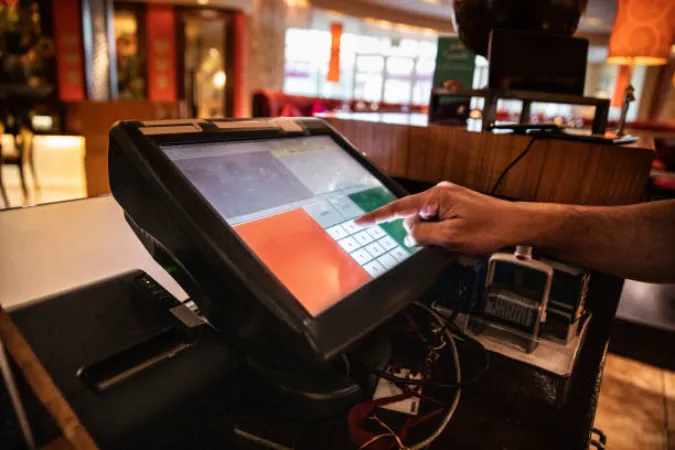
Touch screen monitor size is a key part of system design rather than a simple display specification. The right size helps create a better balance between usability, installation requirements, and long-term performance.
| Impact Area | How Screen Size Influences Performance |
|---|---|
| User Interaction | Affects touch accuracy, button spacing, and operational efficiency. |
| Viewing Comfort | Determines readability and reduces eye strain during long use. |
| Systemintegration | Impacts enclosure design, mounting method, and installation space planning. |
User Interaction and Touch Accuracy
A touch screen functions as both a display and an input device. Infolge, screen size directly affects how accurately users can interact with the interface. When the display area is limited, Knöpfe, menus, and control elements often become crowded, increasing the likelihood of input errors.
Larger screens provide more room for interface design and allow developers to create clearer layouts with better spacing between controls. This becomes particularly important in industrial environments where operators may wear gloves or need to perform repetitive tasks throughout the day. Better touch accuracy not only improves efficiency but also helps reduce operational mistakes.
Ergonomics and Viewing Comfort
Users often spend hours interacting with touch screen systems. If the display size does not match the working environment, reading information and operating the interface can become uncomfortable over time.
A properly sized monitor allows users to view content naturally without excessive eye movement or constant refocusing. It also supports better posture by reducing the need to lean forward or move closer to the screen. In applications such as industrial monitoring stations, Einzelhandelsterminals, und Steuerungssysteme, improved viewing comfort helps maintain productivity during long operating periods.
System Integration and Installation Impact
Screen size is also a key consideration during system design and installation. Every display must fit within the available mechanical space while supporting the intended user experience.
Larger monitors typically require stronger mounting structures, additional ventilation clearance, and more installation space. Smaller displays offer greater flexibility but may limit future interface expansion as software becomes more complex. Aus diesem Grund, screen size should be evaluated alongside enclosure dimensions, mounting methods, and long-term system requirements rather than as an isolated hardware specification.
What Factors Determine the Right Screen Size?
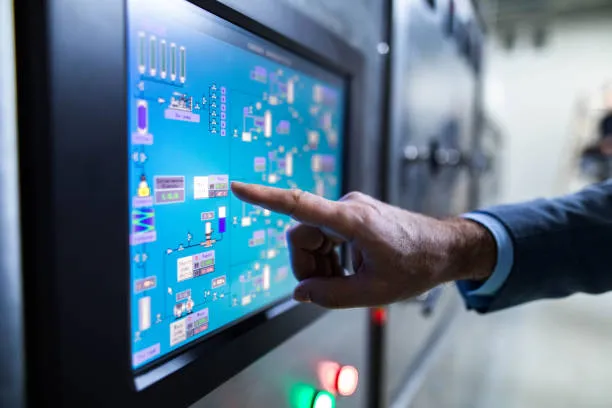
Choosing a touch screen monitor size requires more than comparing display dimensions. Several practical conditions influence the final decision and directly affect system performance.
Viewing Distance and User Position
Viewing distance is one of the most important factors when selecting a touch screen monitor. A display should remain easy to read without requiring users to move closer or adjust their posture frequently.
| Viewing Distance | Typical Screen Size Range |
|---|---|
| 30–60 cm | 7–15 Zoll |
| 60–100 cm | 15–22 inches |
| 100 cm and above | 22 Zoll und größer |
User position also matters. Seated operators usually work at a fixed distance, while standing users often view the screen from different angles. Applications designed for shared use or public access often benefit from larger displays.
vailable Installation Space
A larger screen is not always the better choice. Physical constraints often determine the maximum practical size that can be installed.
Before selecting a monitor, auswerten:
- Cabinet Size: Existing panel openings may limit display dimensions.
- Montagemethode: Panel, Wand, and VESA mounting require different amounts of space.
- Equipment Clearance: Nearby devices, Kabel, and ventilation areas need sufficient room.
- Servicezugang: Technicians should be able to maintain or replace the display easily.
A monitor that fits naturally within the installation environment often delivers better long-term results than the largest screen available.
Interface Complexity and Information Density
The amount of information displayed on the screen should influence size selection. Simple interfaces with a few controls can work well on compact displays, while data-rich applications usually require more screen space.
| Interface Type | Typical Size Requirement |
|---|---|
| Basic Controls and Status Displays | 7–15 Zoll |
| POS Systems and Standard HMIs | 15–22 inches |
| SCADA Dashboards and Multi-Window Applications | 22 inches and above |
As information density increases, a larger display helps maintain clear layouts, reduces navigation steps, and improves overall workflow efficiency.
Durable Industrial Touch Monitors Delivered Fast
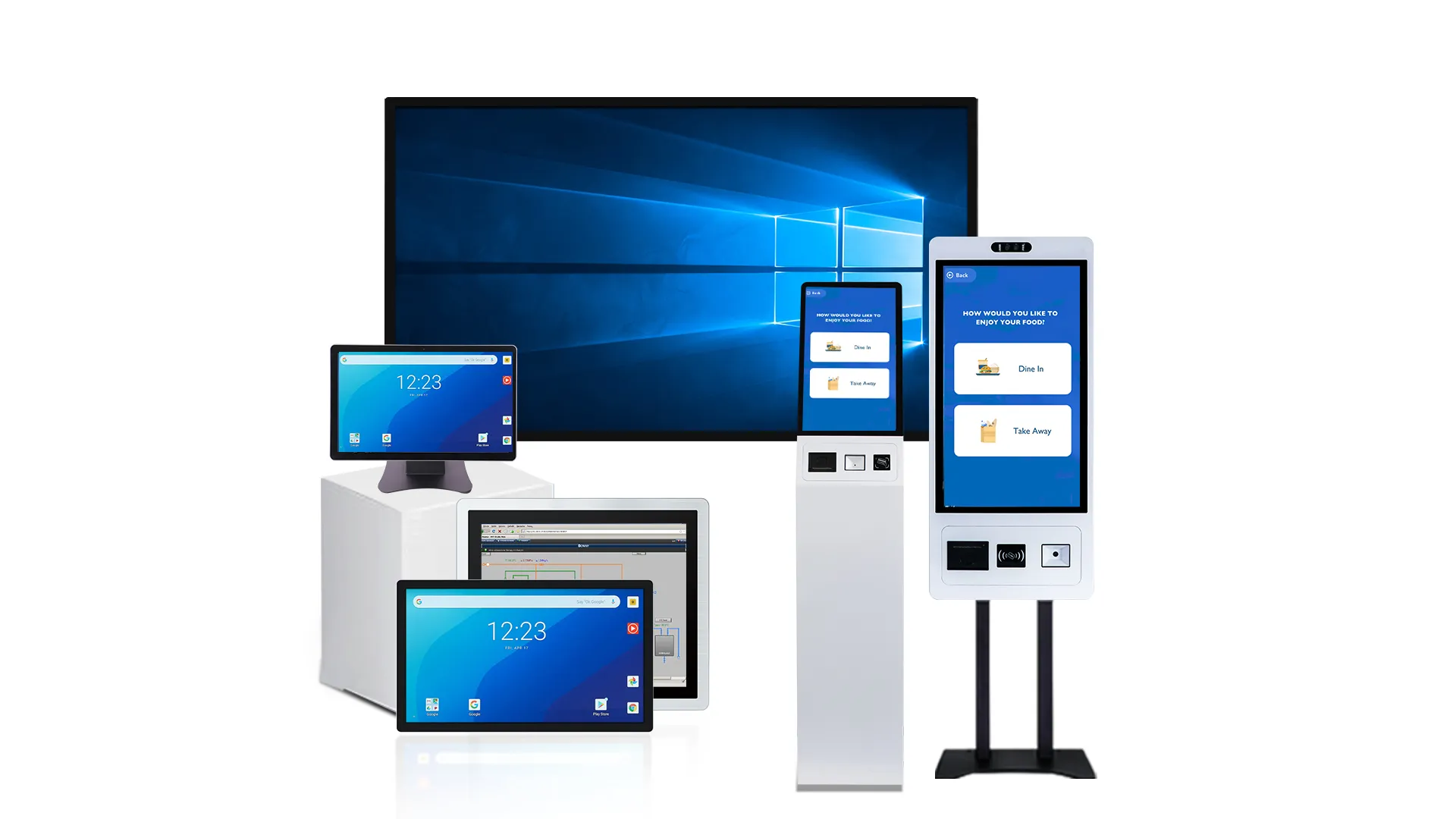
Common Touch Screen Monitor Sizes
Most touch screen monitors fall into three size categories: small, medium, and large displays. Understanding these differences helps narrow down the available options before evaluating specific application requirements.
| Size Range | Typical Characteristics | Main Advantage |
|---|---|---|
| 7–15 Zoll | Compact footprint and simple interfaces | Space efficiency |
| 15–22 inches | Balanced display area and usability | Vielseitigkeit |
| 24 inches and above | Expanded workspace and higher visibility | Information capacity |
Small Displays (7–15 Inches)
Small touch screen monitors focus on compact design and easy integration into space-limited systems. They are widely used in embedded devices and compact industrial equipment where installation space is restricted.
Their key characteristics include:
- Space Efficiency: They require minimal installation space, making them suitable for compact machines and embedded systems.
- Low Power Use: Reduced power consumption supports portable devices and energy-sensitive applications.
- Simple Interfaces: Best suited for basic control systems with limited buttons, indicators, or status displays.
Because of their limited screen area, these displays are not ideal for complex dashboards or data-heavy interfaces.
Medium Displays (15–22 Inches)
Medium-sized touch screen monitors provide a balanced solution between usability and physical footprint. They are commonly used in industrial control panels, Kassensysteme, and standard workstation setups.
Their main strengths include:
- Balanced Design: Offers enough screen space for detailed interfaces without increasing system size significantly.
- Flexible Integration: Fits most standard enclosures, Schränke, and commercial terminals.
- Betriebseffizienz: Supports frequent touch interaction with clear layout separation for better usability.
This category is often chosen when projects require both readability and installation flexibility.
Large Displays (24 Inches and Above)
Large touch screen monitors are designed for environments that require strong visual clarity and expanded interaction space. They are commonly used in control rooms, Kioske, and public information systems.
Key advantages include:
- Hohe Sichtbarkeit: Large display area improves readability from greater viewing distances.
- Multi-Task Support: Allows multiple windows, dashboards, or data streams to remain visible simultaneously.
- Collaborative Use: Supports multi-user interaction in shared environments such as meeting rooms or public terminals.
As screen size increases, usability shifts from close-range operation to more visual and collaborative workflows.
Practical Framework for Selecting Screen Size

The most effective screen size depends on how users interact with the system, where the display is installed, and the environment in which it operates.
Viewing Distance
Viewing distance provides one of the simplest ways to narrow down screen size options. As the distance between the user and the display increases, the screen should generally become larger to maintain readability and touch usability.
| Viewing Distance | Recommended Size Range |
|---|---|
| Less than 60 cm | 7–15 Zoll |
| 60–100 cm | 15–22 inches |
| More than 100 cm | 24 inches and above |
Bewerbungsvoraussetzungen
Different applications place different demands on the display. The amount of information shown on screen, the frequency of touch interaction, and the complexity of the interface all influence size requirements.
- Basic Controls: Simple interfaces often perform efficiently on smaller displays.
- Standard HMIs: Medium-sized screens provide enough space for operational data and controls.
- Monitoring Dashboards: Larger displays improve visibility when multiple data sources must remain visible simultaneously.
- Interactive Systems: Applications with extensive user interaction benefit from additional screen area.
The goal is not to choose the largest screen available, but to provide enough workspace for efficient operation.
Operating Environment
The operating environment often determines practical screen size limits. Industrial applications typically prioritize durability, space efficiency, and integration with existing equipment. Commercial environments may place greater emphasis on visibility, Kundenengagement, and presentation.
Environmental considerations include:
- Available Space: Physical installation limits.
- User Traffic: Single-user versus public-facing operation.
- Lighting Conditions: Visibility under different ambient light levels.
- System Expansion: Future software or hardware requirements.
Balancing these factors helps ensure that the selected display performs effectively throughout its service life.
Recommended Screen Sizes for Different Applications
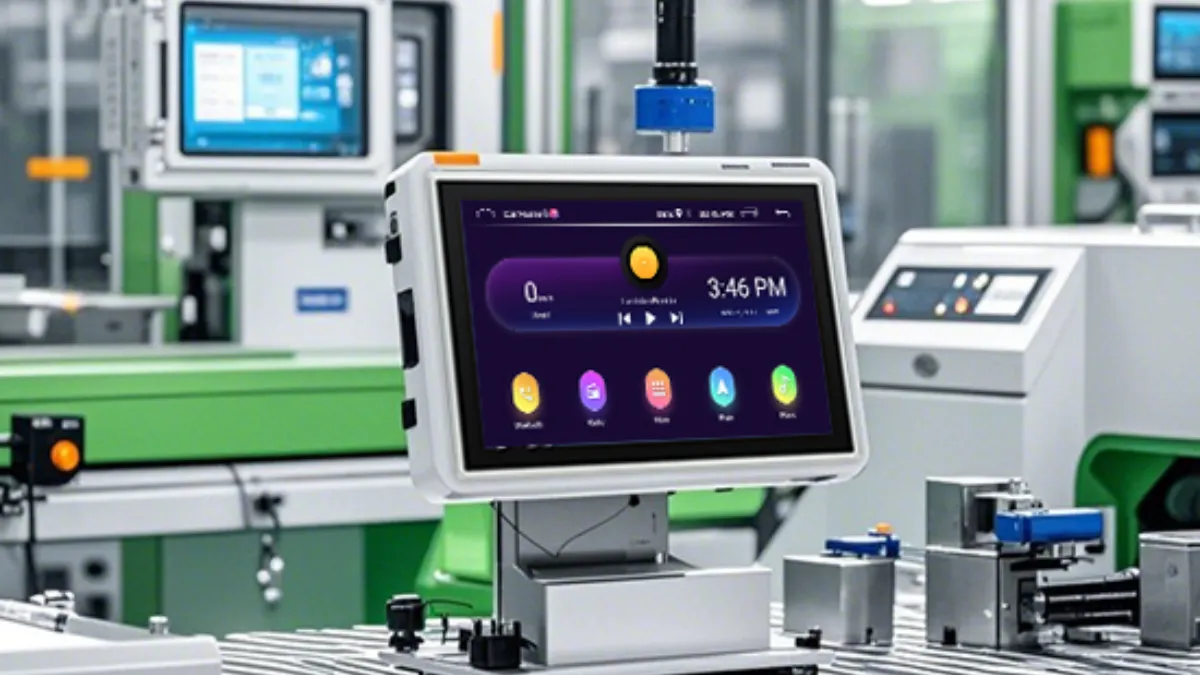
Screen size needs vary significantly across industries because usage scenarios, operator behavior, and interface complexity are not the same. Instead of applying a fixed standard, it is more practical to map screen sizes to typical application environments, which helps narrow down the most suitable options for each use case.
Industriell, Sicherheit, and Infrastructure Applications
Industrial automation systems, security monitoring stations, and parcel lockers typically operate in environments where reliability and efficient space utilization are critical. Operators often interact with the display at close range, making oversized screens unnecessary in many cases.
For machine HMIs, Industrie-Panel-PCs, and locker terminals, displays between 10 Und 21.5 inches are commonly used. These sizes provide enough space for operational data, alarms, and system controls while fitting easily into equipment cabinets, Kioske, or enclosure panels.
Einzelhandel, Restaurant, and Public Self-Service Systems
Customer-facing applications place greater emphasis on usability and intuitive interaction. In restaurants and retail environments, users need to read information quickly and complete tasks with minimal effort. Public self-service kiosks face an even wider range of users, making visibility and navigation especially important.
Infolge, 15–22-inch displays are widely used for POS terminals and kitchen display systems (KDS), while self-service kiosks often adopt 21.5-inch or larger screens. The additional display area helps accommodate larger touch targets, clearer menus, and simplified workflows.
Gesundheitspflege, Ausbildung, and Collaborative Displays
Applications that focus on information sharing or collaborative interaction often benefit from larger displays. Gesundheitspflege systems may need to present patient records, diagnostic data, and scheduling information simultaneously, while classrooms and meeting spaces require content to remain visible to multiple viewers.
Display sizes in these environments typically start around 15 inches and can extend to 86 inches or larger for interactive flat panels. The appropriate size depends not only on interface complexity but also on how many people need to view and interact with the screen at the same time.
Vielleicht sind Sie daran interessiert: Warum 43 Inch -Touchscreen -Monitore sind ideal für Klassenzimmer und Besprechungsräume
So wählen Sie das Recht 55 Zoll -Touchscreen -Monitor für Ihr Unternehmen
Quick Checklist for Choosing the Right Touch Screen Monitor Size
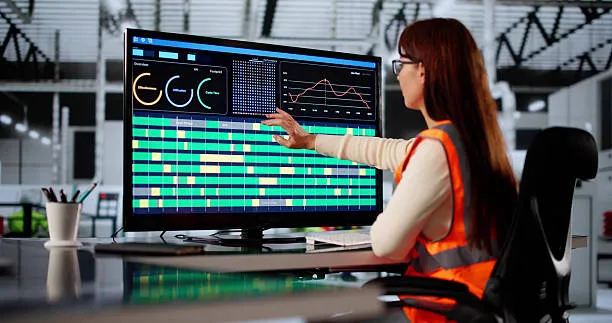
Before finalizing a touch screen monitor size, review the following checklist. If you can confidently answer these questions, you are far more likely to choose a display that fits both current requirements and future expansion plans.
- Viewing Distance Defined: Have you identified how far users will typically be from the screen during operation?
- Installation Space Measured: Have you confirmed the available mounting space, enclosure dimensions, and clearance requirements?
- Interface Complexity Evaluated: Does the selected size provide enough room for all controls, data panels, and navigation elements?
- User Interaction Considered: Will operators interact with the screen frequently, and are touch targets large enough for comfortable use?
- Operating Environment Reviewed: Have lighting conditions, Vibration, dust exposure, or public-use requirements been considered?
- Future Expansion Planned: Can the display accommodate future software updates, additional features, or interface changes?
- Maintenance Accessibility Verified: Can technicians easily access, Service, or replace the display after installation?
- Multi-User Requirements Confirmed: If multiple users need to view or interact with the screen, is the selected size large enough to support shared use?
If most answers are “Ja,” the selected screen size will usually provide a strong balance between usability, Integration, und langfristiger Wert.
Häufig gestellte Fragen
What are the most common touch screen sizes for self-service kiosks?
The most common touch screen sizes for modern self-service kiosks range from 22 Zu 32 Zoll. Compact information or legacy kiosks often use 19-inch panels, while core transactional kiosks for payments, einchecken, and ordering heavily favor 22 Zu 27 Zoll. You should select larger formats spanning 32 Zu 43 inches or more when the kiosk combines self-service with digital signage, Wegfindung, or requires multi-user visibility from a distance.
How do I choose the right aspect ratio (4:3 vs 16:9) for my HMI?
Your choice depends entirely on machine layout and content format. Choose 4:3 for legacy machine retrofits, older camera systems, or fixed panel cutouts designed around older square screens. Opt for 16:9 for new OEM HMI designs, modern widescreen interfaces, and applications requiring wider dashboards, multi-pane layouts, or HD video feeds.
Is a 15.6 inch or 21.5 inch screen better for retail POS?
A 21.5-inch screen works better for retail environments handling high transaction volumes, complex workflows, or customer-facing displays. It offers nearly double the usable area for larger touch targets and split layouts. A 15.6-inch screen remains the practical choice for space-constrained counters, simple barcode-driven checkouts, or budget-sensitive deployments where a compact footprint is critical.
When should I use a large-format (55″+) Touch Display?
Deploy large-format 55-inch and larger touch displays when content must remain visible from several meters away or when multiple users need to collaborate simultaneously. Common applications include front-of-room meeting displays, public wayfinding in transit hubs, interactive museum exhibits, control room dashboards, and high-impact visual merchandising in retail showrooms.
What resolution is best for a 10.1 inch industrial monitor?
The optimal native resolution for most 10.1-inch industrial monitors is 1280×800 (WXGA, 16:10 Seitenverhältnis). This resolution delivers the right pixel density for HMI and SCADA applications. It ensures alarms, Text, and touch targets remain comfortably large for gloved operators working at arm’s length without causing eye fatigue or forcing awkward UI scaling.
Can I get a custom screen size for a specialized medical device?
Ja, but manufacturers typically achieve this by customizing the cover glass, Berührungssensor, and optical stack around a standard display diagonal like 7, 10.1, oder 21.5 inches rather than fabricating a completely unique active area size. This semi-custom approach ensures the display meets strict medical regulations, liquid safety requirements, and long-term availability constraints while keeping development costs and redesign risks low.
Letzte Gedanken
Selecting the right touch screen monitor size means balancing viewing distance, interface complexity, installation space, und Betriebsbedingungen. When these factors align, the result is a system that delivers better usability, smoother integration, and stronger long-term performance.
Whether you need a compact HMI, a retail touch display, a self-service kiosk, or a large interactive screen, TouchWo offers customized touch screen monitor solutions for industrial, kommerziell, Gesundheitspflege, Ausbildung, Und OEM/ODM applications. Our team can help you choose the right size for reliable and scalable deployment.





