
A wall mounted vs floor standing kiosk choice comes down to four site facts. A wall-mounted kiosk puts its weight into the structure, and a floor-standing unit keeps that load on its own base. Your wall has to carry a hanging load, and your floor has to give up the footprint a cabinet needs. Peripherals decide where the machine must open, and service access decides how long a paper reload takes. Both formats can hold the same screen, run the same software, and take the same receipt printer.
The differences sit outside the specification sheet: mountings, walking space, cable routes, cleaning, relocation, and how a panel opens. This article walks those constraints in the order a deployment plan needs them, and it stays out of the argument about which format looks more premium. ໄດ້ wall mounted touch screen kiosk page explains what one format does for a business, ແລະ the types of kiosks page sorts machines by function. Neither answers the question in front of you, which is what fits this room.
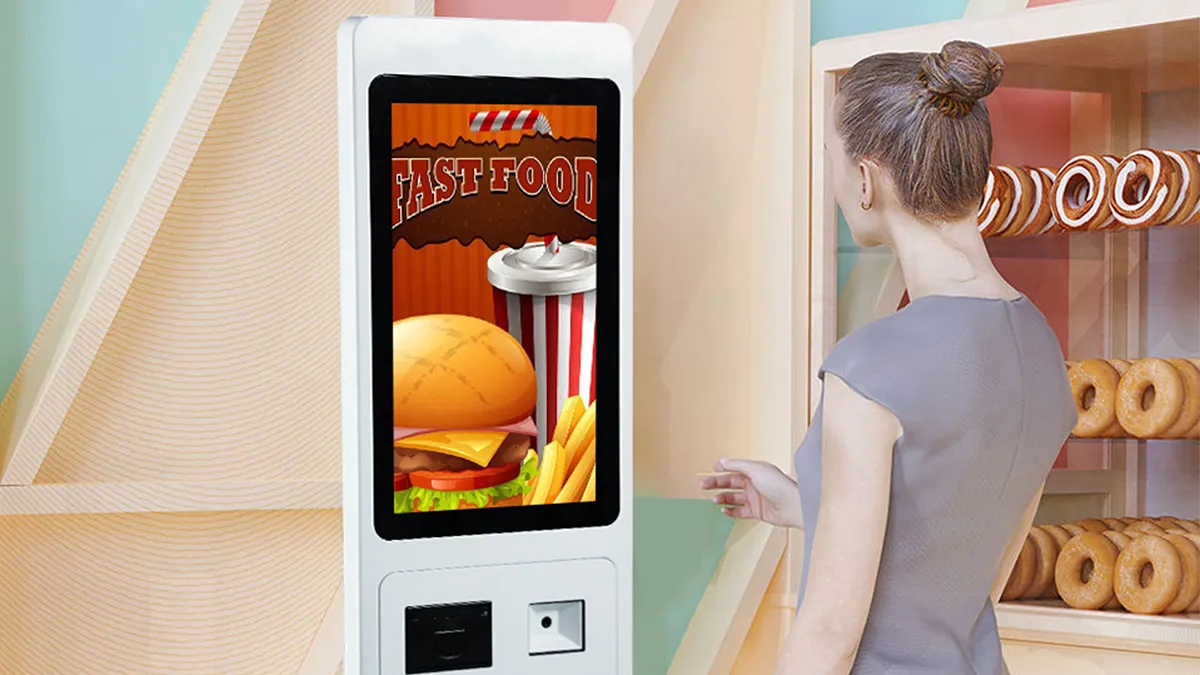
What Changes Between Wall-Mounted and Floor-Standing Kiosks?
Mounting moves the machine’s weight, its service access, and its cable route onto different parts of your building.
A wall-mounted kiosk keeps the floor clear and lets you position the screen for standing or seated users. The wall must support the unit, though, and power and data cables need to reach the mounting point. If you later move the screen, you may need new fixings, cable work, and repairs to the wall.
A floor-standing kiosk takes up more room but gives you space inside the cabinet for a printer, ເຄື່ອງອ່ານບັດ, and their cables. It may also be easier to reposition, depending on how it is fixed and where the cables enter. In a busy room, check that the cabinet and the queue will not block the walking route.
Maintenance matters as much as footprint. A rear panel high on a wall can be awkward for a technician to reach, while a side-opening cabinet may give better access. touchgo ຂອງ 23.8-inch self-service kiosk GD238D2 has a lockable side-opening structure and supports wall, floor, and desktop installation. Check the access route for the installation you choose.
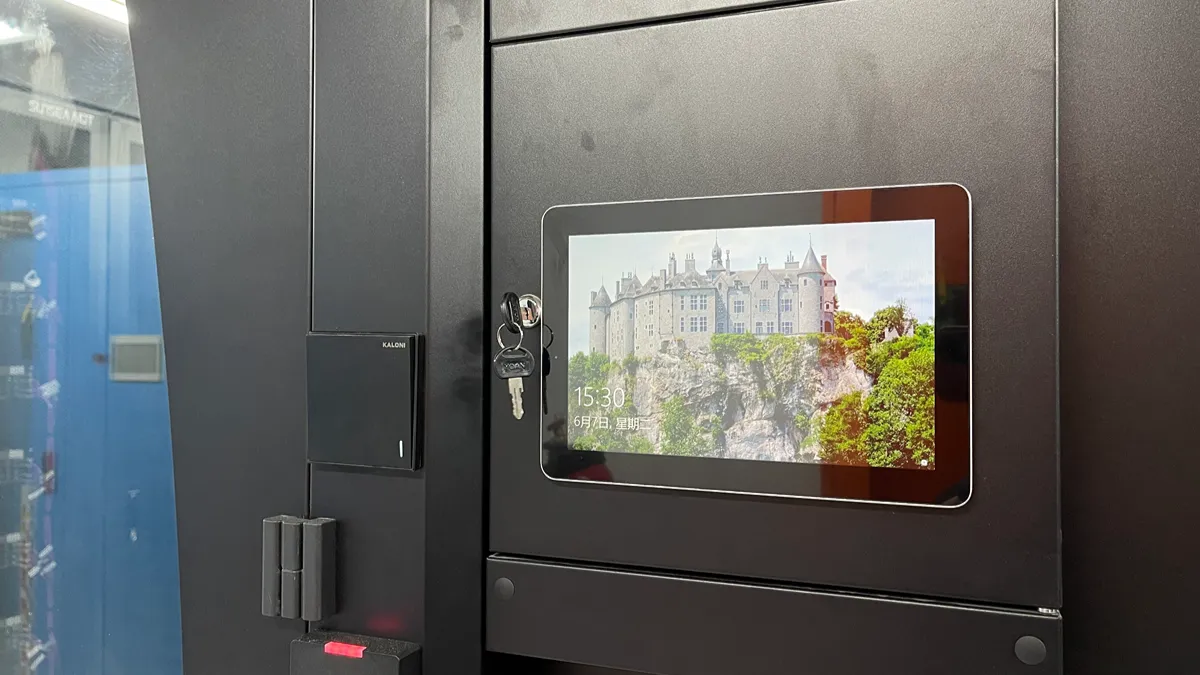
How Much Space Does Each Installation Need?
Start with the numbers your supplier can quote, then add the space a person needs to use and service the unit. The table below keeps the geometry side by side so you can fill in your own measurements during a site walk. Bring a tape measure and take photographs, because the details that decide the answer are usually seen on a site walk rather than on a drawing.
| Space Check | ຕິດຝາ | ຊັ້ນຢືນ |
|---|---|---|
| Floor footprint | None below the unit, base of wall stays clear | Uses the full cabinet base permanently |
| Wall condition | Must carry the unit weight with correct anchors | Only needs a floor fixing or ballast plan |
| Depth into the room | Body depth plus user standing space | Cabinet depth plus door swing and queue |
| Cable route | Concealed in wall, needs planned chase or trunking | Through floor or down a trunking run |
| Position change later | New fixings, patching, re-routing | Roll it, then extend or move the floor route |
Weights give you the planning number, and a product datasheet supplies them. The GD238D2 spec sheet lists a machine body of 87.3 × 37 × 15.7 cm and a net weight of 23.85 ກິໂລ. A stud-backed wall with the right bracket handles that load, and a plasterboard skin without one does not. A lighter screen changes the conversation on the wall but never removes it.
touchgo ຂອງ 21.5-inch HD215 touch monitor is listed at 50.4 × 29.6 × 4.15 cm and 4.5 kg net, and its carton includes a wall mount bracket. That figure is a display hanging on a bracket, not a complete machine bolted into the structure. Ask the manufacturer what fixing specification applies to your wall build, then have your local installer confirm it against what sits behind the surface. A kiosk that arrives with a bracket and no anchor schedule leaves that judgement to whoever drills first, which is how a heavy machine ends up on drywall anchors. Ask for the anchor type, the embedment depth, and the torque figure in writing, then keep that sheet with your site records.
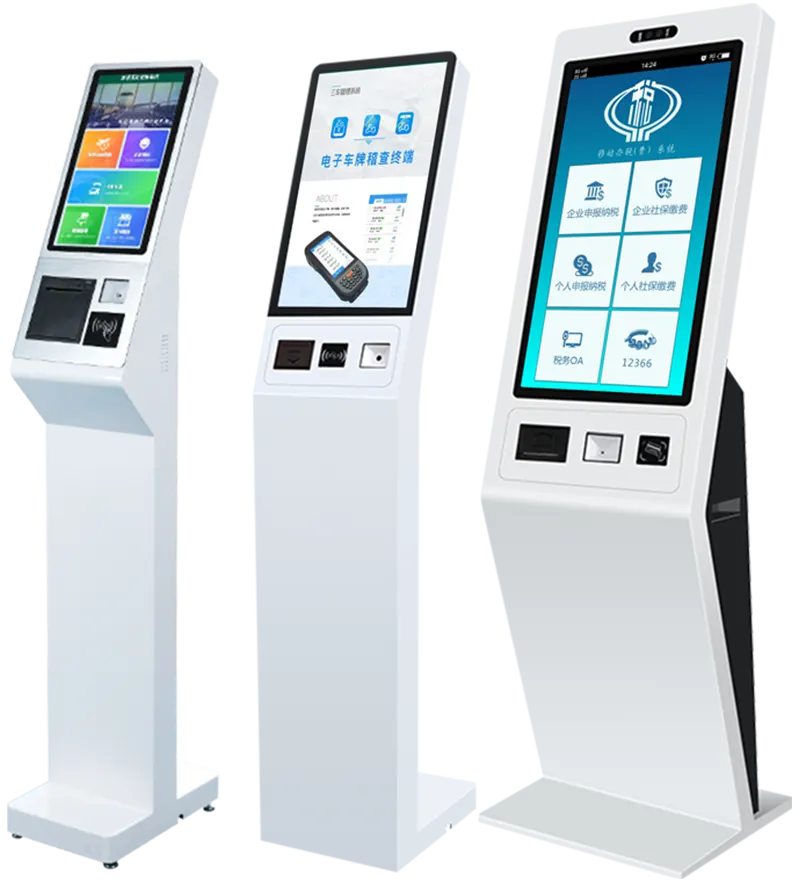
How Do User Flow and Reach Affect Placement?
Flow decides more than the format choice. Watch a real transaction and note where a customer puts a bag, a tray, or a child. A short check-in works on a screen mounted flush with nothing below it. A longer order with card payment and a printed receipt needs a surface to lean against, and a flush wall unit offers none unless you add a shelf.
Reach follows the same logic. Set the touch zone where your users stand, and check it with the tallest and shortest staff member who must reload paper or clear a jam. Glare follows placement too, since a bright room or a west-facing window can wash out a dim panel. TouchWo’s 23.8-inch kiosk LCD carries a minimum of 250 cd/m² on its datasheet, while its 21.5-inch HD215 monitor lists 300 cd/m². Match that kind of number against the light at your actual spot rather than a showroom.
Interface layout belongs in this decision as well, since a wall-mounted screen sits closer to the eye line than a tilted cabinet. Interactive targets matter more than they look on a spec sheet, ແລະ W3C guidance on minimum target size documents why small touch controls fail users. Read it as interface design advice for your application. A WCAG reference covers software on a screen, so it neither certifies a kiosk enclosure nor implies a machine meets any accessibility law in your market.
Two practical checks settle the argument. Stand where the queue forms and complete a full transaction yourself. Then have a colleague block the same screen with their body while a second person tries to pass. Measure the clear width past the fitted wall-mounted kiosk with a user standing at it, since a machine can pass the reach test and still narrow a route too far.
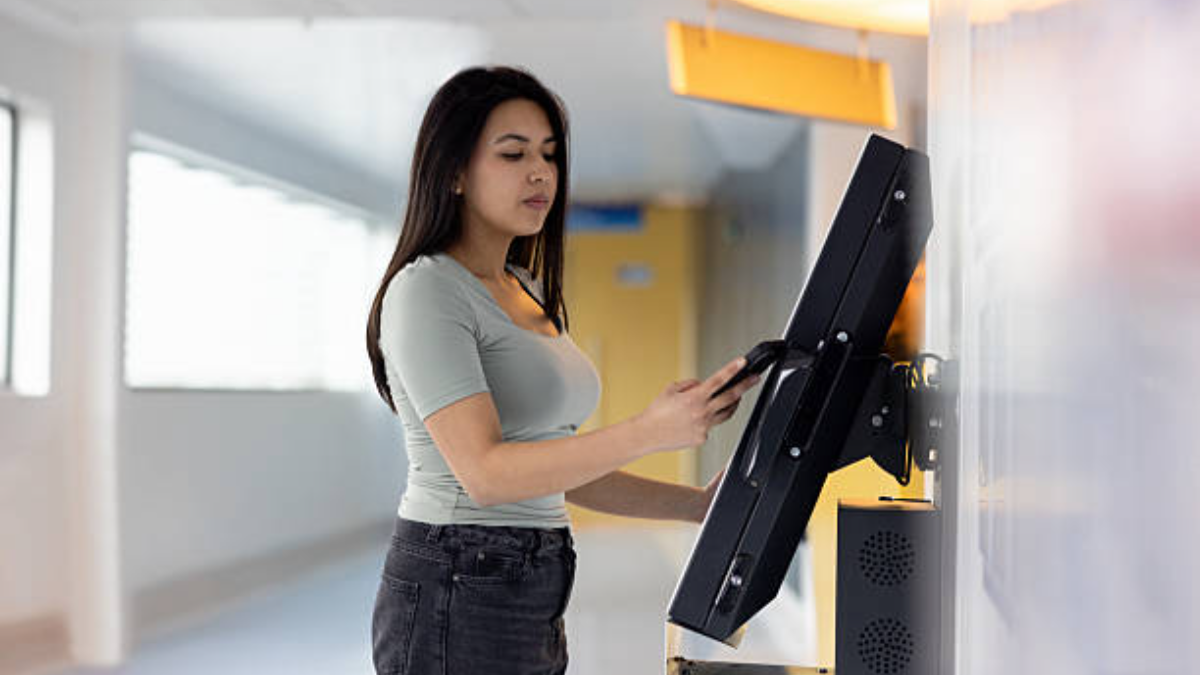
What Power, ເຄືອຂ່າຍ, and Structural Checks Are Needed?
Both formats need the same three services, and both hide them differently. A wall-mounted kiosk wants a chase or trunking that lands behind the bracket, and it wants that route finished before the bracket goes up. An exposed cable next to a premium screen reads as a temporary install permanently. A floor cabinet wants a floor box or a tidy run to a skirting route, plus room for the base to sit flat on a level surface.
Power budget for the machine and the display
Count the loads inside the enclosure, since a kiosk rarely carries one. TouchWo’s 23.8-inch unit specifies a 110–240 V AC input with a DC 12 ວິທີ 4 A output, standby under 0.5 w, and total consumption below 60 w. The HD215 is not the same class of item, because it is a touch monitor rather than a complete machine. Its page lists a DC 12 ວິທີ 3 A output and overall consumption under 20 w, covering a panel and a touch controller rather than a computer. So the two figures are not competing machine loads, and you should not read them as a comparison between formats.
A wall-mounted display still needs a host somewhere. Put that box inside the enclosure, beside the bracket, or in another room, then add a printer, a scanner, and a payment terminal on their own supplies. Decide whether one socket feeds the whole assembly or two do, and ask the supplier for the total draw of the quoted configuration in writing. A wall position that shares a switched lighting circuit creates a machine that disappears every time someone kills the lights.
Network and cable length
Wired beats wireless for a fixed deployment, but the two product types connect in different ways. The GD238D2 page lists 10/100/1000M RJ45 and 802.11a/b/g/n/ac Wi-Fi, and its delivery list includes a Wi-Fi antenna, so that machine can patch into a switch or run wireless. The HD215 monitor page lists no network port at all. It carries VGA, HDMI, USB, ເຄື່ອງສຽງ, and a power socket, which is a host connection rather than a network connection. Its touch link runs over USB and its video link runs over VGA or HDMI, so both belong to the display-to-host side of your plan.
Keep the two measurements apart. Measure the data run from your patch panel before you commit to a wall point, then measure the video and USB run from the host to the screen. A host hidden in a cupboard gains a longer video run and a longer USB run than a host sitting under the display. Check both against the cable lengths the supplier ships, since a hidden host may need longer runs than the box in the carton. A route that crosses a ceiling void or a refrigerated area takes a licensed trade and a longer lead time than the kiosk itself.
Structure and the environment around it
Confirm what sits behind your chosen wall point, then measure the conditions where the machine will stand. The GD238D2 sheet states an operating range of 0–50 °C and 10–80 % ຄວາມຊຸ່ມຊື່ນ, and the HD215 monitor states 0–50 °C and 0–90 %. A covered corridor that drops to 5 °C on a winter morning stays inside that range, so cold alone is not a reason to avoid a wall mount. Check the rated figure instead of guessing from how the room feels.
Sunlight is the case worth measuring. A west-facing wall can put direct sun on an enclosure for hours, and the air inside a closed metal shell runs warmer than the room air. Log the temperature at the exact position across a normal day, including the surface behind the unit and the shade beside it. Ask the supplier whether the fitted enclosure stays inside its rated range at that spot, and put the answer in your site file. A floor unit you can unplug and move carries a lower risk there than a machine you drilled into the structure.
Which Peripherals and Service Access Must Fit?
A wall unit can carry a scanner. A wall unit rarely carries a paper reload without a handhold.
Peripherals change the format answer more than screen size does. List what the machine must hold, then look at each one’s service motion. The GD238D2 page options a QR code scanner, a receipt printer, ຜູ້ອ່ານບັດ, and multiple IC reader choices. That means a cabinet with a paper roll inside and a reader face on the bezel, and each item brings a cable, a mounting position, and a reload routine.
Check the reload next. A receipt printer mounted above counter height on a wall means a staff member lifts a paper pack to chest height every day. That person also leans the box against a glass panel while feeding the roll, and the printer still has to open for a jam.
The same printer behind a side door at waist height takes a fraction of that time and keeps the carton off the glass. Ask to see the printer with a full roll fitted and the door open in the position you plan. A bezel that clears a wall on one format may need a cut-out on the other.
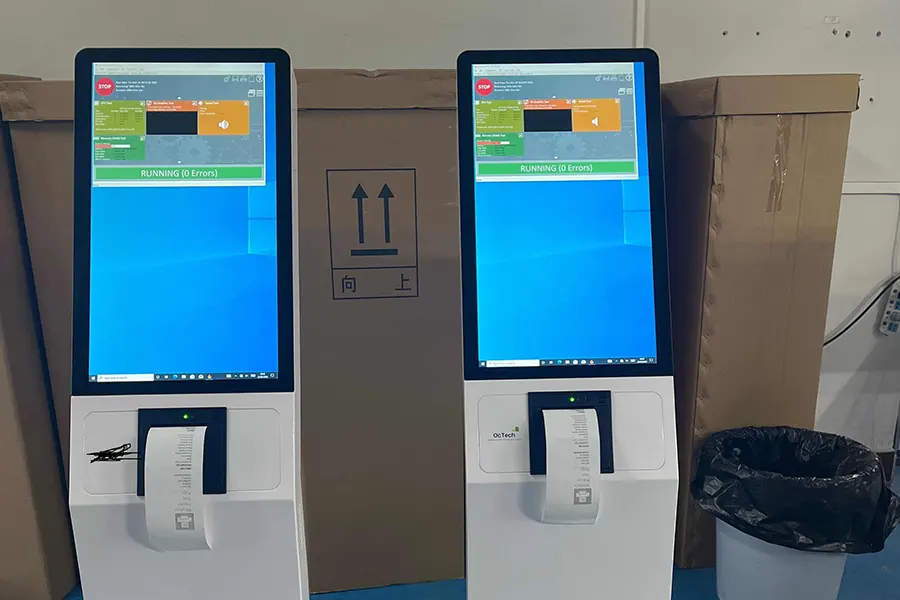
Security sits in the same conversation. A floor cabinet protects its contents behind a locked enclosure and a bolt-down base. A wall unit exposes more of its underside unless the bracket closes that off. Payment hardware and reader cabling need a protected route either way. A machine in an unattended night lobby carries a different risk from one inside a staffed counter.
Browse the wall-mounted kiosk range to see what a supplier builds for the fixed-to-wall case. Then ask the same question of a floor model: what opens, who holds the key, and where the cable enters. Neither answer appears on a datasheet, and both show up in the first month of use.
Cleaning deserves one line on any site plan. A floor cabinet with a base that meets the floor wipes in seconds. A wall unit with a narrow gap behind it collects dust and drops a scanner cable every time a mop passes. Ask your facilities team which of the two they can clean without moving stock or unplugging a reader.
Which Format Fits Common Deployment Scenarios?
Use the table as a first filter, then let a physical mock-up confirm it. Tape a card the size of the screen at your planned height for a week and watch what staff and customers do with it. A format that survives a drawing and fails a doorway is still a failed choice.
| Deployment Scenario | Often Worth Considering | Deciding Constraint |
|---|---|---|
| Narrow corridor check-in | ຕິດຝາ, if the wall can carry it | Floor area has to stay a walking route |
| Order and pay with printed receipt | Floor-standing, if reloads happen daily | Cabinet volume and a handhold during a long flow |
| Glass shopfront with no solid wall | Floor-standing, or an engineered freestanding mount | Nothing to anchor a hanging load to |
| Seasonal or event relocation | Floor-standing | Move cost versus drilling and patching each time |
| Seated use at a counter height | Wall-mounted or desktop | Screen angle and reach from a chair |
| Multiple scanners and a card reader | Floor-standing, or a wall shelf with a sealed cut-out | Bezel space and protected cable runs |
Two cases resist the general rule. A hospital ward that needs a floor that mops clean may favour a wall unit with a sealed bracket, because a base meeting the floor creates a shadow gap. A lobby whose outside wall runs cold is worth measuring rather than assuming, since the rated range covers more cold than most buyers expect. In both cases the site decides and the format follows.
If a site genuinely needs both formats, plan one peripheral set and one software image across them. Staff training and consumables then stay single rather than splitting into two versions. That is a mechanical question for the manufacturer, since a supplier who builds cabinets and mounts the same boards on both paths handles it at the drawing stage. Ask for both drawings before you compare prices, and check that the bezel, reader faces, and print exits line up.
ຄໍາຖາມທີ່ມັກຖາມເລື້ອຍໆ
Can a wall-mounted kiosk include a printer?
ແລ້ວ, when the printer fits the enclosure depth and the paper path clears the wall. Check three items on the quotation: the model and mount, how a full roll enters the slot, and whether the panel opens for a jam. A printer that needs the unit pulled off the wall costs more service time than it saves in floor area.
Is a floor-standing kiosk easier to relocate?
ປົກກະຕິແລ້ວ, because the load sits on its own base instead of fixings in the structure. Moving still means unplugging a power and data route, protecting the finish, and re-checking that the new floor point stays level. A cabinet with a serviceable base and a documented cable route turns a relocation into a routine task rather than a project.
What should be checked before mounting a kiosk on a wall?
Confirm the wall build and what hides inside it, then match the bracket and anchors to the unit’s net weight. Plan the power and data route to land behind the machine, check the screen height against your users, and get your installer to sign off the fixing. A bracket in the carton is not a structural approval for your building.
ຄວາມຄິດສຸດທ້າຍ
Wall-mounted kiosks keep the floor clear, but the wall must support the unit and accommodate its power and data cables. Moving one later may mean new fixings and cable work. Floor-standing kiosks take up room, but their cabinets can provide more space for peripherals and easier service access.
To choose between them, check the space left when customers queue, the structure behind the proposed wall position, which peripherals need regular access, and whether the kiosk may need to move. Compare the quoted models’ power, network, and temperature requirements with conditions at your site.
Send touchgo your site layout and peripheral list to discuss both options. Ask for the mounting details, service access, and power requirements of each proposed configuration before deciding.





