
Specifying a wide temperature touch display based on a datasheet alone is a direct path to higher warranty claims. When a unit fails to handle real-world solar load or a cold start, it becomes an operational liability, causing screen blackouts or touch failures in critical outdoor kiosks.
This analysis benchmarks system-level thermal design against industry standards. We evaluate how material choices, from liquid crystal formulations to optical bonding adhesives, determine reliability at temperature extremes and help you reduce total lifecycle costs.
What Wide Temperature Touch Displays Mean in Real Deployments

Wide temperature touch displays go beyond lab specs to ensure uptime in real-world deployments. They maintain performance through freezing starts, high heat, ແລະແສງແດດໂດຍກົງ.
Ensuring Performance Beyond the Spec Sheet
A wide operating temperature range, such as -30°C to +85°C, isn’t just about surviving in a static lab test. It’s engineered to handle the real-world environmental swings an outdoor kiosk or industrial HMI faces daily. This capability ensures a reliable cold start on a freezing morning and prevents the screen from degrading when blasted by afternoon sun. The goal is simple: maintain consistent image quality and accurate touch response throughout a full day of temperature changes, not just under ideal conditions.
Maintaining Usability in Extreme Conditions
In the cold, the liquid crystal in a standard display slows down, causing obvious image lag or ghosting. Wide temperature engineering prevents this, keeping visuals sharp. In high heat, specialized components and high-brightness backlights are used to stop the screen from dimming, developing black spots, or failing completely. Critically, the touch responsiveness—even with gloves—is designed to remain stable and predictable, regardless of whether the screen surface is hot, cold, or has condensation.
Critical Applications in Uncontrolled Environments
Certain deployments simply cannot tolerate temperature-related failures. Outdoor systems like EV charging stations, public ticketing kiosks, and digital signage depend on this technology for year-round operation. Transportation hubs and public information screens use them to guarantee service availability through seasonal extremes. Likewise, industrial HMIs on factory floors or mounted on field equipment must function reliably in unconditioned spaces with wide temperature fluctuations.
Improving Uptime and Reducing Field Failures
For system operators, the bottom-line benefit is higher equipment uptime and greater service reliability. A display built for wide temperature ranges directly reduces the number of service calls and maintenance costs caused by component failure. This durability is especially important for equipment in remote or hard-to-access locations, where sending a technician is both difficult and expensive. It translates a technical specification into a clear operational advantage.
How Heat and Cold Affect LCD, ສໍາພັດ, and System Performance
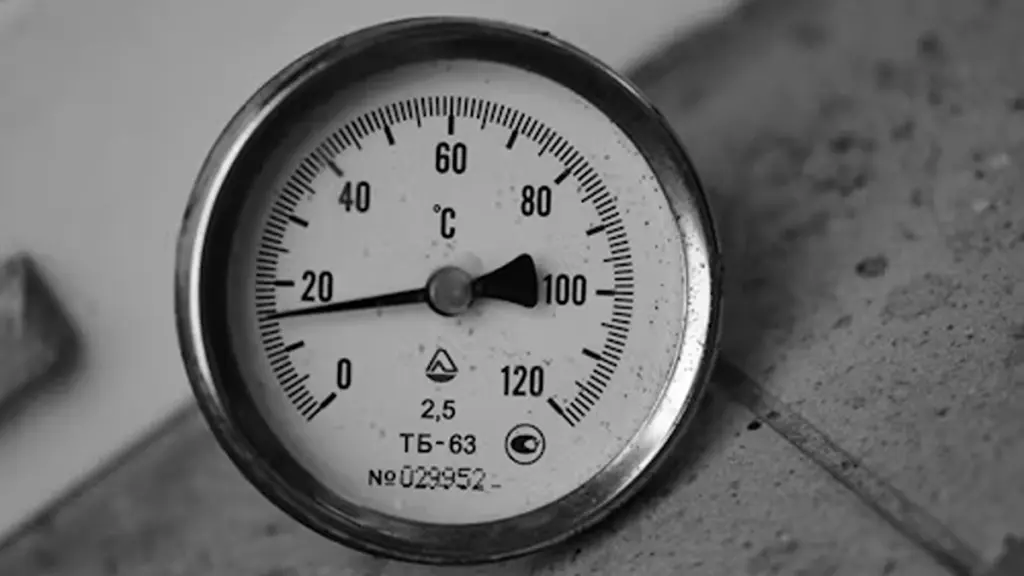
Temperature extremes degrade every part of an outdoor display, from image quality and touch accuracy to component lifetime, requiring specific engineering safeguards to ensure reliability.
High-Temperature Effects on LCD and Electronics
High temperatures aren’t just an inconvenience; they actively break down the display stack from the liquid crystal to the backlight. The damage can be both temporary and permanent, directly impacting usability and lifespan.
- Image Quality Degradation: As temperatures rise, LCDs lose contrast and brightness. This can lead to a washed-out image or a complete ‘thermal blackout’ where the screen darkens until it cools down.
- Permanent Damage Risks: Prolonged exposure to heat causes irreversible harm. This includes the delamination of optical bonding layers, yellowing of polarizers, and the appearance of permanent pixel defects.
- Reduced Component Efficiency: Heat lowers the efficiency of backlight LEDs and accelerates wear on driver electronics and power supplies. This degradation directly impacts the system’s overall lifetime and performance.
Low-Temperature Effects on LCD and Electronics
Cold creates a different set of problems, primarily by slowing down physical processes and making materials brittle. These issues can render a display unusable until it warms up to its specified operating range.
- Slower LCD Response Times: In cold conditions, the liquid crystal material becomes more viscous. This thickening results in noticeable motion blur, smearing, and ‘ghosting’ effects on the screen.
- Reduced Contrast and Startup Issues: At or below 0°C, non-industrial panels suffer from poor contrast. Many may fail to start up entirely due to the physical limitations of their components.
- Mechanical Stress Risks: Extreme cold can make materials like glass and adhesives brittle. This creates a high risk of cracks in glass layers or failures in adhesive bonds during temperature cycling.
Temperature Impact on Touchscreen Performance
Touchscreens have their own vulnerabilities to temperature that affect both the sensor’s electrical properties and the user’s ability to interact with the device. Performance degradation is common at both ends of the temperature spectrum.
- Capacitive Drift in Heat: Elevated temperatures alter the electrical properties of the touch sensor. This change causes calibration drift, requiring more frequent baseline compensation to maintain accuracy.
- Challenges in Cold Environments: Low temperatures introduce two problems. Users often wear gloves, which requires higher sensor sensitivity, while ice and condensation on the screen can cause false or missed touches.
- Physical Layer Instability: Both heat and cold cause materials to expand and contract. This movement in the glass and adhesive layers can alter the sensor’s geometry and negatively impact signal quality.
System-Level Performance and Reliability
Beyond the panel itself, the entire system must be engineered with thermal safeguards. These protections are critical for preventing catastrophic failure and ensuring long-term operational reliability in the field.
- Thermal Throttling and Shutdowns: Outdoor systems automatically protect themselves by reducing screen brightness at high temperatures. If internal limits are exceeded, they may shut down entirely to prevent permanent damage.
- Cold Start Safeguards: Many systems use integrated heaters to bring the LCD panel into its minimum operating temperature before applying full power, which prevents damage during cold starts.
- Lifetime Reduction from Thermal Cycling: Frequent swings between extreme heat and cold place mechanical stress on all components. This cycling affects everything from solder joints to optical bonds, reducing long-term reliability.
ທີ່ເຮັດໃຫ້ເຊື່ອໄດ້, Customizable Industrial Touch Solutions Delivered.
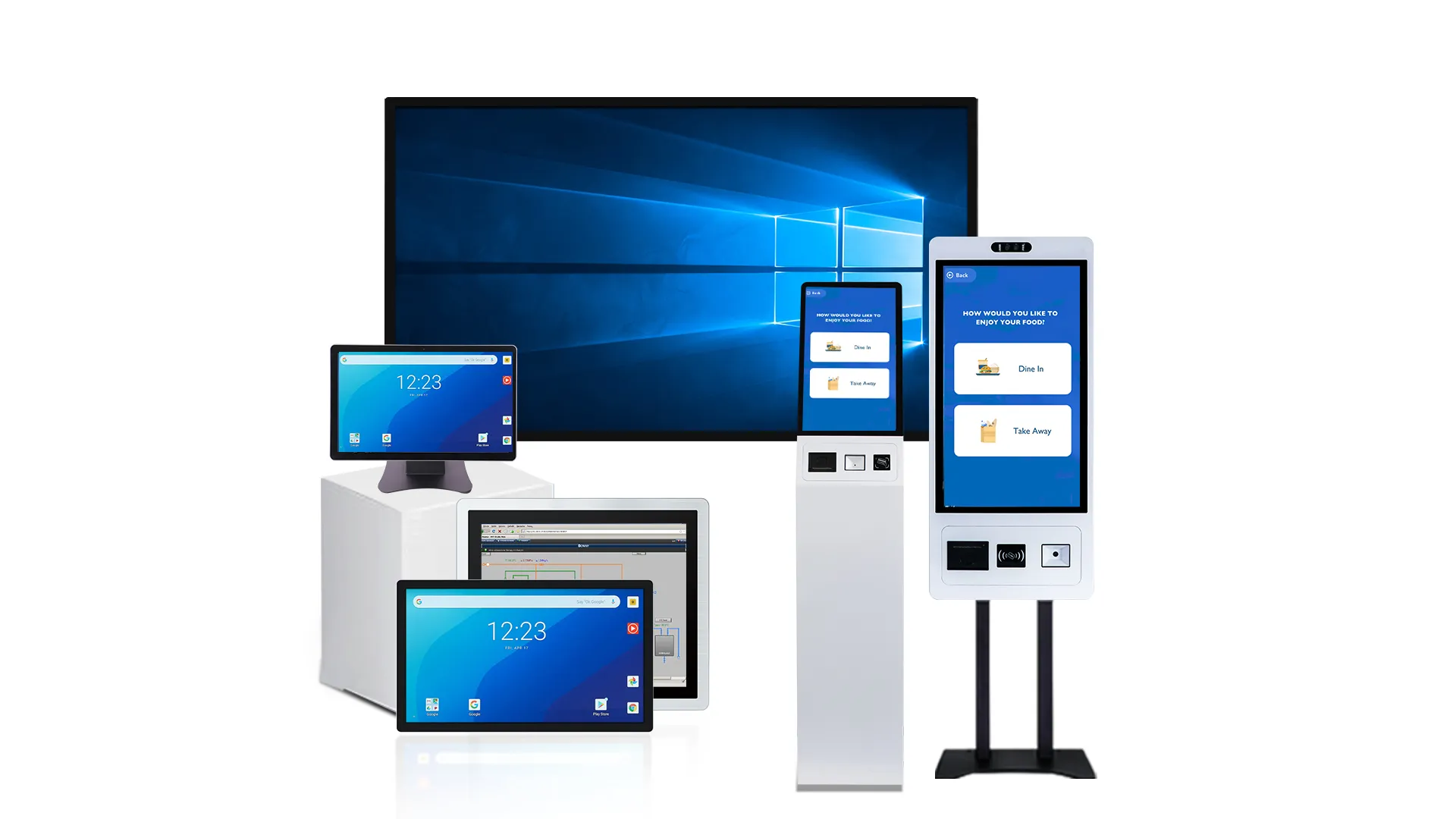
Key Materials and Structural Choices for Wide-Temperature Design
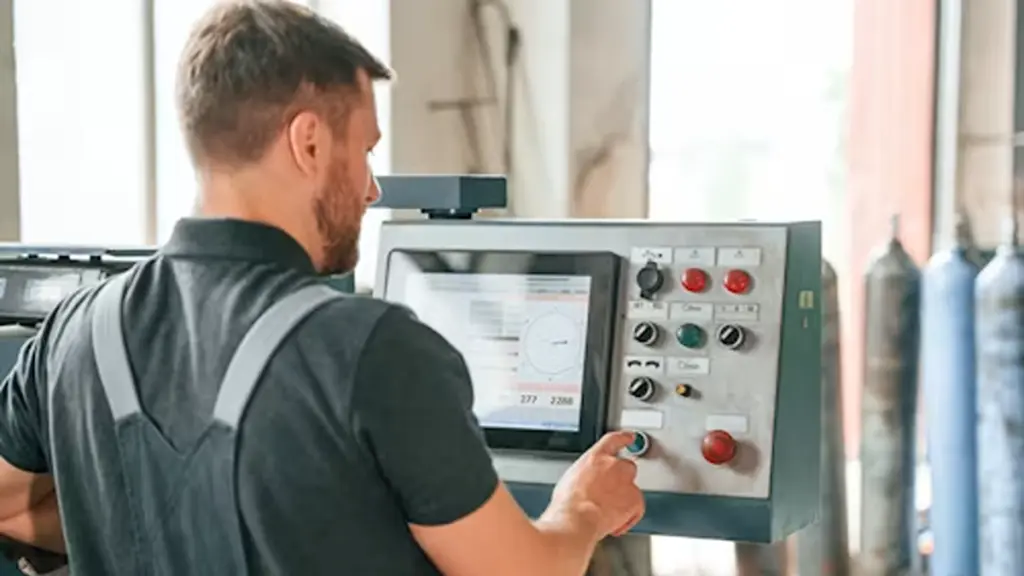
Building a display for extreme temperatures isn’t about one part. It demands a system-wide commitment to materials that survive thermal cycling, from the liquid crystal to the housing.
LCD Panel and Backlight Materials
The visual core of the display must be engineered to prevent the image from freezing, boiling, or degrading. This starts with the liquid crystal itself and extends through every optical layer.
- Specialized Liquid Crystal (LC): Use wide-temperature LC formulations that prevent the crystal from freezing at -30°C or turning to an unusable isotropic state at +85°C.
- Industrial-Grade Films: Employ high-temperature polarizers and compensation films. Standard films will shrink, warp, or discolor under the constant thermal stress of outdoor use.
- Thermally-Managed Backlights: Integrate high-brightness LEDs with smart drivers. These drivers must include thermal feedback to automatically reduce current and prevent the LEDs from overheating and aging prematurely.
- Stable Optical Plastics: Choose light guide plates (LGPs) and diffusers made from materials with high dimensional stability. This prevents optical distortion or warping when the display gets hot.
Touch Sensor Stack and Optical Bonding Adhesives
The interactive layer is just as exposed as the visual one. Every component, especially the adhesives holding it all together, must be selected to survive the same temperature swings without failing.
- Durable Touch Sensors: capacactitive ຄາດຄະເນ (ປໍສາ) touch sensors on chemically strengthened glass substrates provide the necessary durability and stable performance for public or industrial use.
- Wide-Temperature Adhesives: Select optically clear adhesives (OCA/LOCA) with a high glass transition temperature. This is critical to prevent bubbles, yellowing, and delamination when the unit heats up in the sun.
- Optical Bonding: Apply optical bonding to eliminate the air gap between the touch sensor and the LCD. This directly improves ຄວາມສາມາດໃນແສງແດດ, increases impact resistance, and stops internal fogging during temperature changes.
- Resilient Surface Coatings: Ensure front surface treatments like Anti-Reflective (ເກາະ) and Anti-Glare (ລະເລີງ) are specified to withstand thermal cycling without peeling, cracking, or degrading.
Housing, Thermal Management, and Mechanical Structure
The enclosure isn’t just a box; it’s an integral part of the thermal management system. It must both protect the internal components and provide a reliable path for heat to escape.
- Conductive Housings: Construct the housing from materials with high thermal conductivity, like aluminum or steel. This allows the entire chassis to act as a heat sink, pulling heat away from critical electronics.
- Direct Thermal Paths: Design a clear, unobstructed path for heat to move from components like LED drivers to the housing. This requires stable thermal interface materials (TIMs) that don’t degrade or pump out over time.
- Flexible Mounting: Engineer the mechanical mounting to absorb shock while accommodating the different thermal expansion rates of glass, ໂລຫະ, and plastic. This prevents stress that can lead to cracked screens or damaged circuit boards.
- Robust Environmental Sealing: Use high-grade, IP-rated gaskets that maintain their elasticity and compression from -40°C to +85°C. A seal that becomes brittle in the cold or soft in the heat will fail.
Wide-Temperature Electronics and Components
A display with a wide-temperature panel is useless if the electronics driving it are commercial-grade. Every component in the signal path must be rated for the same harsh environment.
- Industrial-Grade ICs: All integrated circuits, including the touch controller, timing controller (TCON), and interface chips, must be specified for an operating range of at least -30°C to +85°C.
- Stable Passive Components: Use capacitors, resistors, and inductors rated for extended temperatures. This prevents their values from drifting, which would destabilize the entire system’s performance.
- Reliable Power Supplies: Design the power supply for dependable cold starts at low temperatures and safe, continuous operation with proper derating at high ambient temperatures.
- Sufficient System Protection: Incorporate EMC and ESD protection robust enough for noisy industrial or automotive environments, ensuring functionality is maintained across the entire temperature range.
Where Wide Temperature Displays Matter Most in Industrial and Outdoor Projects
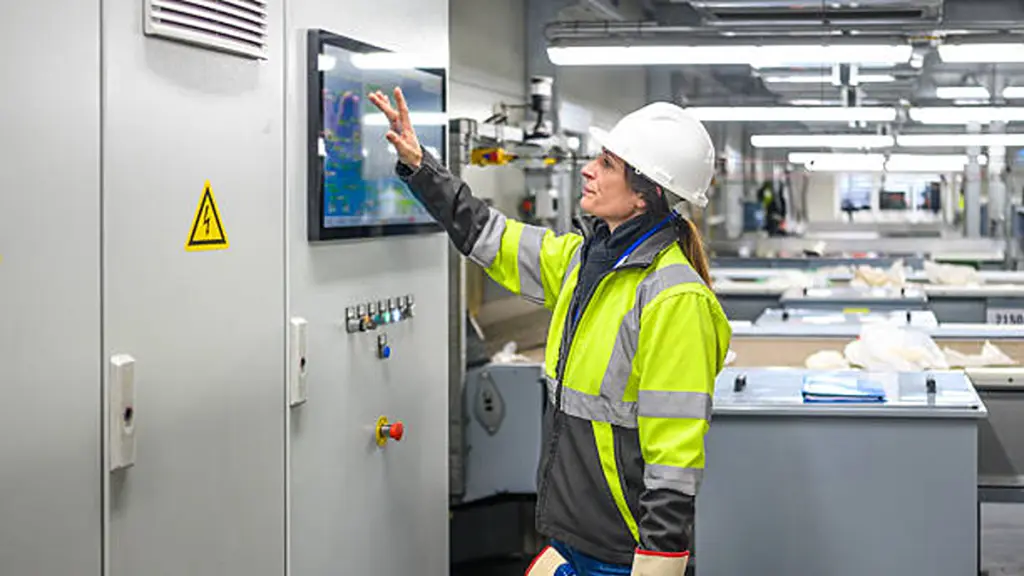
Wide temperature displays are widely used in applications where equipment must operate reliably despite changing environmental conditions.
What Makes Wide Temperature Displays Different
Wide temperature touch displays are designed for applications where standard commercial displays cannot meet long-term reliability requirements. They are built to support stable operation across broader environmental conditions and demanding deployment scenarios.
Unlike consumer displays that typically operate in controlled environments, industrial touch displays must be selected based on factors such as operating conditions, expected service life, and system reliability requirements.
Beyond Temperature Range Specifications
A wide operating temperature rating is more than a number on a datasheet. It represents whether a display can maintain reliable operation when integrated into a complete industrial system.
Real-world deployment requires more than component-level capability. Display selection should consider overall system performance, environmental requirements, and long-term operational reliability.
Improving Equipment Reliability and Reducing Operational Risks
For industrial equipment providers and system integrators, display reliability directly affects the performance of the final product. A display failure can interrupt operations, increase maintenance requirements, and create additional service costs.
Selecting a suitable wide temperature touch display helps reduce unexpected failures and supports more predictable equipment performance throughout the product lifecycle.
How Buyers Should Evaluate Wide-Temperature Reliability Claims
A reliable wide-temperature display requires more than a broad temperature rating. Buyers should verify specifications, testing methods, and application suitability before making a decision.
| Evaluation Area | Key Questions for Suppliers |
|---|---|
| Temperature Specifications | Is the operating temperature range clearly defined? Is it different from the storage temperature range? |
| Thermal Design | How does the enclosure manage heat and protect internal components during operation? |
| Cold Performance | Can the display start and operate reliably in low-temperature environments? |
| High-Temperature Performance | Can brightness and image quality remain stable under high heat and sunlight exposure? |
| Touch System | Are the touch sensor, controller, and bonding materials designed for the required temperature range? |
| Reliability Testing | Has the complete display assembly passed environmental and thermal reliability tests? |
Verify Operating Temperature Specifications
Temperature claims can be misleading if suppliers do not clearly distinguish between operating and storage conditions. The operating range shows where the display can maintain normal performance, while the storage range only indicates survival limits when the device is powered off.
When reviewing specifications, buyers should focus on:
- Operating Range: Confirm the temperature range where the display can function as expected.
- Performance Stability: Check whether key specifications remain consistent across the rated range.
- Specification Clarity: Avoid relying on a single temperature number without knowing the testing conditions.
Review System-Level Validation
A wide-temperature display should be evaluated as a complete system rather than a collection of individual components. The final product needs to prove that the display panel, touch system, ເອເລັກໂຕຣນິກ, and mechanical structure can work together under real operating conditions.
Suppliers should provide information about:
- Environmental Testing: Review thermal cycling and other reliability tests performed on the finished product.
- Complete Assembly Validation: Confirm that testing covers the assembled display instead of only individual parts.
- Application Reliability: Understand how the design supports long-term operation in the intended environment.
Match the Display Design With Real Application Requirements
The best wide-temperature display is not always the one with the widest temperature rating. Buyers should select a solution based on the actual working environment and project requirements.
Important factors include:
- Installation Conditions: Consider indoor, outdoor, enclosed, or exposed environments.
- ຄວາມຕ້ອງການການປະຕິບັດ: Evaluate brightness, ລະດັບການປົກປັກຮັກສາ, and touch requirements.
- Lifecycle Expectations: Balance initial investment with long-term reliability and maintenance costs.
A properly matched display solution can help reduce unexpected failures, service requirements, and total ownership costs.
Why Touchwo Can Support Project-Based Thermal Display Design
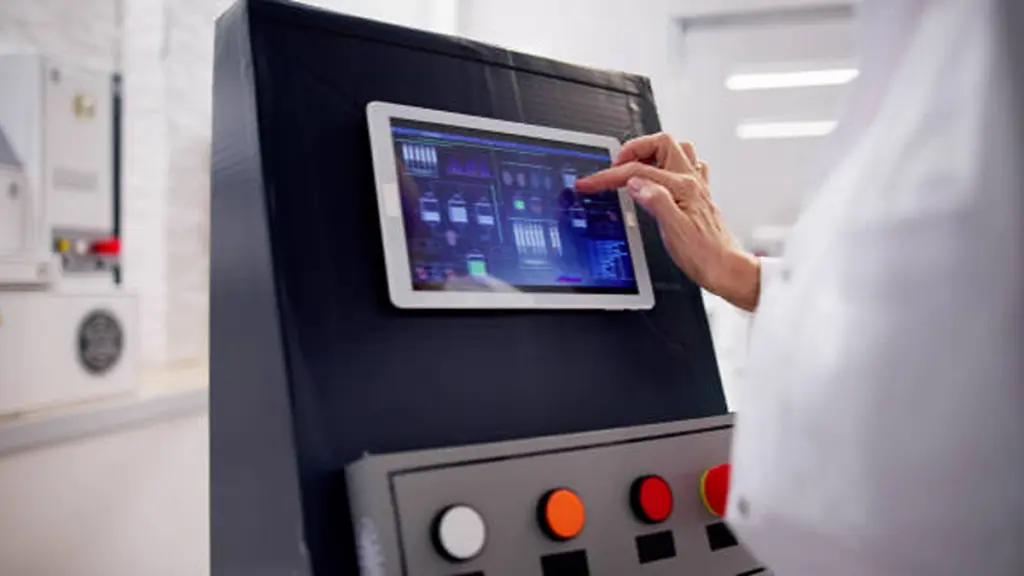
touchgo provides customized industrial touch solutions tailored to different environments and integration needs.
Flexible OEM/ODM Capabilities for Different Projects
Industrial projects often require different display sizes, ວິທີການຕິດຕັ້ງ, touch technologies, and system configurations. Touchwo supports customized solutions to help customers build displays that fit specific equipment requirements.
Key customization options include:
- Display Configuration: Supporting different screen sizes, ມະຕິຕົກລົງ, and touch solutions for various applications.
- Mechanical Design: Adjusting enclosure structures and installation methods based on equipment requirements.
- System Integration: Supporting different operating systems, ໂຕ້ຕອບ, and hardware configurations for industrial applications.
ການປັບແຕ່ງສໍາລັບການສະຫມັກຂອງທ່ານຜ່ານ OEM / ODM
Design Support for Demanding Operating Environments
Different deployment environments create different challenges for industrial displays. Touchwo works with customers to evaluate application requirements and select suitable configurations for factors such as outdoor visibility, protection needs, and long-term operation.
Depending on project requirements, solutions can be optimized through:
- Optical Performance: Options such as high-brightness displays and optical bonding can help improve readability in demanding environments.
- Touch Experience: Different touch technologies can be selected based on application conditions and user interaction needs.
- Mechanical Reliability: Appropriate housing and structural designs can support integration into industrial equipment.
Supporting Reliable Product Development From Prototype to Production
For OEM customers and system integrators, display selection is only one part of a complete project. A successful solution also requires reliable manufacturing, customization support, and consistent production capabilities.
With experience in touch monitors, PARLE PC, and kiosk solutions, Touchwo supports customers throughout the product development process, from initial design requirements to final production.
ຄວາມຄິດສຸດທ້າຍ
Wide temperature touch displays provide the reliability needed for industrial and outdoor applications where standard screens may not meet long-term operating requirements. A well-designed industrial touch display helps reduce downtime, maintenance costs, and risks caused by demanding environments.
ທີ່ເຮັດໃຫ້ເຊື່ອໄດ້ wide-temperature design depends on proper engineering, ການທົດລອງ, and application matching. touchgo ສະຫນັບສະຫນູນ customized industrial touch solutions designed for different project requirements. Contact Touchwo to discuss your application needs and develop a display solution built for reliable deployment.
ຄໍາຖາມທີ່ມັກຖາມເລື້ອຍໆ
What is a wide temperature touch display?
A wide temperature touch display is a specialized LCD or OLED module engineered to operate reliably across a much broader temperature range than standard screens. Typically rated for –30°C to +85°C, these displays maintain image quality and touch responsiveness in outdoor kiosks, vehicle terminals, and industrial equipment exposed to extreme cold, solar heat, and rapid temperature changes.
How do cold and heat affect touch screen performance?
Extreme temperatures directly impact performance. Cold increases the viscosity of liquid crystals, causing slow response times and motion blur, while also reducing capacitive touch ຄວາມອ່ອນໄຫວ, especially with gloves. Heat from direct sunlight can cause the screen to darken or ‘blackout’ and accelerates the aging of electronic components. Wide-temperature designs use specialized materials and thermal management to mitigate these issues.
What temperature range is considered industrial grade?
While standard commercial displays operate from 0°C to 50°C, the baseline for an industrial-grade display is typically –20°C to +70°C. For demanding outdoor applications, an extended or wide-temperature range of –30°C to +85°C is common, ensuring the unit can handle freezing conditions and intense heat from solar load.
Do LCD panels lose brightness in extreme temperatures?
ແລ້ວ. At very high temperatures, especially under direct sun, an LCD can suffer from ‘solar clearing’ or blackout, causing the screen to go dark. High heat also accelerates the aging of the LED backlight, permanently reducing its brightness over its lifetime. In extreme cold, while the backlight may function, the slow response of the liquid crystals can cause motion blur, which reduces perceived sharpness and readability.
How do buyers compare wide-temperature display claims?
Buyers look beyond the simple temperature range listed on a datasheet. They verify the ‘operating’ versus ‘storage’ ອຸນຫະພູມ, request detailed reports from thermal cycling and cold-start tests, and analyze how performance metrics like brightness and touch sensitivity hold up at the temperature extremes. The use of specialized components, such as wide-temperature liquid crystals and high-temperature adhesives, also indicates a more robust design.
Which applications need wide temperature monitors most?
Wide-temperature monitors are essential for any application exposed to uncontrolled environmental conditions. This primarily includes outdoor digital signage, public transit information displays, kiosks ບໍລິການດ້ວຍຕົນເອງ (ປີ້, EV charging, ການຊໍາລະເງິນ), and industrial HMIs used in unconditioned factory or field environments where equipment must operate reliably through all seasons.





