
Touch monitor installation mistakes can lead to costly issues after deployment. Problems such as inaccurate touch response, terlalu panas, signal interference, or difficult maintenance often come from small decisions made during design or assembly. In large kiosk projects, these small issues can quickly scale into system-wide failures and higher service costs.
Successful deployment depends not only on hardware selection, but also on correct mounting, pengudaraan, cabling, penentukuran, and system integration. Understanding common installation risks helps reduce rework and improves long-term reliability.
Why Installation Quality Matters in Kiosk Projects
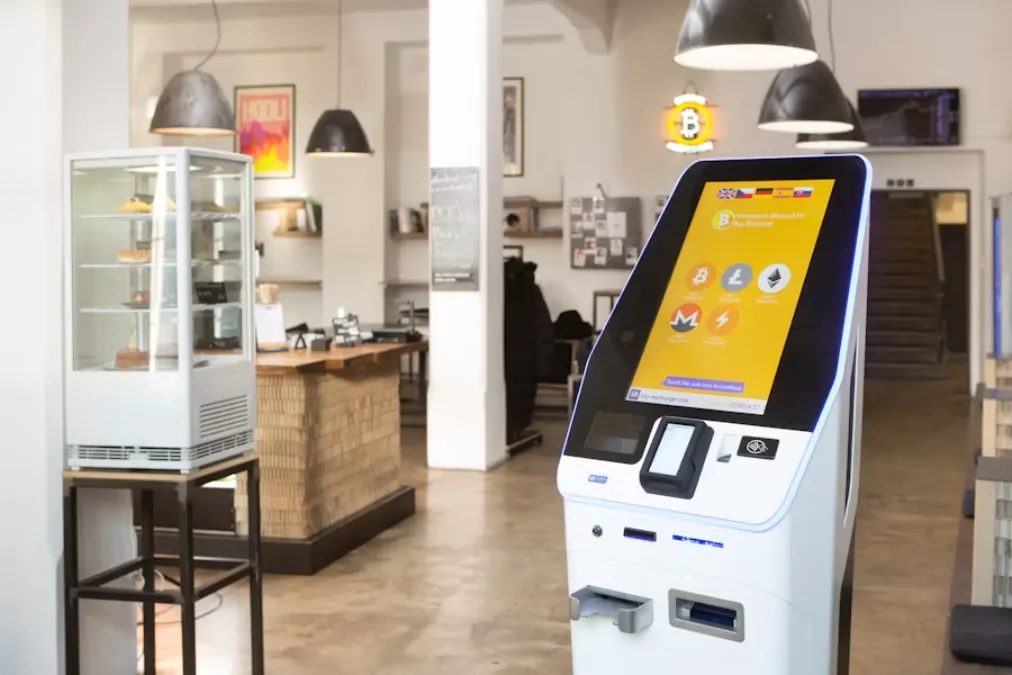
Installation quality directly affects system stability in real operating environments. It influences performance not only at startup, but also during long-term continuous use.
| Installation Area | Kesan |
|---|---|
| Mechanical Setup | Touch accuracy and structural stability |
| Thermal Design | Component lifespan and failure rate |
| Cabling System | Signal stability and responsiveness |
| Maintenance Access | Service efficiency and downtime |
Installation Is Part of System Reliability
A kiosk system depends on integration, not individual components. Even high-quality hardware can underperform if improper touch monitor installation introduces mechanical stress or system instability.
In real environments, systems run continuously and face repeated user interaction. Dari masa ke masa, weak installation points may cause touch drift, loose connections, or inconsistent behavior.
Small Installation Errors Can Create Large Deployment Costs
Many installation issues seem minor during assembly, but their impact becomes much larger once kiosks are deployed at scale.
Common examples include:
- Cable routing issues: These can make maintenance difficult and increase repair time.
- Mounting misalignment: Small structural errors may affect multiple units in production.
- Heat buildup design gaps: Poor airflow planning reduces component lifespan.
- Calibration omissions: Small setup steps can lead to repeated service visits.
As deployment scale increases, even a single repeated mistake can significantly raise overall project cost.
Why Problems Often Appear After Deployment
Many issues do not appear during factory testing because early tests are short and controlled. Real environments are different. Haba, getaran, and continuous use expose hidden weaknesses.
Dari masa ke masa, these conditions may reduce touch stability, loosen connections, or affect display performance. This is why installation design must consider long-term stress, not only initial testing.
The Most Common Touch Monitor Installation Mistakes
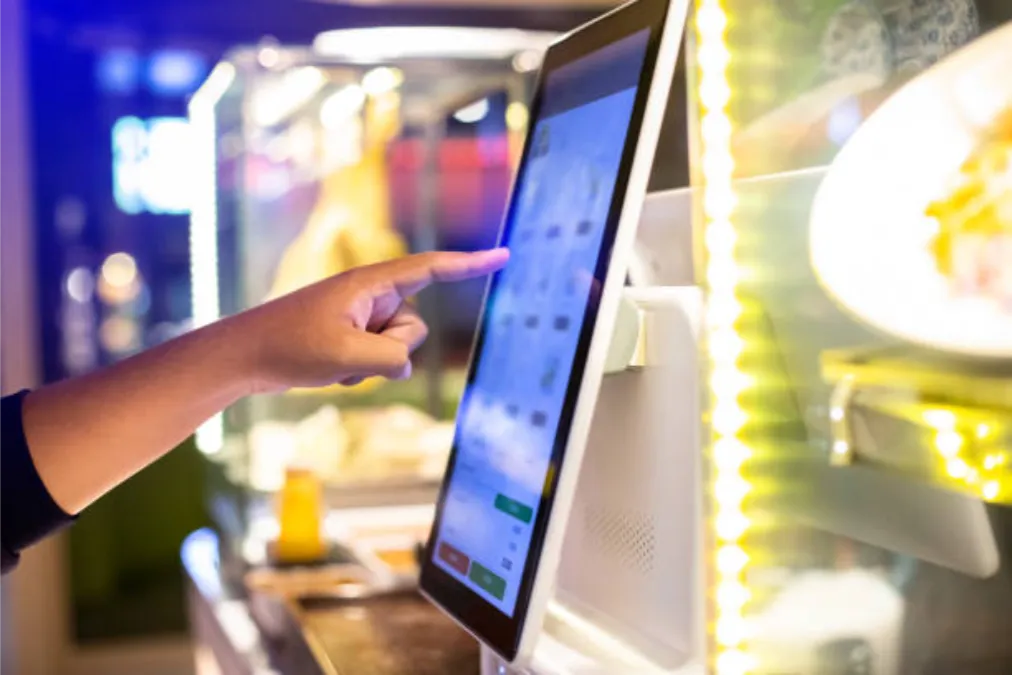
Installation issues usually fall into three categories: mechanical, environmental, and system configuration problems.
Mechanical and Mounting Errors
Mechanical installation affects the stability of the touch system during long-term kiosk use. Once the monitor is fixed inside an enclosure, even small deviations can impact alignment and touch accuracy.
These issues often start with uneven pressure or weak support. The system may pass initial testing, but stress builds during operation and affects performance in kiosks and POS systems.
Key mechanical risks include:
- Mounting Pressure: Excess force distorts the panel and reduces accuracy.
- Frame Alignment: Poor support leads to slight display distortion.
- Vibration Stress: Weak fixation increases long-term wear.
- Service Access: Limited space slows maintenance and repairs.
Without proper mechanical control, even high-quality displays can fail earlier than expected.
Thermal and Environmental Oversights
Kiosks often operate in enclosed spaces with limited airflow. Heat buildup becomes a major long-term risk.
High temperature accelerates component aging and reduces display lifespan. Dust and humidity add additional stress on internal parts.
Common risks include poor airflow design, dust ingress, Pendedahan kelembapan, and weak environmental protection.
Cabling and System Configuration Problems
Many cabling issues remain hidden during installation because the system may still appear functional.
Incorrect USB mapping, unstable signal routing, or missing drivers can cause intermittent failures. In multi-display setups, wrong touch mapping may also confuse users.
System consistency is critical. All connections and configurations must work as a single stable setup.
Boleh dipercayai, Customizable Touchscreens Direct From The Factory.
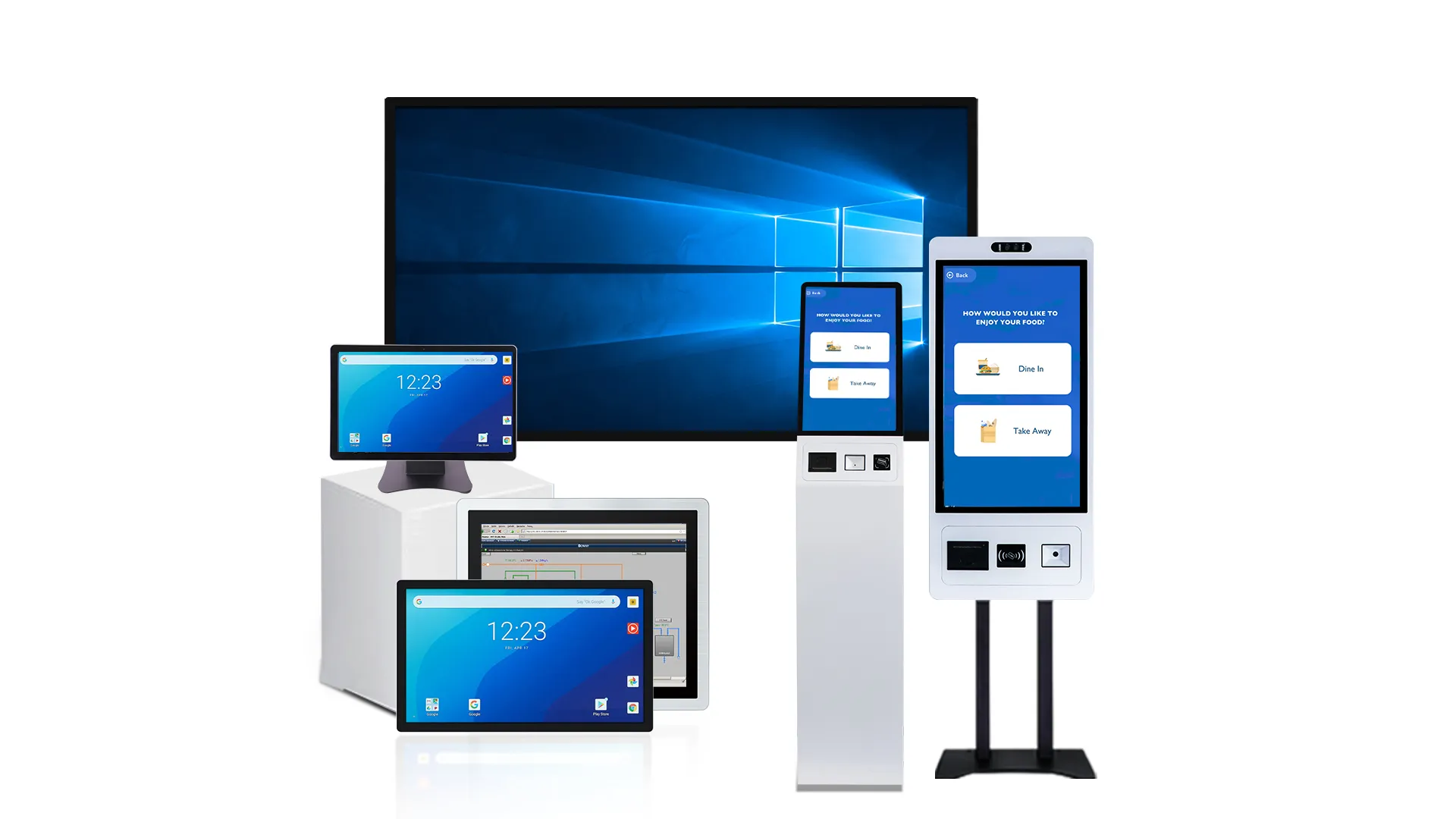
How Incorrect Installation Affects Touch Accuracy and Screen Life
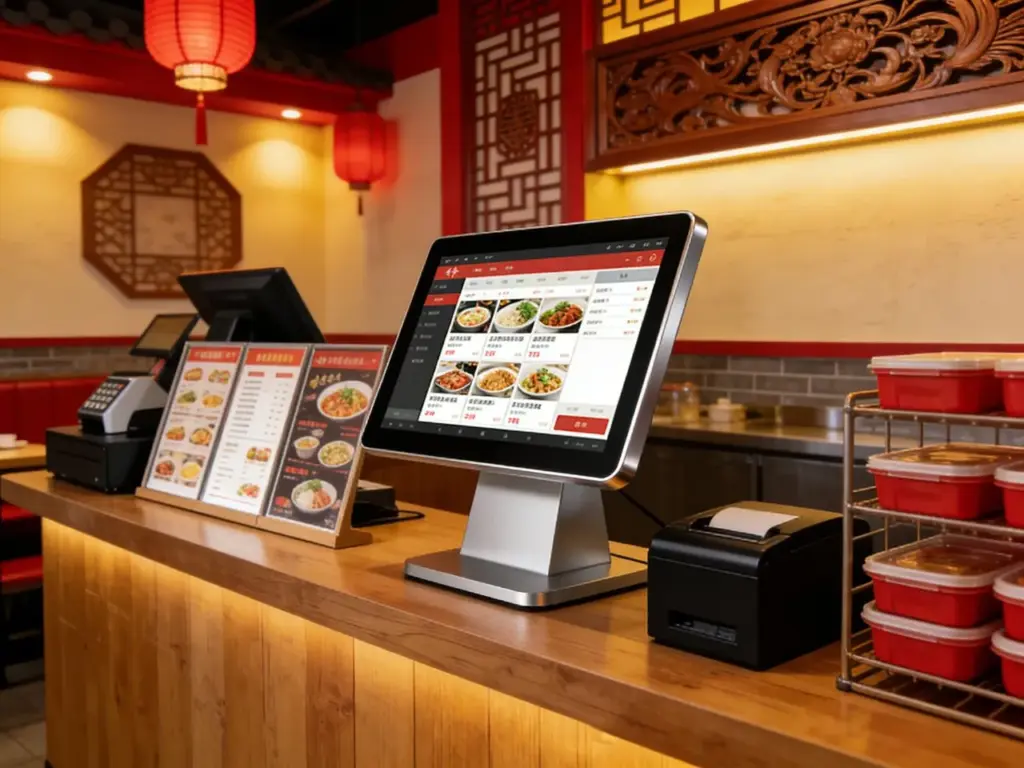
Installation quality influences both user experience and long-term durability. Problems usually develop gradually rather than immediately.
Touch Accuracy and User Experience
Touch accuracy depends on precise alignment between the display panel and the touch sensor. When installation introduces mechanical pressure, calibration deviation, or electrical noise, the touch layer cannot maintain consistent input recognition.
Akibatnya, users may experience input errors even when the hardware itself is fully functional. In kiosk and self-service systems, this directly affects interaction speed and user satisfaction.
Typical symptoms include:
- Touch Offset: Input position does not match the actual touch point.
- Delayed Response: System reacts slower due to signal or configuration issues.
- Edge Inaccuracy: Reduced sensitivity near screen borders.
- False Touch Events: Unstable signals cause unintended inputs.
Even small accuracy issues can significantly reduce usability in public-facing applications of touch monitor installation systems.
Hardware Reliability and Lifespan
Most hardware degradation develops over time due to thermal and mechanical stress in touch monitor installation environments.
| Factor | Kesan |
|---|---|
| High Temperature | Accelerates backlight aging and reduces display stability |
| Poor Ventilation | Creates continuous thermal stress on internal components |
| Habuk & Kelembapan | Increases corrosion risk and connector instability |
| Mechanical Stress | Reduces structural stability and shortens panel lifespan |
Installation quality directly influences long-term system durability.
Maintenance and Service Costs
Installation issues rarely stay isolated. In large deployments, they often repeat across multiple units.
Akibatnya, teams face higher labor costs, more replacements, and longer downtime. Preventing issues early is significantly more cost-effective than fixing them after deployment.
What Kiosk Teams Should Check Before and During Deployment
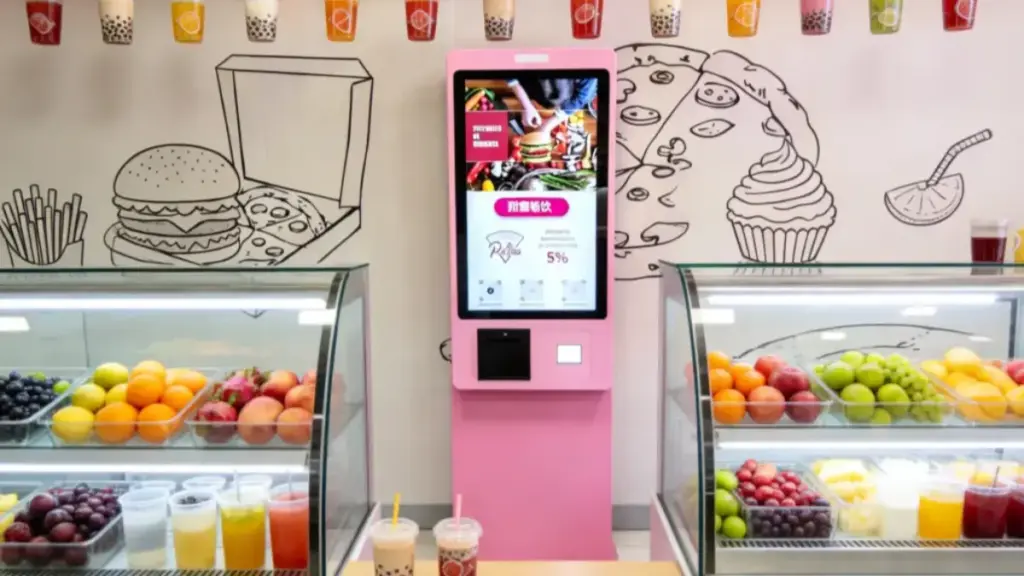
A structured checklist improves deployment consistency and reduces integration risks.
Mechanical and Electrical Installation Readiness
Stable kiosk performance depends on both mechanical structure and electrical connectivity. These two areas work together during installation, and weaknesses in either side can affect long-term system reliability in touch monitor installation environments.
Mechanical issues usually create physical stress on the display, while electrical problems affect signal stability and touch response. Oleh itu, both must be evaluated as part of one integrated readiness check.
| System Area | Installation Focus |
|---|---|
| Mechanical Structure | Ensure stable mounting, balanced load, and proper enclosure fit to avoid long-term panel stress |
| Electrical System | Maintain interface compatibility, stable power input, and reliable signal transmission |
| Cable & Signal Routing | Reduce interference, prevent signal loss, and avoid long-term cable wear inside the enclosure |
| Service & Maintenance Access | Reserve internal space for repair, replacement, and future system adjustments |
This combined approach improves installation efficiency and reduces the risk of missing key integration issues during deployment.
Calibration Setup and Functional Testing
Calibration and functional testing ensure the kiosk operates correctly under real user conditions. Many touch issues do not appear during startup checks and only emerge during continuous operation.
Calibration aligns touch coordinates with the display to ensure accurate input response, especially in fast or high-frequency interactions.
Functional testing validates overall system performance, including touch response, edge accuracy, and driver stability under repeated use.
For multi-unit deployments, consistency is essential. A standardized testing process helps maintain the same performance baseline across all kiosks, reducing variation and improving deployment reliability at scale.
Best Practices for Multi-Unit Kiosk Rollouts
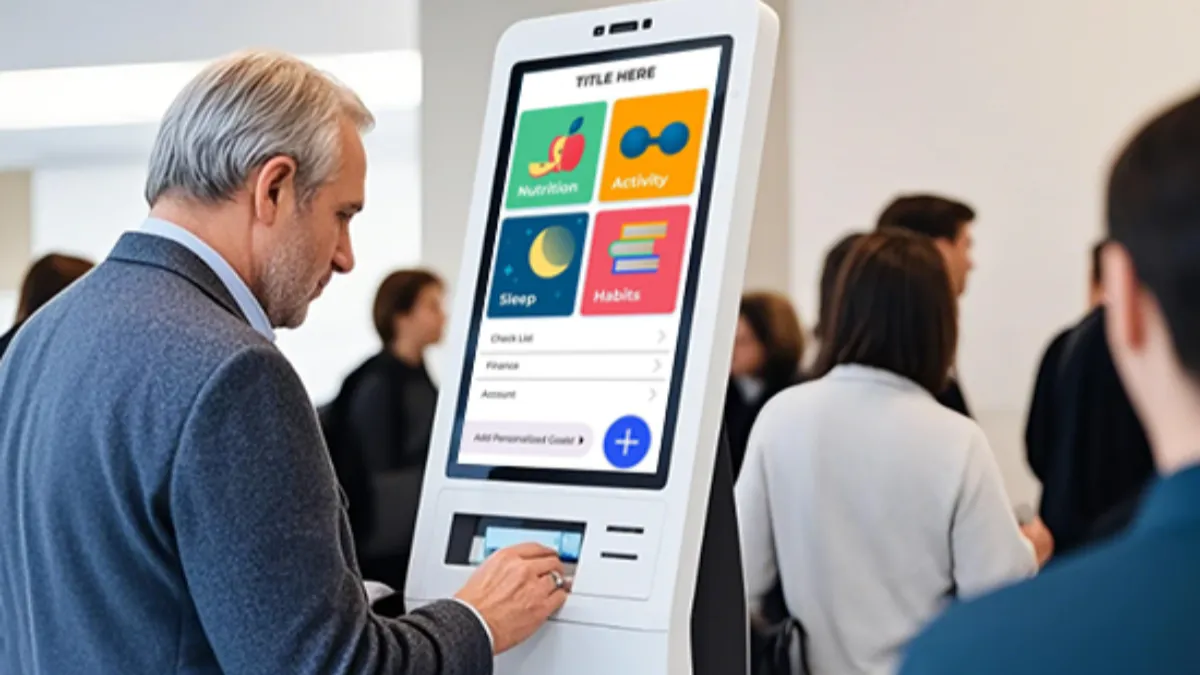
As deployment scale increases, consistency becomes essential for stable performance. In multi-unit kiosk rollouts, small differences in installation or configuration can quickly lead to uneven results across locations. A structured approach helps reduce variation, improve reliability, and lower long-term maintenance costs.
Standardized Installation Procedures
Installation standardization ensures every unit follows the same rules during assembly. Without clear guidance, small variations between teams or sites can create inconsistent performance in the field.
A structured framework should control variation early, especially during mechanical assembly and system integration.
Key standardization areas include:
- Mounting Consistency: Ensures identical fixation methods across units to avoid structural deviation
- Cable Management Rules: Defines routing paths that reduce interference and long-term wear risks
- Calibration Workflow: Aligns touch and display setup for consistent accuracy across devices
- Testing Criteria: Sets clear acceptance standards before shipment for quality control
With standardized installation, deployment becomes more predictable across teams and production sites.
Unified Testing and Validation Process
Testing should act as a controlled quality gate, not just a final assembly step. In large-scale rollouts, consistency in validation is more important than test depth alone, because process variation often leads to uneven field performance.
A unified process typically includes hardware checks, interaction testing, and extended runtime simulation. This layered approach helps detect issues that are not visible during basic startup tests.
Applying the same validation flow across all units ensures stable output quality and reduces hidden defects in mass deployment.
Structured Documentation for Lifecycle Maintenance
Documentation is a long-term operational tool, not just a technical record. As kiosks scale across multiple locations, structured information becomes essential for maintenance, upgrades, dan penyelesaian masalah.
Instead of relying on scattered team knowledge, documentation builds a unified reference system that improves decision-making and service efficiency.
Key documentation elements include:
- System Configuration Records: Standardize hardware and software setups across all models
- Driver and Firmware Logs: Track versions to avoid compatibility issues during updates
- Display Parameter Settings: Maintain consistent brightness and calibration standards
- Wiring and Connection Maps: Speed up diagnostics and reduce field repair time
Well-structured documentation supports efficient operations and long-term scalability across kiosk networks.
How TouchWo Helps Reduce Integration Risks Before Deployment
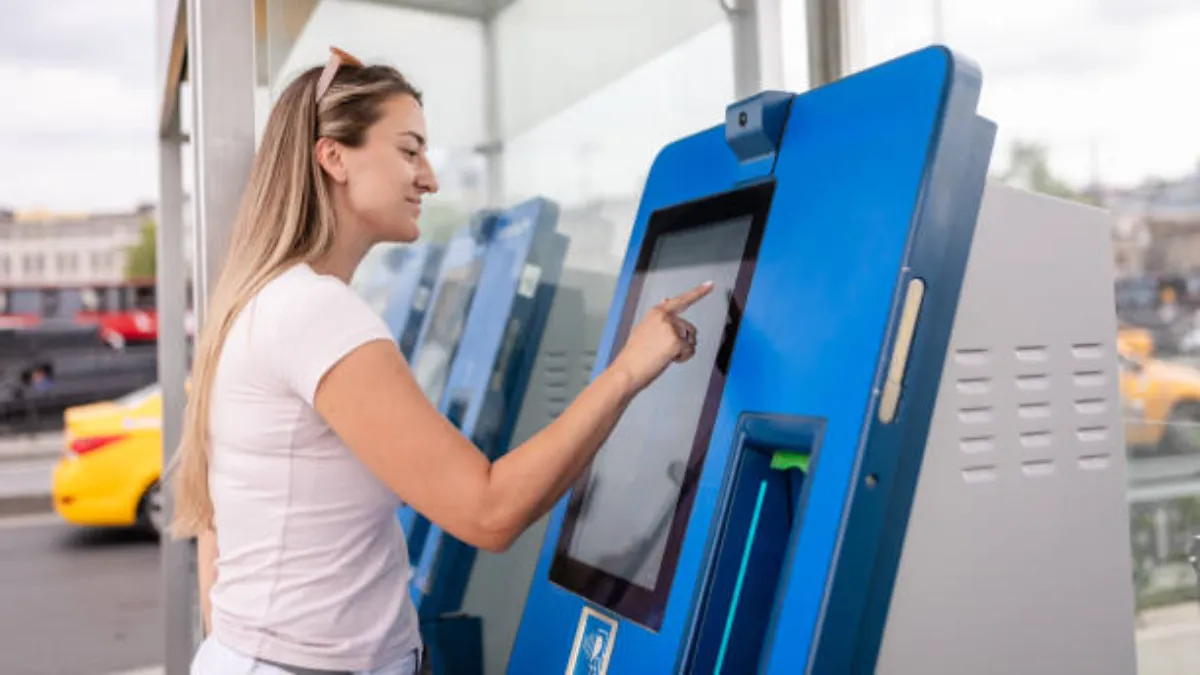
Many kiosk integration issues do not appear during production or installation, but start in the early planning stage. By addressing compatibility, structure, and deployment planning early, TouchWo helps reduce risks that can lead to rework, kelewatan, or system failure.
Product Selection and Compatibility Review
Choosing a touch monitor requires more than matching size or basic specifications. Real compatibility depends on enclosure design, software environment, and operating conditions.
TouchWo supports early evaluation to ensure the selected model fits the full application scenario. This helps avoid integration mismatches that often appear after mass production.
The review focuses on interface alignment, environmental suitability, and system compatibility to improve overall project stability and reduce redesign risks.
You may be interested in: Apakah Saiz Monitor Skrin Sentuh Perlu Anda Pilih?
Mechanical and Enclosure Integration Support
Mechanical design is one of the main sources of integration issues in kiosk projects. Even small structural mismatches between display and enclosure can affect long-term stability.
To reduce this risk, TouchWo provides support during the design stage to prevent structural issues before production begins.
Support includes:
- Mounting Design Guidance: Ensures stable fixation and reduces panel stress
- Enclosure Fit Review: Prevents misalignment between display and housing
- Thermal Planning Advice: Improves airflow for stable long-term operation
- Interface Layout Planning: Simplifies internal wiring and reduces clutter
- Maintenance Access Check: Improves serviceability and replacement efficiency
These steps help improve installation efficiency and long-term system reliability.
Deployment Planning for Large-Scale Projects
Large kiosk deployments require structured planning, not only hardware delivery. Without it, performance differences can appear across units.
TouchWo works with OEMs and system integrators to align design decisions with scalable production requirements. The goal is to ensure consistent integration methods across all units.
This includes standardizing integration approaches and improving repeatability in deployment workflows, helping teams achieve more stable system performance at scale.
You may be interested in: Faedah memilih monitor skrin sentuh OEM untuk perniagaan anda
Pemikiran terakhir
Successful kiosk deployments depend on more than selecting the right hardware. Touch monitor installation is equally critical, as it directly influences touch accuracy, system stability, maintenance workload, and overall deployment success. When mechanical design, environmental conditions, and configuration are properly controlled, many common field issues can be prevented before they appear.
For self-service kiosks, retail terminals, Sistem penjagaan kesihatan, loker bungkusan, and public information stations, Touchwo provides touch monitor solutions designed for stable integration and long-term reliability. Dengan OEM/ODM customization support and extensive project experience, TouchWo helps reduce integration risks and supports customers in building more consistent and dependable kiosk systems.
Soalan yang sering ditanya
What clearance is needed for heat dissipation and cable routing?
For proper heat dissipation, a general guideline is to provide at least 50–75 mm (2-3 inci) of open space behind the monitor. For cables, maintain a bend radius of at least 5 ke 10 times the cable’s diameter to prevent internal damage and signal problems.
What should teams check before deployment?
Before deployment, teams must verify all mechanical fits, including mounting patterns and cutout dimensions. They should also confirm that thermal clearances and ventilation are adequate. System checks are vital, such as running the OS touch mapping utility and performing a full edge-to-edge touch test to find any dead zones.
How can integrators reduce rework in multi-unit touch projects?
Integrators can minimize rework by building and testing a complete prototype before starting mass production. Standardizing on a single monitor model ensures consistency. Using a software “gold image” with pre-set drivers and calibration guarantees that every unit is deployed identically, reducing field errors.





