
Touch Screen mount Integration in OEM projects is often influenced by appearance requirements, but when engineering constraints are not fully considered, it can lead to increased fabrication complexity, limited service access, and higher long-term maintenance costs in real deployments.
A clear understanding of rear mount vs front mount touch screen integration helps align enclosure design with installation structure, sealing performance, and lifecycle service strategy, improving reliability and reducing total cost of ownership.
What Rear Mount and Front Mount Integration Mean
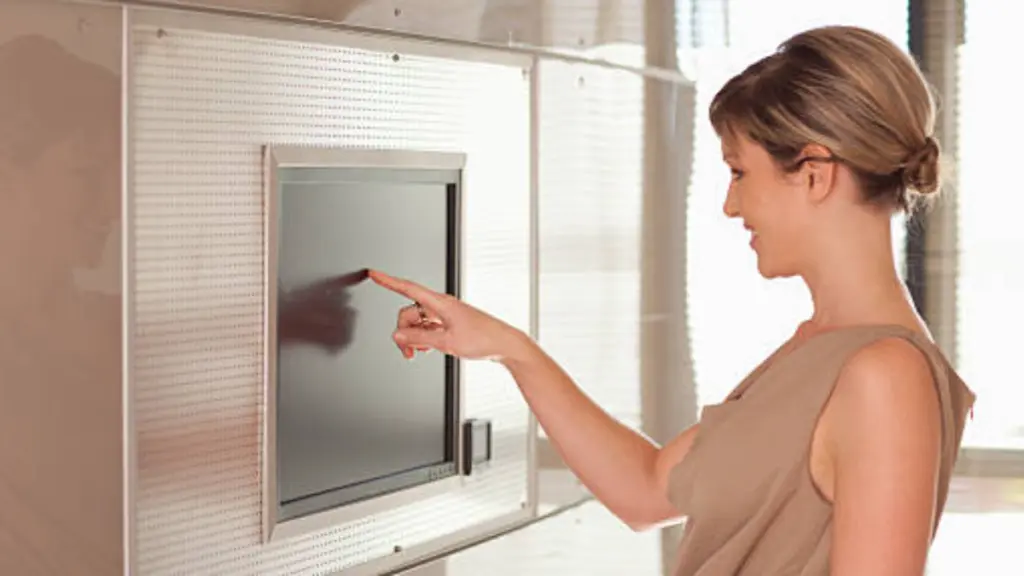
Mounting strategy determines how a display interacts with its enclosure, affecting mechanical design, sealing behavior, and service structure across industrial and kiosk systems.
Defining Front Mount (Panel Mount) Integrasi
With front mount integration, the display installs from the front side of the enclosure and locks into a cutout using a visible bezel or flange. This structure creates a defined frame around the active area while simplifying alignment during assembly. The design naturally supports standard industrial enclosures where consistency and installation speed are priorities.
Front mount systems are widely used because they reduce fabrication sensitivity and support stable sealing performance when paired with correct gasket design.
Defining Rear Mount Integration
Rear mount integration secures the display from inside the enclosure, positioning the screen behind a custom front surface such as glass, acrylic, or a metal bezel. This approach shifts design responsibility from the display frame to the enclosure itself, giving OEM teams full control over external appearance and branding.
- Structural Separation: The display becomes an internal module, while the enclosure defines the visible interface.
- Design Freedom: Enables fully customized front surfaces without visible mounting hardware.
- Integration Flexibility: Supports complex kiosk and branded terminal designs.
Front-Mount vs. Rear-Mount: Understanding the Core Differences
Front mount focuses on visible bezel installation with simpler assembly, while rear mount integrates the display behind the enclosure for a fully embedded and seamless design.
| Aspek | Front Mount | Rear Mount |
|---|---|---|
| Kaedah pemasangan | Front-side installation with visible bezel | Rear-side integration behind enclosure surface |
| Design Outcome | Industrial and functional appearance | Lancar, fully embedded premium design |
| Application Fit | Retrofit, panel kawalan, general industrial use | Kiosk, ATM, high-end OEM systems |
| Engineering Requirement | Lower mechanical precision needed | Higher enclosure precision and coordination required |
How Each Method Affects Appearance, Perlindungan, and Assembly

Design decisions in touchscreen integration directly influence system appearance, structural protection, and assembly efficiency, shaping how the final product performs in real industrial or commercial environments.
Visual Appearance and Integration
Front-mount designs create a framed, industrial look because the bezel remains visible around the display. This structure helps hide small machining tolerances and makes installation more flexible in standard enclosures.
Rear-mount systems deliver a fully flush surface by placing the display behind a custom front panel. This improves visual integration and allows OEM teams to add branding, printed icons, or continuous glass surfaces that support cleaner industrial design.
You can learn more about Open Frame vs Panel Mount Touch Monitor in our dedicated article.
Perlindungan, Sealing, and Durability
Protection levels depend on how the display interacts with the enclosure surface and sealing structure. Front-mount units use bezel gaskets to simplify IP-rated sealing and add edge reinforcement against impact.
Rear-mount systems rely on the front panel material, often tempered glass or acrylic, to provide environmental and vandal resistance protection.
| Factor | Front Mount | Rear Mount |
|---|---|---|
| Sealing Method | Bezel gasket system for simplified IP protection | Custom front panel sealing with glass or acrylic |
| Impact Resistance | Bezel edge helps absorb external impact | Full-surface glass improves vandal resistance |
| Cleaning & Kebersihan | Moderate, gasket edges may trap dust | Tinggi, seamless surface supports easy cleaning |
| Maintenance Structure | Front-side service access possible | Rear or internal access required |
Assembly, Pemasangan, and Serviceability
Front-mount systems install from the user side, which makes them suitable for environments without rear access. The bezel also compensates for minor cutout inaccuracies, reducing fabrication pressure.
Rear-mount systems install from inside the enclosure and require higher precision in alignment. This increases assembly complexity but improves final integration quality and enclosure security.
Custom Touch Solutions, Engineered for Reliability.
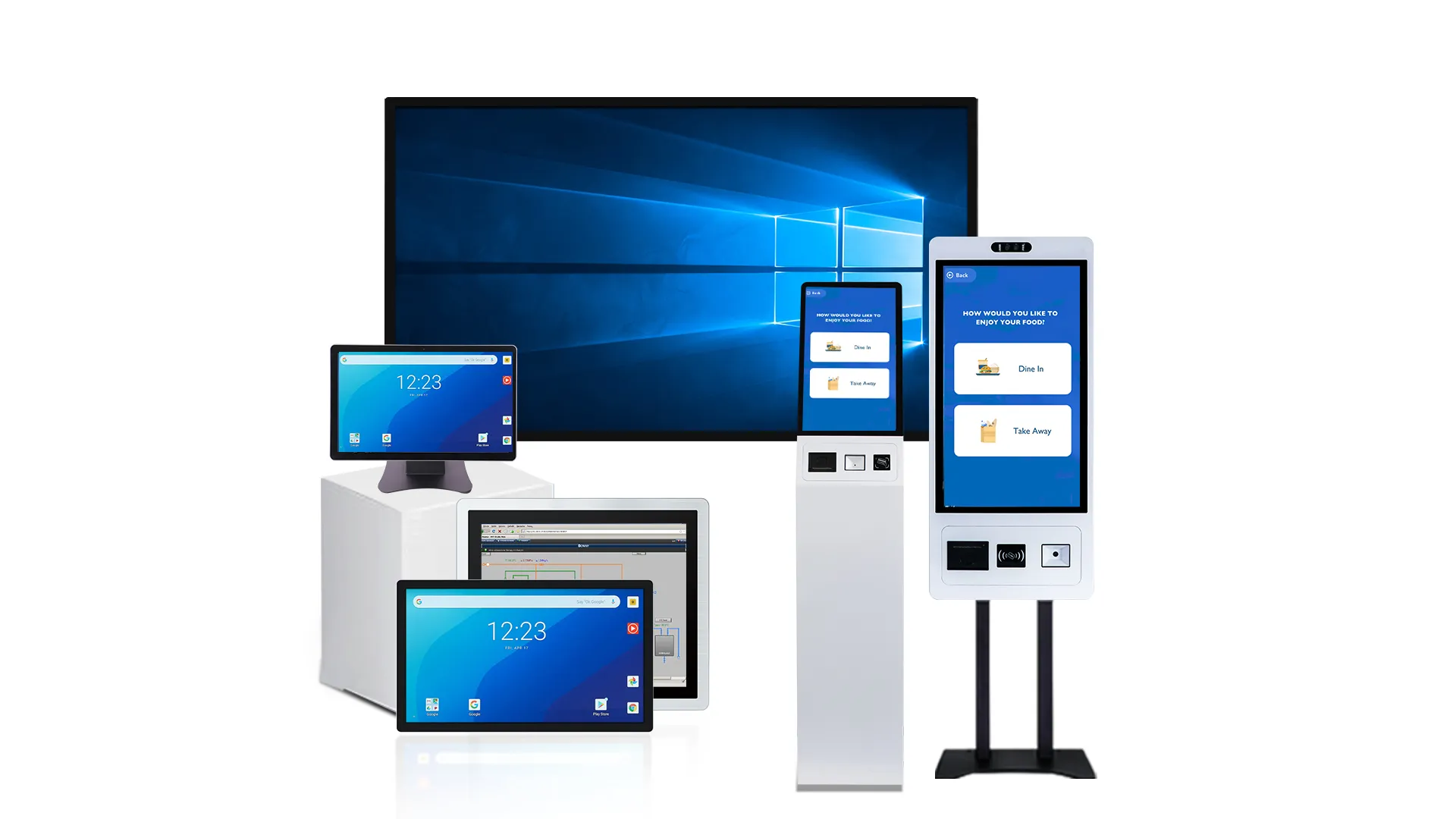
When Rear Mount Is Better and When Front Mount Makes More Sense
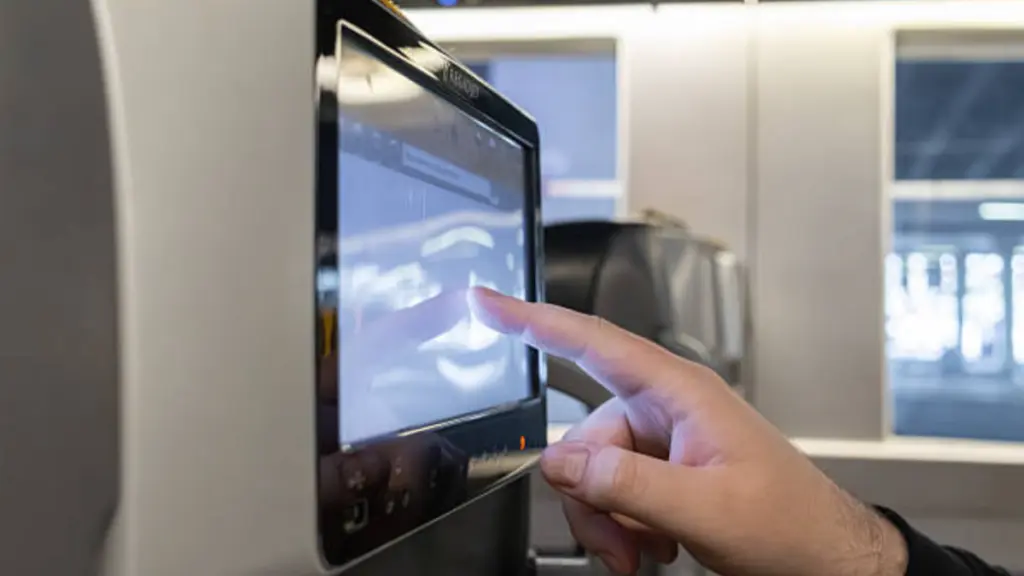
Mounting choice depends on balancing appearance, ketahanan, pemasangan, and service needs across industrial and commercial applications where system environment defines integration strategy.
Integrasi, Sealing, and Durability
Mounting structure defines how the display connects with the enclosure and how external forces are absorbed during operation. This directly affects environmental resistance and long-term mechanical stability.
- Rear Mount Advantage: Better suited for sealed front surfaces, improving resistance in wash-down or high-exposure environments.
- Front Mount Advantage: Easier to align with standard cutouts, reducing fabrication sensitivity and installation errors.
- Durability Impact: Rear systems distribute stress through the front panel, while front systems rely on bezel reinforcement for structural support.
Aesthetics, Branding, and Ergonomics
Design choice strongly influences how the final product is perceived in professional and public environments, especially in kiosks and industrial terminals.
Rear mount creates a fully integrated surface where the display becomes part of the enclosure design. This allows OEM teams to build a clean, branded interface with no visible mounting elements. Front mount keeps a visible frame, which supports a more functional and industrial appearance.
Serviceability, Keselamatan, and Lifecycle
Service strategy plays a major role in deciding mounting type, especially in systems deployed at scale or in unattended locations.
Front mount supports faster replacement from the front side, reducing downtime in retail and service environments. Rear mount improves security by hiding fasteners and internal connections, making it suitable for kiosks, ATM, dan public terminals where tampering risk is higher.
Project Cost and Implementation Speed
Cost structure depends on engineering complexity, production method, and installation requirements, especially when scaling across multiple units or deployment environments.
| Factor | Front Mount | Rear Mount |
|---|---|---|
| Installation Speed | Faster integration with standard cutouts and simpler assembly | Slower due to precision alignment and enclosure design requirements |
| Upfront Cost | Lower engineering and fabrication cost | Higher due to custom mechanical structure and tighter tolerances |
| Kecekapan Perkhidmatan | Front-side replacement reduces downtime in field maintenance | Requires rear access, increasing maintenance planning complexity |
| Lifecycle Cost | Lower initial cost but higher risk in harsh environments | Higher upfront cost but better long-term durability and stability |
Pemasangan, Penyelenggaraan, and Cost Trade-Offs Buyers Should Evaluate
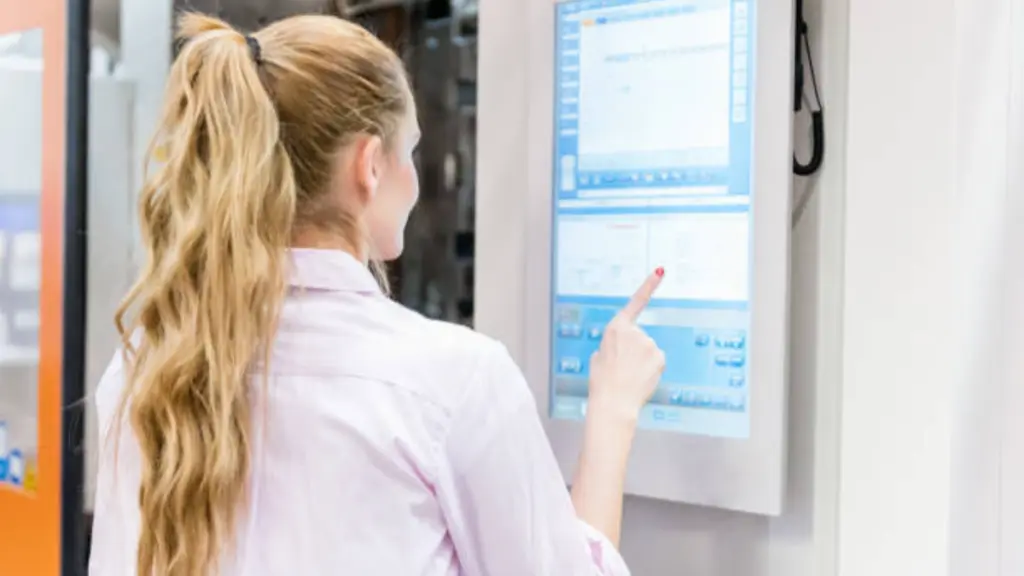
Mounting decisions influence installation complexity, maintenance strategy, and long-term cost efficiency, especially when scaling touch screen systems across industrial and commercial environments.
| Factor | Front Mount | Rear Mount |
|---|---|---|
| Installation Complexity | Simpler integration with standard cutouts and lower alignment sensitivity | Requires precise enclosure design and tighter mechanical alignment |
| Maintenance Approach | Front-side servicing enables faster replacement in field operations | Rear access required, increasing service planning requirements |
| Environmental Suitability | Suitable for controlled environments with moderate exposure conditions | Better performance in harsh, public, or high-hygiene environments |
| Total Cost Structure | Lower upfront cost with reduced engineering and fabrication effort | Higher initial investment but improved long-term durability and stability |
| Lifecycle Efficiency | Best for short-to-mid lifecycle deployments with frequent upgrades | Optimized for long-term installations with minimal replacement cycles |
For a deeper explanation of Cara Memasang Monitor Skrin Sentuh, we have covered it in a separate article.
How OEM Teams Can Choose the Right Integration Method for Their Enclosure

OEM selection depends on balancing enclosure design, service access, and product positioning, where mechanical constraints and user environment directly determine whether a front or rear mounting method delivers better system performance.
Key Decision Criteria for OEM Integration
OEM teams should evaluate integration methods based on system priorities rather than appearance alone, especially when scaling across multiple product lines or environments.
- Design Priority: Rear mount supports seamless product identity, while front mount focuses on functional and industrial clarity
- Service Strategy: Front mount allows faster field replacement, reducing downtime in distributed deployments
- Mechanical Flexibility: Front mount adapts to existing enclosures, while rear mount requires purpose-built panel design
These factors directly affect production efficiency, maintenance planning, and long-term deployment stability.
Critical Enclosure Constraints
Successful rear mount integration depends on precise structural alignment between display and enclosure, especially in cutout accuracy and internal space planning.
Front mount offers higher tolerance to manufacturing variation, which helps reduce risk in mass production or multi-vendor enclosure sourcing. It also simplifies future upgrades because the display can be replaced without redesigning the full enclosure system.
Common Use Cases for Each Method
Rear mount is commonly used in kiosks, ATM, and high-end industrial HMIs where visual integration and tamper resistance are critical design goals. Front mount is widely adopted in industrial control panels, retrofit systems, and environments that prioritize fast installation and straightforward maintenance workflows.
Why Touchwo Supports Flexible Integration for Kiosk and Industrial Projects
Integration flexibility allows OEM teams to adapt one display platform to different enclosure types, persekitaran, and service strategies without redesigning core hardware for every application.
Accommodating Diverse Enclosure Designs and Aesthetics
Different product categories require different visual and mechanical outcomes, especially when balancing industrial durability with commercial appearance.
Touchwo supports both integration methods so OEMs can standardize hardware while still meeting different design goals. This helps reduce engineering effort and keeps product families consistent across industries.
- Kiosk applications: Prefer seamless, embedded screens for a clean user interface
- Industrial panels: Prioritize visible bezel structures for easier installation and robustness
- OEM advantage: One display platform can support multiple enclosure designs without hardware changes
To better understand the full system, see our breakdown of Buka kios skrin sentuh bingkai
Meeting Environmental and Security Requirements
Environmental protection and security requirements vary widely across applications, especially between public-facing systems and controlled persekitaran perindustrian.
Front and rear integration methods allow engineers to match physical design with real-world risks such as moisture, habuk, and tampering pressure.
- Industrial environments: Focus on sealing stability against dust, minyak, dan getaran
- Public kiosks: Require stronger tamper resistance and hidden mounting structures
- Design flexibility: Engineers can prioritize either sealing performance or security strength depending on use case
Streamlining Serviceability and Lifecycle Management
Maintenance strategy directly affects total system cost, especially in large-scale deployments where downtime impacts user experience and revenue.
Front-access designs simplify field replacement, while rear-access structures support controlled servicing environments with secure maintenance points.
- Front-access advantage: Faster replacement and lower downtime in distributed systems
- Rear-access advantage: Higher control over maintenance in secured kiosk deployments
- Lifecycle planning: Integration choice directly affects upgrade cycles and long-term service cost
Aligning with Industrial Integration Workflows
OEMs and integrators often work with fixed mechanical standards, so integration flexibility reduces redesign effort and speeds up deployment across different product lines.
| Integration Factor | Front Mount | Rear Mount |
|---|---|---|
| Industrial Compatibility | Fits standard HMI cutout-based systems | Requires custom enclosure engineering |
| Kiosk Design Use | Used mainly in functional or retrofit setups | Ideal for seamless branded kiosk interfaces |
| Engineering Effort | Lower design complexity and faster integration | Higher precision and customization effort required |
| Skalabiliti | Easier to deploy across mixed installations | Better for dedicated product lines and branding |
Soalan yang sering ditanya
What is the difference between rear-mount and front-mount touch screens?
The primary difference lies in the installation method. A front-mount touch screen is inserted from the front of an enclosure and secured by a visible bezel. A rear-mount touch screen is installed from behind the panel, hiding the mounting hardware and creating a seamless, bezel-free appearance. This choice affects the final look, environmental sealing, and ease of service.
Which integration method is better for kiosks?
Neither method is universally better; the choice depends on the kiosk’s design and purpose. Rear mounting is preferred for a premium, tablet-like aesthetic, easier cleaning, and higher vandal resistance. Front mounting is often chosen for simpler mechanical integration, faster field service, and lower-volume projects where a visible bezel is acceptable.
Does front mounting simplify maintenance?
Ya, front mounting generally simplifies maintenance and repairs. Technicians can often remove and replace the display from the front of the enclosure without needing to open the entire machine. This is particularly useful for equipment installed against a wall or in a tight space with limited rear access.
Is rear mounting better for appearance and sealing?
Rear mounting typically offers a superior appearance, mencipta yang lancar, fully integrated look by hiding the frame. It can also enable better front-side sealing if the front panel is engineered as a single, continuous surface. Front-mount designs, walau bagaimanapun, often provide a more predictable, vendor-certified IP rating with less custom engineering.
What should OEM teams verify before choosing an integration method?
OEM teams should verify several key factors: mechanical fit (panel cut-out, ketebalan, and rigidity), environmental requirements (IP rating for dust and liquids), serviceability (front vs. rear access for repairs), and overall cost (including panel fabrication, assembly time, and hardware).
How do mounting choices affect cost and assembly time?
Front mounting usually reduces both cost and assembly time. It uses more standardized hardware and is more forgiving of minor panel cut-out inaccuracies. Rear mounting often requires more precise and costly panel machining, custom brackets, and longer assembly times for careful alignment, making it better suited for high-volume production where a premium aesthetic justifies the investment.
Pemikiran terakhir
Front mount vs rear mount touch screen integration directly impacts total cost of ownership, ketahanan, and service strategy. Choosing only by initial price often leads to hidden risks in sealing performance, maintenance complexity, and long-term reliability in real-world deployment.
Every enclosure design behaves differently in practice, so drawings alone are not enough for final decisions. Touchwo helps OEM teams validate integration methods through real samples and project review, ensuring your kiosk or industrial system is built for stable long-term performance.





