
Vibration failures in industrial touch monitors can interrupt machine operation, create unexpected HMI downtime, and increase maintenance costs for equipment OEMs. A vibration-resistant industrial touch monitor must withstand continuous mechanical stress without affecting display performance, aanraaknauwkeurigheid, or internal reliability.
This guide explains the key design factors behind reliable industrial displays, including enclosure strength, optische binding, component protection, and vibration testing standards. It helps equipment manufacturers evaluate monitor durability, avoid costly product failures, and develop more reliable factory equipment solutions.
Why Vibration Resistance Matters in Industrial Touch Monitor Projects
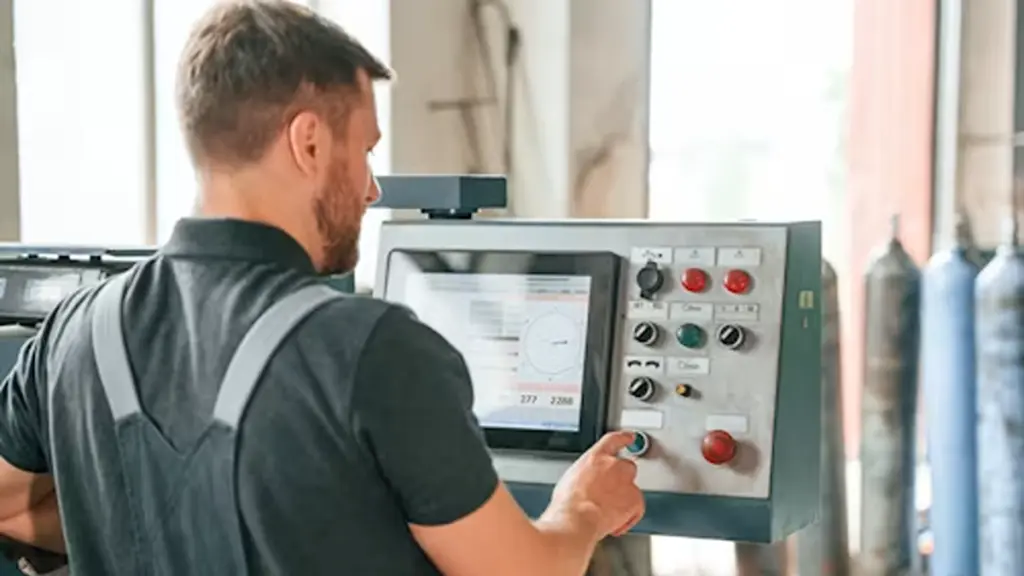
Industrial equipment faces continuous mechanical stress, and an unreliable HMI can interrupt production and increase service costs. Vibration-resistant industrial touch monitors help OEMs improve equipment reliability and reduce risks throughout the product lifecycle.
Prevents Downtime and Production Interruptions
A failed touch monitor can affect machine operation, delay troubleshooting, and reduce production efficiency. In automation systems, CNC-machines, and packaging equipment, stable HMI performance is essential for keeping operations running smoothly.
De belangrijkste voordelen zijn onder meer:
- Higher equipment availability: Keeps machines running with fewer HMI-related interruptions.
- Consistent HMI performance: Ensures operators can monitor and control equipment without unexpected display issues.
- Stable production workflow: Helps factories maintain continuous operation in demanding environments.
Reduces Maintenance and Warranty Risks
For equipment manufacturers, display failures can create additional costs beyond hardware replacement. Field service, customer complaints, and warranty claims can affect both profitability and brand reputation.
Using a rugged industrial touch monitor helps OEMs:
- Lower maintenance costs: Reduces frequent repairs and replacement caused by unreliable displays.
- Fewer warranty issues: Helps OEMs avoid repeated service requests after equipment delivery.
- Lower total cost of ownership: Improves long-term value for manufacturers and end users.
Supports Reliable Industrial Equipment Design
Different machines face different operating conditions, from fixed production lines to mobile equipment. A suitable industrial touch monitor should match the application’s vibration level, omgeving, and long-term usage requirements.
By integrating reliable HMI solutions into equipment design, OEMs can deliver machines with better performance, easier maintenance, and stronger market competitiveness.
How Vibration Affects Displays, Touch Structures, and Internal Components
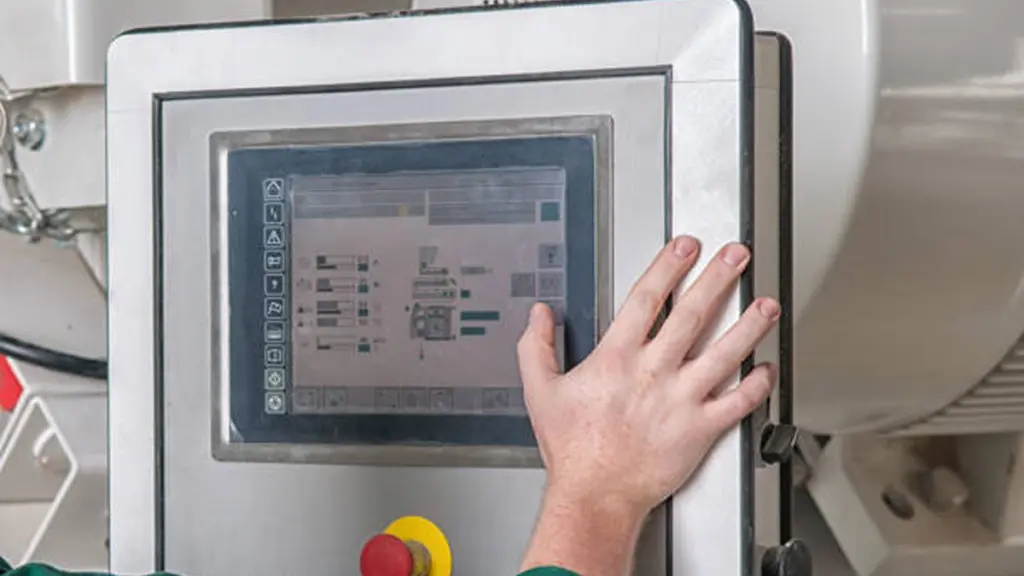
Vibration degrades optical performance, causes touch malfunctions, and fatigues internal electronics. Industrial monitors use specific mechanical and material designs to maintain reliability under these constant stresses.
Impact on Display Modules and Optical Performance
The display module contains multiple layers that must remain precisely aligned during operation. Repeated vibration can affect these layers over time, reducing image quality and making the HMI harder to read.
Mechanical stress may affect the glass, optical films, and backlight structure in several ways:
- Glass and film stress: Continuous movement can create micro-cracks, layer separation, or internal deformation, causing dark areas, uneven brightness, or reduced optical performance.
- Backlight instability: Vibration can affect the alignment of backlight components, leading to inconsistent illumination across the screen.
- Display layer movement: Changes in the liquid crystal structure may result in image flickering, jitter, or color variation, especially in applications with continuous machine movement.
For factory equipment, these issues are not only visual problems. A damaged or unstable display can make machine status information difficult for operators to identify, affecting daily operation efficiency and control accuracy.
Effects on Touchscreen Structures and Interaction
The touch system must maintain accurate signal detection while the machine is moving. When vibration affects the physical stability of the touch structure, operators may experience inaccurate input or delayed response.
Different touch technologies can be affected in different ways:
| Touch-technologie | Potential Vibration Impact | Possible Result |
|---|---|---|
| Resistive Touch | Movement between flexible touch layers may create unintended contact | False touches, inaccurate coordinates, or unstable input |
| PCAP Touch | Mechanical stress may affect sensor stability and capacitance detection | Touch drift, jitter, or reduced accuracy without proper controller adjustment |
| Industrial Multi-Touch Systems | Continuous movement can increase the demand on sensor calibration and software compensation | Slower interaction and reduced operator efficiency |
For equipment such as CNC machines, automation systems, and mobile industrial devices, stable touch performance is essential because operators rely on the screen for precise commands and real-time control.
Risks to Internal Electronics and Connectors
Internal electronic components may appear protected inside the enclosure, but continuous vibration creates repeated mechanical stress that can gradually weaken electrical connections.
Common vibration-related risks include:
- Solder joint fatigue: Repeated stress can create microscopic cracks in solder connections, especially around heavier components such as connectors, inductors, and power-related parts.
- Connector loosening: Internal cables and board-to-board connectors may lose contact over time, causing intermittent signal loss, unexpected resets, or communication failures.
- Fretting corrosion: Small movements between electrical contact surfaces can damage connection points and reduce long-term electrical reliability.
- Structural resonance: Certain vibration frequencies may amplify movement within the enclosure, increasing stress on PCBs, mounting points, and sealing components.
A reliable industrial touch monitor must therefore control vibration effects at both the mechanical and electrical levels. Strong enclosure design, secure component mounting, and proper vibration testing work together to prevent gradual performance degradation.
Industrial-Grade Touchscreens, Tailored to Your Needs
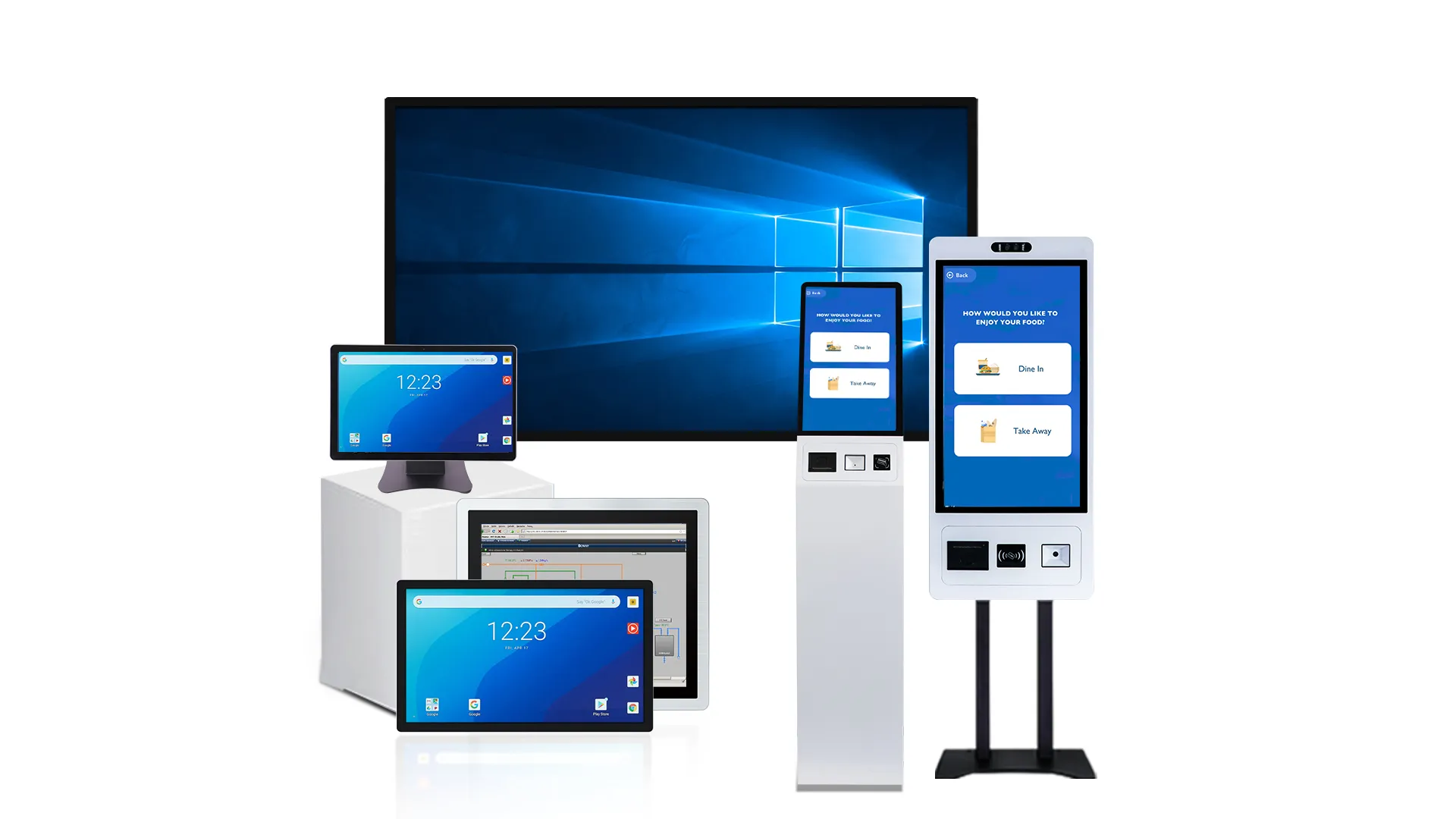
Key Structural Design Factors That Improve Vibration Resistance
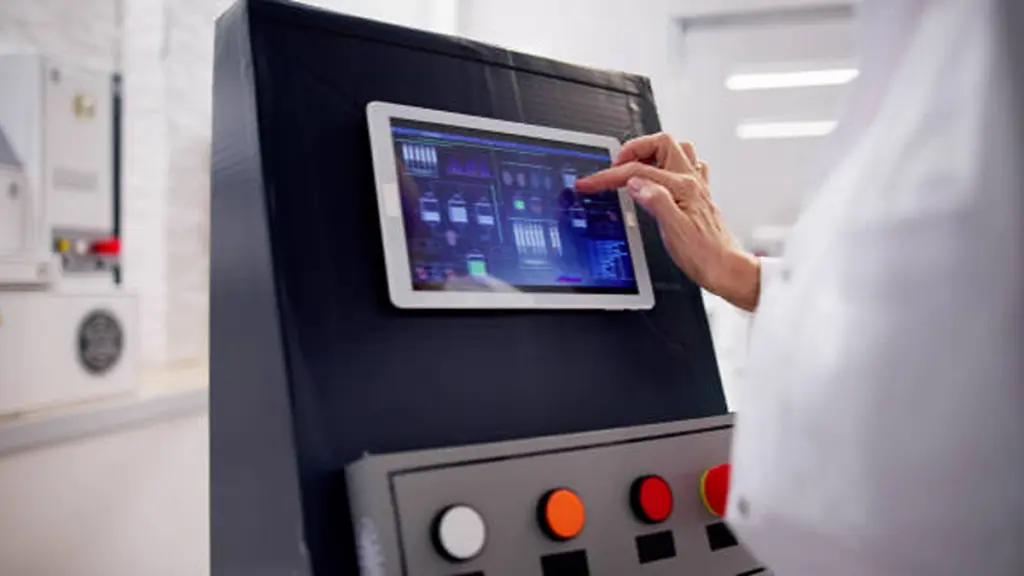
A monitor’s ability to survive vibration isn’t about a single feature. It comes from a system of deliberate structural choices, from the chassis material to the type of glue used.
Enclosure, Glas, and Optical Bonding
The external structure and display stack form the first line of defense against mechanical forces. If this assembly flexes, everything inside is compromised.
- Rigid Metal Housings: Steel or aluminum enclosures with integrated ribs and subframes provide the stiffness needed to resist bending. This structural rigidity prevents the chassis from warping, which would transfer stress directly to the glass and internal electronics.
- Strengthened Glass Stack: Using thick, chemically strengthened cover glass is standard practice. A Glass-on-Glass (G+G) construction creates a rigid composite structure that resists bending far better than displays using flimsy plastic or film layers.
- Full Optical Bonding: Filling the air gap between the cover glass and the LCD with an optical adhesive is critical. This creates a single solid unit where all layers move together, eliminating internal resonance and preventing the cover glass from vibrating independently.
- Supportive Bezels: A deep, well-designed bezel provides uniform clamping pressure around the entire edge of the glass. This support prevents the screen from chattering in its frame and protects the glass edges from chipping under cyclic loads.
Internal Component Security and Cabling
Even the toughest enclosure is useless if the components inside are not properly secured. Vibration will find the weakest link, which is often an unsupported circuit board or a loose cable.
- PCB Mounting: Circuit boards must be firmly attached to metal standoffs that connect directly to the main chassis. This design eliminates long, unsupported spans of the PCB that can flex and eventually crack solder joints on heavy components.
- Secure Connectors: Standard friction-fit connectors will inevitably work themselves loose. Using locking connectors, positive latching mechanisms, and proper strain relief on all cables is non-negotiable to prevent intermittent signal loss and power failures.
- Componentselectie: Heavy electronic components require additional mechanical support because continuous vibration can increase stress on solder joints and mounting points. Selecting vibration-rated components and securing them properly helps improve long-term reliability.
- Fastened Modules: Every internal part, from the power supply to the display controller, must be securely fastened. Any relative motion between modules can lead to abrasion, connector wear, and eventual failure.
Mounting Strategy and Vibration Isolation
The mounting structure determines how effectively an industrial touch monitor handles mechanical stress from the host equipment. A properly designed installatie methode helps maintain display stability, prevent excessive vibration transfer, and extend the service life of the entire HMI system.
- Robust Interfaces: Mounting points like panel-mount flanges or VESA patterns must be reinforced to handle cyclic loads without fatigue. Dun, stamped metal brackets will fail over time.
- Vibration Isolators: For high-vibration equipment, incorporating elastomeric mounts or rubber bushings is an effective strategy. These isolators decouple the monitor from the machine, absorbing high-frequency vibrations before they can damage the electronics.
- Frequency Tuning: The entire system—monitor plus mounts—has a natural resonant frequency. A key design goal is to tune this frequency so it doesn’t align with the dominant vibration frequencies produced by the host equipment, avoiding amplification.
- Load Distribution: Mounting loads should be spread across a wide area. Concentrating stress at a few fastener points is a common cause of cracks in the housing or mounting brackets.
System-Level Reinforcement and Sealing
A truly vibration-resistant monitor is designed as a complete system, where every part contributes to overall stability and protection.
- Clear Load Paths: Forces from any impact or vibration on the screen must have a direct, engineered path through the frame and into the mounting structure. This prevents energy from being trapped in sensitive areas like the LCD panel.
- Gaskets as Dampers: Environmental gaskets used for IP sealing also serve a secondary structural purpose. They act as damping elements, absorbing small amounts of vibratory energy between metal and glass parts.
- Locked Fasteners: Every structural screw must be secured against loosening. This is typically achieved with thread-locking compounds or the use of lock washers, ensuring the chassis remains tight throughout its service life.
- Resonance Analysis: Groot, flat panels like back covers can vibrate like a drum head. Proper design involves using Finite Element Analysis (FEA) to identify these resonant geometries and add ribs or other features to stiffen them.
How Buyers Should Evaluate Industrial Touch Screen Durability for Factory Equipment
| Evaluation Criteria | How Buyers Should Evaluate |
|---|---|
| Trillingen & Shock Resistance |
|
| Environmental Protection |
|
| Aanraken & Display Durability |
|
| Reliability Testing & Supplier Support |
|
Common Weak Points in Low-End Industrial Touch Monitor Designs
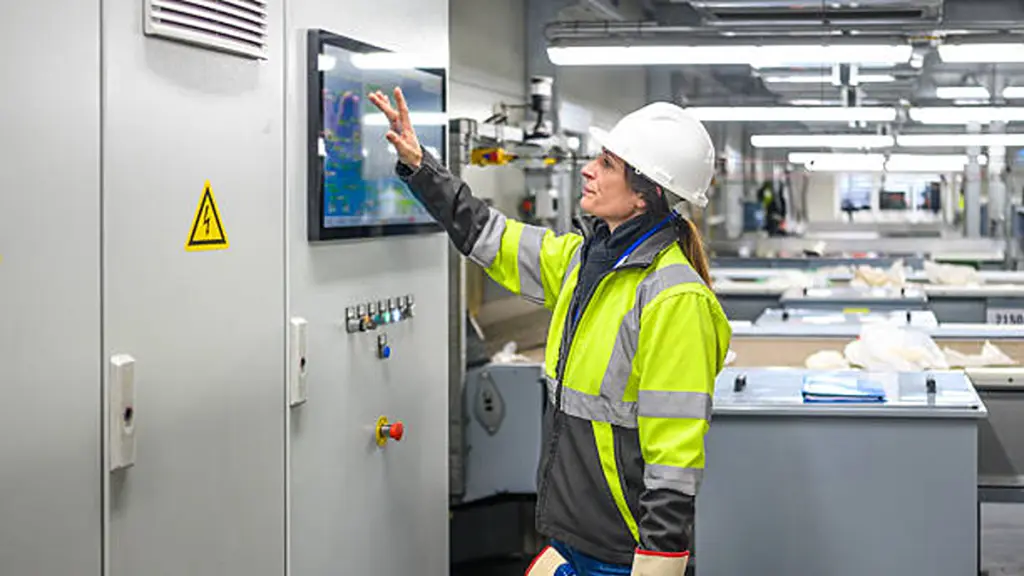
Low-end industrial touch monitors often fail because cost reduction compromises key structural and protection designs, creating reliability risks in demanding factory environments.
Weak Mechanical Design
The most common issue in low-end monitors is insufficient mechanical protection against continuous vibration and shock.
- Flexible Enclosures: Thin housings can deform under vibration, transferring stress to internal components.
- Poor Component Fixing: Without proper mounting support, PCBs, connectoren, and display modules may loosen over time.
- Weak Screen Assembly: Low-quality bonding structures may reduce the stability of the glass, aanraaksensor, and display layers.
Limited Protection for Industrial Environments
Factory equipment often operates in conditions involving dust, vocht, olie, warmte, en elektrische interferentie. Low-end designs may provide basic protection but fail under real working conditions.
- Incomplete Sealing: Some monitors only protect the front panel while leaving rear components and connectors vulnerable.
- Low-Quality Materials: Inferior gaskets, connectoren, and thermal solutions may reduce service life.
- Insufficient Electrical Protection: Poor power and signal designs may be more sensitive to voltage fluctuations and EMI from nearby equipment.
Embrace the power of our Touchscreen All-in-One solution for industrial control digitalisering.
Poor Matching Between Monitor and Application
A major mistake in industrial projects is selecting a monitor based only on price or basic specifications. Different applications create different requirements for vibration resistance, installatie methode, touch operation, en milieubescherming.
A display suitable for an office environment may fail quickly when installed on CNC machines, automation systems, or mobile equipment. Reliable industrial touch monitors must be designed according to the actual operating conditions of the equipment.
Usability and System Integration Failures
Even if a low-end monitor manages to survive mechanically and electrically for a short time, it often fails as a functional human-machine interface. A screen that an operator can’t see clearly or interact with reliably is effectively useless.
- Low screen brightness and a lack of anti-glare coatings make displays unreadable in typical industrial lighting conditions.
- Touch controllers are not optimized for gloved operation and are often sensitive to electrical noise, causing false or missed inputs.
- Key components like backlights and power supplies are not rated for continuous 24/7 operatie, leading to premature failure.
- The most common failure is simply selecting a unit based on price, without matching its vibration, shock, and temperature ratings to the actual machine environment.
Why Touchwo Supports Ruggedized Monitor Customization for Equipment Makers
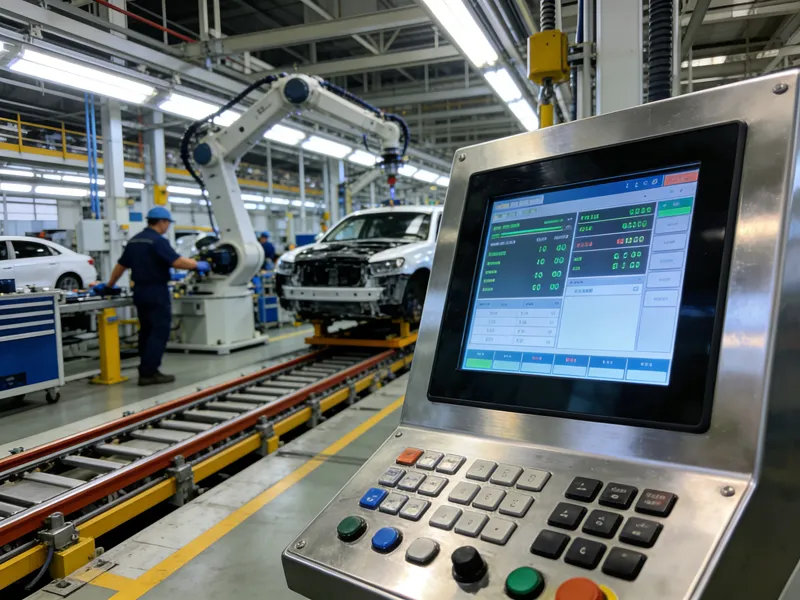
Equipment makers need industrial touch solutions that match their machines, omgevingen, and application requirements. Touchwo provides customized monitor solutions to support reliable equipment integration.
Customizing the Monitor Structure for Different Equipment Requirements
Every machine has different installation conditions, space limitations, and mechanical requirements. A standard monitor may not fit properly or provide the stability required for long-term operation.
Touchwo supports customization of key hardware aspects to help OEM customers integrate the display into their equipment more effectively, inbegrepen:
- Size and Appearance Customization: Adjusting screen dimensions, housing design, and appearance details to match different equipment layouts.
- Installation Options: Supporting solutions such as open-frame, ingebed, and VESA mounting to simplify integration into industrial systems.
- Interface and Module Customization: Configuring interfaces, randapparatuur, and functional modules based on specific application requirements.
This flexibility allows equipment makers to avoid redesigning their machines around a standard display and create a more integrated HMI system.
Adapting Touch and Display Features for Industrial Operation
Different industrial environments require different interaction methods. A display used for automation equipment may have different requirements from one used in outdoor machinery or control terminals.
Touchwo helps OEM customers select suitable configurations based on their application needs, inbegrepen:
- Touch Technology Selection: Choosing suitable touch solutions for different operating conditions, including precise control, frequent interaction, or industrial environments.
- Display Optimization: Adjusting brightness, protective glass, and other display features to improve visibility and usability.
- Systeemcompatibiliteit: Supporting different operating systems, inclusief Windows, Android, and Linux solutions, for easier integration with existing equipment platforms.
A well-matched HMI design improves operator experience and helps equipment maintain stable performance during daily operation.
Building Reliable Solutions for Long-Term Equipment Applications
For OEM projects, reliability depends on more than individual specifications. The monitor must maintain consistent performance throughout the equipment lifecycle.
By combining industrial-grade components, flexible customization, and manufacturing experience, Touchwo helps customers develop touch solutions that reduce integration challenges and improve product consistency. The company provides touch monitors, paneel-pc's, and customized solutions designed for industrial automation, control equipment, and other professional applications.
For equipment makers, working with a customization-focused supplier means they can develop an HMI solution that matches their machine requirements instead of adapting their equipment to a limited standard product.
To better understand the full system, see our breakdown of Aangepaste industriële touchscreen OEM / ODM-proces
Laatste gedachten
Reliable performance in demanding environments requires more than basic specifications. A vibration resistance industrial touch monitor should be designed to match the machine structure, operating conditions, and long-term reliability requirements of industrial equipment.
Touchwo helps equipment makers develop customized industrial touch solutions that improve integration, duurzaamheid, and operational stability. Contact Touchwo to discuss your application requirements and build a touch monitor solution designed for your specific equipment environment.
Veelgestelde vragen
Why does vibration resistance matter in industrial touch monitors?
Industrial touch monitors must be vibration-resistant because continuous mechanical stress in factory environments can lead to display failure, unsafe machine operation, data loss, and high maintenance costs. It is essential for reliability, uptime, and operator safety.
What parts of an industrial touch monitor fail first under vibration?
The most common early failures occur in connectors and cabling due to loosening, followed by solder joints on heavy components, backlight assemblies, and the touch sensor stack. Mechanical mounts and enclosure seals also degrade, leading to cascading failures.
How does chassis design affect a monitor’s durability?
Chassis design is critical for durability. A rigid metal chassis absorbs and redistributes vibration, protects internal electronics from shock, maintains IP-rated environmental seals, and prevents flexing that could damage the LCD or touch sensor.
Are consumer-grade monitors suitable for vibration-heavy equipment?
Nee, consumer-grade monitors are not suitable for vibration-heavy equipment. They lack rugged housings, locking connectors, and vibration-resistant internal components, leading to a high risk of failure, increased downtime, and a higher total cost of ownership.
What should OEM buyers verify when selecting rugged touch monitors?
OEM buyers should verify specific shock and vibration ratings (g-levels and frequency), environmental sealing (IP rating), operating temperature range, touch technology performance with gloves or contaminants, and the supplier’s long-term product availability and support.
How do suppliers test for vibration resistance?
Suppliers use electrodynamic shakers to subject monitors to standardized sinusoidal and random vibration profiles along three axes. Accelerometers measure the response, while functional tests confirm that the display, touch input, and connectors remain stable throughout the test.





