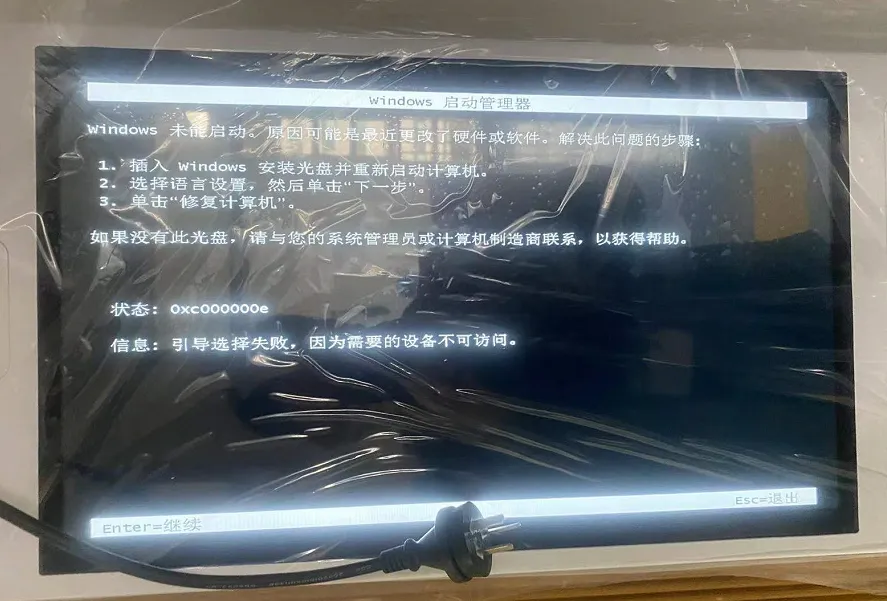
Reason:1.Frequent power outages causing boot sector damage;2. Accidental deletion of C drive boot files; 3. Antivirus software mistakenly deleting critical files; 4. Hard drive becoming unreadable.
Solução:EU:1. Create a bootable USB drive using software like DaBaiCai.
2.After entering the U-Boot desktop, navigate through the menu: click “Boot Repair” → “NTBOOT Boot Repair Tool”.
3.In the opened “NT System Boot Automatic Repair Tool”, click “Automatic Repair”.
4.Wait for the repair process to complete.
II: Reinstall the operating system.