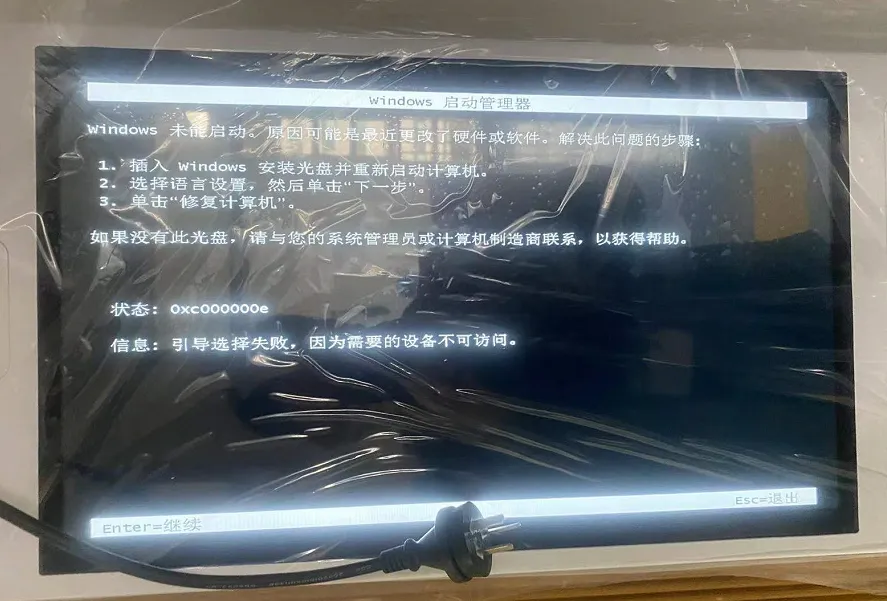
理由:1.頻繁な停電によりブートセクターが損傷する;2. Cドライブのブートファイルを誤って削除してしまう; 3. ウイルス対策ソフトウェアが重要なファイルを誤って削除してしまう; 4. ハードドライブが読み取れなくなる.
解決:私:1. DaBaiCai などのソフトウェアを使用して起動可能な USB ドライブを作成する.
2.U-Boot デスクトップに入った後, メニュー内を移動する: 「ブート修復」→「NTBOOTブート修復ツール」をクリックします。.
3.In the opened “NT System Boot Automatic Repair Tool”, click “Automatic Repair”.
4.Wait for the repair process to complete.
II: オペレーティング システムを再インストールする.