10月には3つの展示会が開催されます | TouchWo はさまざまなタッチ製品を展示します & 業界ソリューション, 現地でお会いしましょう
10月, 3都市でイベントが順次スタート: 広州, 上海と北京。工業製造業にまたがる, 国際貿易とスマートヘルスケア, TouchWo は、今年 10 月に開催される 3 つの主要な展示会に、タッチ製品と業界ソリューションの全ラインナップを展示します。新規および既存のクライアントとの出会いを楽しみにしています。 ...


10月, 3都市でイベントが順次スタート: 広州, 上海と北京。工業製造業にまたがる, 国際貿易とスマートヘルスケア, TouchWo は、今年 10 月に開催される 3 つの主要な展示会に、タッチ製品と業界ソリューションの全ラインナップを展示します。新規および既存のクライアントとの出会いを楽しみにしています。 ...

Touchwo KD215C が企業の輸送コストと導入コストの最適化にどのように役立つか. セルフサービス端末を大規模に導入している企業向け, 輸送と保管のコストが大きな課題となる可能性がある. 従来の床置き型キオスクは通常、完全に組み立てられたユニットとして出荷されます, より多くの梱包スペースが必要となり、配送コストが増加します. 彼らはまた、より高いレベルに直面しています ...
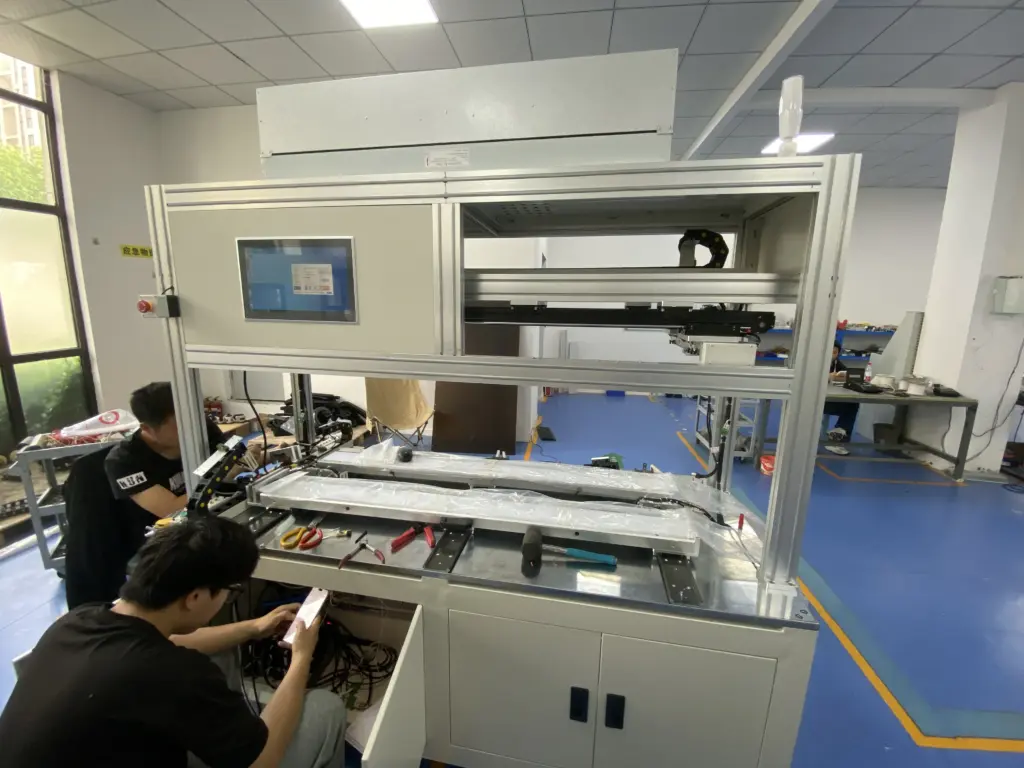
オールインワン PC に投資する場合, 自然にそれがどれくらい続くかを知りたいと思うでしょう. パーツを交換できるデスクトップタワーとは異なります, オールインワン PC はすべてを 1 つのスリムなボディに詰め込みます. このため、寿命が購入の重要な考慮事項になります. 単一の固定番号はありません. 寿命 ...

コンピューターの仕様書を読んだり、サプライヤーと機器について話し合ったりしたことがある場合, あなたはおそらく単語パネルに会ったことがあるでしょう. 表示パネルなどのフレーズで登場します, サイドパネル, コントロールパネルとタッチパネル. ただし、各フレーズはコンピューターの内部または周囲で異なる何かを指します。. この混乱 ...
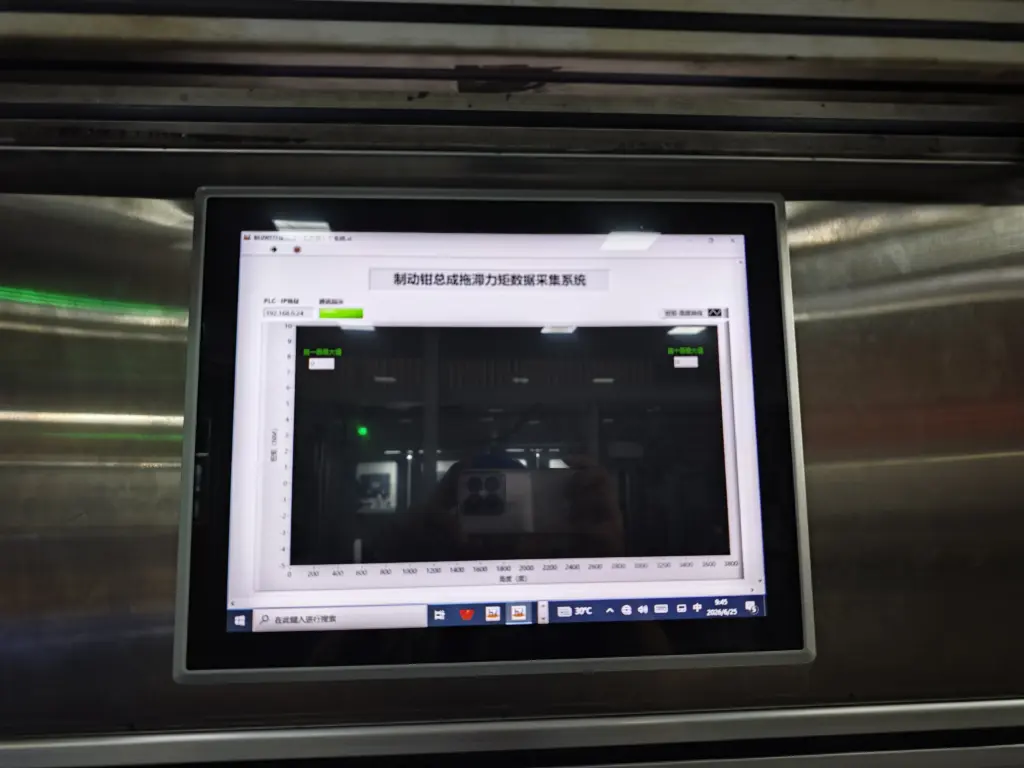
新しいコンピュータを購入するとき, オールインワン PC という言葉を目にするかもしれません。. Office製品ページに掲載されています, キオスク構成と産業機器リスト. しかし、多くの購入者は、それが何を意味するのか、あるいは通常のデスクトップとどのように違うのかを完全に理解していません。. 名前自体が核心を表しています ...
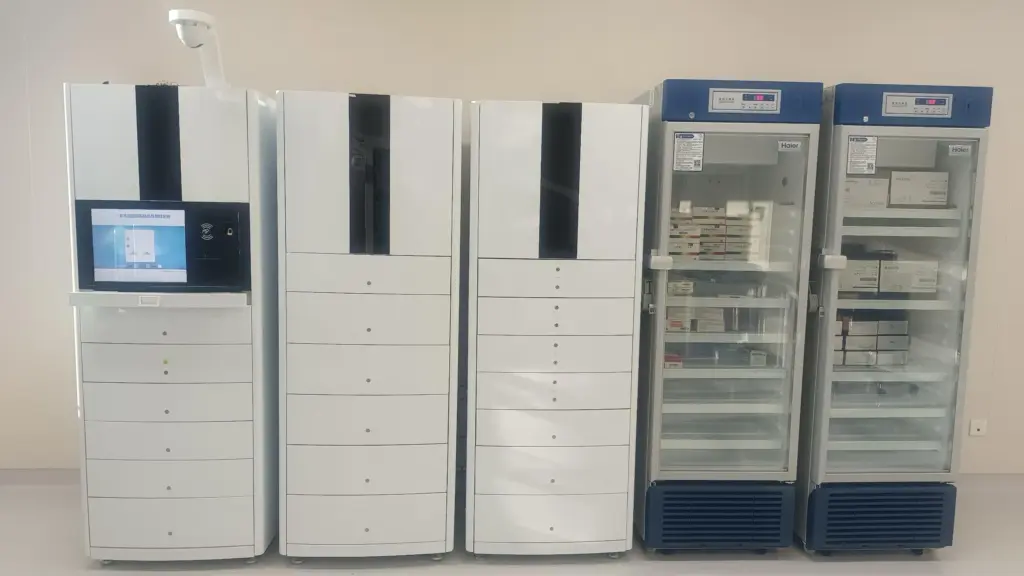
オールインワン PC にはコンピュータホストがバンドルされています, ディスプレイとタッチスクリーンを 1 つの洗練されたボディに統合. デスクスペースの節約になります, ケーブルを減らしてモダンに見える. こういった理由から, 多くのオフィス, 小売店や制御室は、従来のタワーやモニターよりもこれを選択します。. それでも, オールインワン PC が搭載する ...
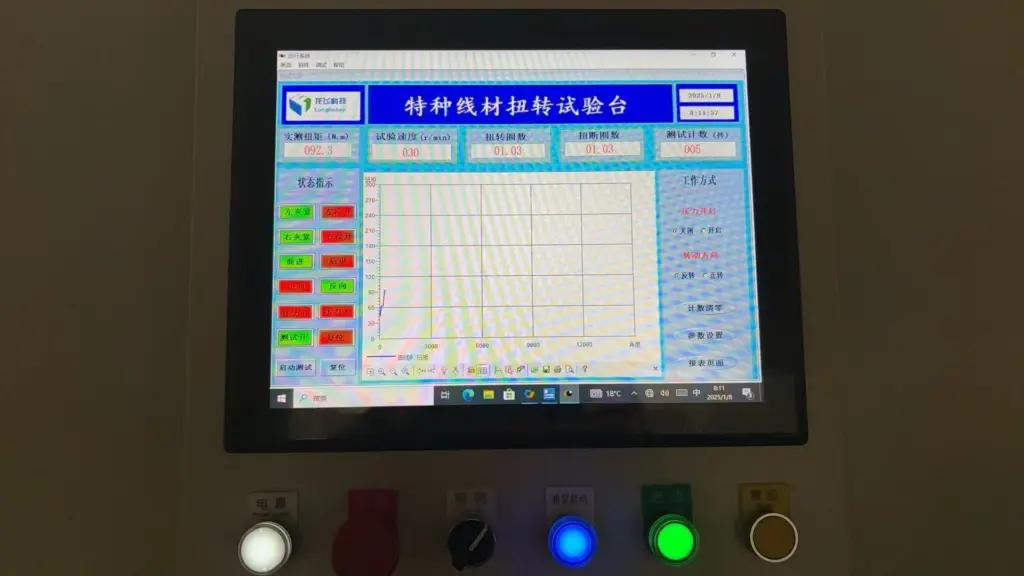
オールインワン PC は、コンピュータ ホストを組み合わせたものです。, ディスプレイ画面と多くの場合タッチ インターフェイスを 1 つのコンパクトなユニットに統合. 従来の別個のタワーのセットアップを置き換えます。, モニターとキーボード. オフィスデスク用, 小売キオスクおよび産業用制御室, この省スペースデザインはすっきりとモダンに見えます. それでも, 多くの購入者 ...

産業用 PC はファクトリーオートメーションのコアコンピューティングユニットとして機能します, 機械制御および屋外監視システム. 通常のデスクトップ コンピューターとはビルド品質が大きく異なります。, 冷却設計と耐環境性. このため, 多くのプロジェクト購入者が同じ質問をします: 産業用 PC の価格はいくらですか? ...
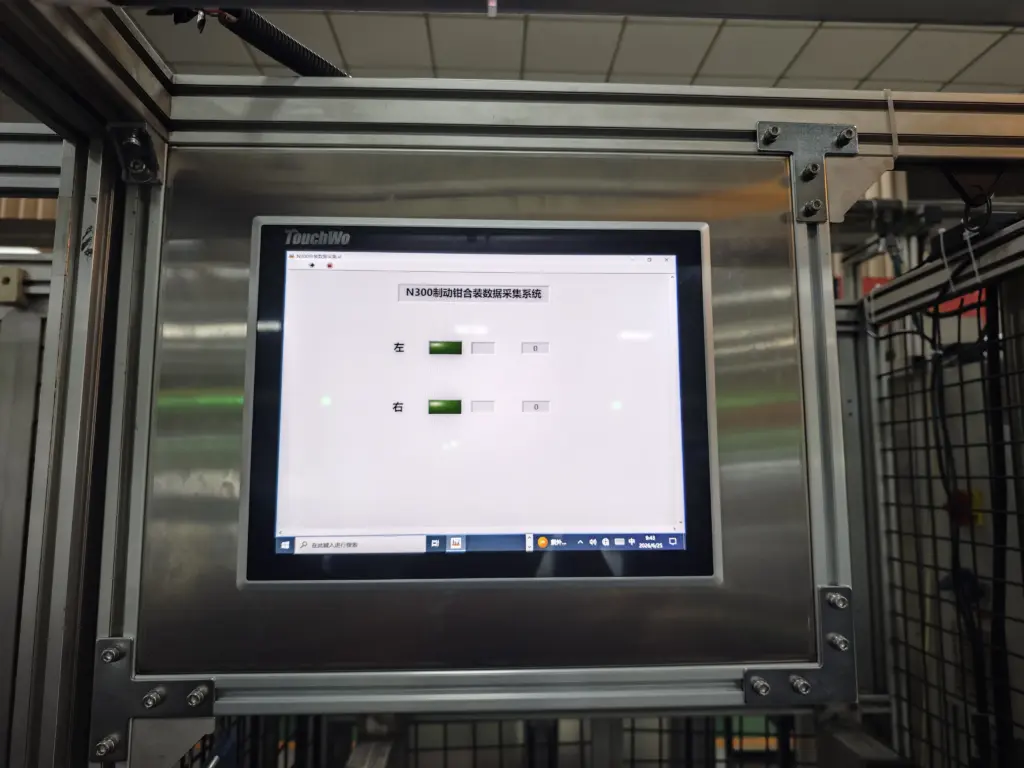
多くの産業用および商業用機器はコンパクトさを必要とします。, オールインワン コンピューティング ソリューション. 従来のセットアップでは、別個のコンピュータ ホストを組み合わせます。, 表示画面と入力デバイス. この配置は貴重なスペースを占有し、複雑な配線が発生します. このため, 代わりに単一の統合デバイスを使用するプロジェクトが増えています。. パネルPC ...