
In touch screens, the battle between capacitive and resistive screens has long intrigued consumers. Each technology possesses unique strengths and weaknesses, leaving users pondering which is truly superior. Understanding the fundamental differences is crucial in making an informed decision. Let’s delve into the comparative analysis of capacitive versus resistive screens to unveil the merits and limitations of each.
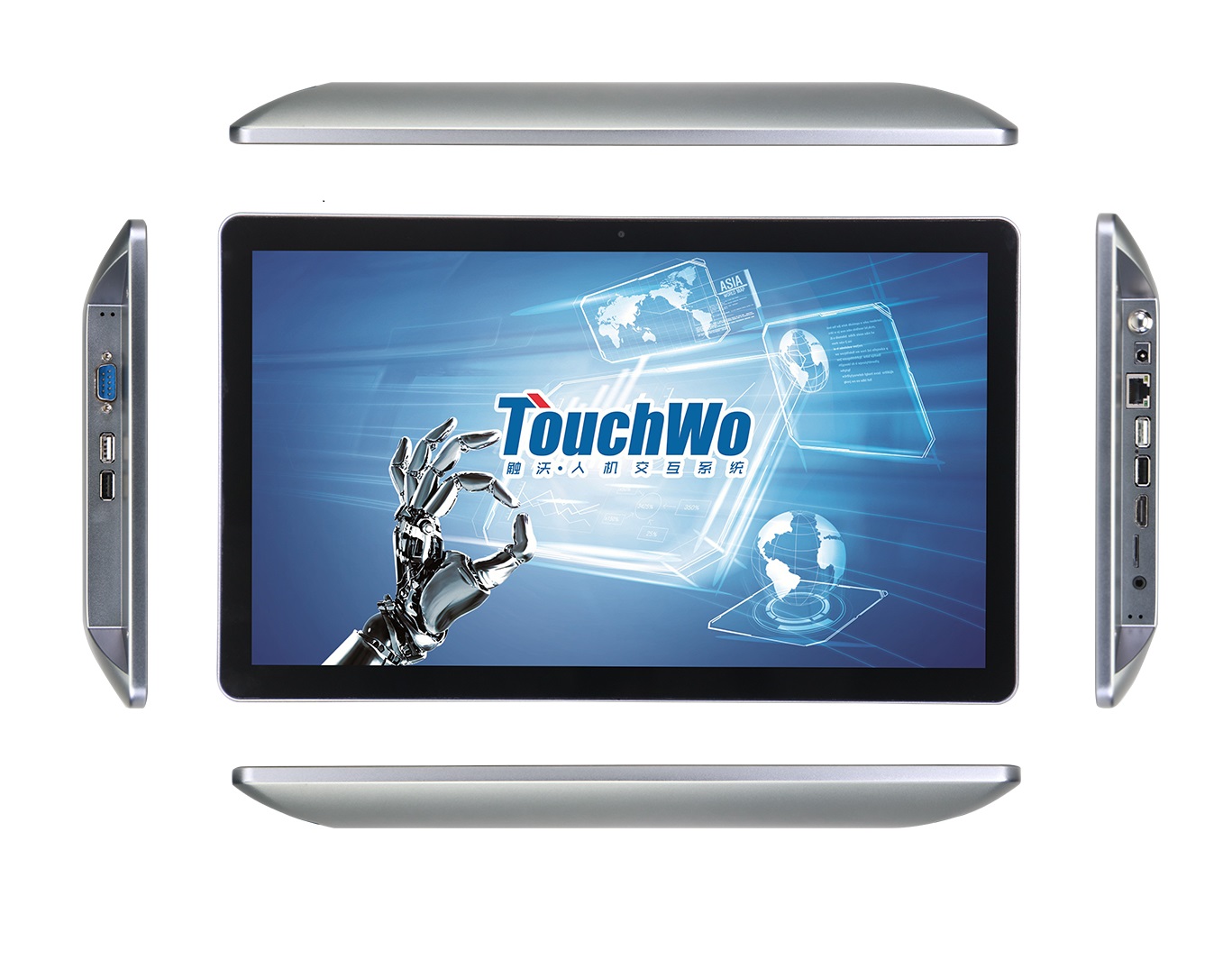
What Is a Capacitive Screen?
A capacitive screen is a type of touch-sensitive display that uses the electrical properties of the human body to detect touch input. These screens are made of layers of glass or plastic that store electrical charge. When a conductive object, such as a finger, touches the screen, it disrupts the electrical fields, allowing the device to register the touch.

Components of Capacitive Screens
The main components of capacitive screens include sensors, a conductive layer, and a protective cover.
- The sensors detect changes in electrical fields caused by touch input.
- The conductive layer, typically made of indium tin oxide or a similar material, stores and transfers electrical charge.
- The protective cover helps shield the screen from damage and scratches.
How Does Capacitive Screen Work?
Capacitive touchscreens operate based on the principles of electrical capacitance. When a conductive material, such as a finger, touches the screen, it disrupts the screen’s electrostatic field, enabling precise and instantaneous touch recognition.
Advantages of Capacitive Screens
- High sensitivity: Capacitive screens respond quickly to touch, providing a smooth and precise user experience.
- Hỗ trợ cảm ứng đa điểm: Capacitive screens can recognize multiple touch points simultaneously, enabling gestures like pinch-to-zoom and swiping.
- Độ bền: Capacitive screens are generally more durable than resistive screens, as they are not susceptible to wear and tear from pressure.
- Rõ ràng: Capacitive screens usually have better clarity and brightness than other screen types, providing a visually appealing display.
Limitations of Capacitive Screens
While capacitive touch screens offer remarkable advantages, they are not without limitations.
- Limited use with gloves: Capacitive screens require direct finger contact to function properly, making them difficult to use with gloves or styluses.
- Sensitivity to moisture: Capacitive screens may become unresponsive when exposed to moisture, limiting their use in wet conditions.
- Trị giá: Capacitive screens are more expensive to produce than other screen types, contributing to higher device costs.
- Size limitations: Capacitive screens may have limitations in size, making them less suitable for larger displays like interactive whiteboards.
What Is a Resistive Screen?
A resistive screen is a touch-sensitive display that consists of multiple layers, typically including two electrically conductive layers separated by a small gap. The outer layer is made of a transparent material like polyester, while the inner layer is constructed with glass or another rigid substance. Unlike capacitive screens that support multi-touch gestures, resistive screens primarily recognize one touch point at a time.

Components of Resistive Screens
- Top layer: A flexible, transparent, conductive layer typically made of indium tin oxide (CÁI NÀY).
- Spacer dots/Grid: Microscopic dots or grids separating the top and bottom layers to maintain a precise gap.
- Bottom layer: Another transparent layer with conductive properties, typically ITO, perpendicular to the top layer.
- Flexible circuit: Connects the bottom layer to the controller, transmitting touch data.
- Bộ điều khiển: Processes touch input and translate it into commands for the device.
How Does Resistive Screen Work?
Resistive screens detect changes in electrical resistance when pressure is applied, which allows the device to determine the position and intensity of touch input. The two conducting layers in the screen flex and make contact when pressed, creating a measurable change in resistance that is interpreted as a touch command.
The Advantages of Resistive Touchscreens
- Cost-effective: The manufacturing process for resistive screens is relatively simpler than capacitive counterparts, resulting in lower production costs.
- Widely compatible: Resistive touchscreens can be operated using any input method, such as a stylus, ngón tay, or gloved hand.
- Resistance to Water and Dust: Multiple layers protect against moisture and particles entering the device through the screen.
- Pressure sensitivity: Resistive touchscreens can accurately detect pressure, allowing for varied levels of touch input.
The Limitations of Resistive Technology
- Reduced clarity: The multiple layers of resistive touchscreens can reduce display clarity and brightness.
- Prone to wear and tear: The flexible layers of resistive touchscreens are susceptible to wear and tear over time due to the physical pressure required for input recognition.
- Limited multitouch capabilities: Resistive touchscreens are typically less responsive to multitouch gestures than capacitive touchscreens.
Comparison Table of Capacitive and Resistive Touch Screen
Here is the table about the comparison of capacitive and resistive touch screens.
| Diện mạo | Màn hình cảm ứng điện dung | Màn hình cảm ứng điện trở |
| Nguyên tắc làm việc | Detects changes in electrical fields due to touch | Pressure-sensitive layers register touchpoints |
| Những lợi ích | 1. Multi-touch capability 2. High sensitivity 2. Bền bỉ, scratch-resistant | 1. Works with any stylus 2. Low power consumption 3. Cost-effective solution |
| Limitations | 1. Sensitive to touch only 2. Prone to interference from moisture and dirt | 1. Single touch operation 2. Lower resolution and clarity |
Which Screen is Better for You?
When determining the optimal touchscreen technology, several factors come into play to ensure better usability and functionality.
Weigh Needs: Personal vs. Industrial Use
For personal use, capacitive screens are recommended. Their high sensitivity and multi-touch support make them ideal for tasks like browsing the internet, playing games, and using social media on smartphones and tablets. The clarity and responsiveness of capacitive screens also enhance the overall user experience for personal entertainment and productivity.
Ngược lại, for industrial use, the limitations of capacitive screens, such as sensitivity to moisture and size limitations, may pose challenges in certain environments. Industrial applications may require screens that can withstand harsh conditions, including exposure to liquids and heavy-duty use. Resistive screens, which are more durable and can be operated with gloves, may be preferred in industrial settings where functionality and reliability are paramount. Ngoài ra, the cost of capacitive screens may be a consideration for industrial applications with budget constraints.
Consider Budget
Budget considerations play a significant role in selecting the appropriate touchscreen technology. Resistive touchscreens stand out for their cost-effectiveness, making them an attractive option for budget-conscious consumers. The simpler manufacturing process of resistive screens translates to lower production costs, resulting in more affordable devices equipped with this technology.
Mặt khác, capacitive screens may entail higher production expenses due to their intricate design and materials, potentially influencing the overall pricing of devices utilizing this advanced technology.
Phần kết luận
In conclusion, the choice between capacitive and resistive screens ultimately boils down to individual preferences and specific application requirements. While capacitive screens excel in responsiveness and multi-touch functionality, resistive screens offer durability and compatibility with various input methods. Whether you prioritize precision or resilience, weighing the benefits and limitations of each technology is essential in selecting the ideal touchscreen solution for your needs.





