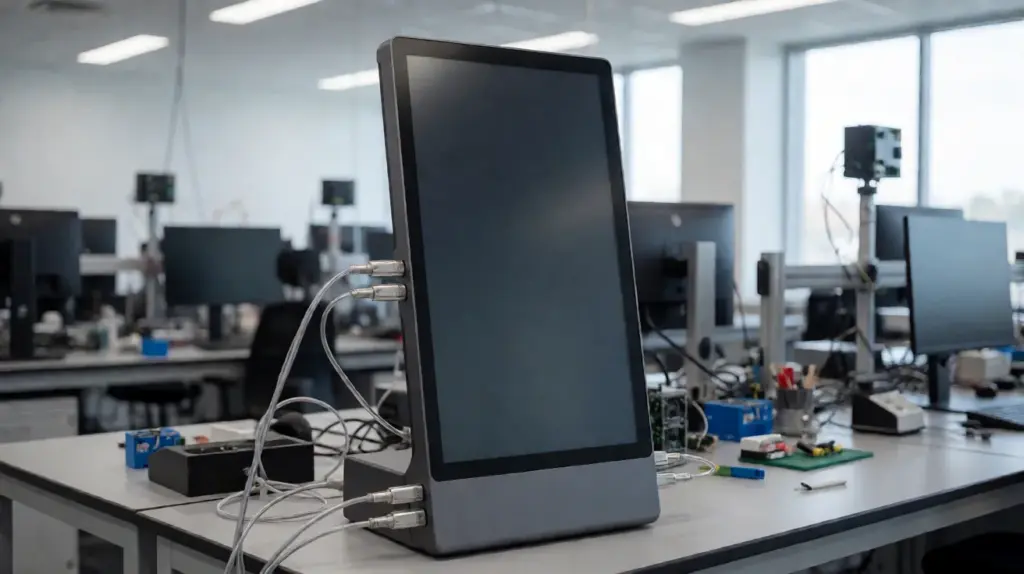
Touch screen serve as standard interactive components for modern smart terminals and self-service equipment. They replace traditional physical buttons and simplify daily user operations. Many users and business buyers only recognize touch screen functions but ignore core technical classifications.
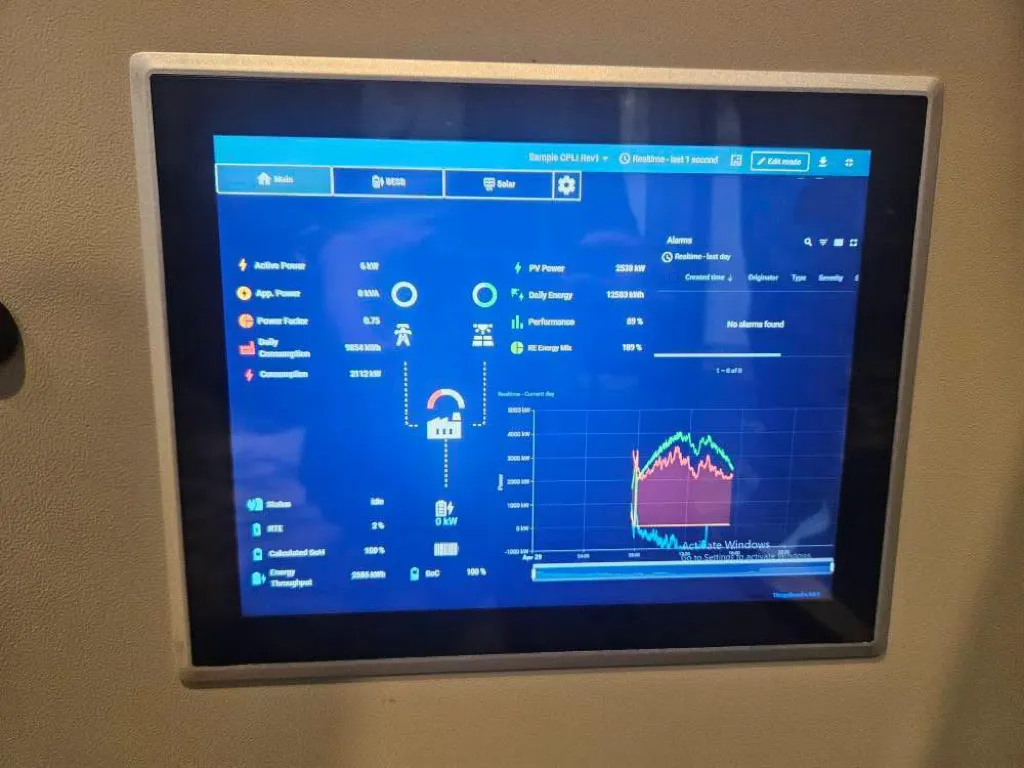
In commercial and industrial markets, technicians divide mainstream touch screens into two core categories. These two types cover most daily application scenarios and meet different operational needs. Each touch screen type has unique working principles, functional traits and suitable environments. Vì lý do này, understanding their differences helps you match stable, fitting hardware. This article introduces the two types of touch screens, their core pros, applicable scenarios and practical selection tips.
The Two Core Types of Commercial Touch Screens
All conventional commercial touch screens fall into two primary categories. These two types support nearly all self-service and industrial interactive devices.
1. Màn hình cảm ứng điện trở
Resistive touch screens rely on pressure-based induction to work. They feature two layered conductive films with a tiny gap in between. When users apply physical pressure on the screen surface, the two layers make contact and generate electrical signals. The system calculates touch coordinates and responds to user commands.
This touch screen type accepts input from almost any object. Fingertips, gloved hands and styluses can all trigger normal operations. It maintains stable performance in dusty and humid environments. It adapts well to rigorous industrial working conditions.
2. Màn hình cảm ứng điện dung
Capacitive touch screens adopt electric field induction technology. They do not need physical pressure to capture touch signals. Human fingers carry weak electric charges and alter the screen’s electrostatic field on contact. The system detects these subtle changes and locates touch points instantly.
This type supports smooth multi-touch gestures and ultra-fast response. It delivers clear display effects and comfortable sliding feedback. It focuses on high-experience, high-frequency commercial interaction scenarios. It stands as the most widely used touch screen type for public smart devices.
Key Functional Differences Between the Two Touch Screen Types
The two types of touch screens show obvious differences in operation modes and performance traits. These gaps decide their final application directions.
1. Operation trigger conditions
Resistive touch screens need deliberate physical pressure to activate signals. They require slight force to complete tapping and selection. Ngược lại, capacitive touch screens respond to light finger contact. They need no pressing force and support flexible gesture control.
2. Adaptive operation tools
Resistive touch screens support diverse operation tools. They work normally with gloved hands, hard tools and ordinary fingertips. Mặt khác, capacitive touch screens only respond to conductive human skin. They cannot recognize gloved or tool-based operations.
3. Interactive experience and sensitivity
Capacitive touch screens provide higher sensitivity and smoother interaction. They suit continuous sliding and multi-point operation. Trong khi đó, resistive touch screens have relatively steady but slower response. They focus on operational stability rather than fluent gestures.
4. Environmental anti-interference ability
Resistive touch screens resist dust, water vapor and minor surface contamination. They adapt to complex industrial environments. Capacitive touch screens have stricter requirements for surface cleanliness. Dirty surfaces may affect induction accuracy slightly.
Suitable Application Scenarios for Each Touch Screen Type
Each of the two touch screen types has targeted usage advantages. Reasonable matching improves device stability and service life.
1. Scenarios for resistive touch screens
Resistive touch screens fit industrial control terminals and workshop equipment. They also work well for special service devices that require gloved operation. Their stable pressure induction avoids environmental interference effectively. They meet practical industrial operation demands.
2. Scenarios for capacitive touch screens
Capacitive touch screens apply to most commercial self-service devices. This includes ordering kiosks, payment terminals and public inquiry screens. Their sensitive response and smooth experience optimize customer self-service processes. They support long-hour high-frequency commercial use.
How to Choose Between the Two Touch Screen Types
You can pick the right touch screen type based on your actual operational environment and usage habits.
1. Judge according to operation methods
Choose resistive touch screens if your staff often wear gloves or use tools to operate. Select capacitive touch screens for pure finger-touch public self-service scenarios. This matching method ensures basic usability.
2. Match based on usage environment
Pick resistive touch screens for dusty, humid or poorly maintained spaces. Choose capacitive touch screens for clean indoor commercial venues. This choice reduces daily failure rates.
3. Prioritize user experience needs
Select capacitive touch screens if you pursue fluent multi-touch interaction. Choose resistive touch screens if you value stability and environmental adaptability above flexible gestures.
FAQs About the Two Types of Touch Screens
Q1: What are the two basic types of touch screens for commercial devices?
A1: The two core types are resistive touch screens and capacitive touch screens. They cover most industrial and commercial interactive device applications.
Q2: Which touch screen works better for public self-service kiosks?
A2: Capacitive touch screens perform better for public kiosks. They deliver sensitive response, smooth operation and friendly user experience for high-frequency customer use.
Q3: Can resistive touch screens support gloved operation?
A3: Đúng. Resistive touch screens rely on pressure induction. They recognize commands from gloved hands, styluses and other common operation tools steadily.
Q4: Do capacitive touch screens adapt to industrial environments?
A4: KHÔNG. Capacitive touch screens lack strong anti-interference ability. Bụi, water stains and non-conductive contact will affect their normal induction performance.
Q5: Which touch screen type has longer service stability?
A5: Both types offer reliable stability for matched scenarios. Resistive models excel in industrial settings, while capacitive models maintain steady performance in commercial environments.
Phần kết luận
Tóm lại, the two types of touch screens are resistive touch screens and capacitive touch screens. Resistive models depend on pressure induction, support diverse operation tools and adapt to complex industrial environments. Capacitive models adopt electric field induction, provide sensitive multi-touch interaction and fit mainstream commercial self-service scenarios. Neither type ranks universally better. Thay vì, scenario matching determines the best practical value. Choosing the correct touch screen type reduces device faults and optimizes long-term operational performance.
Nếu bạn cần ổn định, scenario-matched touch screens for your self-service or industrial devices, vui lòng điền vào mẫu yêu cầu trên trang web chính thức của chúng tôi. Share your usage environment and functional needs, and our team will provide professional customized touch screen solutions for your project.