
Smart interactive devices simplify daily service and operation work in modern life. Traditional button operation feels rigid and slow for high-frequency usage. Vì lý do này, most smart terminals adopt intuitive interactive hardware.A touch screen acts as the core input and display component for self-service equipment.
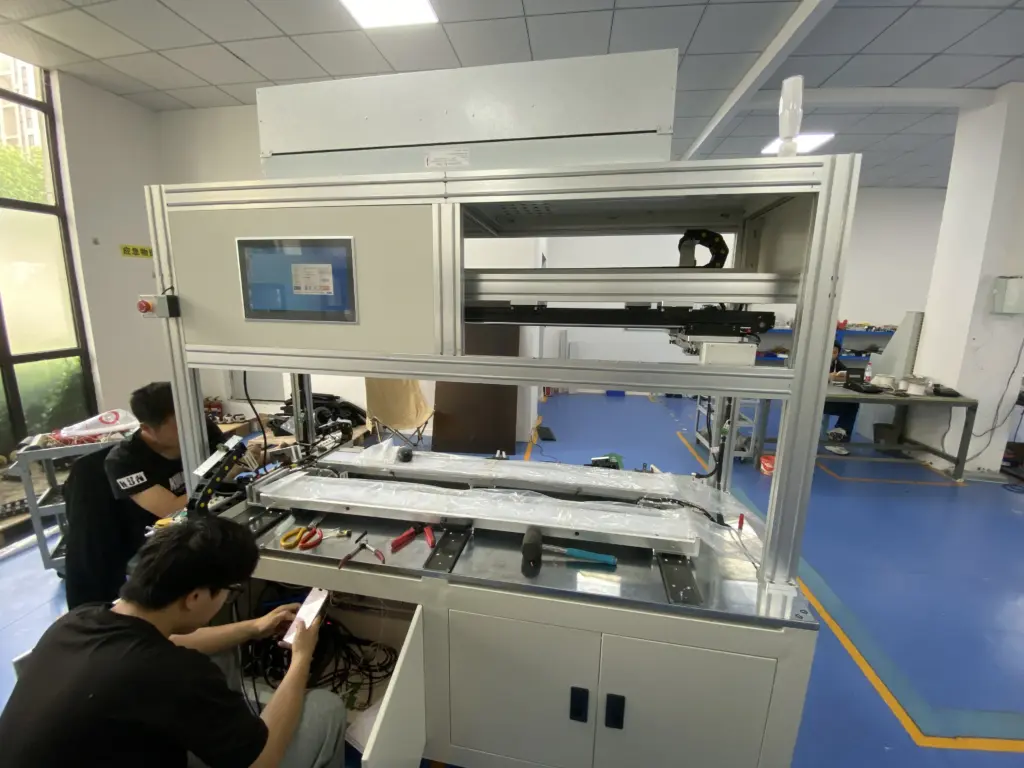
It combines visual display and touch sensing into one compact module. Trong khi đó, it replaces physical buttons and creates simple human-device interaction. Many people use touch screens devices every day but lack clear basic cognition. This article explains the definition, working logic, core features and typical applications of a touch screens.
Basic Definition of a Touch ScreenS
A touch screen is an integrated electronic display with built-in sensing functions. It shows clear visual content for users. It also captures manual touch commands through internal sensor layers.
Unlike ordinary display screens, a touch screens does not need extra input tools. Users complete selection, adjustment and confirmation with simple finger taps or slides. Tóm lại, it turns passive viewing into active operation. It serves as the key interactive medium for all smart self-service systems.
How a Standard Touch Screen Works
Every functional touch screens follows a simple and stable working process. Different screen types use similar basic logic for signal response.
1. Real-time signal induction
The touch screens keeps its sensor layer active after power on. It continuously detects subtle changes on the screen surface. These changes include pressure contact or electrostatic field fluctuation.
2. Accurate coordinate calculation
Once the screens captures valid touch signals, it locates exact touch positions instantly. It converts physical touch actions into digital coordinate data for system recognition.
3. Fast system feedback
Kế tiếp, the device system reads coordinate data and matches corresponding functions. It executes user commands and updates screen content right away. The whole process finishes in milliseconds for smooth interaction.
Common Basic Types of Touch Screen
Mainstream commercial touch screens models fall into two core categories. Each type adapts to different working environments.
1. Màn hình cảm ứng điện dung
Capacitive touch screens relies on human body electrostatic induction. It responds to light finger contact without extra pressure. It supports multi-touch gestures and smooth sliding control. Như vậy, it suits most indoor commercial self-service devices.
2. Màn hình cảm ứng điện trở
Resistive touch screens works through physical pressure contact. It accepts operation from gloves, styluses and common hard tools. It resists dust and humid interference well. Vì thế, it fits industrial and special working scenarios.
Core Features of Qualified Commercial Touch Screen
Reliable touch screens hardware has consistent practical advantages for long-term use. These features support stable daily device operation.
1. Sensitive and consistent response
Premium touch screens modules deliver steady sensing performance. They avoid delay, missing touch or random jumping issues during frequent operation. They maintain unified feedback all day long.
2. Good surface durability
Commercial-grade touch screens surfaces resist daily friction and minor scratches. They keep clear display quality and sensitive sensing after long high-frequency use. They lower daily maintenance pressure effectively.
3. Strong environmental adaptability
Standard touch screens models adapt to regular indoor environments. Optimized versions resist light glare, dust and slight humidity changes. They keep stable performance in busy public venues.
4. High display transparency
Excellent touch screens materials have high light transmittance. They do not block screen light or distort colors. They balance sensing function and visual display quality perfectly.
Common Application Scenarios for a Touch Screen
Nowadays, a touch screen supports diverse commercial and public smart devices. It improves service efficiency in multiple industries.
1. Commercial self-service terminals
Self-service ordering and payment devices widely use touch screen modules. They help users finish independent selection and checkout. They reduce manual queue pressure greatly.
2. Public inquiry devices
Trung tâm thương mại, stations and medical venues deploy touch screens query screens. They offer intuitive navigation and information checking. They simplify public consultation processes.
3. Industrial control equipment
Professional industrial devices adopt customized touch screens panels. They support stable operation in complex workshop environments. They guarantee safe and accurate equipment control.
FAQs About Touch Screen
Q1: What is a touch screen used for?
A1: A touch screens integrates display and sensing functions. It lets users control smart devices through direct tapping and sliding without external buttons.
Q2: What is the most common type of touch screen for business use?
A2: Capacitive touch screens dominate commercial scenarios. They offer sensitive response, smooth multi-touch control and stable daily performance.
Q3: Does a touch screen need professional maintenance?
A3: Basic daily cleaning works for most commercial touch screens. Regular dust and stain removal maintains stable sensing accuracy.
Q4: Can a touch screen work in dusty environments?
A4: Resistive touch screens adapt better to dusty conditions. Ordinary capacitive screens need clean surfaces for stable induction.
Q5: What makes a good commercial touch screen?
A5: Reliable sensing stability, durable surface material and scenario adaptability define a qualified commercial touch screen for long-term use.
Phần kết luận
Tóm lại, a touch screen is a multifunctional interactive display module for smart devices. It induces touch signals, calculates operation coordinates and delivers fast system feedback. Capacitive and resistive versions cover most commercial and industrial usage needs. Quality touch screen hardware features sensitive response, durable structure and strong environmental adaptability. It optimizes user experience and improves unmanned service efficiency for modern businesses.
Nếu bạn cần ổn định, scenario-adaptive touch screens solutions for your smart devices and self-service terminals, vui lòng điền vào mẫu yêu cầu trên trang web chính thức của chúng tôi. Share your usage environment and functional needs, and our team will provide professional customized support for your project.





