
Les écrans d'ordinateur traditionnels affichent uniquement des images et des vidéos. Les utilisateurs doivent les associer à des souris ou des claviers pour terminer toutes les opérations. Ces accessoires supplémentaires prennent de la place et ralentissent l'efficacité du travail. Un écran tactile change ce mode de travail traditionnel..
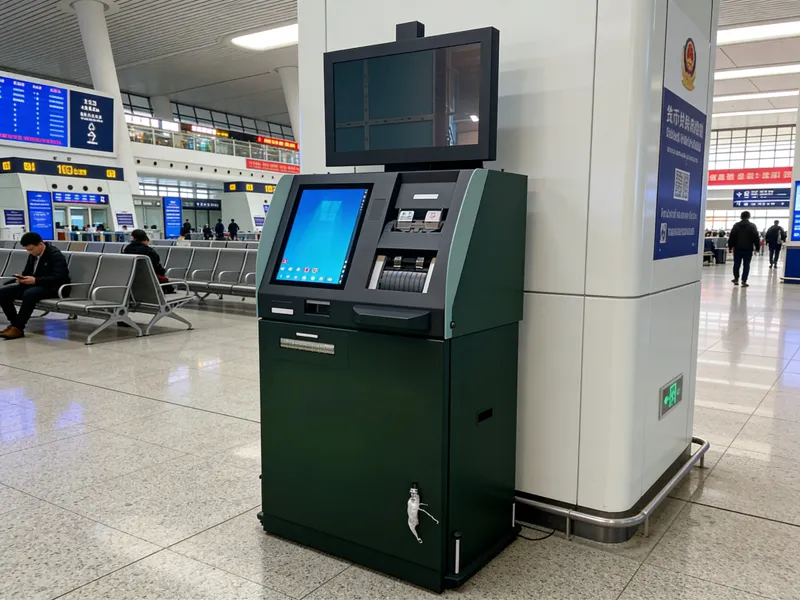
Il réunit la fonction d'affichage et le contrôle tactile dans un seul appareil complet. De plus, it suits office work, commercial service and industrial control perfectly. This article explains its basic definition, internal structure, working rules, main types and real benefits for different scenarios.
Basic Definition of a Touchscreen Monitor
A touchscreen monitor is an all-in-one interactive display device. It integrates a standard display panel and built-in touch sensing components.
1. Integrated dual-function design
This device delivers clear visual output. It also accepts direct tapping and sliding from users. People control the system without any external input tools.
2. Complete standalone hardware
A touchscreen monitor is a finished product. It has built-in control boards, signal ports and drive modules. Users connect it to host devices and start work right away.
3. Differentiated grade design
Manufacturers make two main grades for different demands. Commercial models focus on smooth interaction. Industrial versions prioritize durability and environmental resistance.
Internal Structure and Working Process
Every touchscreen monitor relies on coordinated parts to run stable interactive functions.
1. Key internal components
The display panel presents all visual content. The touch sensing layer captures user operation signals. Supporting circuits process data and ensure normal signal transmission.
2. Trigger touch signals
D'abord, fingers or tools touch the screen surface. This action creates electric changes, pressure shifts or light obstruction. These changes form effective operation signals.
3. Capture and calculate coordinates
Suivant, internal sensors detect subtle signal changes. They work out the exact touch position and movement track in milliseconds.
4. Transmit data and execute commands
Alors, the monitor sends data to the connected host. The host runs corresponding functions. The screen updates content to complete one interaction cycle.
Common Types of Touchscreen Monitors
Different touch technologies create various touchscreen monitors for diverse working environments.
1. Capacitive touchscreen monitors
This type senses weak electric signals from human fingers. It offers fast response and smooth multi-touch experience. It works well in offices, retail and catering sites.
2. Resistive touchscreen monitors
It responds to physical pressing force. It supports gloved hands and stylus operation. Ainsi, it becomes a popular choice for dusty industrial workshops.
3. Infrared touchscreen monitors
It builds an infrared light grid around the screen edge. Any solid object can trigger touch responses. It features strong anti-collision ability for large public equipment.
Core Advantages of Touchscreen Monitors
Touchscreen monitors bring many practical improvements compared with ordinary displays.
1. Simplify daily operation flow
Direct screen control cuts redundant steps. New users learn to operate the device quickly. It greatly raises overall work and service efficiency.
2. Save indoor space
The all-in-one design removes messy keyboards and mice. It tidies up desks and equipment platforms. It creates a neat and orderly working area.
3. Strong adaptability to different environments
Industrial-grade models resist dust, water splashes and temperature changes. They support long-hour continuous operation without performance decay.
4. High compatibility
Most touchscreen monitors use universal interfaces. They connect smoothly with mainstream hosts and control equipment. They need no complex debugging during use.
Main Application Scenarios
Touchscreen monitors get wide use across commercial, industrial and public fields.
1. Contrôle d'automatisation industrielle
Workers use these monitors to adjust machine parameters. Stable performance adapts to workshop vibration and dust. It guarantees precise production control.
2. Commercial self-service terminals
Ordering and payment devices adopt touchscreen monitors. They speed up service and reduce customer queuing time.
3. Modern office and meeting rooms
Office monitors and conference screens use this device. It makes document control and content sharing more convenient.
4. Public inquiry facilities
Service and exhibition equipment uses durable touchscreen monitors. It handles high-frequency operation from different visitors every day.
FAQs About Touchscreen Monitors
T1: What is the difference between a touchscreen monitor and a regular monitor?
A1: A regular monitor only displays content. A touchscreen monitor adds a sensing layer to support direct touch control without extra tools.
T2: Can a touchscreen monitor work with all common computers?
A2: Oui. Most models use plug-and-play interfaces. They connect with mainstream desktop and laptop devices easily.
T3: Which type fits industrial working conditions best?
A3: Resistive touchscreen monitors are ideal. They support gloved operation and stand up to harsh workshop environments.
T4: Do touchscreen monitors need professional installation?
A4: Non. The installation process is simple. General staff can finish wiring and setup in a short time.
Q5: How to maintain a touchscreen monitor for longer service life?
A5: Clean surface dust and stains regularly. Keep sharp objects away from the screen to avoid scratches.
Conclusion
Pour résumer, a touchscreen monitor is an integrated interactive display device. It combines display and touch control as a whole. It has multiple types to match office, commercial and industrial needs. It simplifies operation, saves space and delivers stable long-term performance. It has become essential equipment for modern interactive scenarios.
If you want to purchase high-quality touchscreen monitors for equipment upgrade or new projects, veuillez remplir le formulaire de demande sur notre site officiel. Share your required size, usage environment and functional demands. Our professional team will provide customized solutions and technical support for you.





