
Commercial and industrial touch monitors are designed for different operating conditions, and a mismatch between display capability and application requirements may lead to higher maintenance costs, unexpected downtime, and shorter product lifecycles in OEM projects.
A clear comparison of commercial vs industrial touch monitors helps engineers and procurement teams understand differences in durability, ความน่าเชื่อถือ, บูรณาการ, และการสนับสนุนระยะยาว. This evaluation provides a practical reference for matching display solutions with real application risks and project requirements.
ภาพรวม: Commercial and Industrial Touch Monitors
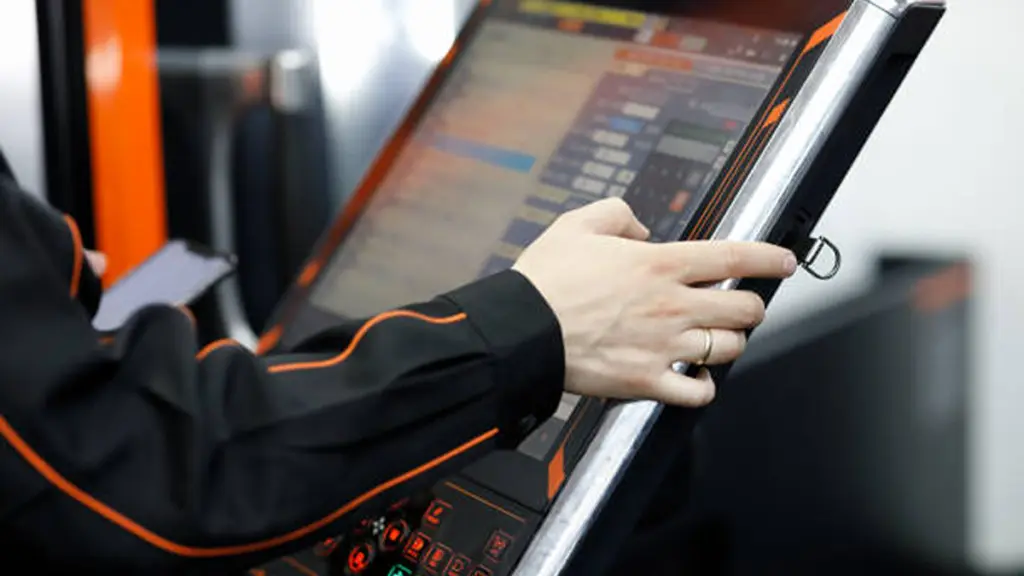
Not every touch monitor is built for the same operating environment. Recognizing the purpose of each display category helps OEM teams build a stronger foundation before comparing specific technical differences.
Commercial Touch Monitors
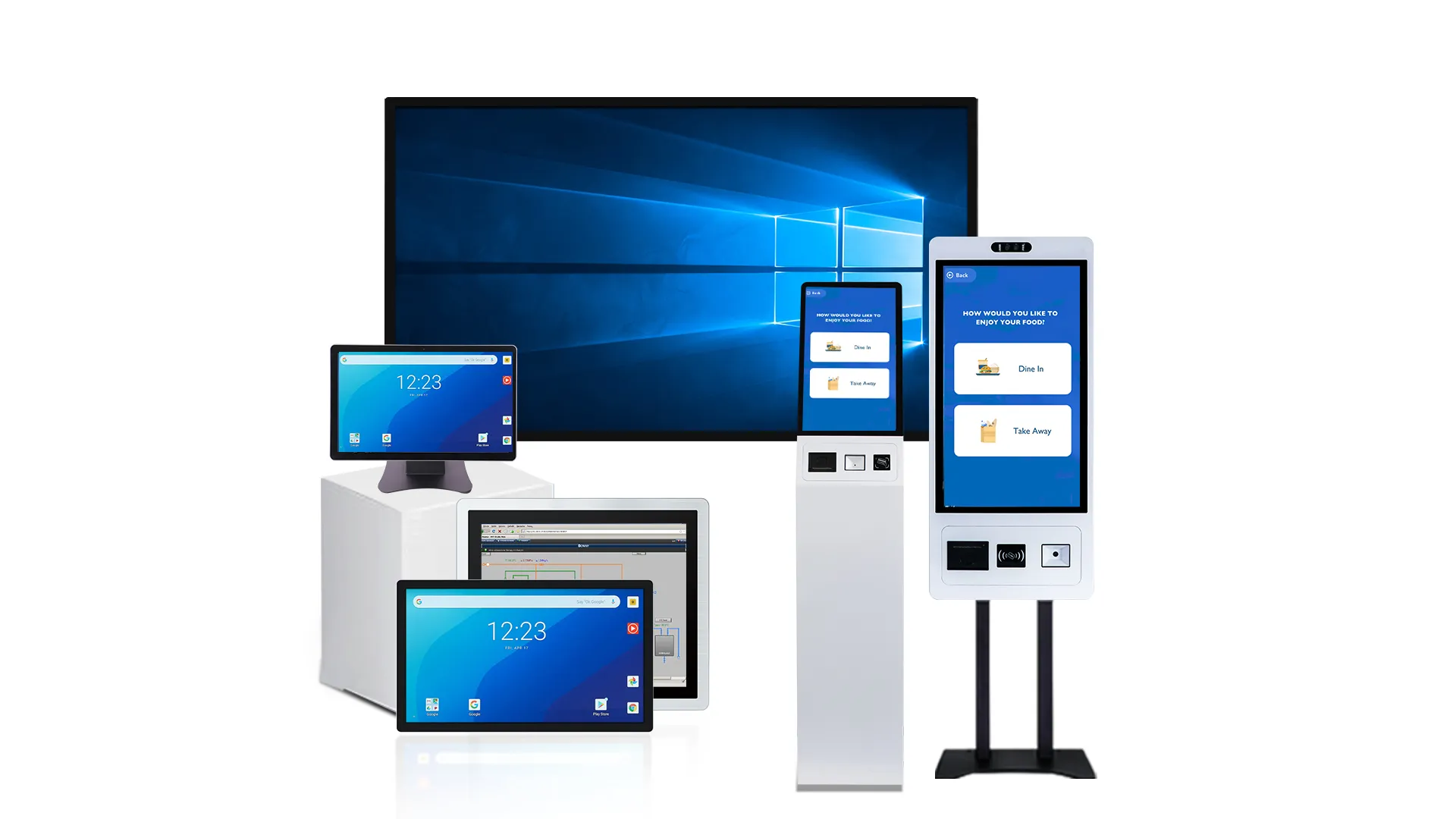
Commercial touch monitors are designed for offices, ร้านค้าปลีก, ซุ้มบริการตนเอง, meeting rooms, and other controlled indoor environments. They focus on user experience, รูปลักษณ์ทันสมัย, and cost efficiency, making them suitable for applications with moderate daily operating hours and stable environmental conditions.
Industrial Touch Monitors
จอภาพสัมผัสอุตสาหกรรม are developed for manufacturing, ระบบอัตโนมัติในโรงงาน, การขนส่ง, พลังงาน, อุปกรณ์ทางการแพทย์, และการใช้งานที่ต้องการอื่นๆ. They emphasize continuous operation, environmental resistance, mechanical durability, and long product availability to support equipment with long service lives.
Why the Difference Matters
Although both products provide touch interaction, they are designed around completely different engineering priorities. Understanding these design goals helps OEM teams avoid selecting hardware that performs well in specifications but cannot meet real operating requirements.
What Separates Commercial and Industrial Touch Monitors
Industrial monitors are engineered for reliability in harsh, 24/7 สภาพแวดล้อม. Commercial monitors are built for controlled, indoor spaces where cost and aesthetics are prioritized over sheer durability.
Commercial and industrial touch monitors differ in more than durability. Their design, ผลงาน, บูรณาการ, and lifecycle expectations determine which applications they can reliably support.
| Comparison Area | Commercial Touch Monitor | จอภาพสัมผัสอุตสาหกรรม |
|---|---|---|
| Enclosure & ความทนทาน | Plastic or lightweight metal housing for indoor commercial environments. | Metal enclosure with reinforced construction for shock, การสั่นสะเทือน, และสภาวะที่เลวร้าย. |
| การคุ้มครองสิ่งแวดล้อม | Basic protection against dust and splashes, typically for climate-controlled spaces. | High IP-rated sealing for dust, น้ำ, and industrial contaminants. |
| Operating Conditions | Designed for standard indoor temperatures and normal daily operating hours. | Supports wide temperature ranges and continuous 24/7 การดำเนินการ. |
| Touch Performance | Optimized for finger or stylus input in clean environments. | Supports glove operation, moisture tolerance, and demanding industrial workflows. |
| บูรณาการระบบ | Typically uses HDMI, ยูเอสบี, ดิสเพลย์พอร์ต, and VESA mounting. | Supports industrial interfaces, panel mounting, and open-frame integration. |
| Lifecycle Support | Shorter product cycles with frequent model updates. | Long-term component availability for stable OEM production and maintenance. |
| Typical Applications | Retail POS, สำนักงาน, ห้องเรียน, conference rooms, and indoor kiosks. | Factory automation, HMI, อุปกรณ์ทางการแพทย์, การขนส่ง, and outdoor systems. |
เชื่อถือได้, Customizable Touchscreens Built For You.
Why Some Projects Fail When Commercial Displays Are Used Industrially
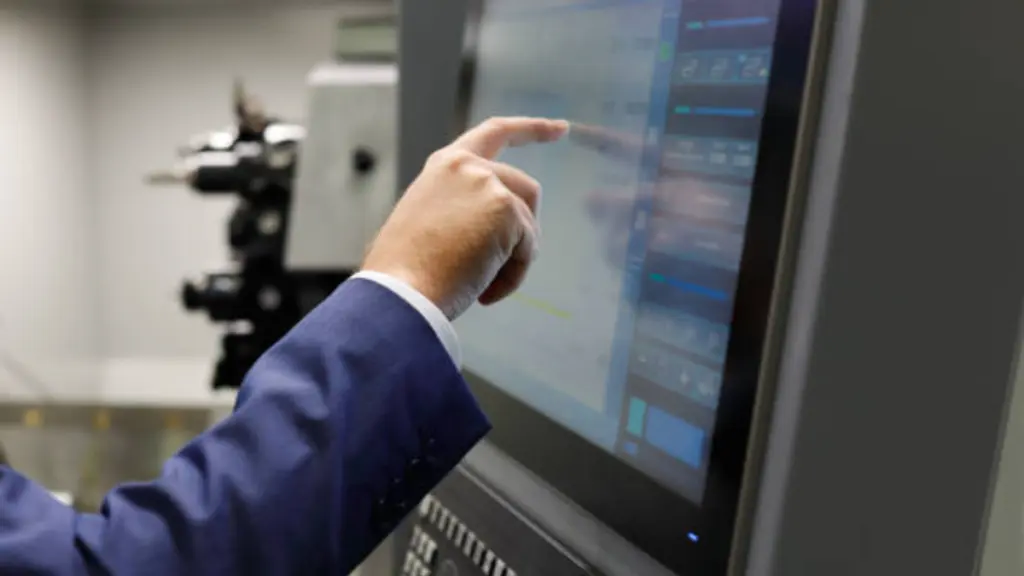
Many display failures stem from application mismatch rather than product defects. Identifying the most common risks helps OEM teams reduce downtime, maintenance costs, and unexpected redesigns.
Environmental Conditions Exceed Design Limits
Industrial environments expose displays to conditions that commercial products are not designed to handle over long periods. Temperature changes, ฝุ่น, การสั่นสะเทือน, ความชื้น, and frequent cleaning all accelerate component wear and reduce operational stability.
- การสัมผัสกับสิ่งแวดล้อม: Continuous dust, ความชื้น, ความผันผวนของอุณหภูมิ, or washdown procedures can shorten component life and affect touch performance.
- Mechanical Stress: Constant vibration, impact, or equipment movement may loosen connectors, damage housings, or reduce structural reliability.
- Insufficient Protection: Lower sealing performance increases the possibility of contaminants entering the enclosure, especially in harsh production environments.
Continuous Operation Accelerates Component Wear
Commercial displays are generally designed for intermittent daily use, while many industrial systems operate around the clock. As operating hours increase, differences in component quality and engineering validation become more apparent.
Backlights, power supplies, and internal electronics experience greater stress during continuous operation. เมื่อเวลาผ่านไป, this may lead to more frequent failures, shorter replacement cycles, and unplanned production downtime. นอกจากนี้, commercial products often follow shorter product lifecycles, making identical replacements difficult to source for long-running OEM equipment.
Integration Limitations Increase Engineering Risks
Industrial equipment requires more than display performance. Compatibility with the overall system also affects installation efficiency, การซ่อมบำรุง, and future upgrades.
- ความเข้ากันได้ของอินเทอร์เฟซ: Commercial displays may lack industrial communication interfaces or power options required by existing control systems.
- Application-Specific Touch Performance: Standard touch solutions may not respond reliably when operators wear gloves or when moisture is present on the screen.
- Lifecycle Support: Frequent product revisions or discontinuation can force enclosure modifications, software validation, or component redesign during future maintenance.
Higher Long-Term Costs Than Expected
The initial purchase price represents only a small part of the overall investment. When maintenance frequency, production downtime, engineering changes, and replacement costs are included, a lower-cost commercial display may become the more expensive option over the product lifecycle.
For OEM projects expected to operate continuously for many years, matching the display grade to the actual application helps reduce service risks, improve equipment stability, and lower the total cost of ownership (ต้นทุนการเป็นเจ้าของ) เมื่อเวลาผ่านไป.
You can learn more about คีออสก์มีค่าใช้จ่ายเท่าไรสำหรับธุรกิจของคุณ in our dedicated article.
Key Performance Areas Buyers Should Compare Before Sourcing
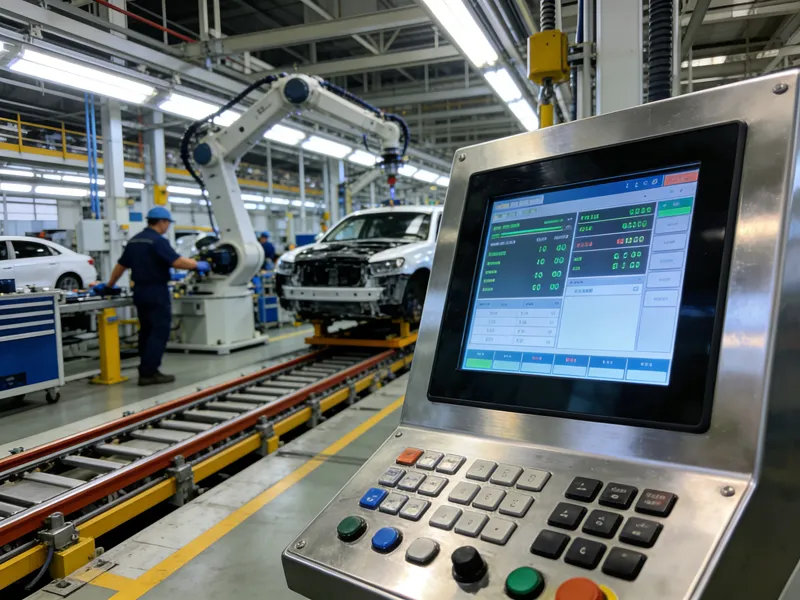
Sourcing industrial displays isn’t just about price. Focus on durability, เวลาทำงาน, lifecycle stability, and system integration to ensure reliability and avoid costly failures.
Environmental Reliability and Mechanical Protection
Industrial applications place continuous stress on touch monitors. Before sourcing, confirm that the display can operate reliably under the actual environmental conditions rather than relying only on standard specifications.
- Operating Environment: Verify the operating temperature range, humidity tolerance, and required IP rating for dust and water protection.
- Mechanical Strength: Check resistance to shock, การสั่นสะเทือน, and accidental impact, especially for factory automation or mobile equipment.
- Housing Design: Evaluate enclosure materials, กระจกเสริมแรง, and structural durability to ensure long-term protection.
Display Performance and System Compatibility
Display quality affects both operator efficiency and system integration. Buyers should confirm that the monitor performs consistently within the final equipment instead of evaluating display specifications alone.
- คุณภาพการแสดงผล: Compare brightness, อัตราส่วนความคมชัด, anti-glare treatment, and sunlight readability based on the application environment.
- Touch Performance: Confirm touch accuracy, glove operation, and water rejection if operators work in industrial conditions.
- บูรณาการระบบ: Review video interfaces, touch communication protocols, mounting methods, and compatibility with existing PLCs, HMI, or industrial PCs.
Lifecycle Support and Total Cost of Ownership
The purchase price represents only a small part of the overall investment. Long-term availability and maintenance support often have a greater impact on project profitability.
- การดำเนินงานอย่างต่อเนื่อง: Confirm the monitor supports long-term 24/7 operation without performance degradation.
- Lifecycle Stability: Review product lifecycle policies, revision control, and spare part availability to minimize redesign risks.
- Long-Term Cost: Consider maintenance frequency, downtime costs, warranty coverage, and replacement planning instead of comparing purchase prices alone.
Quick Checklist for Procurement Teams
Before requesting quotations or comparing suppliers, procurement teams should confirm the following requirements. A structured checklist helps reduce sourcing risks and ensures the selected touch monitor matches the application’s long-term needs.
ข้อกำหนดการสมัคร
- Operating Environment: Confirm whether the display will be exposed to dust, น้ำ, การสั่นสะเทือน, สารเคมี, อุณหภูมิสูงมาก, or outdoor conditions.
- Working Schedule: Determine whether the monitor will operate during business hours or support continuous 24/7 การดำเนินการ.
- User Interaction: Verify whether operators wear gloves, work with wet hands, or require high-brightness viewing in challenging lighting conditions.
- Installation Requirements: Identify the required mounting method, enclosure dimensions, and available installation space before selecting a display.
Technical and Integration Requirements
- ระดับการป้องกัน: Define the required IP rating based on the installation environment and equipment design.
- Display Performance: Confirm brightness, optical treatment, and touch technology meet the application’s operating conditions.
- ความเข้ากันได้ของระบบ: Verify display interfaces, power input, operating system compatibility, and communication requirements.
- Mechanical Integration: Ensure the monitor size, การออกแบบกรอบ, and mounting structure fit the equipment without additional redesign.
Lifecycle and Supplier Support
- Product Lifecycle: Confirm long-term product availability to support future production and maintenance.
- Revision Control: Ask how hardware updates are managed and whether future revisions remain mechanically and electrically compatible.
- OEM Customization: Verify the supplier can provide customized mounting, อินเทอร์เฟซ, ความสว่าง, เทคโนโลยีสัมผัส, or enclosure modifications if required.
- การสนับสนุนด้านเทคนิค: Evaluate engineering support, documentation, การรับรอง, and after-sales service before finalizing the supplier.
ต้นทุนการเป็นเจ้าของทั้งหมด
A lower purchase price does not always reduce overall project costs. Procurement teams should evaluate the complete lifecycle of the display, including maintenance frequency, replacement availability, downtime risk, and long-term supplier support before making a sourcing decision.
Why Touchwo Focuses on Project-Fit Industrial and Commercial Solutions
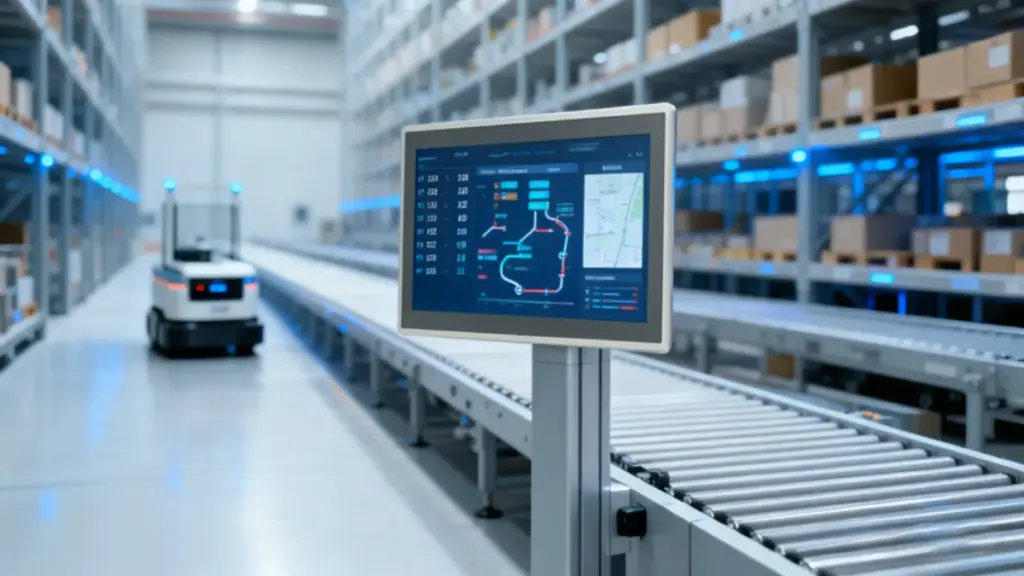
Different OEM projects require different display solutions. Touchwo provides commercial and industrial touch monitors with flexible customization to meet specific application and integration needs.
Product Options Built Around Different Applications
Not every application requires the same level of durability or protection. Some projects prioritize cost-effective indoor operation, while others require continuous uptime, wide operating temperatures, or sealed industrial designs.
Touchwo offers both commercial and industrial touch solutions across multiple product categories, including touch monitors, แผงพีซี, and self-service kiosks. With sizes ranging from 5 ถึง 110 นิ้ว and multiple installation options such as ฝังตัว, open-frame, and VESA mounting, OEM teams can choose hardware that matches both the equipment design and operating environment.
Flexible OEM Customization for Equipment Integration
Equipment manufacturers often require more than standard display specifications. Mechanical dimensions, อินเทอร์เฟซ, mounting methods, ระบบปฏิบัติการ, and branding frequently need to be adapted for individual projects.
Touchwo supports OEM and ODM customization covering enclosure design, โลโก้, สี, อินเทอร์เฟซ, การกำหนดค่า, เทคโนโลยีสัมผัส, วิธีการติดตั้ง, and other project-specific requirements. This flexibility helps reduce engineering modifications while simplifying equipment integration.
Stable Manufacturing and Long-Term Supply
For OEM equipment, long-term supply stability is just as important as product performance. Frequent hardware changes can increase redesign costs and complicate future maintenance.
Touchwo manages key manufacturing processes in-house, including R&ดี, sheet metal fabrication, aluminum machining, การผลิตแผงสัมผัส, และการประกอบขั้นสุดท้าย. Combined with a production capacity of 200,000 หน่วยเป็นรายปี, this integrated manufacturing model helps maintain consistent quality, stable production, and reliable delivery for long-lifecycle OEM projects.
คำถามที่พบบ่อย
What is the difference between commercial and industrial touch monitors?
The main differences are in ruggedness, การคุ้มครองสิ่งแวดล้อม, and design for continuous operation. Industrial touch monitors are built to withstand harsh factory conditions like dust, ความชื้น, การสั่นสะเทือน, และอุณหภูมิสุดขั้ว, and are rated for 24/7 ใช้. Commercial monitors are designed for controlled indoor environments like offices or retail stores with lighter duty cycles.
Can commercial touch monitors be used in factories?
ใช่, but only in clean, climate-controlled areas such as factory offices or control rooms for non-critical applications. They are not suitable for production floors where they would be exposed to dust, ความชื้น, การสั่นสะเทือน, or temperature swings. In those environments, an industrial-grade monitor is required for reliable performance.
Why do industrial touch monitors cost more than commercial ones?
Industrial monitors have a higher price because they use more durable materials and specialized components. This includes rugged metal housings, IP-rated seals for water and dust protection, electronics that tolerate wide temperature ranges, and more robust power supplies for continuous 24/7 การดำเนินการ. Their lower production volumes and longer product availability cycles also contribute to the cost.
What specifications matter most for an industrial touch monitor?
Focus on specs that define durability and reliability. The most important are the Ingress Protection (IP) rating for dust and liquid resistance (เช่น, IP65), the operating temperature range, shock and vibration resistance, and a rating for 24/7 การดำเนินงานอย่างต่อเนื่อง. For usability, consider screen brightness (จู้จี้จุกจิก) for readability and touch technology that supports gloved hands.
How do buyers choose between a commercial and an industrial monitor?
Buyers match the display grade to the application’s environment and operational demands. The decision is based on assessing risks like exposure to dust, ความชื้น, และการสั่นสะเทือน, as well as the need for 24/7 ความน่าเชื่อถือ. If the environment is harsh or downtime is costly, an industrial monitor is the appropriate choice. For controlled, low-risk areas, a commercial model can be sufficient.
What lifecycle issues do procurement teams often miss?
Teams often miss the long-term total cost of ownership. This includes the short product lifecycles of commercial models, which complicates replacements, and the performance degradation from 24/7 ใช้, such as backlight dimming or the need for periodic touch recalibration. These factors can lead to unexpected downtime and maintenance costs not reflected in the initial purchase price.
ความคิดสุดท้าย
Commercial and industrial touch monitors are designed for different operating conditions, and the right choice depends on your equipment requirements, สิ่งแวดล้อม, and lifecycle expectations. Evaluating factors such as durability, บูรณาการ, and long-term support helps OEM teams reduce sourcing risks and build more reliable products.
ทัชโว provides commercial and industrial touch monitor solutions with flexible OEM customization, supporting different applications from industrial equipment to interactive commercial systems. If you are developing a new project, our engineering team can help evaluate your requirements and recommend a display solution that fits your application.





