
A Linux panel PC looks simple on a purchase order and complicated on a factory floor. The machine boots, the screen responds, and the HMI application starts, so the buyer assumes the platform is settled. It fails later in details nobody wrote down: one serial port missing, one gesture that never registers, one update that leaves the unit unable to boot.
This guide covers the selection and verification work for an industrial HMI project. You will define the software stack, confirm the distribution and touch behaviour, and match the port map. Then set the environmental limits, test a sample, and write the configuration into a purchase specification.
Two earlier TouchWo articles handle adjacent ground, so this one stays on Linux selection. Read how to check touch screen monitor compatibility when your display sits apart from its host. See what an industrial PC contains before you compare an integrated unit with a box PC.
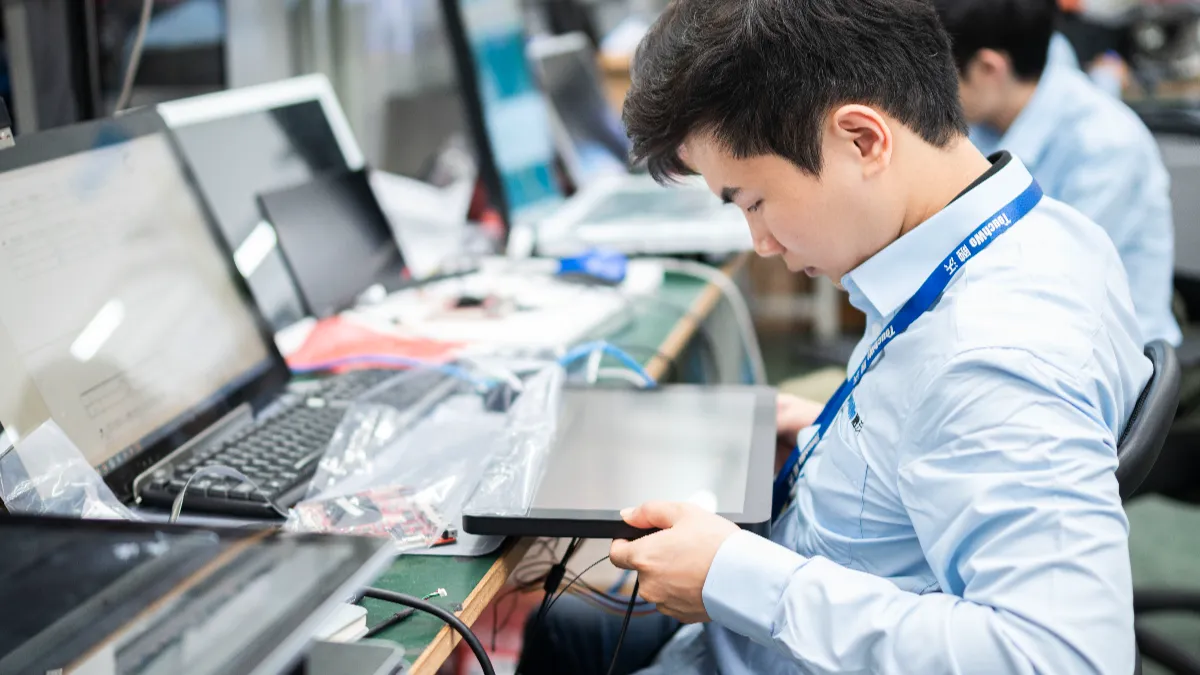
What Must Your Linux HMI Application Run?
Name the Linux stack before you name the hardware, because the stack decides which machine you can buy.
“We need Linux” is not a specification. It hides five separate decisions, and each one either survives the sample or ends the programme. Write them as one block and put it at the top of your enquiry, since a supplier who receives only the phrase will answer with a brochure.
| Stack Layer | What You Supply | What You Ask the Supplier |
|---|---|---|
| Application runtime | Pakke, dependencies, licence files | Written confirmation it installs and runs |
| Distribution image | Navn, release, architecture, image file | Whose image ships, and at what price |
| Kernel and input | Kernel version your application expects | Kernel fitted, and who updates it later |
| Boot behaviour | Autologin user and service unit needed | HMI starts after power returns, hver gang |
| Change control | Your test report format | Notice before any component or BIOS change |
Two supply patterns cover most projects. In the first, you send a disk image and the factory flashes it before shipment, so the unit boots straight into your HMI. In the second, the machine arrives with a base install and your team reimages it on receipt. Ask which one a quoted price includes, because the difference appears as labour on your side or as a line item on theirs.
One hardware constraint belongs in the same block. The 21.5-inch Touch PC HD215 specification table marks its category as X86, so plan a 64-bit x86 distribution rather than an ARM build. A team that ships ARM packages by habit will otherwise learn that mismatch at boot and lose a sample cycle. You can review the Windows and Linux touch PCs in the catalogue, then hold that list against the stack block you just wrote.
Which Linux Version and Touch Functions Need Confirming?
Version choice carries a support window, so treat it as a procurement date rather than a developer preference. Note the release your plant will run in three years, when that release stops receiving security updates, and what the upgrade path looks like on this hardware. A distribution that ends before your machine reaches its third customer site creates work for somebody, and it will not be the factory.
The published sheet states less than you need. TouchWo lists Windows 10, Windows 11, or Linux as pre-installed options on the HD215 and names no distribution, which is normal for a product page. Ask which distribution and release a Linux build carries, whether the kernel version is fixed, and what changes between orders. Put the answer in your specification, not in email.
Touch behaviour needs the same treatment on a Linux panel PC. The HD215 table states projected capacitive touch, response under 5 ms, and ten points as standard. It also lists a 200 Hz report rate, 4096 × 4096 coordinate resolution, and a Mohs class 7 cover glass.
Those numbers describe the sensor rather than your interface. Ten reported points does not confirm that your application handles a two-finger map zoom. A fast report rate does not confirm that gloves or a film of water on the glass behave.
Write the gestures your HMI actually uses. Put each one on the test sheet as a line item, and run it on the screen where operators meet it. The four below cover the gestures that most often fail a trial.
- Pinch and zoom: on the map, list, or diagram screen your operators use most.
- Press and hold: the long-press threshold that opens a context menu in your software.
- Edge and bezel taps: buttons placed near the frame, where a panel can drop contacts.
- Gloves and moisture: the hand condition and lighting your station really has.
Two panels with identical point ratings can still drive different gestures, because the host operating system reads contact slots and tracking IDs differently depending on the protocol a device implements. De Linux kernel multi-touch protocol page documents that mechanism as technical background. It proves nothing about a specific model, and it does not replace a gesture test with your own interface on your own build.
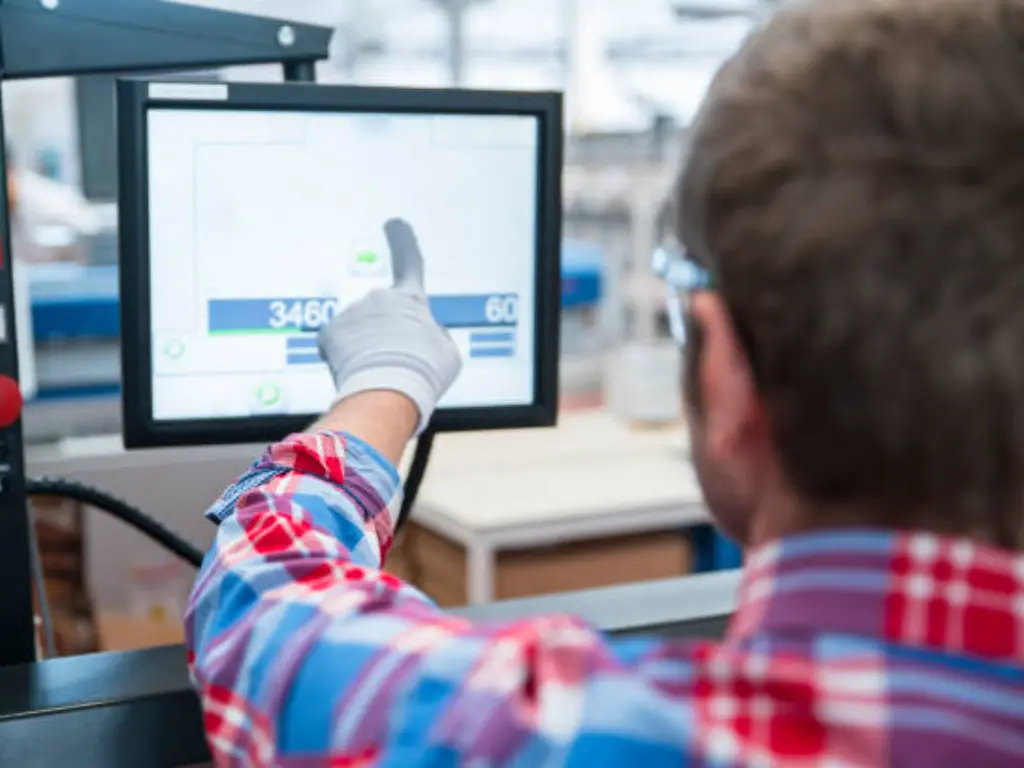
Which I/O Ports and Network Connections Are Required?
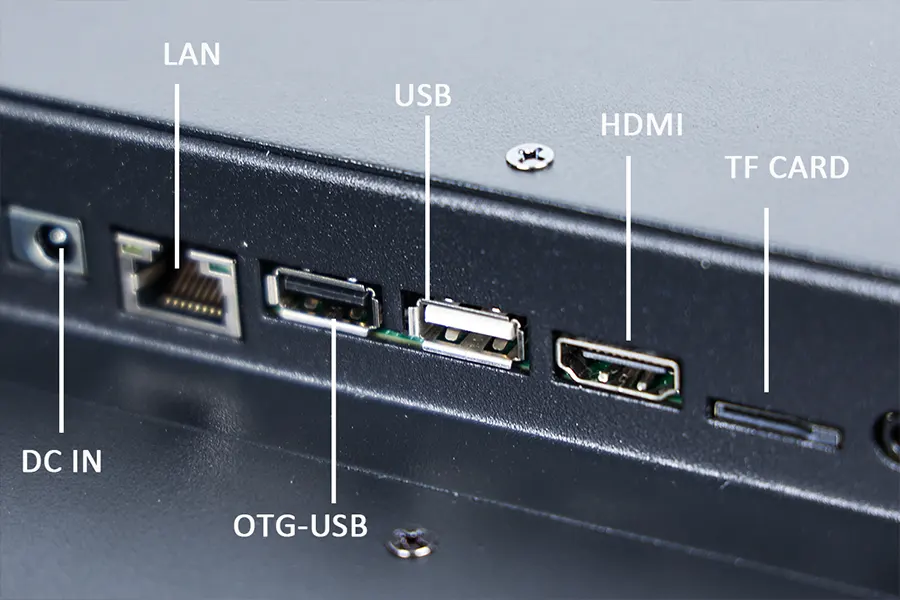
The published connector list for the HD215 reads: one RJ45 port, four USB ports, one VGA output, one HDMI out, a power socket, and audio in and out. 10/100/1000M networking and 802.11a/b/g/n/ac Wi-Fi complete it. Count what your HMI touches on a normal day against that. A barcode scanner, a receipt printer, a card reader, and a service keyboard already fill four USB connections, so ask what current each port supplies. Check the interface and the power supply of every peripheral before you trust that count.
Serial needs a question of its own, because the connector list on the product page names no COM port. De downloadable datasheet for the same model then carries one extra line: optional extension of USB, RS232, and RS485. Ask the supplier whether a native serial build exists for your configuration before you plan around an adapter. Industrial equipment talks to PLCs, energy meters, and label printers over RS-232 or RS-485 every day. If a converter is the answer, confirm it enumerates on your distribution without your team compiling anything.
Networking splits into two jobs that one port cannot always serve. A control position that also pushes logs to a server can work with one interface. A design that isolates a device network from the plant LAN needs a second path. Ask whether the build carries a second LAN port or an expansion module, and accept an added adapter only when the supplier has tested it on your distribution.
Wireless suits a status board in a warehouse aisle rather than a control loop with a timeout. Confirm the supply current per USB port for anything that spins a motor or feeds a printer head. A port that resets under load looks exactly like a software fault during a site trial.
Compare the connector set against the HD215 product page, then request the port map for the exact configuration you intend to buy. Ask for it in writing and attach it to the quotation, so a later substitution is visible on paper rather than at installation. Keep that map with your stack block, since the two together decide which build you can order.
How Do Mounting and Operating Conditions Affect Selection?
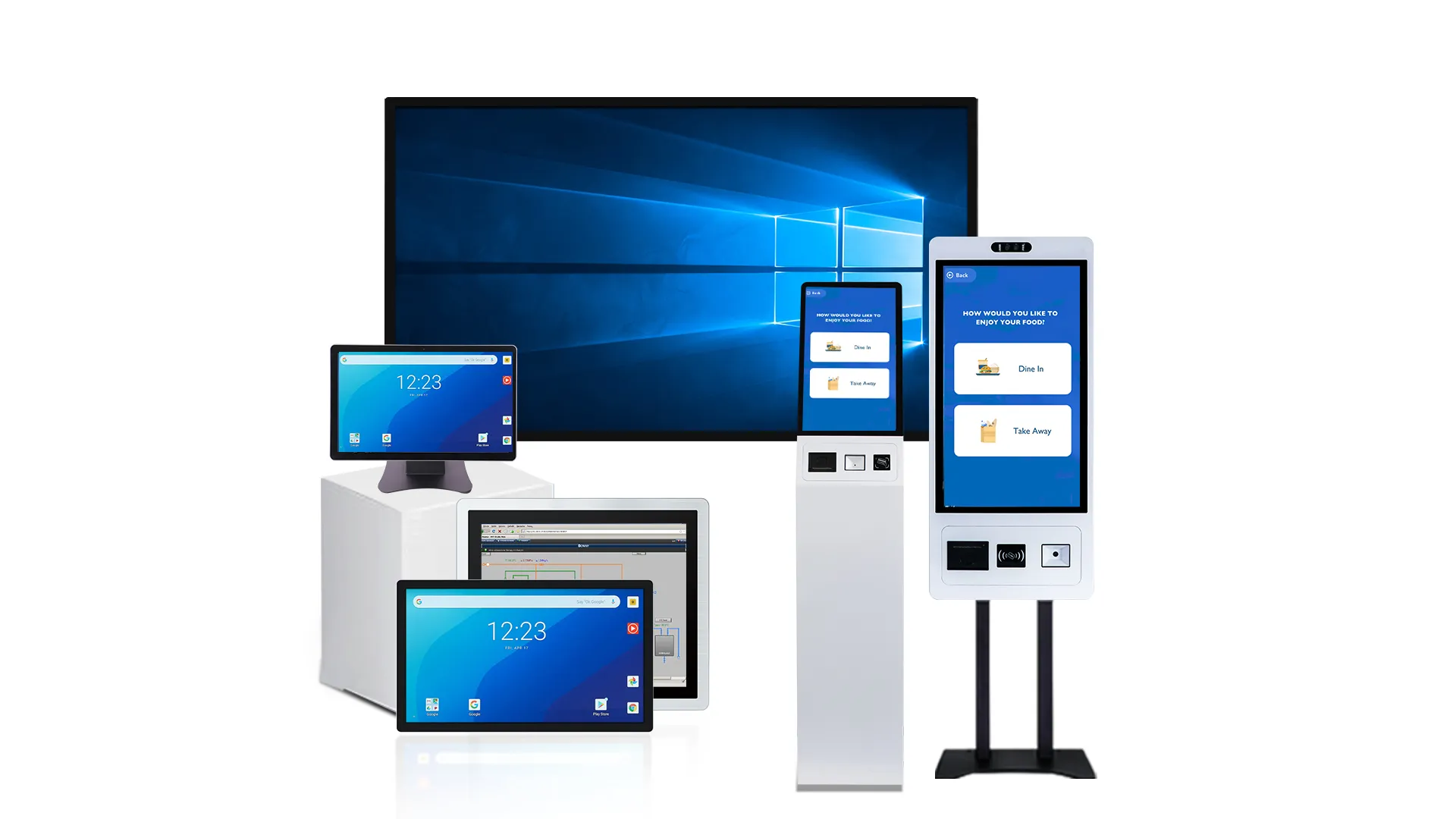
The HD215 sheet describes wall, skrivebord, and embedded installation, -en 13 mm bezel, and an IP65 surface on the front. Read that narrowly. A sealed front face resists splashes where an operator works, while the rear carries the ports, so cable entries and any vents stay exposed unless your own enclosure covers them. The panel cut-out, the rear clearance for the power inlet, and the dust path remain your mechanical work.

Environmental numbers then set the boundary. The published operating range runs 0–50 °C at 0–90 % fugtighed, with storage at 0–60 °C. The power row lists a 110–240 V AC 50/60 Hz input and a DC 12 V 5 A output. Consumption is published as under 60 W overall, with standby at 0.5 W or less. If your cabinet runs a 24 V DC bus, ask what exists rather than assuming a match.
Ask which adapter and cable ship with the configuration you quote. The product page delivery list names a power cable, while the datasheet delivery list names a power adapter and cable. Confirm exactly what arrives and how it wires into your cabinet before an installer assumes a fit.
Each harder scene then needs its own check. A sunlit entrance asks for a readability test at the real position, and a washdown bay asks for the whole machine’s protection path including the rear. An unheated shelter asks for its winter temperature measured against that storage row.
Brightness is published at 300 cd/m², so check it in the light your position really has. A Linux panel PC the sheet rates for 7 × 24 h service still needs its own thermal plan. Ambient temperature inside a sealed cabinet runs above room temperature, and the processor sits behind glass. Ask what headroom the supplier measured, at what ambient temperature, and with which enclosure size.
Supplier background helps you decide what to request. TouchWo reports founding in 2009 and running in-house supply chains for touch panels, metalplade, aluminium machining, and PC assembly. Its published test list covers ESD, temperature and humidity conditioning, dielectric withstand, surge immunity, and vibration simulation. Its pages also state that product series carry CE, FCC, RoHS, CCC, and PSE approval. Ask which records cover the model and market you buy, and request the documents by serial range.
What Should Be Tested on a Sample Unit?
Test the failure modes rather than the demo, because a sample that only proves it boots proves nothing you can buy.
Duration and pass criteria are yours to set, so read the plan below as one example rather than a standard. A week on your own application is a workable first pass for many Linux panel PC trials. Shorten it if your schedule demands and lengthen it if the failure you fear is intermittent. A short, written plan keeps opinions out of the result, and the six checks cover what usually breaks after go-live.
| Test | Method | Pass Condition |
|---|---|---|
| Cold start | Cut power, then time boot to your HMI screen | Target time met on the agreed number of starts |
| Touch gestures | Your screens, bare finger, gloves, damp glass | Every gesture registers from edge to edge |
| Port load | All peripherals active, printing and scanning | No device drops or re-enumerates |
| Network loss | Unplug the cable during a write to the server | Application recovers with no corrupted records |
| Power loss | Cut the supply mid-session, then restore it | Boots to HMI with no keyboard attached |
| Thermal soak | Soak at site ambient while the heaviest screen runs | No throttling, touch still accurate at temperature |
Keep the log in one file, photograph each step, and record the BIOS, kernel, chauffør, and application versions fitted on that sample. The versions matter as much as the results, since a pass on one kernel is not a pass on the next shipment. That record becomes the reference a receiving inspection can repeat. Treat the picture below as an inspection scene rather than a product shot of the unit you will receive.
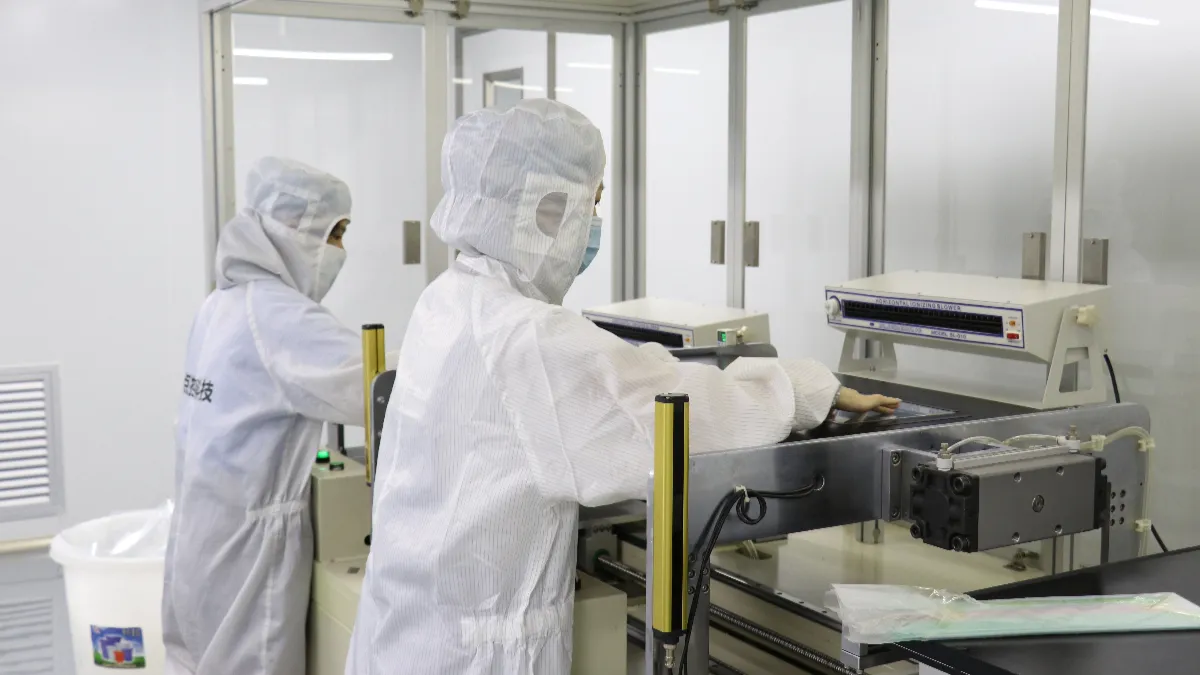
Add two checks that buyers skip. Pull power during a write and watch how the filesystem and your data recover, then confirm the recovery needs no keyboard attached. Ask which storage grade the build carries. An HMI that logs every machine cycle wears consumer flash faster than a desktop workload does, and the parts list should say so plainly.
Finally run the update path you intend to use for years. Push a new application build, reboot, and check that the autostart service, the read-only mounts, and the timezone survived. Ask what a replacement mainboard means for your image and licences. A Linux panel PC that needs a technician with a monitor after every update transfers its real cost to your service budget.
What Configuration Details Belong in the Purchase Specification?
Every line you leave out becomes a supplier decision, and supplier decisions drift between batches. Name the tier choices on the order rather than in a thread. The HD215 spans Intel Celeron J6412, Core i5 8th-generation, and Core i7 10th-generation options, with DDR4 at 4, 8, eller 16 GB. mSATA storage comes at 128, 256, eller 512 GB.
Eight groups cover what a repeatable Linux build needs. Leave one blank and it becomes a supplier decision. Fill all eight and a second order can match the first one.
- Hardware tier: processor, memory, storage capacity, and storage grade.
- Software image: fordeling, release, kernel, checksum, and partition layout.
- Boot settings: autologin user, autostart service, power-on after AC loss, boot order.
- Locale policy: timezone, keyboard layout, language, and hostname rule.
- Ports: confirmed connector list and supply current per USB port.
- Mounting: bracket type, embedded frame detail, and cable exit position.
- Spares: power supply, opbevaring, and bracket availability with lead times stated.
- Change control: written approval before any component, BIOS, or image substitution.
Attach the sample test log to the order and cite it in the acceptance clause, so both sides read the same pass criteria when goods arrive. Ask for a receiving checklist your warehouse team can run in five minutes, and state who carries the cost of rework when a delivered unit misses it. Put the log, the checklist, and the acceptance clause in one numbered document.
Revision terms deserve plain words in the same document. Ask what the supplier notifies before a change, how a replacement board gets validated against your image, and what happens to installed units when a component goes end of life. Those three answers protect the second order more than the first one does.
Ofte stillede spørgsmål
Do all Linux panel PCs support the same distributions?
Ingen, because the kernel, the graphics driver, and the input handling all move between versions, so a machine that boots one release can still fail on another. Buyers should name the distribution and release they need in the enquiry, and ask which image ships. That answers the question before a sample is built rather than after delivery.
How do I test multi-touch on a Linux panel PC?
Run your own interface rather than a calibration utility. Confirm every gesture the HMI uses at each corner and near the bezel, with the gloves and lighting your operators really have. Then watch contact tracking during a fast drag, since a panel can report ten points correctly and still lose a finger mid-gesture.
What information should I provide for a compatibility check?
Send the distribution and release, the kernel version if you pin one, and the application package with dependencies. List the peripheral models, the port map you need, and the mounting and ambient conditions. Add your target boot behaviour and update path, since those details decide whether a factory can reproduce the configuration.
Afsluttende tanker
Linux on a spec sheet opens the conversation and settles nothing. A project survives on five written confirmations. Note the distribution and release that ships, the gestures your interface needs, and the port map your machine requires. Then record the environmental limits your site respects and the change notice that protects a repeat order. Each one costs an email and saves a field trip.
Treat the sample as a test article rather than a prototype to admire. Keep its logs, its photographs, and its version list, then hold production units against that record. A configuration nobody wrote down cannot be reordered, and no supplier conversation can defend a purchase when the only evidence was a good demonstration.
Share your Linux version, HMI software, port list, and installation requirements with TouchWo to check a sample configuration. Then ask for the confirmed port map and test records for the build you shortlist. Ask which records come back with the sample and which arrive with the shipment.





