
In the world of public kiosks, touch screen technology is the core of interactive user experiences. Choosing the right touch interface can influence accuracy, holdbarhed, opretholdelse, and user satisfaction. Among the leading technologies, Surface Acoustic Wave (SAV) og Infrarød (OG) berøringsskærme are widely used. Both have unique advantages and limitations. This article examines these two touch technologies and provides guidance for selecting the best solution for your kiosk projects.
How SAW and Infrared Touch Technologies Work
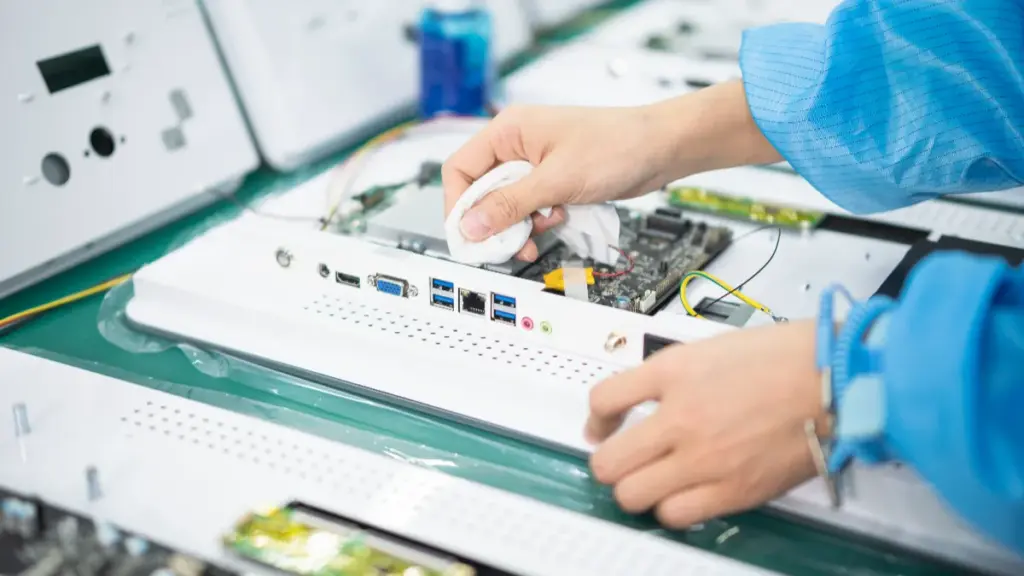
SAV (Surface Acoustic Wave) detects touch by sensing absorbed sound waves on the glass. Infrarød (OG) detects touch when an object blocks a grid of light above it.
Surface Acoustic Wave (SAV) Operation
SAW technology relies on ultrasonic waves to detect a touch. Transducers placed at the edges of a glass panel generate these high-frequency acoustic waves, which travel across the screen’s surface. When a finger or stylus makes contact, it absorbs a portion of this wave energy. Receiving transducers on the opposite side immediately detect this dip in amplitude. The controller calculates the precise X and Y coordinates based on the timing of the disruption. Since this method requires no coatings or films on the visible area, it allows for exceptional optical clarity.
Infrarød (OG) Grid Operation
Infrared touch technology uses a frame around the display that contains rows of IR LEDs and opposing photodetectors. This setup creates an invisible grid of light beams just above the glass surface. Any opaque object, from a bare finger to a gloved hand or a pen, physically breaks the beams at its location. The controller identifies the specific X and Y beams that were interrupted and triangulates the exact touch point. Because it simply detects a break in the light path, IR works with nearly any object and requires zero physical pressure on the screen.
Core Distinctions in Sensing and Environment
| Feature | SAV | Infrarød (OG) |
|---|---|---|
| Detection Method | Ultrasonic waves absorbed on touch | Interruption of IR light grid |
| Touch Object | Finger or soft stylus | Any object (finger, gloved hand, stylus) |
| Surface Type | Pure glass | Glass or acrylic with IR frame |
| Display Clarity | High (no extra layers) | High, but slight frame obstruction possible |
| Multi-Touch | Begrænset | Fremragende, scalable to large screens |
The fundamental difference is how each technology registers a touch: SAW senses energy absorption directly on the glass surface, while IR detects an object interrupting a light grid above the surface. This distinction creates different environmental vulnerabilities for each.
- SAW technology can be disrupted by contaminants that absorb acoustic energy, like heavy water droplets, or by strong vibrations that interfere with the waves.
- IR technology is sensitive to strong ambient light sources, such as direct sunlight, which can overwhelm the photodetectors. Dust or debris accumulating on the bezel can also block beams, causing false touches.
- Both technologies provide excellent image quality since there are no sensor layers over the display. OG, imidlertid, typically requires a more prominent bezel to house its optical components.
Key Performance Differences in Public Kiosk Environments
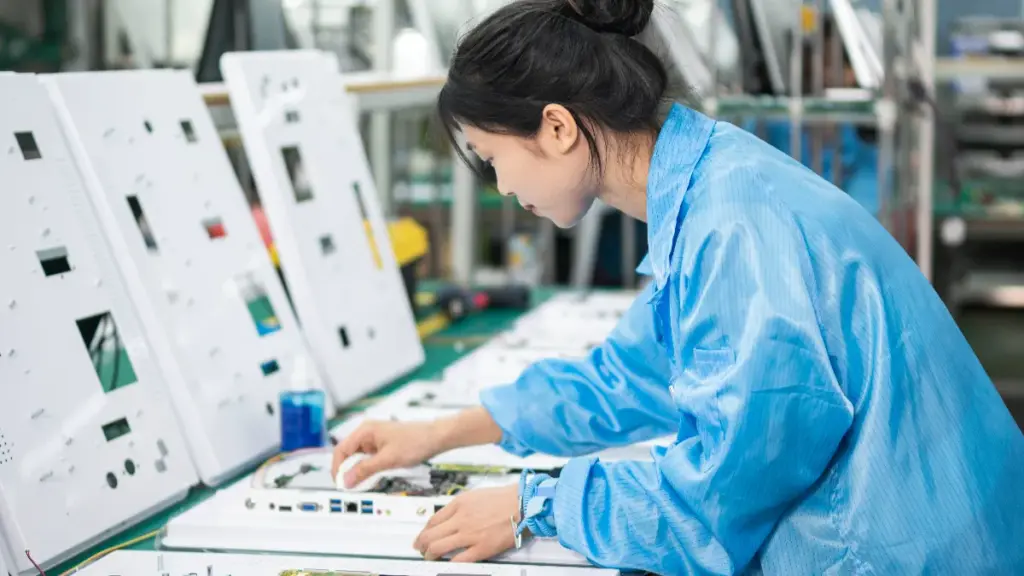
SAW screens provide exceptional clarity for clean indoor kiosks. IR technology offers better flexibility, holdbarhed, and scalability for large-format or demanding outdoor public environments.
Optical Performance and Visual Clarity
Surface Acoustic Wave (SAV) screens use an all-glass panel with no overlays. This design provides very high light transmission, between 89-92%, resulting in sharp and bright image quality ideal for indoor kiosks displaying detailed information. Infrarød (OG) technology also delivers excellent clarity. Its sensing mechanism is located in the frame, which leaves the glass completely unobstructed and makes it a great choice for large-format digital signage.
While both technologies offer a premium visual experience, IR often maintains consistent optical performance more easily across very large displays, like those used for interactive directories or video walls.
Touch Response and Multi-Touch Capability
SAW technology typically supports only single or dual-touch interactions. This is perfectly sufficient for simple, transactional tasks like ticket purchasing, check-in, or basic menu navigation. I modsætning hertil, IR screens can support 40 or more simultaneous touch points. This makes them far superior for any application that involves multiple users or complex, gesture-based interactions like zooming into a map.
For a typical kiosk user, both technologies provide response times that feel instantaneous. The real difference is not speed but the capacity for complex interactions.
Input Flexibility for Diverse Users
SAW touch screens register a touch when an object absorbs the acoustic waves traveling across the glass. They work best with a bare finger or a soft stylus designed for this purpose. An IR touch screen detects a touch when an opaque object blocks the infrared beams projected across the screen. This means it can be activated by anything from a gloved finger to a credit card or a passive stylus.
This input versatility makes IR a more practical choice for public kiosks in healthcare, industrial settings, or cold-weather locations where users may not have bare hands available.
Durability and Environmental Resistance
Both SAW and IR technologies are mechanically durable because neither relies on a plastic overlay that could wear out over time. SAW screens are highly resistant to surface scratches, but their performance can be compromised by water, heavy dust, or debris on the glass surface, as these contaminants absorb the acoustic waves. IR technology is generally more robust for outdoor or dusty environments. Contaminants on the screen surface do not interfere with touch detection unless they physically block the beams at the edge of the frame.
Size Scalability and Cost Implications
SAW technology is most common and cost-effective for small to medium-sized displays, typically in the 10 to 32-inch range. Beyond that, the manufacturing complexity increases. IR frames, på den anden side, scale efficiently and economically to very large sizes—up to 98 inches or even larger. This makes IR the default standard for interactive walls, large directories, and collaborative displays.
For a standard-sized indoor kiosk, SAW can present a more economical option. But for any large-format or outdoor project, IR typically provides a better total cost of ownership.
Get Durable, Custom Touchscreens Shipped Fast
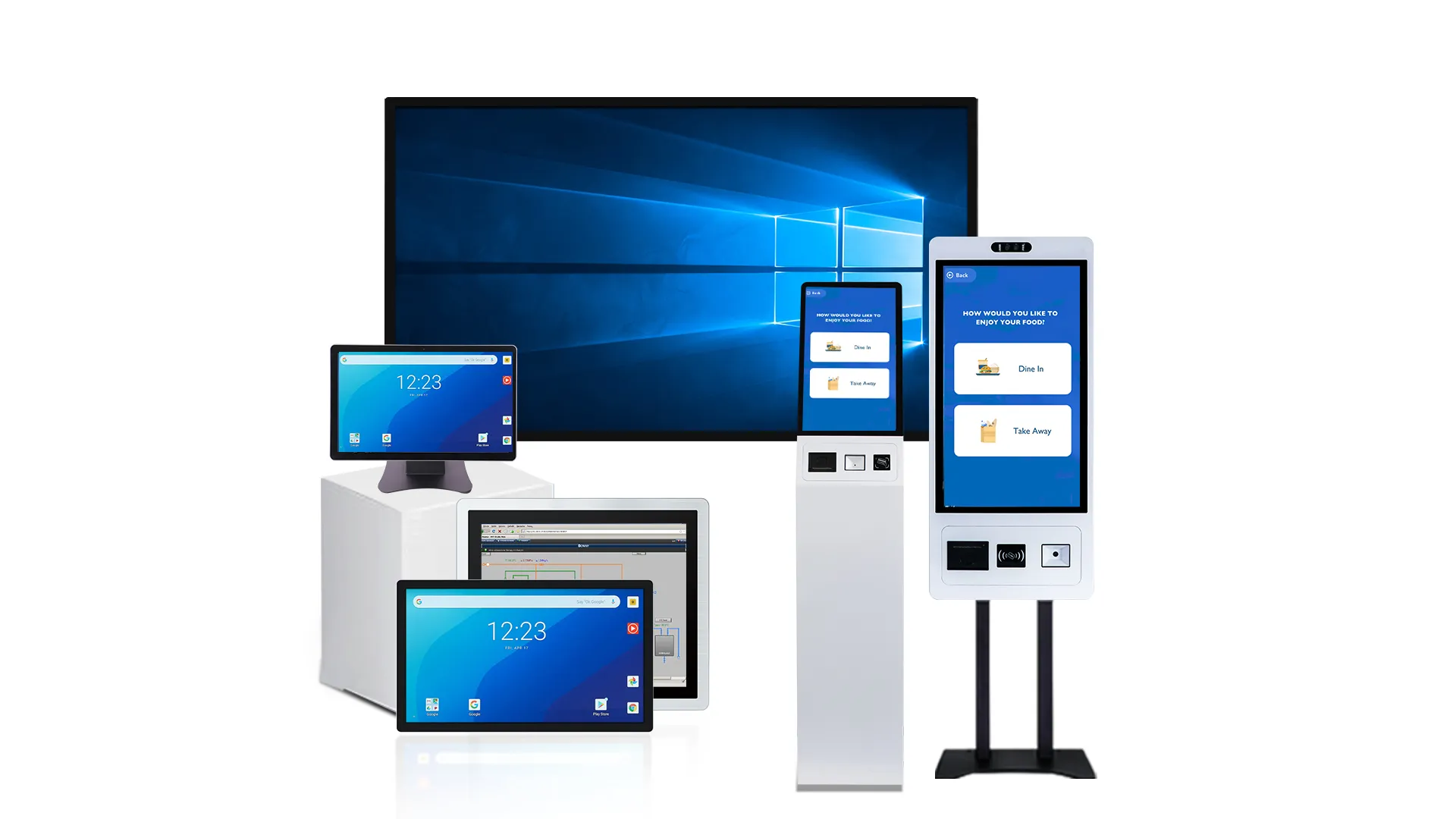
Accuracy, Holdbarhed, and Contamination Resistance Compared
The choice between SAW and IR comes down to a key tradeoff: SAW offers higher precision on a vulnerable surface, while IR provides robust scalability with vulnerable frame components.
Touch Accuracy
Surface Acoustic Wave (SAV) technology delivers high touch accuracy by pinpointing the exact location where ultrasonic waves are absorbed on the glass. This makes it ideal for applications demanding precise, single-touch inputs. Infrarød (OG) is also accurate but is better suited for general use, especially on larger displays where overall coverage and scalability are more important than exact fingertip precision. For kiosks or large screens, IR scales effectively, but for detailed interaction, SAW’s method provides a clear edge.
Durability and Reliability
While SAW touchscreens feature a durable, all-glass surface, their weak point lies in the edge-mounted transducers. These components can be vulnerable to impact and may require occasional recalibration to maintain performance. IR touchscreens are often considered more reliable for harsh environments because the sensing components are built into the frame, safely away from the active display area. The main failure point for an IR system isn’t the screen itself, but physical damage or misalignment of the frame, which disrupts the light grid and stops it from working correctly.
Contamination Resistance
SAW technology is not resistant to surface contaminants. Water, smuds, or even heavy grease can disrupt the acoustic waves traveling across the glass, causing touch failures. I modsætning hertil, IR touchscreens are susceptible to contaminants that physically block the infrared light beams. Things like dust buildup in the bezel, bugs, or even heavy rain can lead to false or phantom touches. The critical tradeoff is clear: SAW is sensitive to anything on its surface, while IR is sensitive to anything that obstructs its beams.
Opretholdelse, Rensning, and Lifecycle Cost Considerations

SAW’s total cost is tied to constant surface cleaning and expensive panel replacements. IR’s cost is driven by bezel maintenance but benefits from cheaper, modular repairs.
Distinct Cleaning Requirements for SAW vs. OG
The fundamental difference in how Surface Acoustic Wave (SAV) and Infrared (OG) technologies operate dictates entirely separate cleaning protocols. A SAW screen’s functionality depends on a completely pristine glass surface. Any dirt, grease, or even dried liquid residue can absorb or scatter the ultrasonic waves traveling across the glass, which leads directly to touch errors or dead zones.
I modsætning hertil, an IR screen’s performance is tied to its bezel. Smudges on the glass are irrelevant to its touch function. The real points of failure are dust, insects, or any debris that physically blocks the infrared light beams emitted and received within the frame. This means routine maintenance for SAW involves frequent wiping of the entire active screen area with approved cleaners, while IR maintenance focuses on periodically clearing the bezel with compressed air or swabs to keep the light grid unobstructed.
Maintenance Profiles and Common Failure Modes
SAW and IR systems fail in very different ways, which impacts their service profiles. For SAW, the primary concern is the integrity of the glass itself. Maintenance involves inspecting the panel for deep scratches or chips, as these can permanently sever the acoustic wave path. A critical failure, such as damage from a sharp object or permanent contamination from cured adhesive, often requires replacing the entire touch panel and is rarely field-repairable.
IR maintenance centers on keeping the bezel clear and aligned. Many issues that seem like hardware failures are simply beam obstructions that a technician can resolve by cleaning. While IR systems are more susceptible to false touches caused by intense direct sunlight or debris caught in the bezel, these problems are typically environmental or cleanable, not signs of a broken component.
Holdbarhed, Servicevenlighed, and Environmental Fit
Choosing between these technologies often comes down to the operating environment. SAW technology performs best in clean, controlled indoor settings where its high optical clarity is a key benefit and contaminants are minimal. Its all-glass surface is durable against wear, but serviceability is its weak point. Damage to the glass typically means the entire integrated touch panel must be replaced.
IR technology is a more robust choice for public, industriel, or outdoor use. Because the touch-sensing components are in the frame, the display can be protected by thick, vandal-resistant glass without affecting performance. This modularity is a major service advantage. The IR frame can often be repaired or replaced separately from the display and its protective glass, which simplifies and cheapens field repairs.
Lifecycle Cost and Total Cost of Ownership (TCO) Chauffører
The long-term cost of each technology is influenced by different factors. For SAW, the Total Cost of Ownership (TCO) is heavily weighted by the recurring labor costs needed to maintain surface cleanliness. A single incident of glass damage can also lead to a high-cost replacement of the entire sensor, making its budget less predictable.
With IR, TCO is shaped by the need for periodic bezel maintenance. But its modular design generally results in lower average repair costs, as individual components or the frame can be swapped out. Desuden, the risk of component obsolescence can be higher for specialized SAW panels, potentially driving up long-term support costs. The wider availability and interchangeability of standard IR frames often lead to a more manageable and predictable service budget over the product’s lifecycle.
Beyond the touch technology itself, component quality has a major impact on long-term operating costs. Many low-cost kiosk suppliers reduce hardware costs by using refurbished display panels or outsourced components.
TouchWo, a professional China touch screen monitor manufacturer, uses original A-grade LCD panels sourced from leading manufacturers such as BOE, AUO, and Innolux, helping customers achieve longer display life, better image quality, and lower replacement rates throughout the kiosk lifecycle.
Which Technology Fits Different Kiosk Project Needs
Choosing between Surface Acoustic Wave (SAV) and Infrared (OG) touch depends on the kiosk’s environment. SAW excels indoors for optical clarity, while IR’s robustness is vital for outdoor use.
| Kiosk Project Type | Preferred Technology | Key Reasons |
|---|---|---|
|
Indoor Self-Service (Detailhandel, Banking, Wayfinding) |
Surface Acoustic Wave (SAV) |
|
|
Outdoor & Semi-Outdoor (Ticketing, Fuel Pumps) |
Infrarød (OG) |
|
|
Large-Format Interactive Displays (Museums, Lobbies) |
Infrarød (OG) |
|
|
Industriel & Warehouse Kiosks (Factory Floors) |
Infrarød (OG) |
|
|
Computer-Based Training (CBT) & Undervisning |
Surface Acoustic Wave (SAV) |
|
Why Touchwo Is Suited for Custom Kiosk Touch Solutions
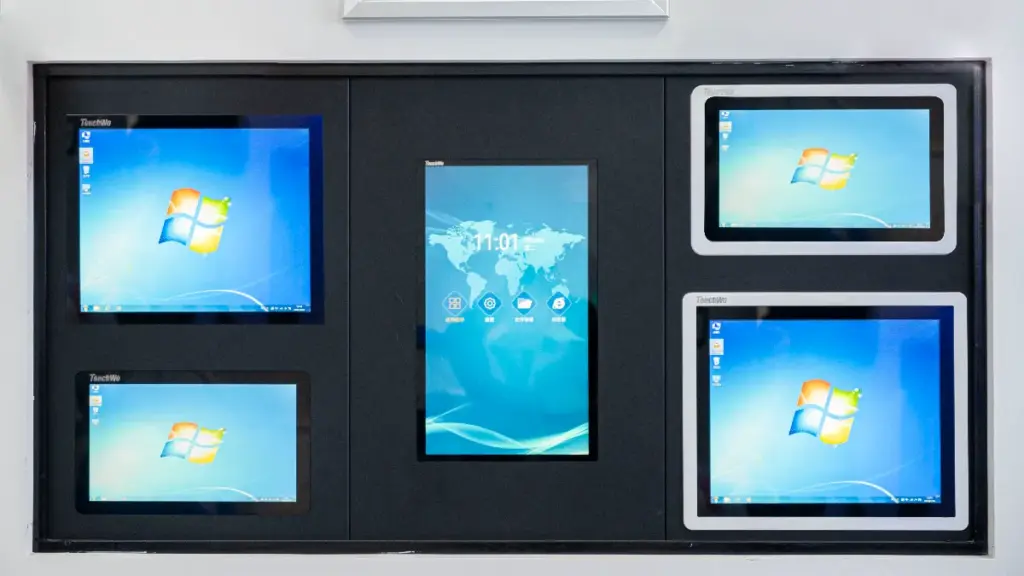
Touchwo Electronics specializes in custom industrial and commercial touch solutions, offering flexibility that standard providers cannot match.
Vigtige fordele:
- Fleksibel tilpasning: Adjust screen size, interface, and touch sensitivity to match project-specific requirements.
- In-house production: Core components such as SAW and IR touch panels, aluminum frames, and control boards are manufactured internally, ensuring quality and reliability.
- Fast prototyping: Touchwo can deliver samples within 7 days and full custom production within 2-6 weeks, afhængig af kompleksitet.
- Long-term support: Dedicated post-sale technical support, inklusive remote configuration and replacement parts, ensures kiosks operate smoothly for years.
With a track record of supplying Mercedes, Disney, McDonald’s, and robotics clients, Touchwo combines technical expertise with real-world deployment experience, making it a reliable partner for public kiosk projects.
Afsluttende tanker
Whether you are building a self-service payment kiosk, industrial control terminal, smart locker, or robotic interface, selecting the right touch technology is critical for long-term performance and reliability.
With in-house touch panel manufacturing, flexible customization capabilities, fast production lead times, and extensive experience in industrial and commercial applications, TouchWo helps OEMs, system integrators, and kiosk manufacturers develop touch solutions tailored to their specific project requirements.
If you are evaluating SAW, infrarød, or projected capacitive touch technologies for your next kiosk project, our engineering team can help you identify the most suitable solution based on your environment, budget, and performance goals.
Ofte stillede spørgsmål
What is the difference between SAW and infrared touch screens?
SSAW uses ultrasonic waves on a glass surface, while infrared detects touch via an invisible grid of IR beams. SAW is precise but sensitive to contamination, whereas IR is durable and contamination-resistant.
Which touch technology is better for public kiosks?
For most public kiosks, infrarød (OG) is the more practical choice. It supports a wide range of inputs, including gloved hands, and is less affected by surface dirt. SAW technology provides superior optical clarity but is best suited for controlled indoor settings where the screen can be kept clean, as contaminants can interfere with its operation.
Is SAW more accurate than infrared touch?
Ja, SAW technology is generally more accurate for precise tasks and selecting small targets. It uses a continuous ultrasonic field to determine touch coordinates with high precision. Infrared touch is sufficiently accurate for general use on kiosks and large displays, but its precision is determined by the spacing of the light beams in its grid.
Which touch screen works better in dusty public environments?
Infrarød (OG) touch screens are more reliable in dusty environments. Because touch detection occurs in the frame around the display, dust on the screen surface itself does not impact performance. I modsætning hertil, SAW touch screens can malfunction if dust or other contaminants accumulate on the glass, as this interferes with the path of the ultrasonic waves.
Are infrared touch screens a better choice for large displays?
Ja, infrarød (OG) is typically the preferred technology for large-format displays like interactive whiteboards or digital signage. IR frames can be scaled to very large sizes more cost-effectively than other technologies. Desuden, since IR requires no overlay on the screen, it ensures maximum image brightness and clarity.
What are the main maintenance issues for SAW vs. infrared kiosks?
For SAW kiosks, the primary maintenance challenge is keeping the glass surface perfectly clean, as dust, liquids, and even deep scratches can degrade performance. For infrared kiosks, maintenance focuses on keeping the bezel frame free of obstructions (like dirt or insects) that can block the light beams and ensuring the sensors are not overwhelmed by direct sunlight.




