
Bakery display cases protect cakes, pastries and breads in retail spaces. Steady temperature keeps food fresh, safe and visually appealing for customers. Traditional dials and buttons feel outdated and hard to adjust quickly. Idir an dá linn, a modern Bakery Display Case Scáileán Tadhaill changes daily operation for bakeries.
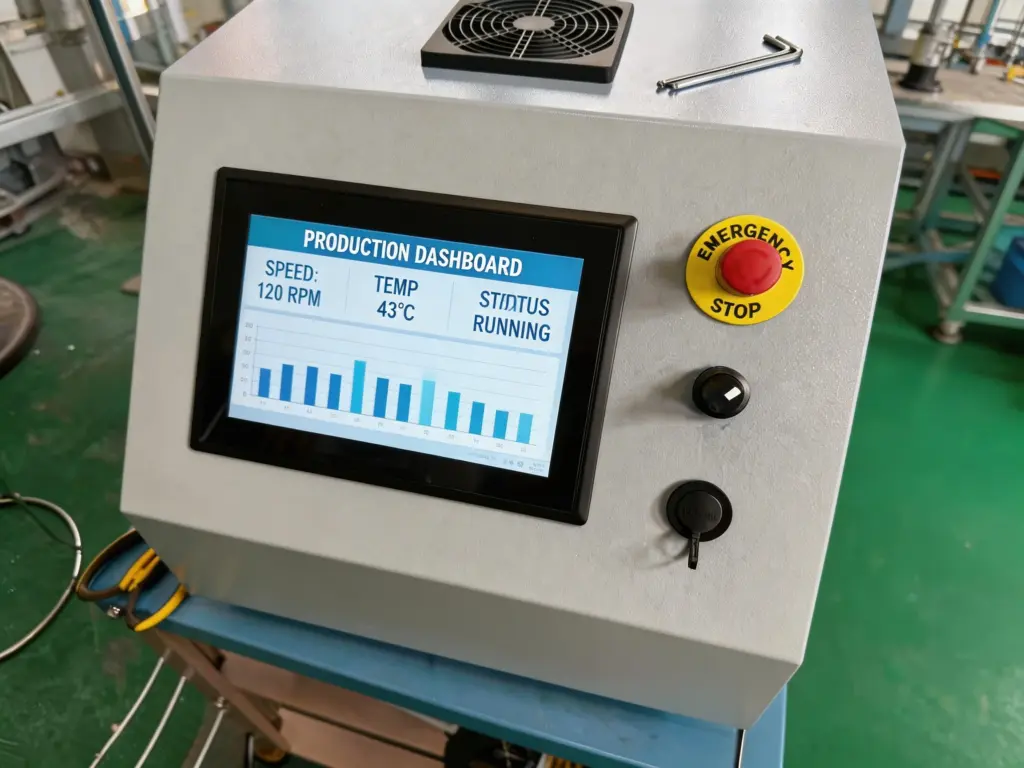
Many shop owners wonder if these smart screens truly regulate internal temperatures. The short answer is yes. They do more than show numbers on a bright display. They adjust cooling, track humidity and lock safe temperature ranges. This guide covers core functions, príomhbhuntáistí, practical features and common FAQs. You will learn how touch screens upgrade your bakery display performance.
How Bakery Display Case Touch Screens Regulate Temperature
Today’s touch screen units connect directly to your display case cooling system. They deliver precise, real-time temperature control with simple taps.
1. Real-Time Temperature Monitoring
Ar dtús, the touch screen pulls live data from internal sensors. It shows exact degrees for fast, clear checks. You spot small temperature shifts right away. This quick overview stops sudden heating or cooling spikes.
2. One-Tap Temperature Adjustments
Ar aghaidh, users change preset temps with simple screen taps. No stiff dials or confusing knobs slow you down. You raise or lower cooling for seasonal needs. You also switch modes for pastries, cakes or dry bread items.
3. Automatic Climate Lock Settings
Ina theannta sin, these screens include lock functions for safety. You set ideal temperature ranges and lock them in place. Staff avoid accidental wrong adjustments. Consistent climate protects sensitive bakery items long term.
4. Humidity Linked Temperature Control
Many bakery foods need balanced moisture and cooling. The touch screen pairs temperature and humidity controls. It prevents dry bread or overly moist cream desserts. This balanced setup extends shelf life greatly.
Key Benefits of Touch Screen Temperature Control for Bakeries
Beyond basic cooling tweaks, these smart panels add clear daily advantages. They fit small cafes and large commercial bakeries alike.
1. Simple Operation for All Staff
Touch interfaces use clean icons and plain text labels. New team members learn controls in minutes. You skip long training for old mechanical dials. Fast actions keep customer service on track.
2. Accurate, Consistent Cooling Performance
Digital controls cut rough manual temperature guesswork. Sensors send constant feedback to the main unit. The screen fine-tunes cooling power nonstop. Your display case holds steady temps hour after hour.
3. Smart Alert and Warning Systems
Ina theannta sin, the screen triggers instant visual alerts. It notifies you of rising heat or sensor issues. You fix small problems before food spoils. Early warnings lower waste and daily running costs.
4. Easy Sanitation and Durable Build
Bakery spaces face frequent wiping and cleaning. Smooth touch screen surfaces wipe clean in seconds. No small button gaps trap crumbs or sticky residue. The tough glass resists scratches and daily wear.
Common Use Cases for Temperature Touch Screens
Every bakery has unique display needs, and these screens adapt easily.
1. Refrigerated Pastry Displays
Cold cakes, cream puffs and fruit pastries need strict cooling. The touch screen holds low, steady temps. It stops bacteria growth and keeps textures fresh.
2. Dry Warm Bread Cabinets
Warm bread and rolls require mild, dry settings. You switch to warm mode on the touch screen. It balances heat without drying out soft crumbs.
3. Mixed Multi-Zone Display Units
Large bakeries often use multi-zone cases. The touch screen controls each zone separately. You set cold for desserts and mild heat for breads in one unit.
FAQs About Bakery Display Case Touch Screens
C1: Can a Bakery Display Case Touch Screen fully control cooling?
A1: Tá. It connects to internal compressors and fans. It adjusts power to hold your target temperature all day long.
C2: Are touch screens harder to clean than classic dials?
A2: Níl. Flat, seamless surfaces need only a soft wipe. They stay more hygienic than dusty button panels.
C3: Can I set custom temperature presets?
A3: Cinnte. Save preset modes for morning, midday and closing hours. Switch between them with one quick tap.
C4: Will a touch screen work with my existing display case?
A4: Most modern bakery display cases support retrofitted touch screens. Check panel size and connection types for a smooth fit.
C5: Do these screens use lots of extra power?
A5: Níl. They run on low voltage. Smart temperature tuning even cuts overall energy use over time.
Conclúid
Clearly, a Bakery Display Case Touch Screen delivers full temperature control for all bakery display units. It monitors conditions, adjusts cooling and locks safe settings with easy operation. It also adds smart alerts, better hygiene and steady food protection for pastries, breads and desserts.
Upgrading from old dials to a touch screen cuts food waste and simplifies daily management. It creates a more reliable, user-friendly workspace for your whole team.
If you plan to upgrade or replace your bakery display controls, our team can help. Share your display case size, cooling type and needs by filling out the form on our website. We will send custom recommendations and key details for the perfect Bakery Display Case Touch Screen solution for your shop.





