
Many OEM equipment projects require a choice between a flush mount vs surface mount touch display. The mounting method influences enclosure integration, sealing performance, maintenance access, and long-term equipment reliability, making it an important part of the overall design process.
Understanding the strengths and limitations of each approach helps OEM teams match the mounting method to their equipment design, reduce integration risks, and improve installation efficiency and long-term serviceability.
How Flush Mount and Surface Mount Touch Displays Differ
Flush mounting offers a seamless, protected look but requires complex installation. Surface mounting is faster and cheaper to install but results in a bulkier, add-on appearance.
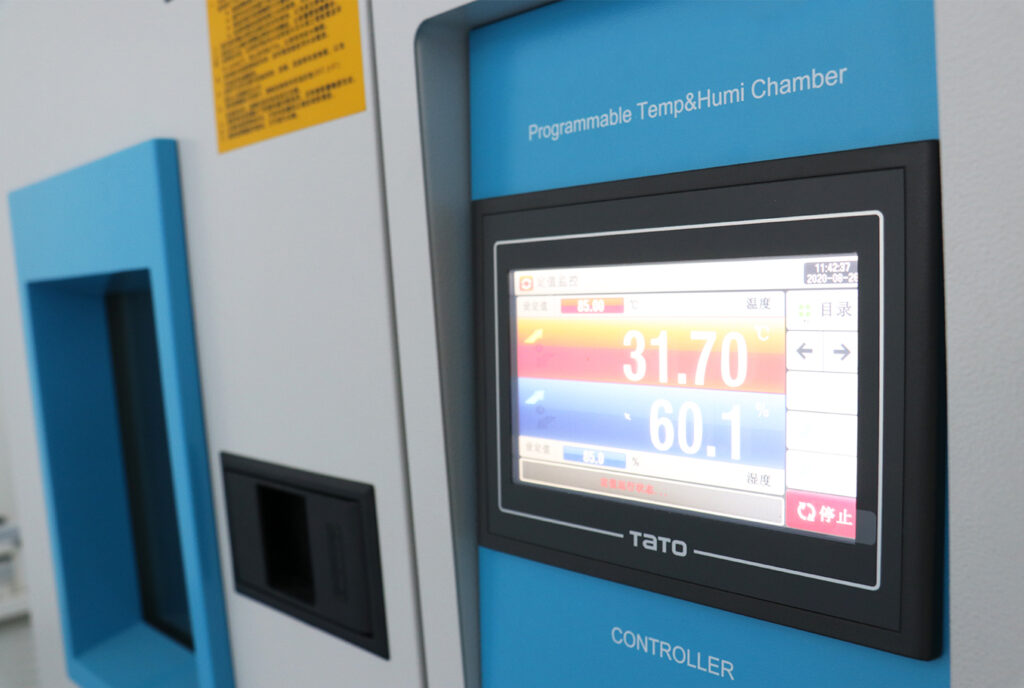
Before selecting a mounting method, OEM teams should understand how flush mount I surface mount touch displays differ in structure, instalacja, and everyday use. These differences influence both equipment design and long-term maintenance planning.
| Comparison Factor | Flush Mount | Surface Mount |
|---|---|---|
| Installation Structure | Installed inside a precision cutout with the display nearly level with the enclosure surface. | Mounted directly onto the enclosure using brackets or VESA hardware. |
| Wygląd | Creates a clean, integrated, and premium-looking front surface. | Leaves the display visible as an external component with a functional appearance. |
| Ochrona & Opieczętowanie | Supports continuous front sealing and better resistance to dust, woda, i przypadkowe uderzenie. | Protection depends more on the external enclosure and exposed mounting structure. |
| Czyszczenie | Flat surface is easier to clean and suitable for hygienic environments. | Exposed edges and brackets require additional cleaning effort. |
| Instalacja & Service | Requires precise enclosure machining and usually rear access for servicing. | Simpler installation and easier replacement using standard mounting hardware. |
| Typical Applications | Medical devices, premium kiosks, food equipment, and custom OEM machines. | Industrial workstations, factory control systems, and retrofit equipment. |
Which Mounting Method Fits Different OEM Equipment Designs
Flush mounting suits new OEM equipment where hygiene and ruggedness are priorities. Surface mounting provides flexibility for retrofits, modular designs, and when modifying enclosures is impractical or costly.
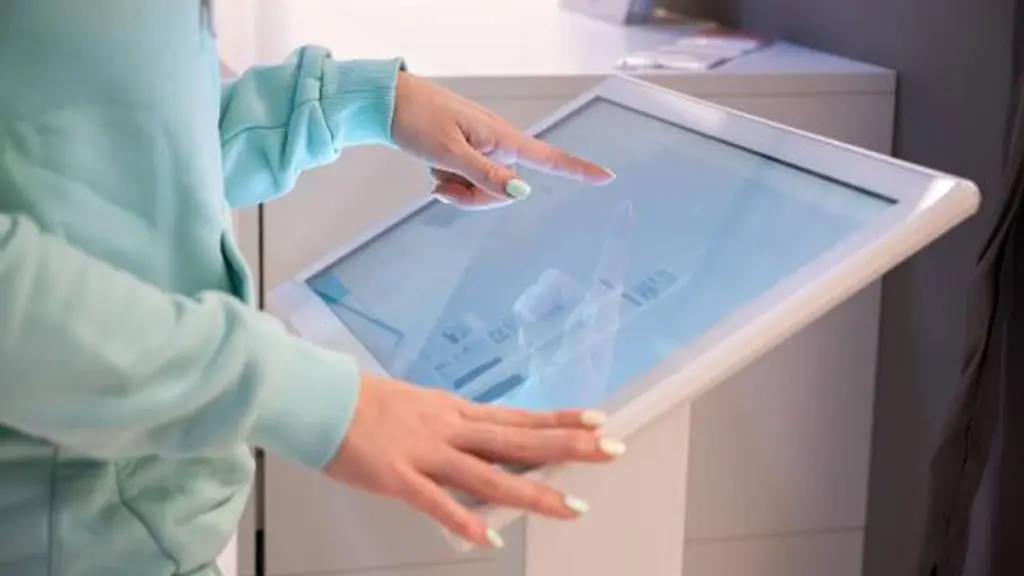
Mechanical Fit: Enclosure Design and Space Constraints
The choice often comes down to when the display is incorporated into the design. A flush-mount display requires a precise cutout in the enclosure, making it a natural fit for new equipment where the panel integration is part of the initial plan. The entire chassis is integrated behind the panel, offering excellent protection for the internal components.
Surface-mount is the practical solution for retrofits or when cutting into an existing enclosure is not feasible. It attaches directly to the equipment’s surface using standard brackets or VESA arms. This method works well for equipment with shallow internal cavities, as it doesn’t intrude into the machine’s interior. Dla kontrastu, flush-mount units demand significant space, często 50-75 mm of depth behind the panel to accommodate the display’s body and cabling.
You can learn more about Jak wybrać odpowiedni uchwyt VESA do monitora dotykowego in our dedicated article.
Environmental Demands: Opieczętowanie, Higiena, and Ruggedness
Environmental requirements often determine which mounting method performs better. Compare sealing, czyszczenie, and protection needs before selecting the final integration approach.
- Ruggedness: Flush-mounted displays sit within the enclosure, providing better protection against accidental impacts, vandalism, and daily wear. Surface-mounted displays are more exposed, but they remain a practical choice when easy replacement and installation are higher priorities than maximum physical protection.
- Opieczętowanie: Flush mount creates a continuous front surface that simplifies IP-rated sealing and reduces the risk of water or dust ingress. Surface mount is usually sufficient for indoor equipment, such as laboratories and control rooms, where high ingress protection is not a primary requirement.
- Higiena: Flush-mounted displays minimize exposed gaps around the screen, making cleaning easier and reducing dust or bacteria buildup. Surface-mounted units have more exposed edges, so they require additional cleaning in environments with strict hygiene standards.
Aesthetics and Operator Ergonomics
Flush mounting achieves a seamless, “built-in” appearance that elevates the design of premium, high-end equipment. The flat surface also improves the user experience for multi-touch applications and swipe gestures by eliminating any physical edge that could interrupt movement.
Surface mounting, Jednakże, offers greater ergonomic flexibility. By using articulated arms, operators can adjust the display’s tilt, swivel, and height to fit their needs, which is a major benefit for shared workstations. OEMs focused on modularity also lean toward surface mounting, as the same standard display can be attached to various machines without needing custom cutouts for each one.
Montaż, Użyteczność, and Long-Term Flexibility
The integration benefits of flush-mount come with increased assembly complexity. The process demands precise alignment, careful gasket management, and applying specific torque on clamps or studs to ensure a proper seal. Servicing these units usually requires rear access to the cabinet, which can be time-consuming.
Surface mounting simplifies both initial assembly and long-term service. Installation often involves just attaching the unit to a standard VESA plate. When it comes to maintenance, surface-mount displays are easily swapped out from the front. This approach minimizes equipment downtime and simplifies field replacements or technology upgrades, making it a practical choice for systems where uptime is the top priority.
Industrial Touchscreens Engineered to Your Specs.
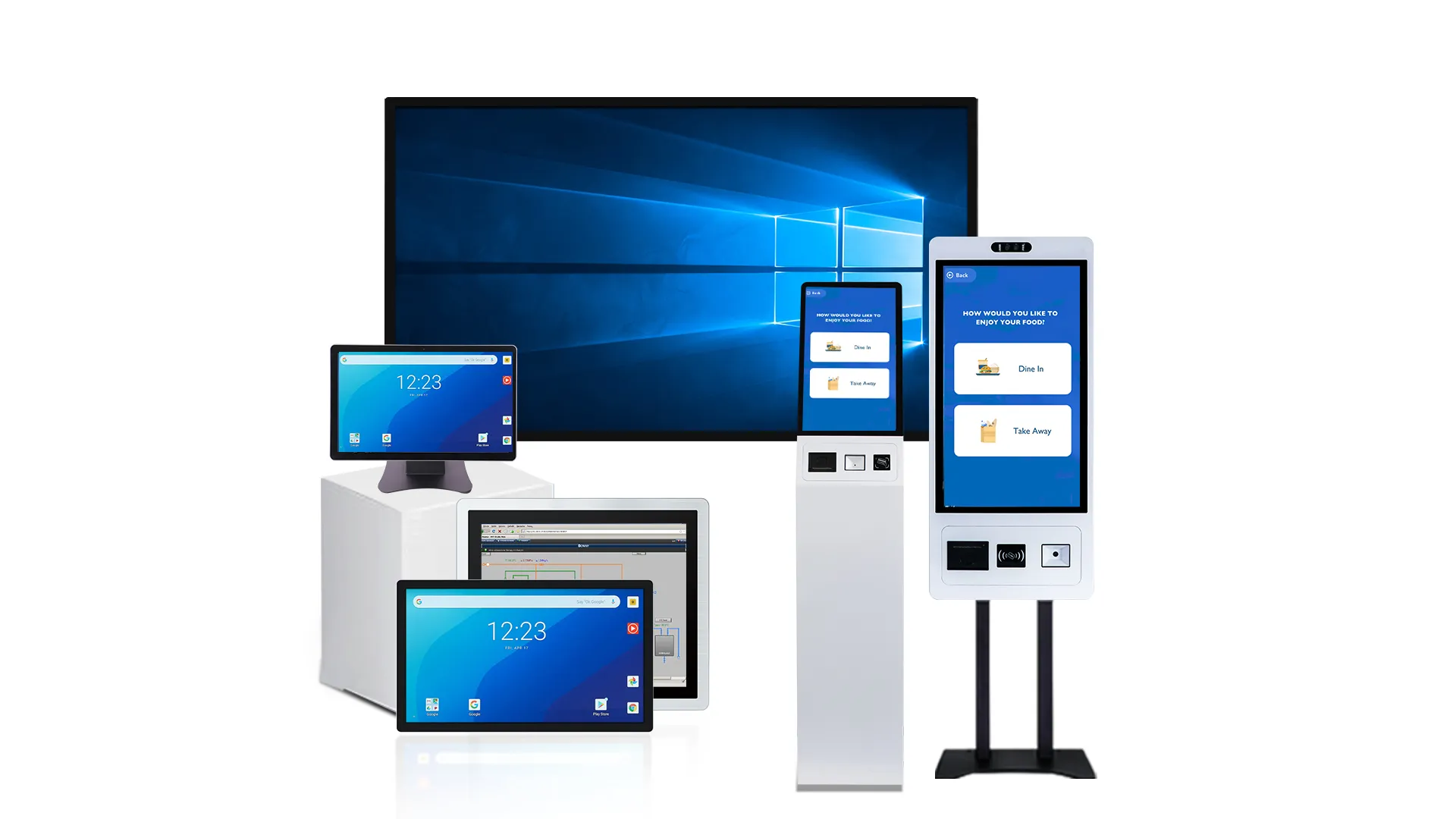
Structural, Opieczętowanie, and Maintenance Trade-Offs Buyers Should Compare
Your mounting choice is a direct trade-off. Flush mounting offers integrated protection and sealing, while surface mounting prioritizes installation flexibility and simpler maintenance.
| Factor | Flush Mount | Surface Mount |
|---|---|---|
| Structural Integration | Fits into a precision panel cut-out for a built-in appearance. Protects the display within the enclosure but requires custom fabrication. | Mounts directly to a wall or bracket with minimal enclosure changes. The display housing remains fully exposed. |
| Environmental Sealing | Uses panel gaskets to achieve reliable front sealing, making high IP or NEMA ratings easier to obtain. | Protection mainly depends on the monitor housing. Gaps between the unit and mounting surface usually remain unsealed. |
| Konserwacja & Dostęp | Usually requires rear access for service, but the flush surface simplifies routine cleaning and maintenance. | Supports quick removal from brackets, allowing easier replacement and convenient access to cables and connectors. |
W rzeczywistości, flush mount is usually selected when enclosure protection and product appearance have higher priority, while surface mount is preferred when installation efficiency and future maintenance matter more.
What OEM Teams Should Confirm Before Finalizing the Mounting Design
Finalizing a mounting design is a system-level decision impacting the entire product. OEM teams must verify mechanical fit, environmental integrity, system performance, and serviceability before commitment.
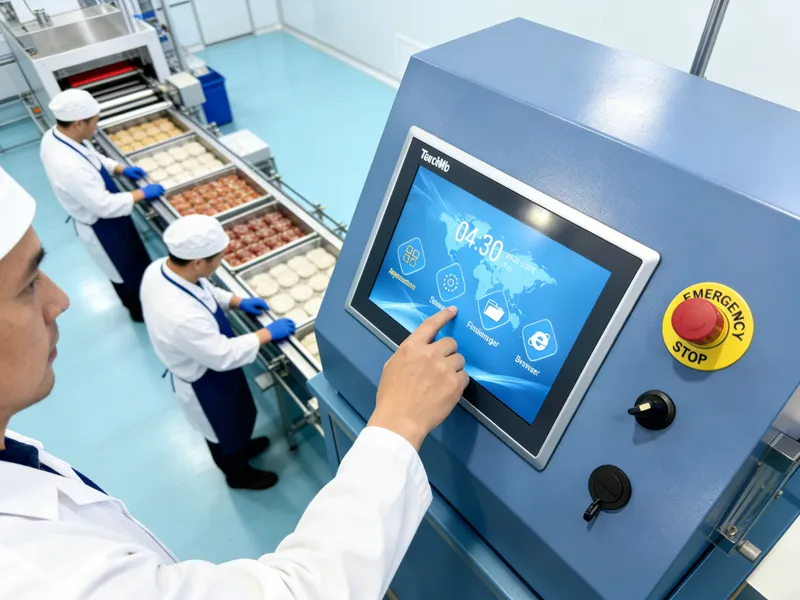
Getting the mounting design right from the start prevents costly rework and field failures. It’s more than just a mechanical choice; it defines how the product will perform, how it will be serviced, and how it will survive its operating environment. Before signing off, engineering and product teams should run through a methodical checklist.
Mechanical Fit and Dimensional Compatibility
The initial check ensures the physical components align with the product architecture. Miscalculations here create assembly problems and can compromise the entire enclosure.
- Verify the mounting type (flush, surface, or panel) matches the product architecture.
- Confirm that enclosure depth, cavity space, and cutout geometry meet specifications.
- Check bezel, flange, and protrusion tolerances to ensure true alignment without unexpected gaps or steps.
- Assess the mounting surface’s flatness and the suitability of the substrate material (np., blacha, molded plastic) to prevent flexing.
Environmental Sealing and Structural Integrity
The mounting method is the first line of defense against environmental hazards. A poor seal or weak structure guarantees premature failure, zwłaszcza w przemysłowy Lub public-facing aplikacje.
- Define the required Ingress Protection (IP) rating based on the operating environment’s exposure to dust, wilgoć, or cleaning agents.
- Validate the gasket material, required compression force, and replacement plan for reliable long-term sealing.
- Ensure the design accounts for the display’s weight, operational vibration, and potential tamper resistance in its final orientation.
- Confirm that required cleaning protocols are compatible with the bezel, gasket, and touch surface materials.
System Performance and Integration
How the display is mounted directly impacts its performance. Issues like overheating or poor touch response often trace back to integration oversights.
- Analyze thermal performance and heat dissipation paths within the final enclosure to prevent overheating.
- Validate touch responsiveness and calibration after the final mechanical stack-up is installed, as bezel pressure can affect performance.
- Confirm display brightness and any anti-glare properties are suitable for the real-world ambient light conditions.
- Ensure the host system is fully compatible with the display’s touch protocol, kierowcy, and specific cabling requirements.
Serviceability and Compliance
The product lifecycle extends far beyond the assembly line. A design that is difficult to service or fails to meet certifications creates long-term costs and customer dissatisfaction.
- Plan cable routing to preserve access for power, dane, and future maintenance without requiring a complete teardown.
- Define the component replacement procedure and confirm the availability of spare parts for the product’s expected lifespan.
- Ensure the fully integrated design meets all necessary end-product compliance and certification needs for the target market.
Why Touchwo Supports Custom Mounting Structures for Equipment Integration
OEM projects demand precise mechanical fits, specific environmental protection, and brand alignment. Standard mounts fail here, making custom structures essential for reliable equipment integration.
Ensuring Precise Mechanical Fit in Custom OEM Equipment
Industrial machines and kiosks aren’t built the same; each has unique panel cutouts, material thicknesses, and mounting points. A one-size-fits-all approach doesn’t work. Custom structures allow for tailored bezel geometry and clamping methods that perfectly match the host equipment. This provides a true drop-in module that simplifies an OEM’s assembly process and improves structural reliability against vibration.
Meeting Diverse Environmental and Protection Requirements
Industrial applications demand specific IP ratings, like IP65, for protection against dust, woda, and chemicals. Custom mounting frames and gaskets are engineered to create a reliable seal matched to the equipment’s panel. This ensures durability in demanding environments such as food processing wash-down areas, kioski zewnętrzne, or high-vibration machinery.
Enabling Both Flush and Surface Mount Integration
OEMs often need to offer both flush mount (osadzony) and surface mount (VESA/bracket) options within the same product family. Customization allows Touchwo to provide different mechanical interfaces for a single electronic display core, offering maximum flexibility. This supports seamless integration for new designs and simple retrofitting for existing equipment.
Aligning with OEM Branding, Higiena, and Ergonomics
The mount is part of the final product’s look and feel. Custom bezels can be designed to match an OEM’s branding, schemat kolorów, and aesthetic. For medical or food industries, fully flush, gapless mounting structures are crucial for hygiene and easy cleaning. The mounting can also be adjusted to optimize the display’s position and angle for better operator ergonomics and user experience.
Ostatnie przemyślenia
The right mounting method is one of the key factors behind reliable OEM equipment. After comparing flush mount and surface mount touch displays, OEM teams should have a clearer understanding of how each option affects enclosure design, maintenance planning, and long-term performance.
Touchwo offers both flush-mount and surface-mount touch display solutions with customized structures for different equipment designs. If you’re developing a new OEM project, our engineering team can help evaluate your enclosure requirements and recommend an integration solution that fits your application.
Często zadawane pytania
What is the difference between flush mount and surface mount touch displays?
Flush mount displays are installed level with a surface (like a wall or control panel) into a precise cutout, providing a seamless, integrated appearance and superior front-panel sealing. Dla kontrastu, surface mount displays are attached on top of a surface using brackets, causing them to protrude. This method simplifies installation and replacement but results in a less integrated look and can be more challenging to seal against the mounting surface.
Does flush mounting improve sealing and appearance?
Tak, flush mounting is superior for both sealing and appearance. It allows for a compressed gasket to create a tight seal between the display and the panel, often achieving IP55 or higher ratings against dust and water. Aesthetically, it delivers a clean, modern, “built-in” look by eliminating protrusions and aligning perfectly with the surrounding surface.
Is surface mounting easier to maintain and replace?
Tak, surface mounting is significantly easier to maintain and replace. Since the display is attached with external brackets and doesn’t require a structural cutout, it can be quickly uninstalled and swapped without needing rear access or disturbing the panel. This simplifies field service and reduces equipment downtime.
Which mounting method is better for OEM equipment?
For OEM equipment, flush mounting is generally preferred for creating a rugged, premium product with a highly integrated and branded look, especially in hygienic or harsh environments. Surface mounting is a better choice when the priority is faster time-to-market, lower engineering costs, modularity, or providing easy field-upgrade options.
What should enclosure designers check before choosing a mount type?
Enclosure designers should evaluate several key factors: mechanical constraints (panel thickness, cavity depth, flatness), wymagania środowiskowe (IP rating for dust/water), aesthetic goals (integrated vs. functional look), serviceability (front vs. rear access for maintenance), and overall project cost, including both hardware and installation labor.





