Przejdź do treści
Ekran dotykowy stał się głównym medium interaktywnym na niezliczonych urządzeniach. Ludzie stukają, slide and press screens to send orders every single day. Mimo tego, most users only master basic operations instead of internal running rules.
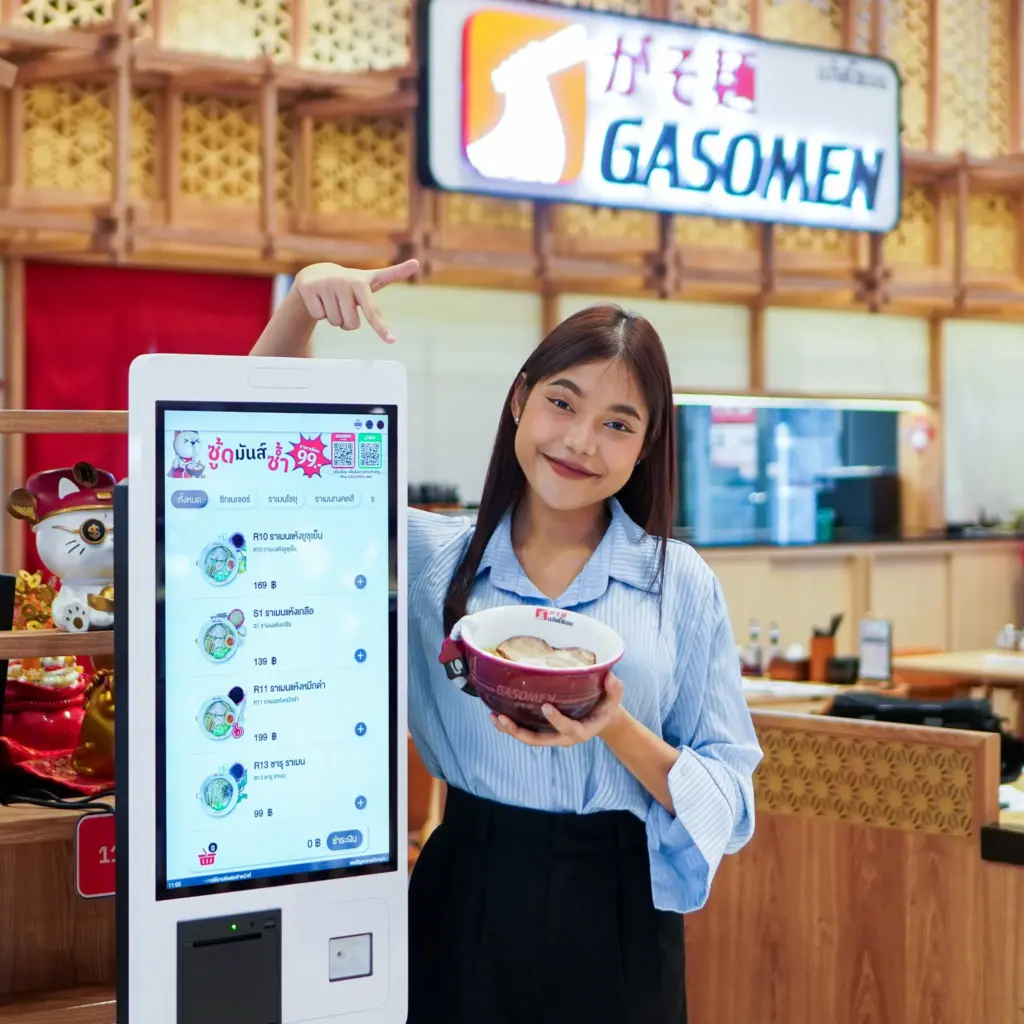
Different touch screen styles adopt unique induction mechanisms. Each design fits specific working surroundings and operation habits. Knowing its working principle helps you pick proper models and extend service life effectively. This article explains operational logic, popular classifications, performance traits and daily use tips clearly.
Basic Running Logic of Touch Screen
Every complete touch action follows four steady steps to finish human-device interaction.
1. Physical contact triggers sensing response
Once fingers or tools touch the panel surface, local physical status changes instantly. Such changes form basic signals that mark valid touch positions on the screen.
2. Internal sensors capture real-time signals
Built-in sensing units catch tiny changes right away. They judge exact touch spots and record operation strength within super short time.
3. Signal transmission and data judgment
Następny, collected data transfers to the core control board. The system analyzes received information and confirms user intended commands accurately.
4. Functional execution and visual feedback
Wreszcie, the device carries out corresponding actions. The screen displays updated content to tell users the whole operation takes effect successfully.
Four Widely Used Touch Screen Types & Working Features
Different induction methods create four mainstream touch screen categories for diverse application demands.
1. Pojemnościowy ekran dotykowy
It senses weak electric current produced by human bodies. It delivers swift reaction and delicate display effect. It suits portable gadgets, office terminals and daily consumer devices greatly.
2. Rezystancyjny ekran dotykowy
It relies on pressure to connect two conductive layers inside. It accepts glove and stylus touch freely. It stays stable in dusty workshops and simple control equipment.
3. Ekran dotykowy na podczerwień
Infrared beams surround the whole screen frame. Touch actions block light paths to lock coordinates. It owns strong anti-damage ability and matches large-size display panels.
4. Acoustic wave touch screen
Surface sound waves spread evenly over the panel. Touch movement absorbs partial waves to complete positioning. It gains high light permeability for precision control equipment.
External Elements That Influence Touch Screen Performance
Many surrounding factors can affect induction sensitivity and daily running stability.
1. On-site environmental conditions
Heavy dust, liquid splashes and corrosive gas weaken normal signal induction. Users need sealed and protective touch screens for harsh industrial workshops.
2. Daily operation manners
Bare finger touch brings the most stable induction result. Thick gloves and hard tools only fit designated touch screen types.
3. Long-term wear and aging
Continuous frequent tapping gradually consumes inner sensing materials. Regular gentle cleaning slows down aging progress effectively.
4. Matching circuit and power supply
Stable power input guarantees smooth signal transmission. Mismatched circuits easily lead to lag response and intermittent touch failure.
Typical Application Scenarios Based on Working Mechanism
Manufacturers allocate different touch screens to matched fields according to inherent traits.
1. Industrial automation control
Workshop machines mostly choose resistive and infrared touch screens. They cope well with vibration, dust and glove operation requirements.
2. Retail and self-service terminals
Shopping checkout and ordering devices prefer capacitive touch screens. Fast response lifts service speed and customer experience level.
3. Large public display equipment
Exhibition screens and hall inquiry machines adopt infrared touch screens. Solid structure cuts maintenance frequency in public areas.
4. Precision testing and medical devices
Acoustic wave ekrany dotykowe take charge of high-precision control work. It maintains steady induction under strict use standards.
FAQs about Touch Screen Working Principles
Pytanie 1: Why does a touch screen lose sensitivity after long use?
A1: Surface dirt accumulation or internal material aging causes slow reaction. Timely cleaning can restore normal touch performance.
Pytanie 2: Which touch screen type works best with gloved hands?
A2: Resistive and infrared touch screens support glove tapping perfectly. Capacitive models cannot sense thick protective gloves.
Pytanie 3: Can extreme temperature affect touch screen normal work?
A3: Extreme cold or heat slows down induction speed. Wide temperature resistant models adapt to such special working environments.
Pytanie 4: What touch screen type owns the longest service lifespan?
A4: Infrared touch screens have longer service time thanks to non-contact induction design and durable outer structure.
Pytanie 5: Can different touch screen types replace each other directly?
A5: NIE. They have different internal structures and signal modes. Direct replacement will cause abnormal display and touch failure.
Wniosek
Ogólnie, a touch screen realizes interaction through signal triggering, capture, analysis and execution. Four common types hold distinct working modes and applicable boundaries. Środowisko, operation ways and power conditions all impact daily using effects.
Understanding basic working knowledge helps users select proper touch screen models and avoid unnecessary equipment faults. It also maximizes working efficiency in production, service and office occasions.
If you plan to purchase suitable touch screen products for device assembly or equipment upgrade, please fill out the consultation form on our official website. Leave your use environment, panel size and functional demands, and our team will offer targeted matching suggestions and detailed product parameters soon.