
A touch monitor’s viewing angle determines how clearly users can see the screen from different positions. While many displays are advertised with viewing angles of 178°/178°, this specification alone does not guarantee good real-world visibility. Panel technology, installation angle, แสงสว่างโดยรอบ, and user position all have a significant impact on display readability and color consistency.
ในคู่มือนี้, you’ll learn how viewing angle affects touch monitor performance, why IPS and TN panels behave differently, and how to choose the right display for kiosks, industrial HMIs, เครื่อง POS, and other commercial touch applications. We’ll also explain how to evaluate supplier specifications so your display performs as expected after deployment.
What Viewing Angle Means in Real Touch-Monitor Use
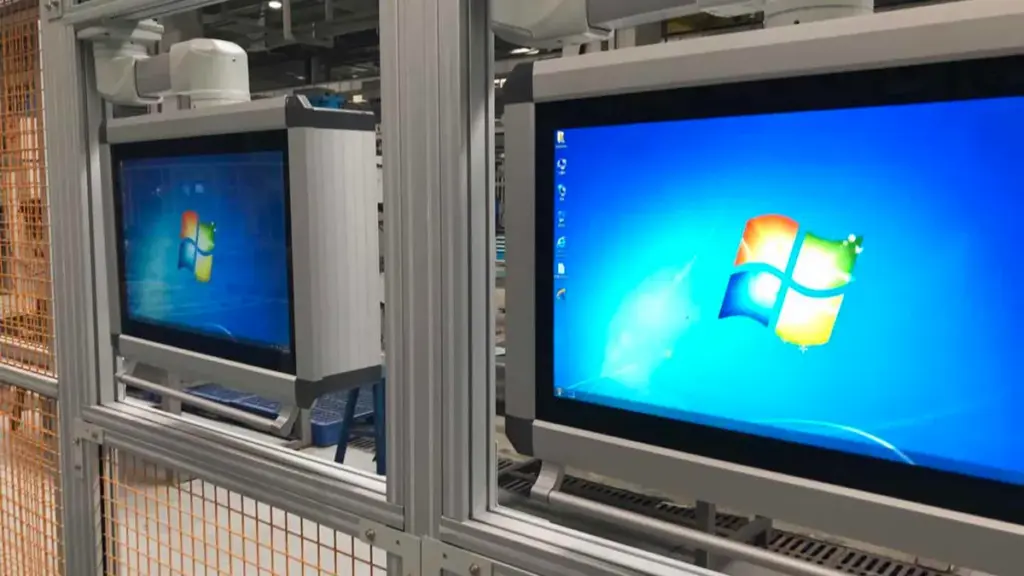
A spec sheet’s viewing angle is a minimum contrast threshold, not a promise of perfect visuals. Real-world usability depends on panel tech, mounting, and multi-user needs.
From Technical Specs to Practical Reality
A touch monitor’s viewing angle is the maximum off-center position where the image still meets a minimum contrast ratio, usually 10:1. That 178° spec you see doesn’t mean the picture is perfect from extreme angles. It just marks the point where the image quality officially drops below an acceptable technical threshold. In actual use, the optimal range for reading text clearly and seeing accurate colors is much narrower. As you move off-center, you’ll notice reduced contrast, washed-out colors, and shifts in hue long before you hit that 178° limit.
Impact on Touch Interaction and Collaboration
Off-axis viewing creates a practical problem for touch accuracy. A disconnect can form between where a user sees a button and where their finger lands. On large screens, this is a factor even for a single user, since the corners and edges are always viewed at an angle. For multi-user setups like interactive kiosks or touch tables, wide viewing angles are non-negotiable. They ensure every person sees a consistent and usable image. A narrow viewing angle hinders collaboration because people on the periphery might misinterpret colors or be unable to read instructions, leading to errors and frustration.
How Panel Technology Defines Performance
The panel technology inside the monitor is the biggest factor in performance. เทนเนสซี (บิด Nematic) panels have narrow viewing angles and suffer from significant color and contrast shifts, especially on the vertical axis. ในทางตรงกันข้าม, ไอพีเอส (การสลับในเครื่องบิน) and MVA panels provide far better off-axis performance, maintaining color fidelity for multiple viewers. When using a TN-based จอภาพสัมผัส, specifying the correct viewing direction—like “6 o’clock” for a screen mounted high or “12 o’clock” for a counter-top terminal—is critical to prevent the image from inverting for the primary user. ด้วยเหตุนี้, IPS is the standard for any multi-user or color-critical application, while TN remains a cost-effective choice for fixed, single-user terminals where the viewing position is predictable.
Installation and Environmental Factors
How a touch monitor is installed directly impacts the user’s effective viewing angle. The mounting height, เอียง, and orientation must align with how people will actually see it. Horizontal touch tables, เช่น, almost exclusively require wide-angle panels to be functional from all sides. Environmental factors also play a big role. Bright ambient light and screen glare can shrink the usable viewing cone, making a high-quality panel even more important. A well-designed user interface can also compensate for non-ideal viewing angles by using high-contrast elements and large fonts to ensure readability from any position.
How Viewing Angle Affects Readability, สี, and Usability
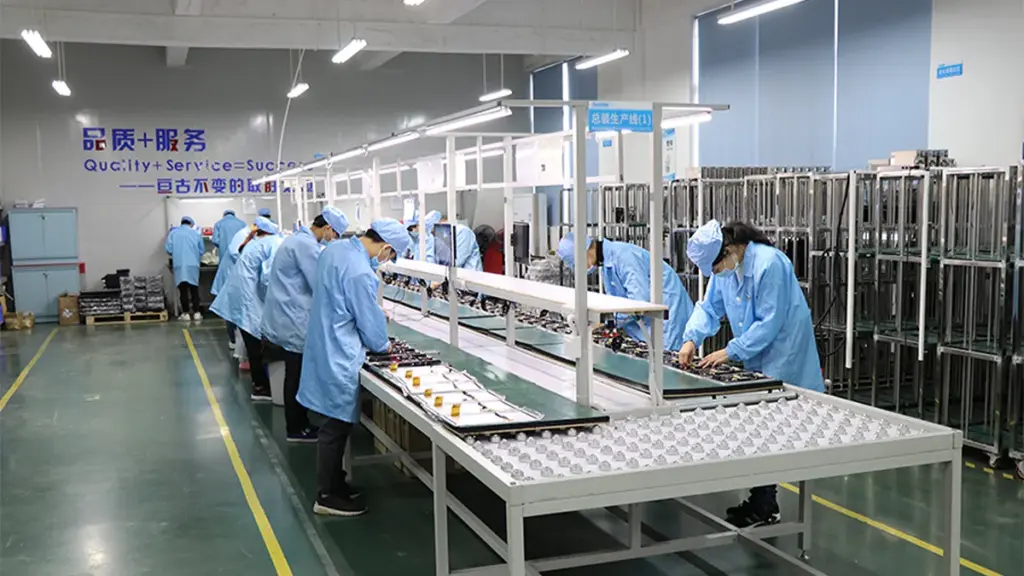
Viewing angle directly degrades readability and color accuracy when viewing a screen off-center. As contrast drops and colors shift, usability suffers, a problem that different panel technologies address.
Impact on Readability
As you move away from the center of a display, the perceived contrast often decreases, making text and user interface elements much harder to distinguish. This off-axis viewing can also cause grayscale inversion, where light and dark shades shift unexpectedly, which interferes with the accurate interpretation of on-screen data. Displays with wide viewing angles are designed to maintain text legibility, ensuring content remains clear for users positioned to the side, above, or below the screen.
Impact on Color Accuracy
Colors can appear washed out, or their hue and saturation may shift when a monitor is viewed from an angle. This loss of color fidelity is a significant problem in fields like medical imaging and technical design, where color consistency is critical for correct analysis. Panel technologies such as IPS are specifically engineered to minimize this color shift, maintaining stable brightness and accurate colors even from off-axis positions.
Impact on Usability
A display’s viewing angle has a direct effect on how it can be used in different environments.
- Wide viewing angles improve usability in collaborative settings where multiple people need to see the screen clearly at the same time.
- Users can change their posture or move around without losing a clear view, reducing the need to constantly reposition the monitor.
- For displays in fixed positions, such as kiosks or control panels, wide viewing angles ensure the interface remains usable from various approach points.
How Panel Technology Determines Viewing Angle Performance
The underlying liquid crystal display (จอแอลซีดี) technology is the primary factor in a monitor’s viewing angle performance.
- เทนเนสซี (บิด Nematic) panels typically have the narrowest viewing angles. This results in more noticeable color and contrast shifts, especially along the vertical axis.
- ไอพีเอส (การสลับในเครื่องบิน) technology provides the widest viewing angles, often rated up to 178°, ensuring consistent image quality for multiple viewers from almost any position.
- เวอร์จิเนีย (การจัดตำแหน่งแนวตั้ง) panels offer a compromise, with wider viewing angles than TN but sometimes less color stability than IPS at extreme off-axis positions.
Get Custom Industrial Touchscreens Shipped Fast.
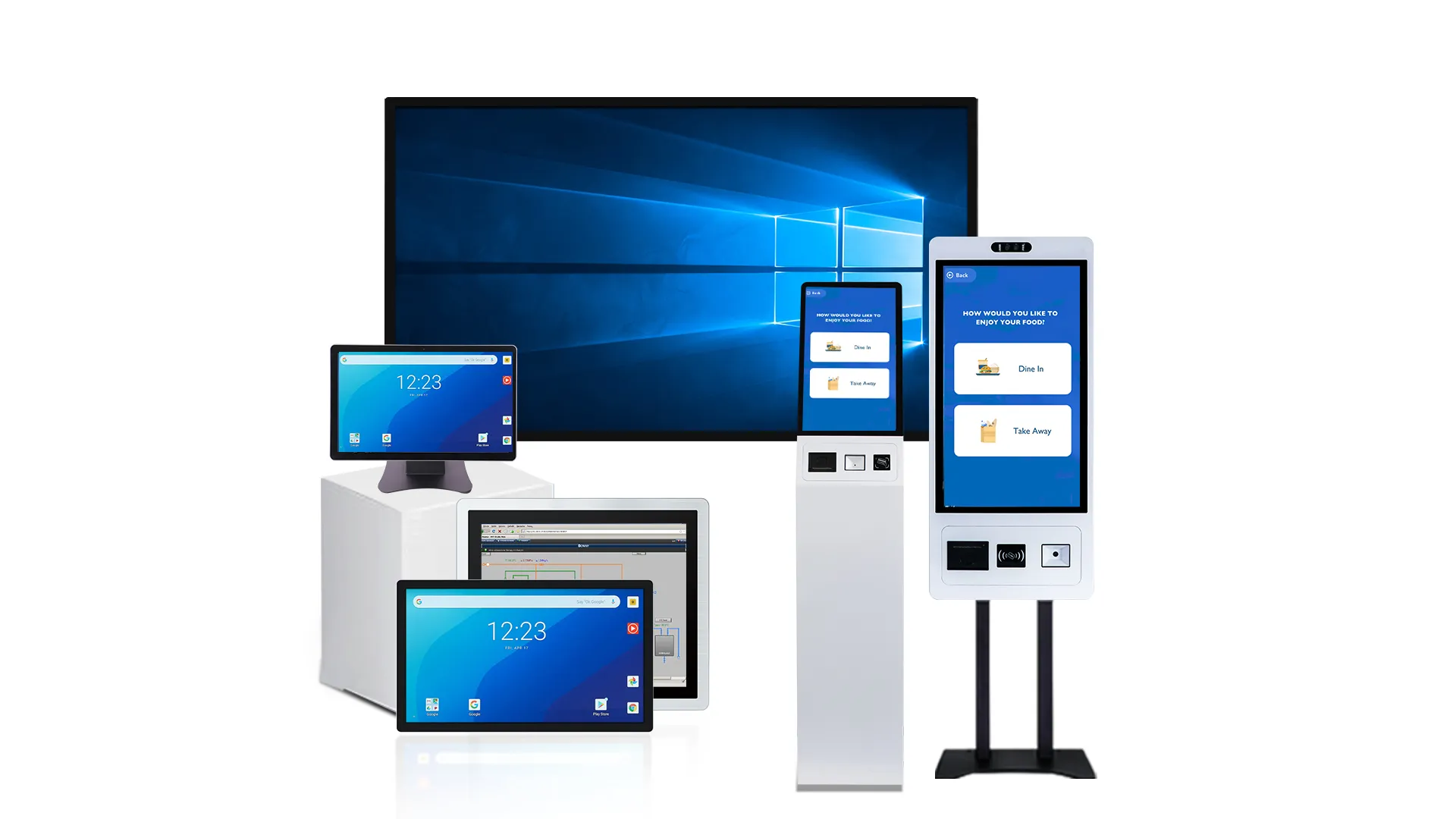
Why Kiosk and Industrial Layouts Change Viewing-Angle Needs

Kiosk and industrial environments have unique user positions and lighting challenges. These factors demand display viewing angles chosen for the real-world application, not just the raw spec sheet.
User Position and Screen Mounting Angle
The way users approach a screen in a public kiosk versus an industrial setting is fundamentally different. Public kiosks must attract and serve people approaching from various directions and distances, requiring wide horizontal and vertical viewing angles for both legibility and initial engagement. ในทางตรงกันข้าม, an industrial HMI is typically used at a consistent arm’s-length, but the display must accommodate an operator who may be standing, sitting, or leaning in from the side throughout a shift.
The screen’s physical tilt also dictates performance needs. A kiosk screen angled at 45° brings the user’s line of sight closer to perpendicular, easing the demand on the panel. A vertical wall-mounted display or a flat tabletop, อย่างไรก็ตาม, creates more extreme viewing angles that the panel must handle without distortion. In many industrial scenarios, the machine’s geometry determines the HMI’s mounting position, forcing the display’s specifications to compensate for what might be a non-ideal viewing angle.
Impact of Ambient Lighting and Glare
Kiosks placed in bright locations, such as airport atriums or outdoor venues, need high-brightness panels and effective anti-glare coatings to stay visible. Reflections from overhead lighting or sunlight can completely wash out content for anyone viewing from an off-axis position, which effectively narrows the usable viewing angle far below the panel’s official rating.
Industrial environments present their own challenges, with lighting that can range from dimly lit factory floors to areas with bright, directional task lighting. This variability makes stable contrast across all potential viewing angles critical for constant readability. To combat these issues, designers often use optical bonding and robust surface treatments to minimize internal reflections and maintain clarity under harsh lighting conditions.
Balancing Public Visibility with User Privacy
There is an inherent trade-off between making a screen visible and keeping its information private. Informational and marketing kiosks are designed to be seen from across a room, using wide viewing angles to maximize visibility and attract users. Transactional kiosks for payments or personal data entry, อย่างไรก็ตาม, often need limited viewing angles to protect user privacy. This can be achieved through a downward screen tilt or by applying special privacy filters.
Industrial HMIs rarely prioritize privacy. ในความเป็นจริง, the opposite is often true, as multiple operators, วิศวกร, or supervisors may need to view the screen simultaneously for shared situational awareness. The physical layout—a public-facing wall mount versus a shielded, downward-tilted pedestal—directly reflects whether the application’s goal is broad visibility or user privacy.
Ergonomics and Task Criticality
Public kiosks must be accessible to a diverse population, including users of different heights and those in wheelchairs. This ergonomic requirement demands a wide vertical viewing cone so the screen remains clear from both high and low vantage points. For an industrial operator working a long shift, a display with poor viewing angles can lead to physical fatigue and neck strain from constantly adjusting their posture to see clearly.
In safety-critical applications, image stability is paramount. Color shifting at an angle could cause an operator to misinterpret an alarm, เช่น, mistaking a red warning for an amber one. The absolute clarity of text and indicators from any position within the operator’s workspace is essential for ensuring accuracy and reducing the risk of costly operational errors.
ไอพีเอส, เทนเนสซี, and Panel-Structure Differences Buyers Should Know
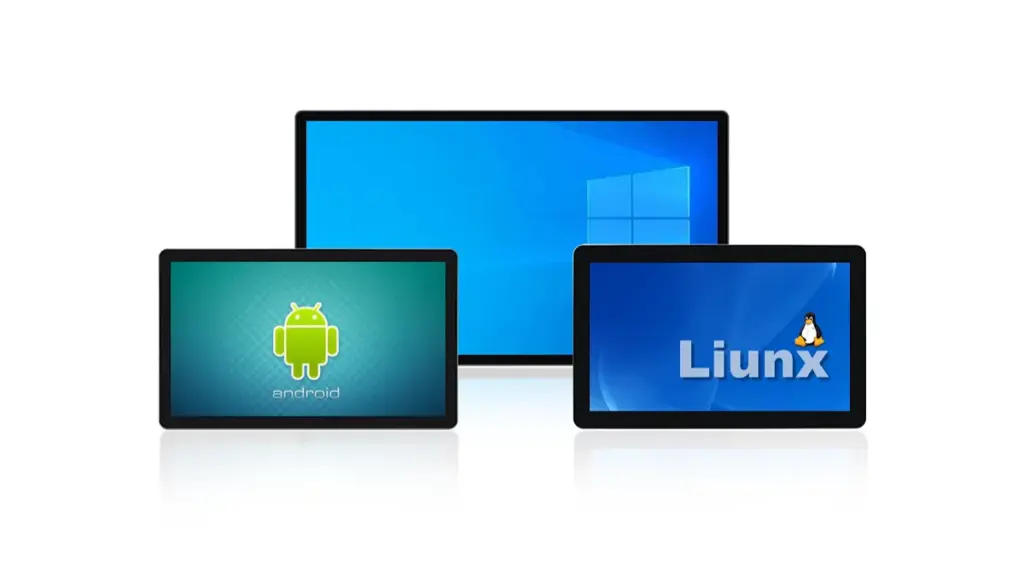
How IPS and TN panels align liquid crystals is the key difference. IPS aligns them horizontally, providing superior viewing angles, color stability, and durability for interactive displays.
How Liquid Crystal Alignment Affects Viewing Angles
The core difference between these panel types comes down to physics. In a Twisted Nematic (เทนเนสซี) แผงหน้าปัด, the liquid crystals perform a 90-degree twist between two substrates. This structure makes the light passing through heavily dependent on the viewing direction.
การสลับในเครื่องบิน (ไอพีเอส) panels work differently. They align and rotate the liquid crystals horizontally, parallel to the panel’s surface. This creates a much more symmetrical light output. This fundamental structural design is exactly why IPS panels offer vastly superior color and contrast stability when viewed from off-angles.
Visual Experience: Color Shift and Consistency
IPS panels maintain consistent color and brightness across wide 178°/178° viewing angles, which is essential for multi-user kiosks or displays that are tilted. Someone looking from the side sees the same image as someone looking head-on. TN panels, ในทางกลับกัน, exhibit dramatic color shifting and contrast loss, especially when viewed from above or below. This makes them unsuitable for almost any shared or public-facing environment.
For any application where brand colors and UI legibility are critical from every angle, IPS is the undisputed standard. You can’t afford to have your interface become unreadable or your logo change colors just because a user isn’t standing in the perfect spot.
Mechanical Stability Under Touch Pressure
What happens when you press on the screen? Pushing on a TN panel often causes a visible distortion, creating a temporary “ripple” or color splotch at the contact point. This gives a perception of fragility.
IPS panels are structurally more robust and show significantly less visual distortion when touched. In high-traffic touch applications like a self-service checkout, the stability of an IPS panel provides a much better user experience and reinforces a perception of quality and durability.
Response Time and Real-World Touch Performance
TN panels have historically offered faster pixel response times, a detail often highlighted in spec sheets. But modern IPS panels are more than fast enough for smooth UI animations in any typical touch application. For interactive tasks like navigating a menu or panning a map, the overall system input latency—from the touch controller and software—is far more noticeable to a user than a few milliseconds of difference in pixel response.
The slight speed advantage of TN is irrelevant for nearly all commercial touch use cases. Unless you’re building a high-refresh-rate gaming kiosk, it’s not a factor to weigh heavily.
Cost vs. แอปพลิเคชัน: Making the Right Choice
TN panels are cheaper to manufacture. This makes them a viable option for budget-constrained projects where the device will have a single, fixed-position user. Think of a basic operator panel on a machine where the user always stands directly in front of it.
IPS panels have a higher upfront cost but deliver superior value in any public-facing or collaborative setting because of their visual performance and physical resilience. The choice is clear: use TN for basic, non-color-critical operator panels. Select IPS for kiosks, ระบบ POS, การแสดงทางการแพทย์, and any interactive screen that will be used by more than one person or from various angles.
How to Evaluate Viewing Angle During Supplier Selection
Evaluating suppliers means going past marketing specs. Pin them down on specific criteria like contrast ratios at angle, panel tech, and real-world test data to prevent deployment failures.
| Evaluation Area | Key Action / Requirement | Impact on Project |
|---|---|---|
| Technical Requirements | Specify angle with a defined contrast ratio (ซีอาร์ ≥ 10:1) and panel technology (เช่น, ไอพีเอส). | Ensures an objective, apples-to-apples comparison between suppliers. |
| การตรวจสอบประสิทธิภาพ | Conduct practical tests that simulate realistic user positions, heights, and ambient light. | Catches real-world failures that datasheets and lab measurements miss. |
| Panel Technology | Analyze trade-offs between IPS, เวอร์จิเนีย, and TN based on the application’s needs. | Aligns hardware cost and performance with usability requirements (เช่น, multi-user vs. single user). |
| Supplier Documentation | Require formal test reports with measurement curves, not just datasheet numbers. | Guarantees that mass production units will meet the same quality as evaluation samples. |
Define Standardized Technical Requirements
Vague requirements get you vague results. Instead of asking for a “wide viewing angle,” you need to get specific to hold suppliers accountable. Your RFQ should demand a viewing angle qualified by a contrast ratio, ชอบ “170° H/V at CR ≥ 10:1.” This number is the industry standard for defining the point at which an image becomes difficult to read. Without it, one supplier’s “178°” might be measured at a uselessly low 5:1 อัตราส่วนความคมชัด.
อีกด้วย, state the required panel technology (ไอพีเอส, เวอร์จิเนีย, ฯลฯ) based on the application. For a public kiosk, you need the color stability of IPS. For a fixed industrial panel, a VA panel might suffice. You must also clarify if your specs apply to the complete touch stack-up. The addition of cover glass and coatings can alter the perceived viewing angle, so the supplier’s data must reflect the final product, not just the bare LCD panel. For devices mounted at a tilt, request the optimal viewing direction (เช่น, ก 6:00 หรือ 12:00 bias) to ensure the image doesn’t wash out or invert from the user’s typical position.
Verify Performance with Validation Tests
Datasheets are a starting point, not the finish line. You have to validate the performance yourself. This means a mix of lab measurements and practical, real-world tests. Lab testing should plot the contrast and color shift against the viewing angle to create performance curves. This data reveals how quickly the image degrades and if there are any asymmetries (เช่น, performance is worse when viewed from below).
Practical tests are just as critical. Set up the prototype to simulate realistic user scenarios—different positions, heights, and distances. Check the readability of small text and critical UI elements at extreme but plausible angles. A button in the corner of a large display is viewed at a much sharper angle than content in the center. ในที่สุด, test the unit under your target environment’s ambient lighting. A display that looks great in a dark lab can become unreadable in a brightly lit retail space due to glare and reflections washing out the image.
Analyze Panel Technology Trade-Offs
The choice of LCD panel technology is the single biggest factor determining viewing angle performance. Understanding the trade-offs is non-negotiable.
- ไอพีเอส (การสลับในเครื่องบิน): This is the go-to for most professional and public-facing touch applications. It delivers the best performance for wide, symmetric viewing angles and maintains consistent color. If multiple users need to see the screen clearly, this is the safest choice.
- เวอร์จิเนีย (การจัดตำแหน่งแนวตั้ง): VA panels offer excellent on-axis contrast, meaning deeper blacks when viewed head-on. But their vertical viewing angles are narrower than IPS. When viewed from above or below, colors can wash out, making them risky for kiosks that serve users of different heights.
- เทนเนสซี (บิด Nematic): This is the lowest-cost option, but it comes with a major penalty: narrow viewing angles and severe color inversion, especially on the vertical axis. A TN panel viewed from the “wrong” angle will show inverted colors, rendering it useless. It’s only suitable for single-user devices where the viewing position is fixed and predictable.
Establish Clear Supplier Documentation Requirements
To protect your project from quality fade, you need to formalize your requirements. Insist that potential suppliers provide formal test reports showing viewing angle measurement curves, not just a single number from a marketing datasheet. This proves they have the equipment and processes to measure performance properly.
Mandate that any sample units sent for evaluation are guaranteed to be representative of mass production quality. It’s a common bait-and-switch to send a “golden sample” that outperforms the final product. ในที่สุด, embed your specific viewing angle criteria (เช่น, ซีอาร์ ≥ 10:1 at ±80°) directly into the quality agreement and incoming inspection procedures. This gives you a contractual basis to reject batches that don’t meet the standard you agreed upon.
Why Touchwo Supports Application-Based Display Matching
A one-size-fits-all display fails in the real world. We match every component—from the panel to the housing—to the specific application, ensuring usability and reliability on site.
Matching Viewing Angle to Real-World Use
The viewing angle spec on a datasheet means little until it’s tested against how people actually work. A machine operator isn’t always standing perfectly centered, and kiosk users approach from all directions. If the screen washes out or shifts colors from an angle, it’s a failure. We match the panel technology to these realities.
- Ensures Clear Visibility: Operators on a factory floor or staff in a busy kitchen often view screens from off-axis positions. A wide viewing angle keeps the display legible without forcing them to stop and reposition.
- Utilizes IPS Panels: We use IPS (การสลับในเครื่องบิน) panels specifically for their ability to provide wide viewing angles. This prevents the color distortion and contrast loss that plague inferior panels when viewed by users at different heights or angles.
- Supports Multi-User Interfaces: For applications like retail kiosks or collaborative tables, multiple people need to see the same information clearly. Wide viewing angles are essential for these shared environments.
- Optimizes Readability for Mounts: Displays are frequently mounted high, ต่ำ, or at a tilt in industrial and commercial settings. The panel’s viewing characteristics must compensate for these fixed positions to remain readable.
Selecting Screen Size for Optimal Workflow
Screen size isn’t about getting the biggest display possible; it’s about finding the right balance between information density and physical footprint. The ideal size for a control panel embedded in machinery is different from a countertop POS terminal.
- Compact Industrial HMIs: Our 8-inch screens are a standard for industrial HMIs because they provide enough visual real estate for controls and data without consuming excess space in a crowded control panel.
- Retail and Kiosk Displays: We provide 10-inch and 10.4-inch displays for retail ระบบ POS และซุ้ม. This size offers a larger, more comfortable interface for detailed transactions without becoming bulky on a counter.
- Aligns with Information Density: The screen size is chosen to ensure UI elements are large enough for easy and accurate interaction, preventing user error and frustration.
- Considers Viewing Distance: We factor in the typical viewing distance of the application, from an arm’s-length HMI to an at-a-glance kitchen display system, to ensure legibility.
Engineering Durability for the Operating Environment
A display built for an office will not survive in a factory or a commercial kitchen. We engineer the entire unit—from the housing to the power input—to withstand the specific physical and electrical stresses of its intended environment.
- Robust Housings: We use sturdy metal housings, like aluminum alloy, for industrial and kitchen displays. These enclosures are built to handle vibration, ผลกระทบ, and contamination from dust or liquids.
- High-Traffic Resilience: Kiosks and public terminals are designed to be resilient, capable of handling constant use in busy public spaces without failing.
- Vibration Dampening: For applications on or near machinery, we can integrate shock-absorbing mounts to protect the display’s internal components from constant vibration.
- Electrical Stability: Our systems ensure stable power input and undergo EMI compatibility testing to protect against the electrical interference common in factory settings with PLCs and other equipment.
Calibrating Touch Technology for Specific Interactions
The touch experience must be tuned to the user and their task. A factory worker wearing thick gloves has different needs than a customer rapidly placing an order at a ตู้บริการตนเอง. We calibrate the touch controller and sensor to match these distinct interaction styles.
- Supports Gloved Hands: We tune the capacitive touch sensitivity to register accurate input from gloved hands, a critical requirement for many industrial and clean-room environments.
- Ensures High Responsiveness: For fast-paced restaurant and retail applications, the touch system is calibrated for immediate response to quick taps, minimizing lag during order entry.
- Performs Rigorous Testing: Every unit is tested for touch accuracy and reliability across the entire screen surface before it ships, ensuring consistent performance out of the box.
- Matches User Interaction: The touch performance is aligned with the end-user’s physical interaction style, from the precise control needed for an HMI to the rapid selections of a self-service terminal.
ความคิดสุดท้าย
Choosing the right viewing angle is about more than comparing numbers on a datasheet. A display should remain clear, readable, and color-accurate from the positions where people actually use it. By considering panel technology, installation angle, แสงสว่างโดยรอบ, and user behavior together, you can select a touch monitor that delivers reliable performance throughout its service life.
ที่ ทัชโว, we help OEMs, system integrators, and equipment manufacturers match touch displays to real application requirements. Whether you need an IPS industrial touch monitor, a high-brightness outdoor display, or a fully customized touchscreen solution, our engineering team can recommend the right configuration for your project. Contact us to discuss your requirements or request a sample for evaluation.
คำถามที่พบบ่อย
What is a good viewing angle for a touch monitor in 2026?
A good viewing angle for a touch monitor is wide enough to keep the image clear and color-accurate from the user’s typical interaction position. The industry standard for high-quality, shared-use displays is a “full” viewing angle of 178°/178°, ensuring multiple users can see the screen clearly from various positions without image degradation.
Why does viewing angle matter in kiosk applications?
In kiosk applications, a wide viewing angle is critical because people approach the screen from different heights, distances, and angles. It ensures content remains legible and color-accurate for everyone, including multiple users viewing at once or individuals with accessibility needs. A poor viewing angle can make a kiosk appear low-quality, discouraging interaction and leading to user errors.
Is IPS technology better than TN for touch displays?
ใช่, for most touch display applications, ไอพีเอส (การสลับในเครื่องบิน) technology is better than TN (บิด Nematic). IPS panels provide much wider viewing angles and more consistent color accuracy, which is essential for screens viewed from multiple positions. While TN panels may be less expensive, their narrow viewing angles and tendency for colors to shift make them less suitable for interactive uses like kiosks or POS systems.
What happens if a touch monitor has poor viewing angles?
A monitor with poor viewing angles shows rapid image degradation when viewed off-center. Common issues include color shifting, loss of contrast that makes the image look washed-out, and even grayscale inversion where light and dark shades flip. This directly impacts usability by making text hard to read, causing users to misinterpret interface elements, and increasing input errors.
Does viewing angle affect a screen’s color and readability?
ใช่, viewing angle directly affects both color and readability. As you move away from the center of a display with limited viewing angles, colors can shift, fade, or invert. This loss of color accuracy, along with a drop in contrast, makes text and other user interface elements difficult to read. For a touch monitor, stable color and readability across a wide viewing range are essential for accurate interaction.
How do you test a monitor’s viewing angle in a real-world setting?
To test viewing angles practically, observe the screen while moving away from its center—left, right, above, and below. Check for any unacceptable changes in brightness, color shifts, loss of contrast, or difficulty reading text. This hands-on evaluation confirms if the display will be usable at the specific angles required by an application, such as a tilted kiosk or a wall-mounted control panel.




