
Industrial touch screen projects often fail when standard displays are used in environments with vibration, EMI noise, temperature extremes, or long-term continuous operation. These issues usually lead to unstable performance, frequent maintenance, and unexpected system downtime that increases overall project cost.
This article explains how OEM/ODM customization solves these problems by aligning hardware design with real application needs. You will learn how to define technical requirements, select the right touch technology, integrate mechanical and electronic systems, and manage the full process from prototyping to mass production with stable quality control.
Why OEM/ODM Is Essential for Industrial Touch Screen Projects
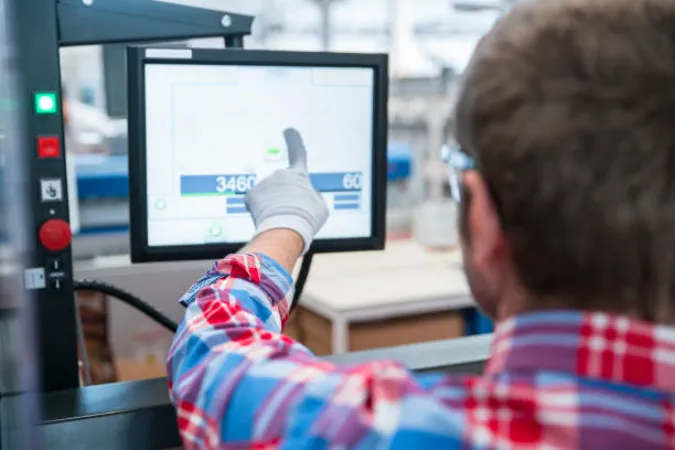
Industrial touch screen systems must operate in environments far more demanding than consumer use, where reliability and durability directly affect system uptime, especially in continuous operation scenarios, and without OEM/ODM customization, standard hardware often becomes the weakest point of the entire solution.
Limitations of Standard Industrial and Consumer Displays
Standard displays are built for stable environments, not for continuous industrial stress. In real applications, multiple external forces act on the system at the same time.
EMI from motors and power systems can interfere with touch accuracy. Vibration gradually affects internal structures and weakens long-term stability. High temperatures also accelerate panel aging and reduce brightness performance. In addition, product discontinuation creates long-term supply risks, forcing system redesign even when software remains unchanged.
When these factors combine, they lead to unstable operation and unplanned downtime, which is unacceptable for industrial control systems.
Core Value of Custom Engineering in Industrial Applications
OEM/ODM engineering solves these limitations by designing hardware around the actual working environment instead of forcing systems to adapt to fixed products.
This allows engineers to optimize structure, touch performance, and interface layout based on real application needs. As a result, the display integrates more naturally into the machine system, improving both stability and operational efficiency.
Over time, this reduces system complexity and ensures consistent performance across different deployment conditions.
Lifecycle Cost and Long-Term Stability Benefits
Although OEM/ODM development requires higher initial engineering effort, it significantly reduces total lifecycle cost in industrial applications. This is because industrial cost is driven more by downtime and maintenance than by hardware purchase price.
A stable custom design helps reduce service frequency, avoid unexpected system failures, and maintain long-term supply continuity. It also prevents redesign costs caused by component obsolescence.
Key lifecycle benefits include:
- Maintenance reduction: Fewer service interventions due to improved system stability
- Downtime reduction: Lower risk of production interruption caused by hardware failure
- Supply stability: Long-term availability of consistent components
- Design continuity: Avoidance of redesign triggered by obsolescence
Together, these advantages make OEM/ODM solutions more cost-efficient over the full product lifecycle, especially in large-scale industrial deployments.
You may be interested in: Benefits of Choosing an OEM Touch Screen Monitor for Your Business
Defining Requirements for Custom Industrial Touch Screens
A successful OEM/ODM project depends on precise early-stage requirement definition, which determines system fit, performance stability, and environmental suitability, while unclear planning often leads to redesign, integration issues, or unstable operation after deployment.
Screen Size and Mechanical Integration Planning
Screen size selection affects more than visual experience. It directly influences user interaction and mechanical integration within the machine system.
Smaller screens are typically used in compact embedded devices where space is limited. Mid-size displays fit industrial control panels and operator stations. Larger screens are often used in monitoring systems or public terminals that require higher visibility.
However, size cannot be defined alone. Mechanical structure must be planned at the same time, including mounting method, enclosure depth, and installation type. If this coordination is missing, alignment issues or structural redesign may occur during later assembly stages.
Hardware Performance and Interface Configuration
System performance depends on application workload and real-time processing requirements. Complex industrial platforms such as SCADA systems require higher computing capability, while basic HMI systems can operate with lighter hardware configurations.
Beyond computing performance, system connectivity is also a key part of industrial design. The device must integrate smoothly with external equipment such as PLCs, sensors, and control modules, which requires a well-planned interface structure from the early design stage.
| Interface | Function |
|---|---|
| HDMI | Video output for display systems |
| LAN | Network communication and remote control |
| USB | Peripheral connection for external devices |
| COM Port | Industrial serial communication with control systems |
Proper interface planning at the early stage helps ensure smooth system integration and reduces configuration conflicts during deployment.
Environmental and Industrial Protection Standards
Industrial environments expose devices to dust, moisture, vibration, and electrical interference. Without proper protection design, even high-performance systems can fail during continuous operation.
Each protection factor addresses a specific failure risk. For example, poor sealing leads to dust or water ingress, while weak thermal design reduces long-term component stability. Electrical noise and static discharge can also cause unpredictable system errors.
To maintain stable operation, industrial systems must meet core protection requirements:
- IP sealing design: Prevents dust and water intrusion into internal components
- Thermal management: Maintains stable performance under temperature variation
- ESD protection: Reduces risk of electrical damage from static discharge
- Mechanical reinforcement: Improves durability under vibration and long-term stress
Together, these protections ensure stable operation in continuous industrial environments where system failure is not acceptable.
Custom Industrial Touch Screens Built to Last
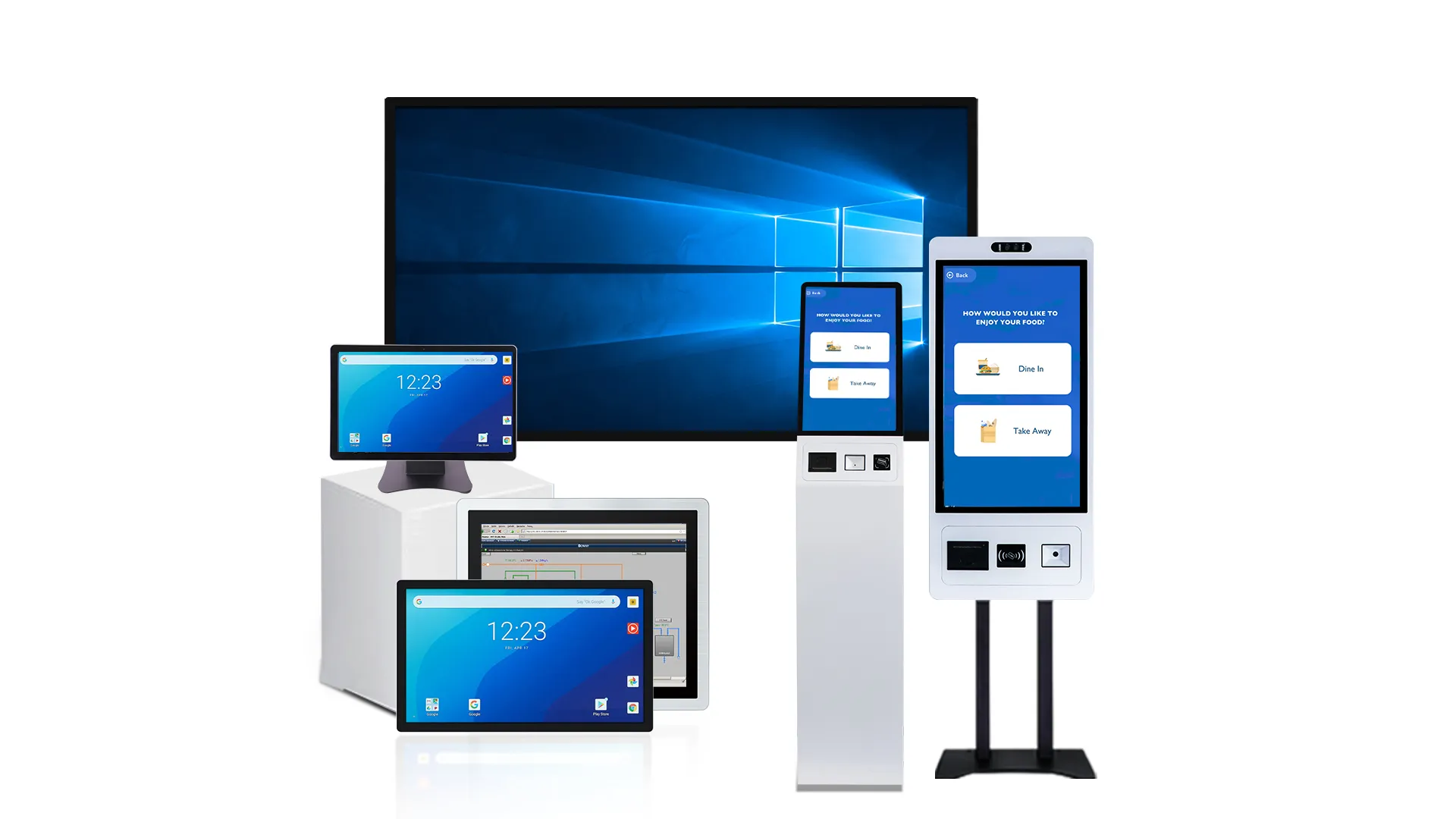
Industrial Touch Technology and Controller Optimization
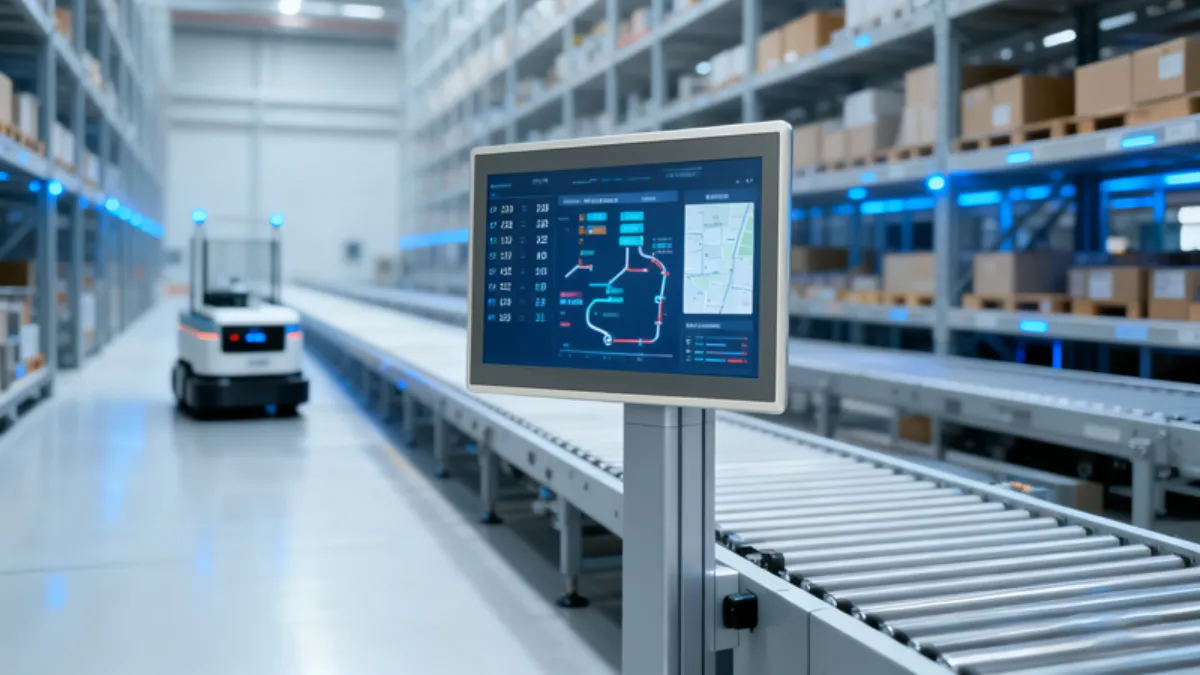
Touch technology directly impacts how operators control machines in real environments. In industrial use, unstable touch response or incorrect inputs can quickly reduce productivity. For this reason, technology selection and controller tuning must be treated as core engineering decisions, not secondary features.
Choosing the Right Touch Technology (PCAP, IR, Resistive)
Different industrial environments require different touch principles because each technology reacts differently to input conditions such as gloves, distance, and interference.
PCAP is widely used in modern systems due to its high accuracy and multi-touch capability with a flat glass surface. IR touch is more suitable for large screens or open-frame designs where flexible input is needed. Resistive touch still performs well in heavy industrial settings, especially when operators use thick gloves or apply strong physical pressure.
In real projects, selection usually depends on environment, user behavior, and interface complexity. For example, control rooms often use PCAP for precision, while production lines may prefer resistive or industrial-tuned PCAP for stability.
Glove Touch and Thick Glass Performance Tuning
Industrial users often operate screens with gloves or through protective glass. These conditions weaken touch signals and reduce sensitivity if the system is not properly designed.
To solve this, touch controllers need higher signal sensitivity and optimized electrode design. These adjustments help maintain stable detection even when the signal passes through thick cover glass.
- Signal Strength: Improved sensing power ensures reliable input through gloves and protective layers.
- Glass Support: Optimized stack design maintains accuracy with multi-layer protective glass.
- Field Stability: Calibration improves consistency in real factory and outdoor environments.
This optimization is essential in manufacturing, medical, and food processing applications where stable operation directly affects safety and efficiency.
Firmware Filtering and EMI Noise Resistance
Industrial environments generate strong electromagnetic interference from motors, power systems, and automation equipment. This noise can disrupt touch signals and cause false or unstable inputs if not controlled.
Firmware helps stabilize performance by filtering noise and adjusting sensitivity in real time. Adaptive thresholds allow the system to separate real touch actions from electrical interference.
Core methods include signal smoothing, noise reduction algorithms, and dynamic sensitivity adjustment. Together, they ensure consistent touch performance even in high-EMI environments and long-term continuous operation scenarios.
Vertical Integration in Industrial Touch Screen Manufacturing
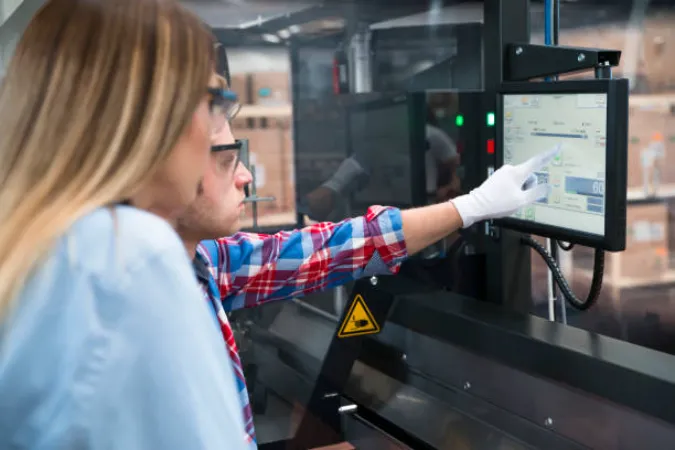
Vertical integration enables full control over mechanical, optical, and electronic processes. It reduces reliance on external suppliers and improves consistency across production batches. This approach helps industrial touch screens achieve more stable performance and longer service life in demanding environments.
Sheet Metal Structure and Mechanical Engineering Design
The mechanical structure defines the physical strength and stability of the device. Manufacturers use CNC machining and precision forming to ensure accurate fit and rigid construction.
In industrial environments, the enclosure must handle vibration, dust, and continuous heat. Proper design improves resistance under these conditions. For example, EMI shielding reduces electrical interference, while thermal design supports stable heat dissipation during long operation cycles.
These mechanical factors directly influence system reliability and overall product lifespan in real applications.
Display Stack and Optical Bonding Process
The display stack determines both visual performance and physical durability. Optical bonding removes the air gap between layers, which improves light transmission and reduces internal reflection. This results in clearer images and higher brightness in strong lighting conditions.
Surface treatments such as AG and AR coatings further improve readability by reducing glare. This is especially important for outdoor systems or factory environments with strong ambient light.
In addition, optical bonding strengthens the display structure, improving resistance to vibration, shock, and long-term environmental stress.
Touch IC and System-Level Hardware Co-Design
Touch performance depends on how well hardware design and firmware work together as one system. Poor grounding, PCB layout, or signal routing can reduce accuracy, even if the touch IC itself is high quality.
To improve stability, engineers apply system-level co-design. Proper grounding reduces electrical noise, while optimized PCB routing improves signal transmission. At the same time, EMI control helps prevent interference from nearby industrial equipment.
This integrated approach ensures stable touch response and long-term reliability in continuous industrial operation environments.
Branding Integration: Logos, Colors, and Boot Screens
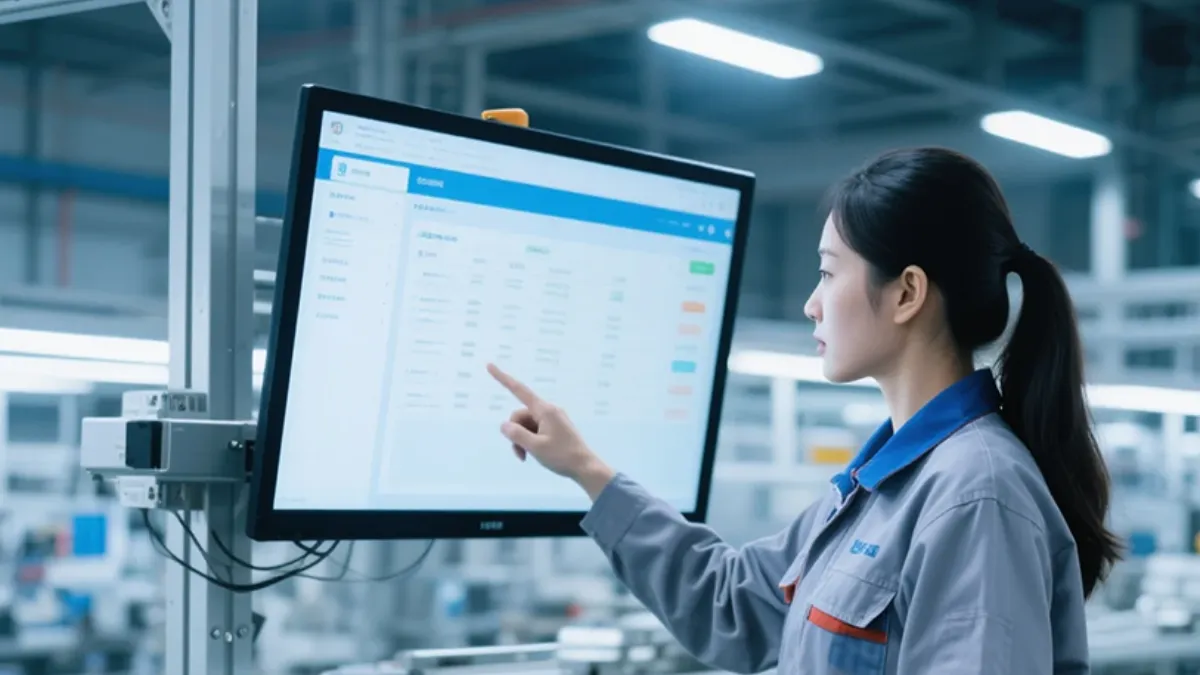
Branding integration plays an important role in industrial touch screen systems because the device is often part of the user-facing experience. Beyond function, it also reflects product identity, system quality, and brand consistency across different deployment environments.
Physical Branding on Industrial Enclosures
Physical branding must be designed for long-term industrial use, not just visual appearance. Manufacturers apply durable methods such as laser engraving, silk printing, or anodized finishing to ensure stable performance over time.
These processes help the branding resist chemicals, UV exposure, and frequent cleaning in industrial environments. At the same time, engineers must carefully control placement. Improper positioning can affect sealing structure or interfere with internal components, especially in compact designs.
As a result, physical branding is not only a design task but also part of mechanical engineering planning.
Digital UI and Boot Screen Customization
Digital branding extends the identity into the software layer. Custom boot screens, system logos, and interface layouts create a consistent visual experience across all devices.
This is especially important in kiosks, retail systems, and public terminals, where users interact directly with the screen. A unified interface helps improve recognition and creates a more professional user experience.
In industrial deployments, UI consistency also supports easier operation training and reduces user confusion across different locations.
Engineering Constraints in Branding Design
Branding must always follow engineering limits to ensure system stability. Key factors such as IP sealing integrity, EMI protection, and touch sensitivity can be affected if branding is not properly integrated.
For example, adding decorative elements in the wrong area may weaken sealing performance or interfere with electrical shielding. Similarly, certain materials can reduce touch accuracy or increase signal noise.
Therefore, branding decisions should be finalized during the early design stage, not added after hardware development. This ensures both visual identity and technical reliability remain balanced throughout the product lifecycle.
Prototyping, Production, and Quality Control Workflow

From prototype validation to mass production, the process defines how an industrial touch screen is developed into a stable and repeatable manufacturing product, with each step—engineering verification, pilot production, and quality control—ensuring consistent performance at scale.
Prototype Development and Engineering Validation
Prototype development is the first real step where design becomes a physical product. At this stage, engineers focus on checking whether the structure, electronics, and software work together as expected.
Key tests include mechanical fitting, interface compatibility, and basic performance validation under real operating conditions. These evaluations help identify issues early, before they affect mass production. If adjustments are needed, they are made at this stage to avoid costly redesign later.
Mass Production Timeline and Scaling Process
After prototype approval, the project moves into controlled production scaling. This process usually starts with a pilot run to verify stability in real manufacturing conditions.
Once the pilot run is stable, the BOM (Bill of Materials) is finalized and the supply chain is secured. This step ensures that all components remain consistent across batches and reduces the risk of material shortages or specification changes.
Gradually, production capacity is increased to support large-scale orders while maintaining consistent quality and delivery schedules.
Quality Control and Industrial Reliability Testing
Quality control ensures that every unit meets industrial reliability standards before shipment. The process begins with incoming material inspection to confirm that all components meet required specifications.
During assembly, in-process testing checks electrical performance and functional stability. After assembly, environmental stress tests evaluate how the system performs under heat, vibration, humidity, and long-term operation.
These combined steps help ensure that each industrial touch screen can operate reliably in real-world conditions with minimal failure risk.
You may be interested in: How Industrial Touch Screen Monitors are Tested Before Shipment
Frequently Asked Questions
What is the MOQ for custom industrial touch screens?
Minimum order quantities vary based on the level of customization. Custom touch sensors and cover glass often require no formal MOQ. This makes them ideal for prototyping, though per-unit costs run higher at low volumes. Modular industrial monitors also typically offer no MOQ. Fully custom LCD and touch modules (LCM) generally require a 300-unit MOQ. Semi-custom kiosks with minor branding tweaks usually start between 10 and 50 units.
How long does the OEM/ODM prototyping process take?
Prototyping timelines range from 4 to 16 weeks. ODM projects leveraging pre-existing modular platforms move faster, yielding prototypes in 4 to 8 weeks. Fully custom OEM designs require unique mechanical tooling, custom PCB layouts, and specialized environmental testing. These take 8 to 16 weeks. The complete lifecycle from initial requirements to volume production spans 3 to 6 months.
Can I customize the I/O ports and enclosure of my touch monitor?
Yes. OEM and ODM partners routinely customize both I/O interfaces and physical enclosures. You can modify the port mix by adding specific connections like RS-232, multiple LAN ports, or M12 connectors for high-vibration environments. Enclosure customization ranges from simple color and bezel changes to fully sealed, stainless steel IP69K housings engineered for exact machine cutouts.
Does TouchWo support custom branding like logos and boot screens?
TouchWo supports physical custom branding, including logo printing, custom color schemes, and tailored bezels on industrial touch displays and kiosks. Physical exterior branding is a standard capability. Software-level branding, such as custom boot screens or BIOS splash screens, requires project-specific software definition during the OEM planning phase.
How do I define technical specs for a thick-glass touch solution?
Start by specifying the cover glass thickness (typically 2-4 mm), material (like chemically strengthened aluminosilicate), and surface treatments like anti-glare, anti-reflection, and anti-fingerprint coatings. You must also define touch controller requirements to guarantee proper signal drive through thick glass. Specify your exact multi-touch needs, glove support parameters, water rejection expectations, and the required impact (IK) and ingress (IP) protection ratings.
What are the benefits of a vertical supply chain in custom manufacturing?
A vertical supply chain allows a single manufacturer to control multiple stages of production, from glass processing and sensor lamination to final assembly and testing. This approach eliminates third-party markups, stabilizes pricing, and ensures unified quality control. It also shortens development cycles and improves risk management for long-term component availability.
Can you integrate RFID, webcams, or printers into a custom kiosk?
Yes. Custom industrial touch kiosks and panel PCs frequently integrate external peripherals. Manufacturers often embed RFID or NFC readers and webcams directly into a zero-bezel or low-profile front housing. You can mount printers inside the kiosk cabinet with secure paper exit slots. These peripherals connect internally via USB, serial, or Ethernet to the embedded computing unit.
Final Thoughts
OEM/ODM industrial touch screen development is a structured engineering process that focuses on long-term stability, system integration, and application-specific performance. Compared to standard off-the-shelf displays, custom solutions offer stronger durability, better environmental resistance, and lower lifecycle risk in real industrial environments.
Early requirement definition and careful engineering planning play a key role in avoiding redesign costs and system instability later. For projects that require consistent performance and scalable production, working with an experienced partner like TouchWo helps ensure a smooth path from prototype development to mass production, while maintaining reliability across different industrial applications.





